Overview
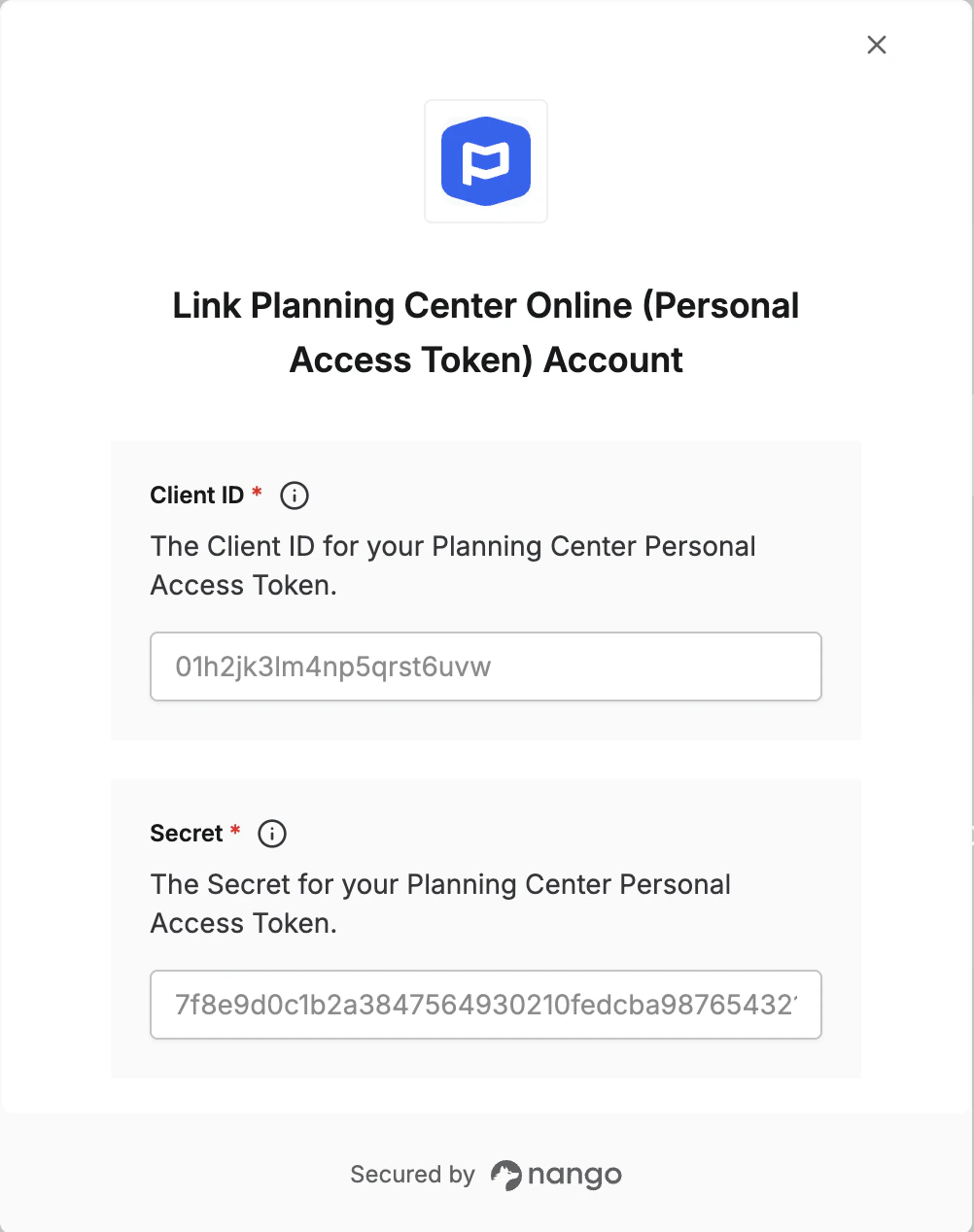
To authenticate with Planning Center using a Personal Access Token, you will need:- Client ID - The client ID from your Planning Center personal access token.
- Secret - The secret from your Planning Center personal access token.
Prerequisites
- You must be able to sign in to Planning Center and access the developer token management page.
Instructions
Step 1: Generate a personal access token
- Open Planning Center PAT management
- Click Create token.
- Copy the Client ID and Secret.
Step 2: Enter credentials in the Connect UI
Once you have your Client ID and Secret:- Open the form where you need to authenticate with Planning Center Online (PAT).
- Enter your Client ID and Secret in their respective fields.
- Submit the form, and you should be successfully authenticated.