Overview
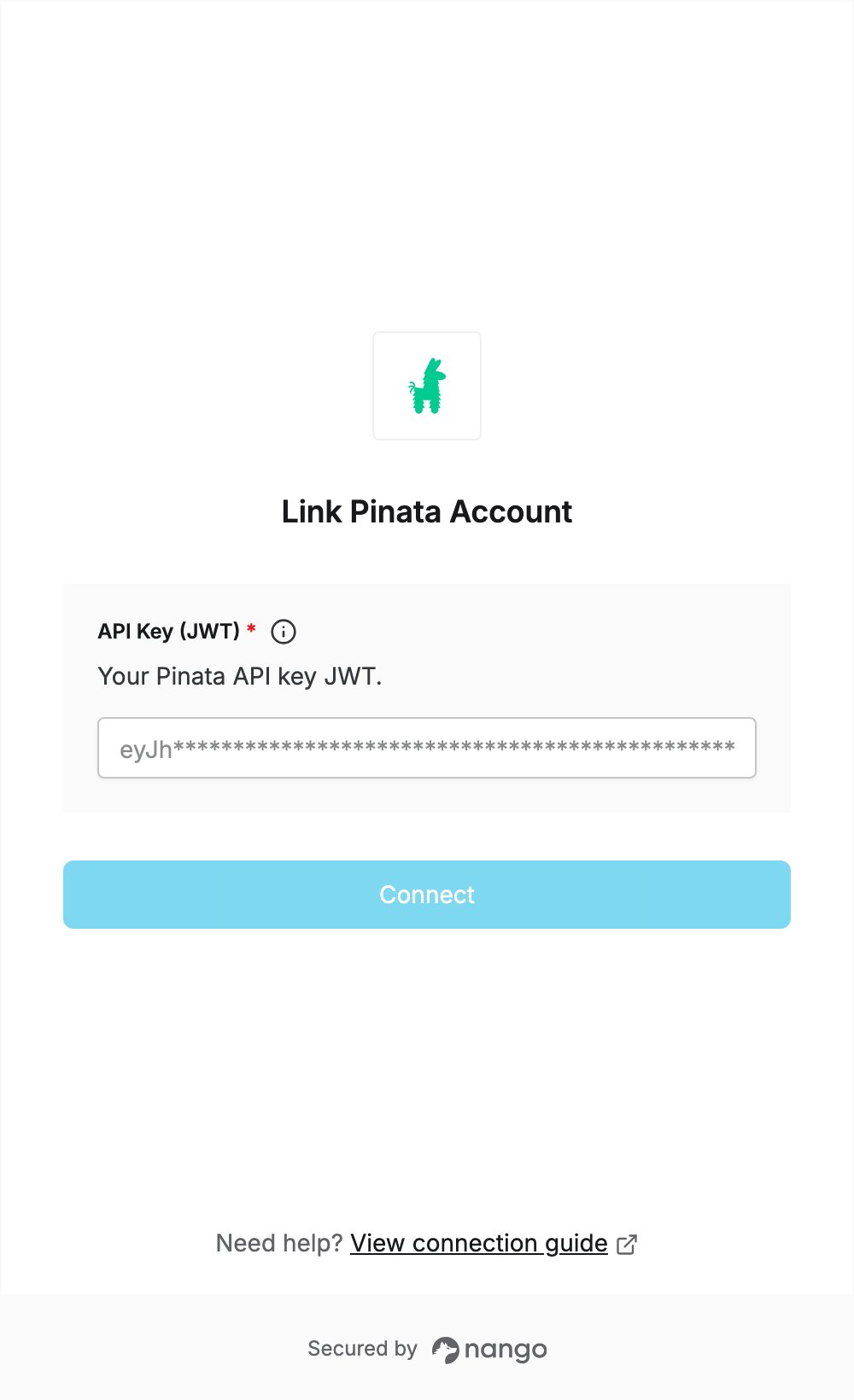
To authenticate with Pinata, you need:- API Key (JWT) — the JWT of a Pinata API key.
Prerequisites
- A Pinata account. Sign up if you don’t have one.
Step 1: Create an API key
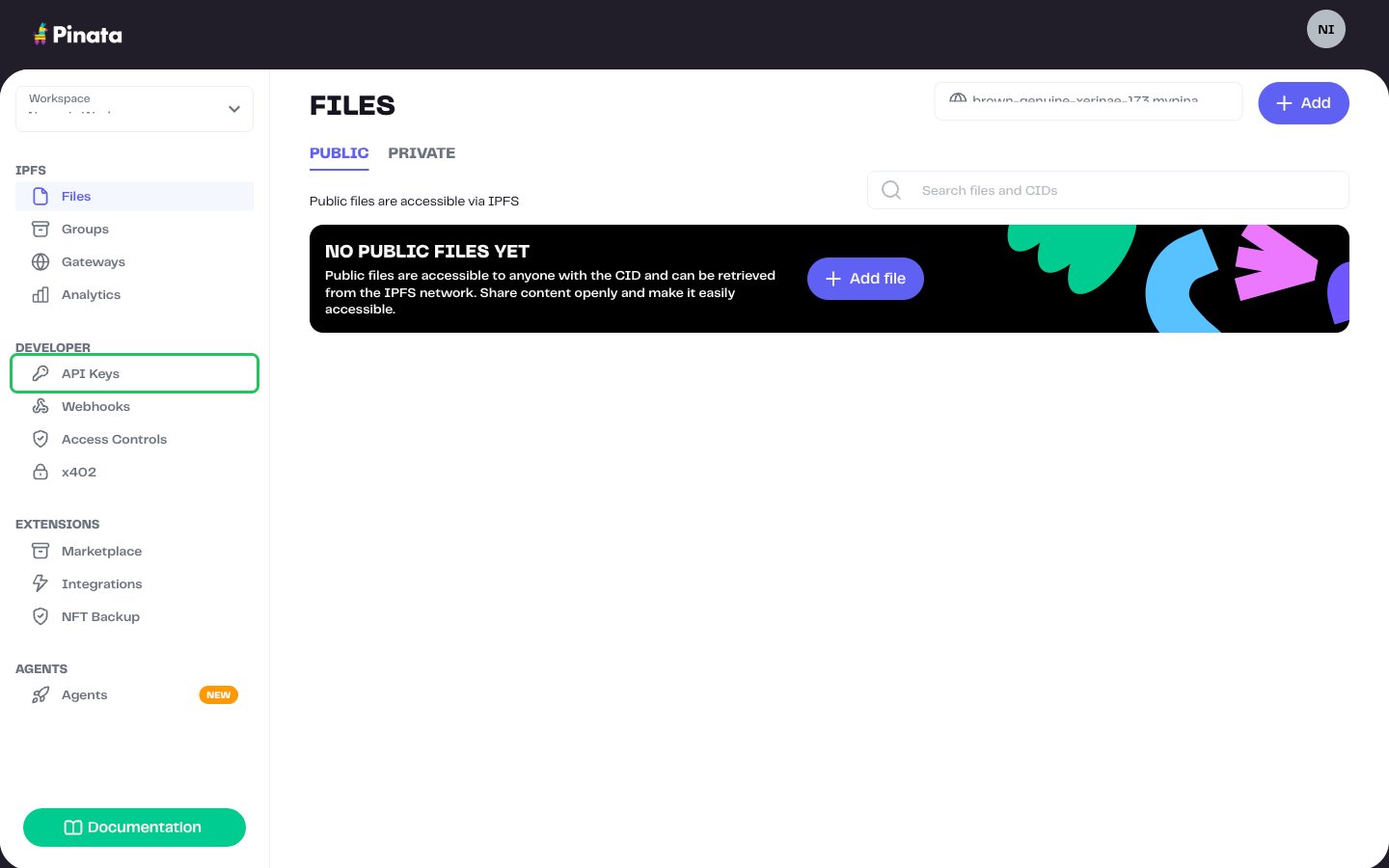
- Sign in to the Pinata app. In the left sidebar, under Developer, click API Keys.
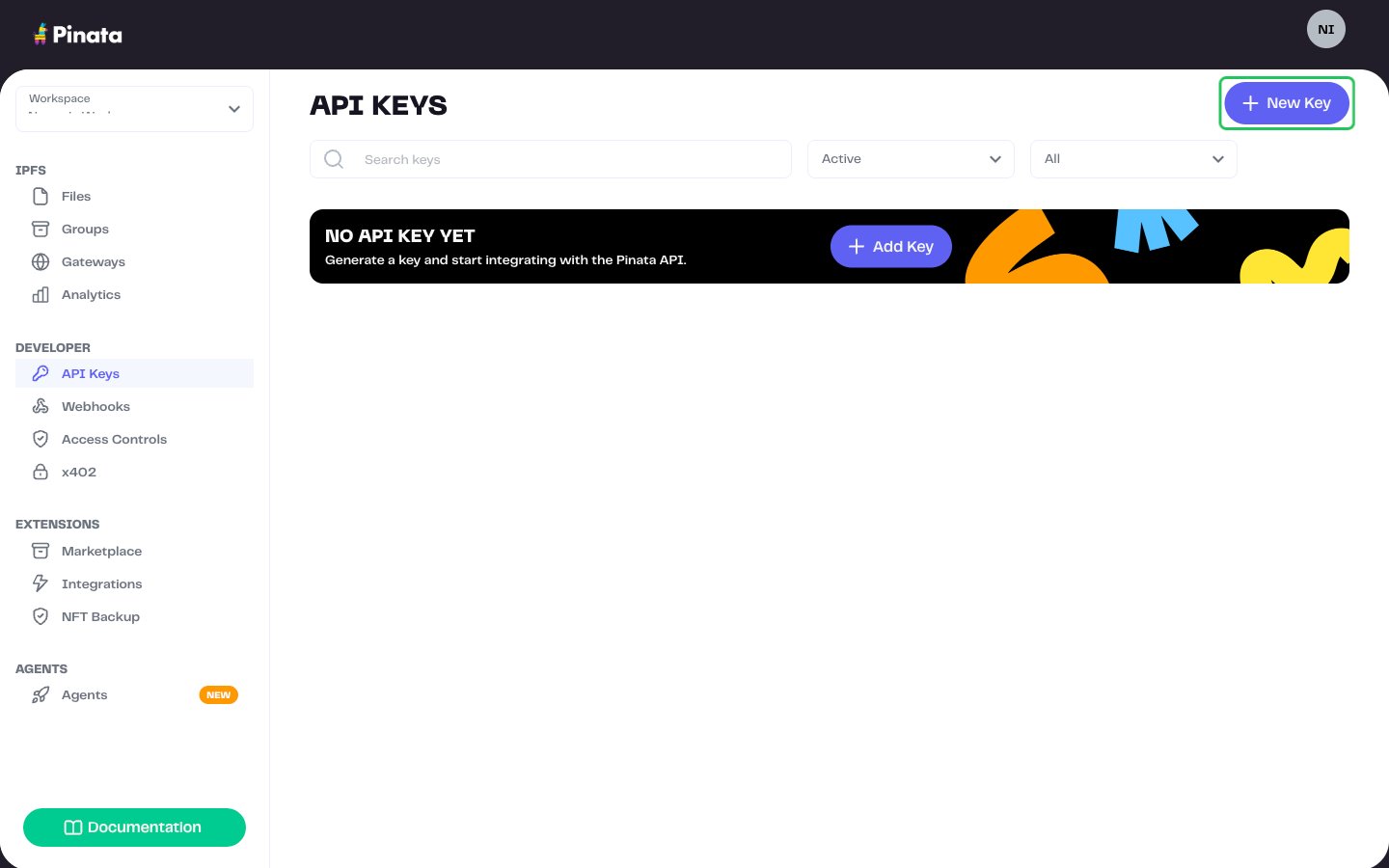
- Click New Key in the top right.
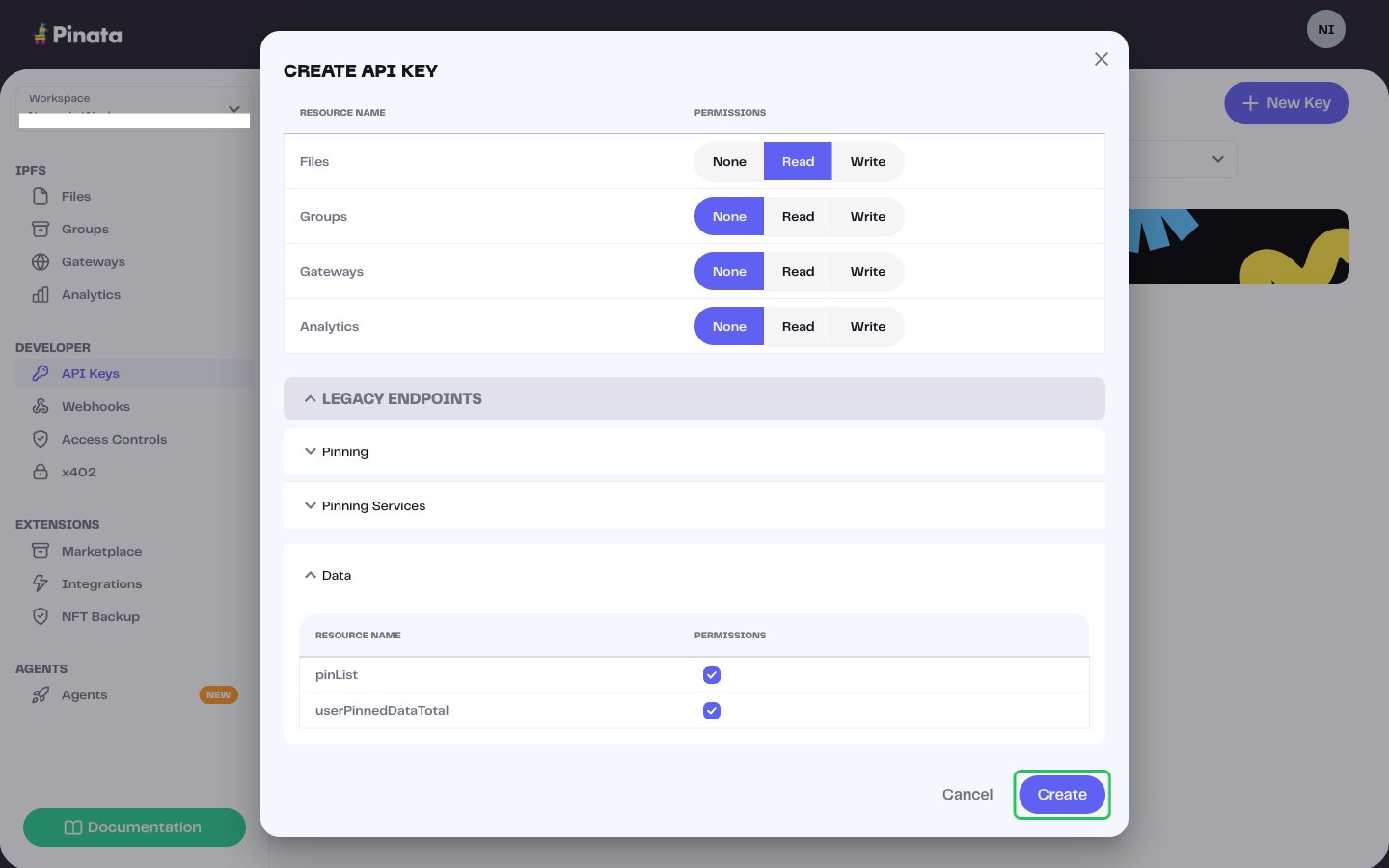
- Enter a name for the key. Tick Admin for full access to every endpoint, or pick the permissions your integration needs. Then click Create.
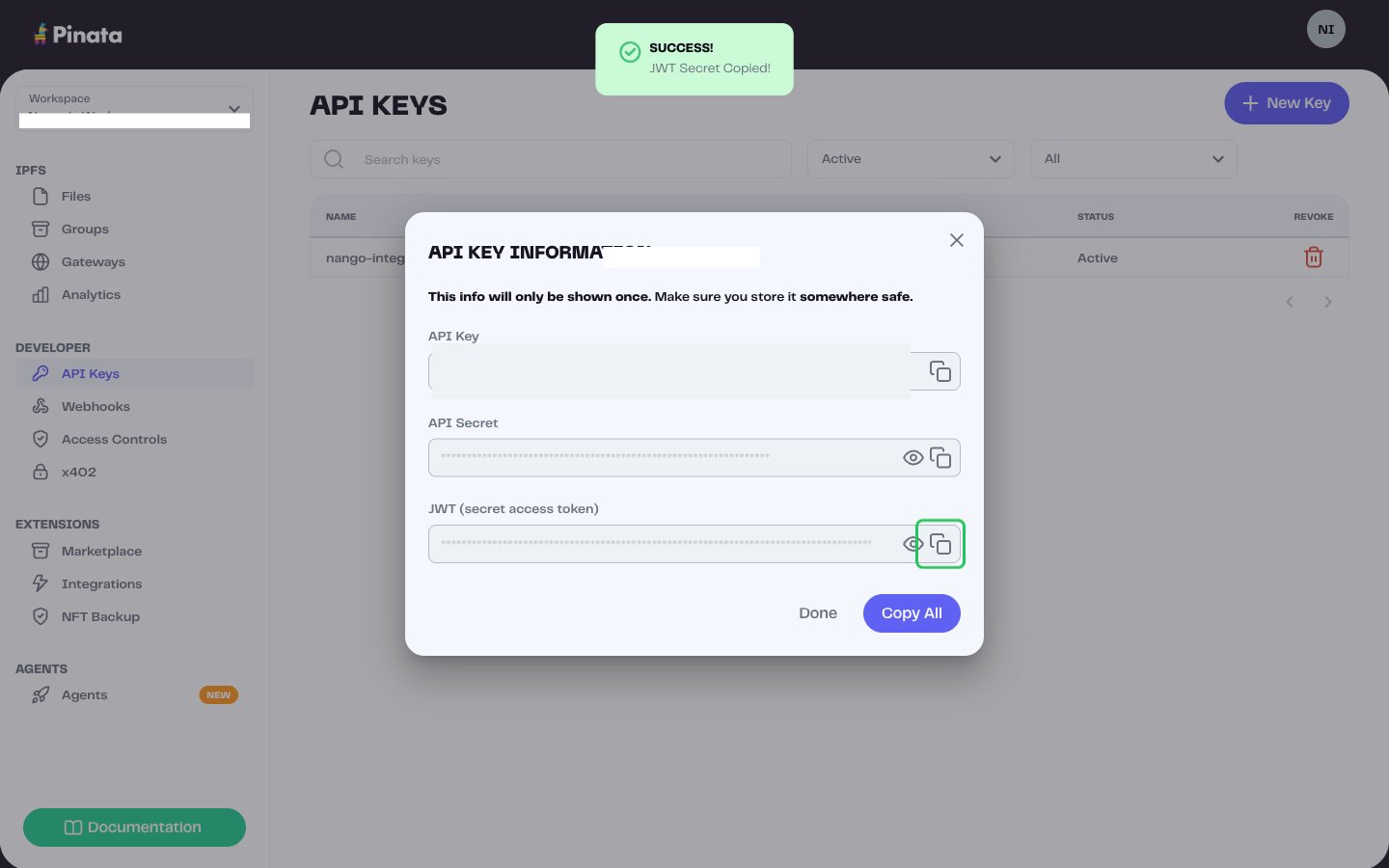
- In the API Key Information dialog, click the copy button next to JWT (secret access token). Pinata shows the JWT only once, so store it somewhere safe.
Step 2: Enter your API key in the Connect UI
- Open the form where you need to authenticate with Pinata.
- Paste the JWT in the API Key (JWT) field.
- Submit the form, and you should be successfully authenticated.