Overview
To authenticate with Perigon, you need:- API Key — an API key from your Perigon account.
Prerequisites
- A Perigon account with a verified email address. Unverified emails cannot access the API. If you don’t have an account, sign up and click the verification link Perigon emails you.
Step 1: Create an API key
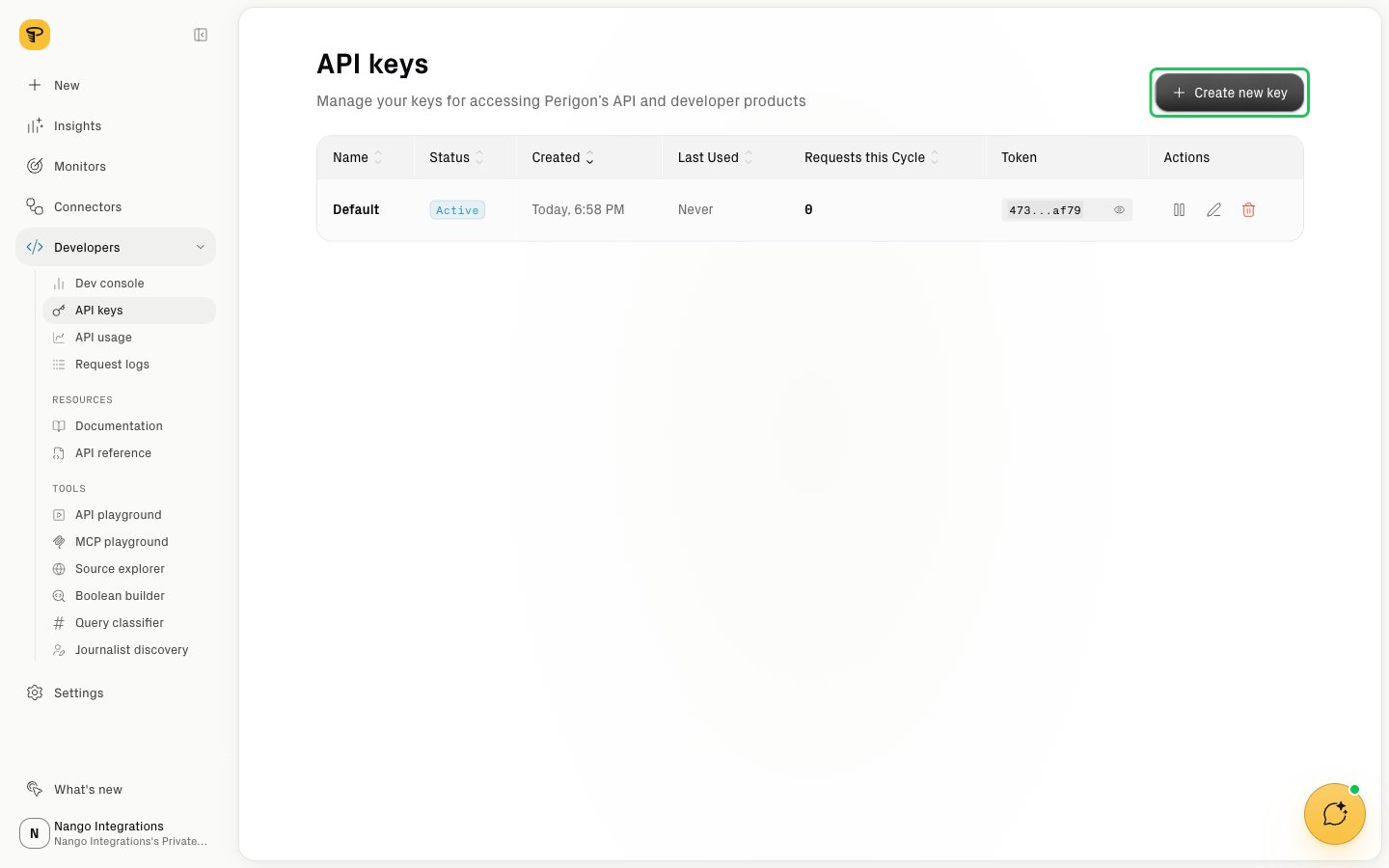
- Sign in to Perigon and open Developers > API keys.
- Click Create new key.
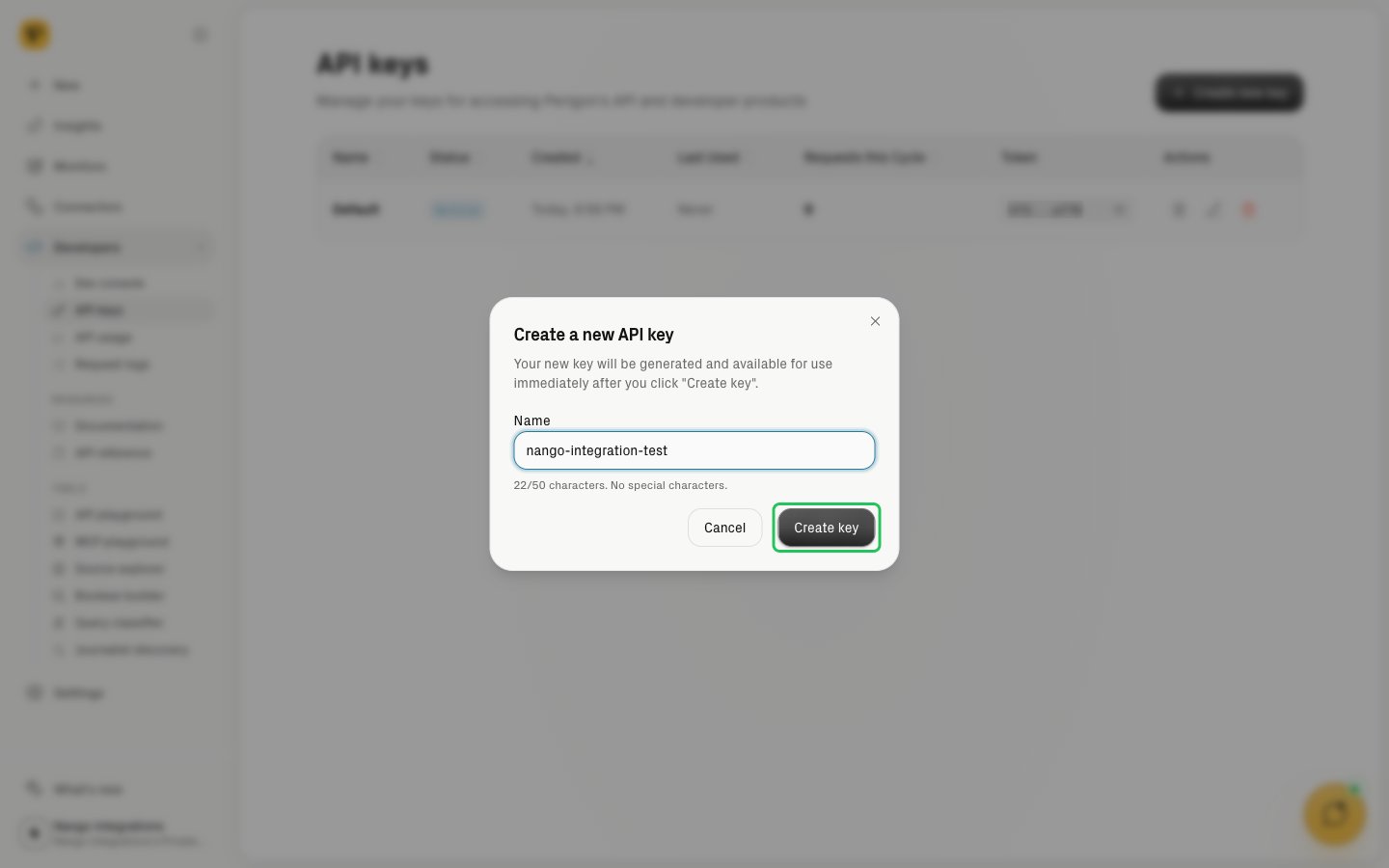
- Enter a name for the key (for example,
nango-integration) and click Create key.
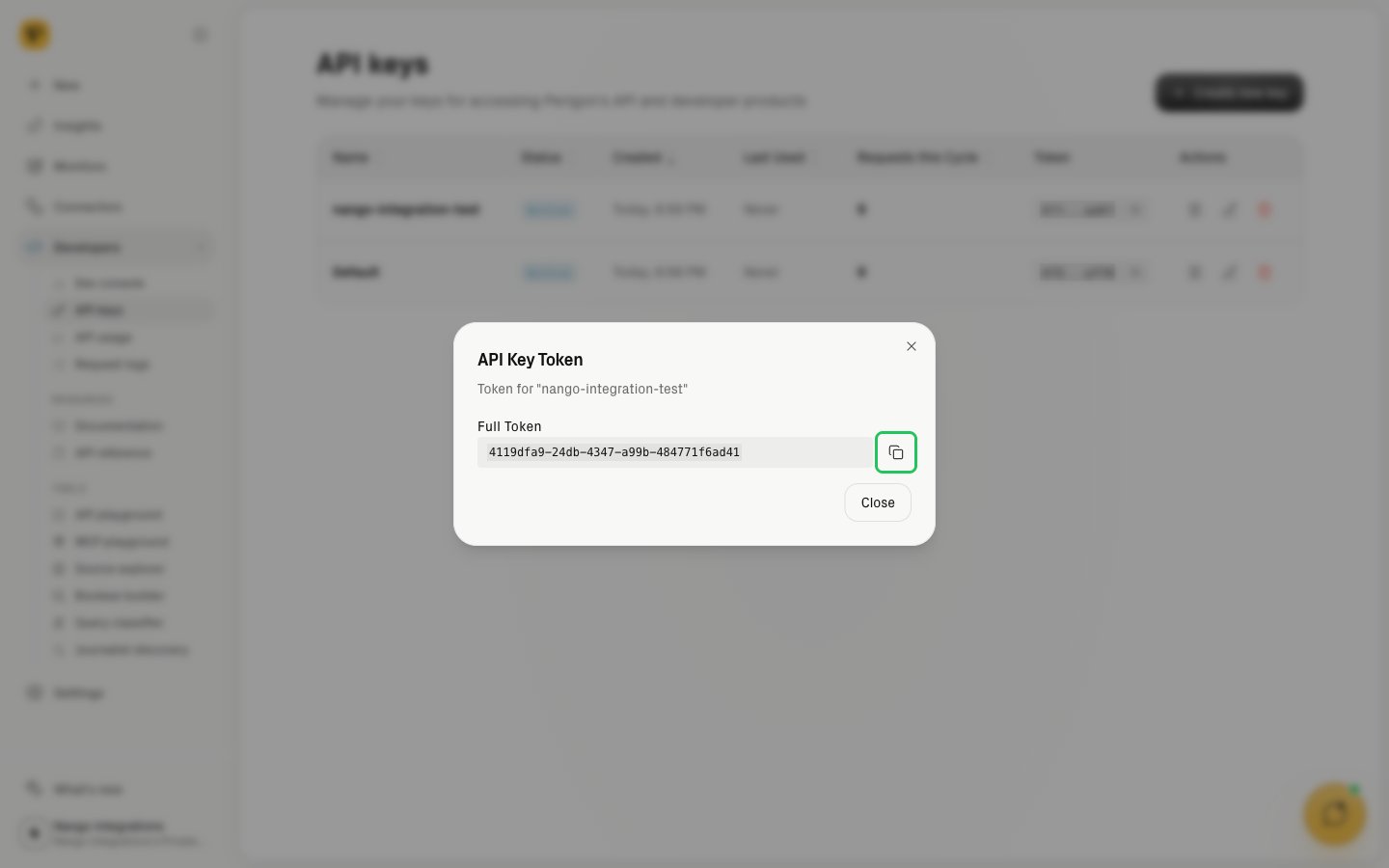
- In the key list, click the new key’s token to open the API Key Token dialog, then copy the full token.
Step 2: Enter your API key in the Connect UI
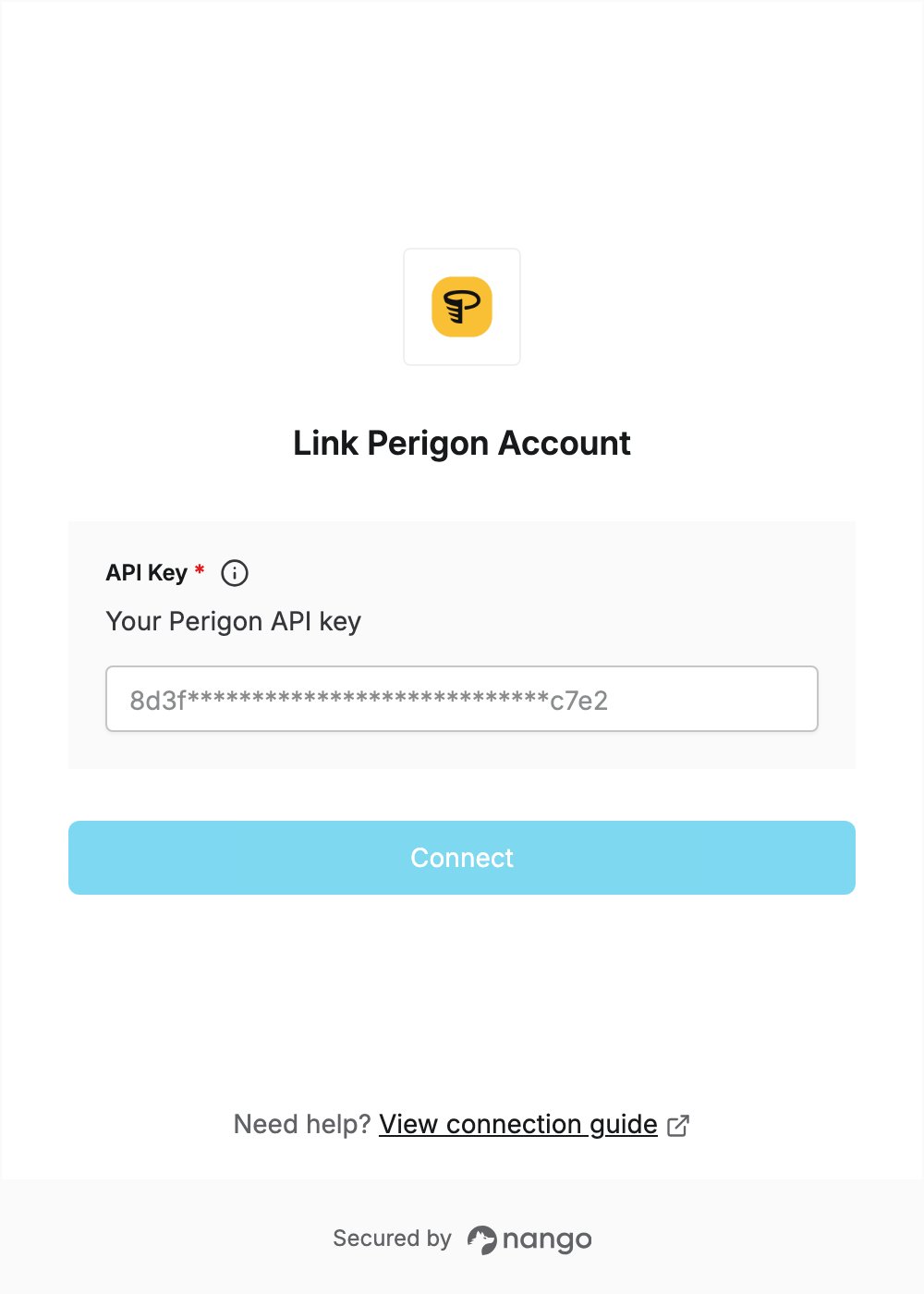
- Open the form where you need to authenticate with Perigon.
- Enter your API key in the API Key field.
- Submit the form, and you should be successfully authenticated.