Overview
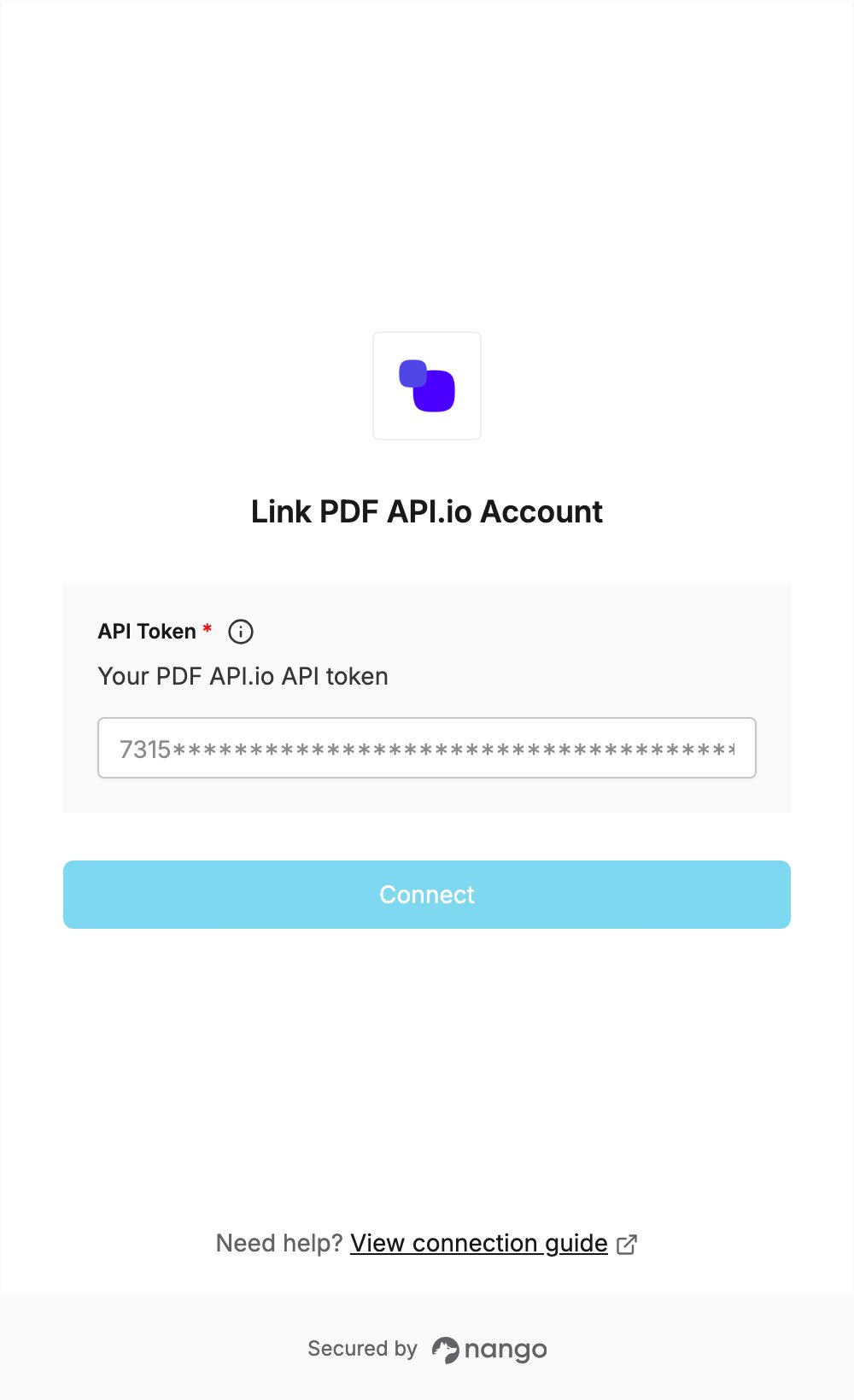
To authenticate with PDF API.io, you need:- API Token - a PDF API.io API token.
Prerequisites
- A PDF API.io account. API access is included in the Free plan, which needs no credit card. You can register here.
Step 1: Create an API token
- Sign in to PDF API.io.
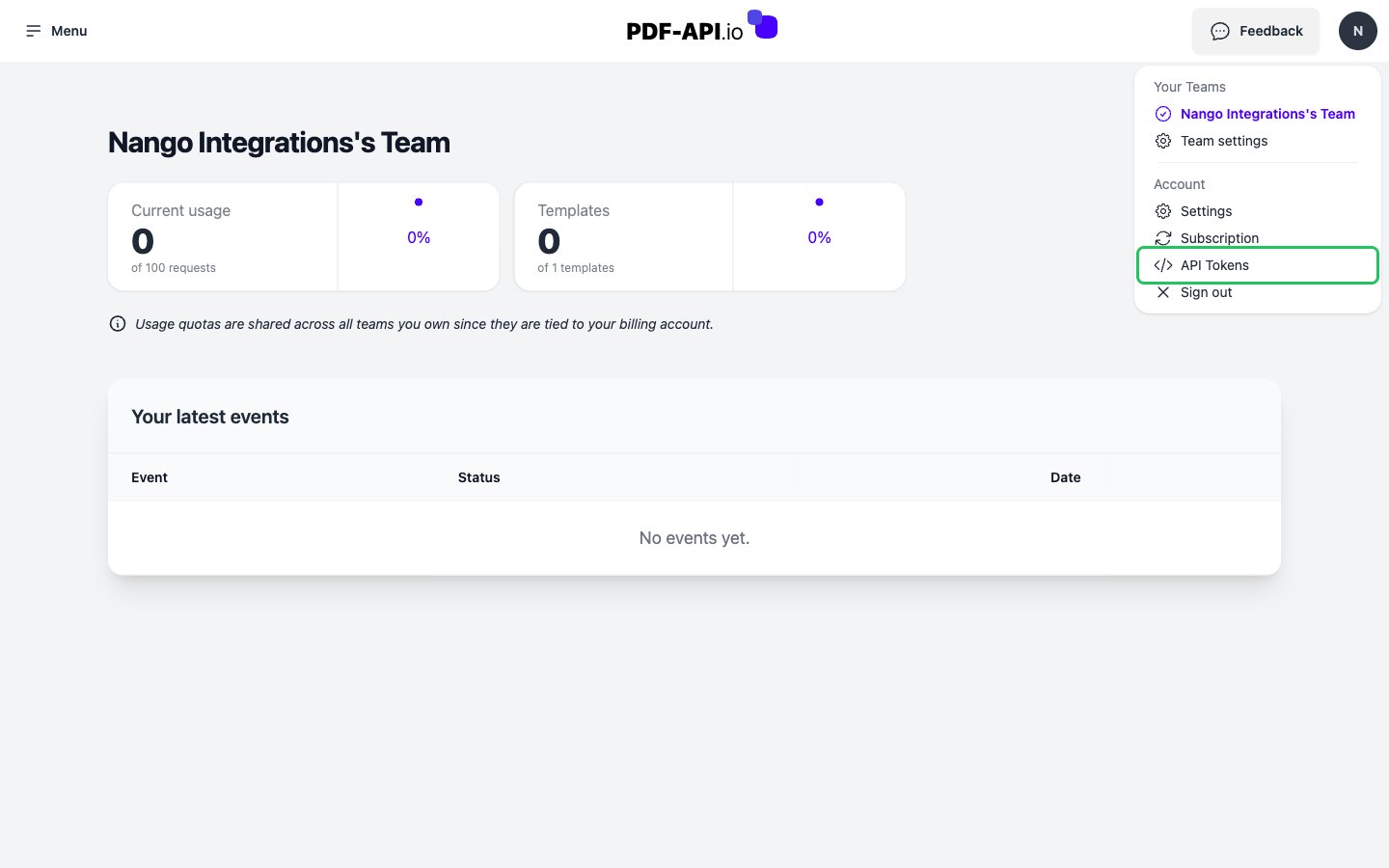
- Open the account menu (your avatar, top right) and click API Tokens.
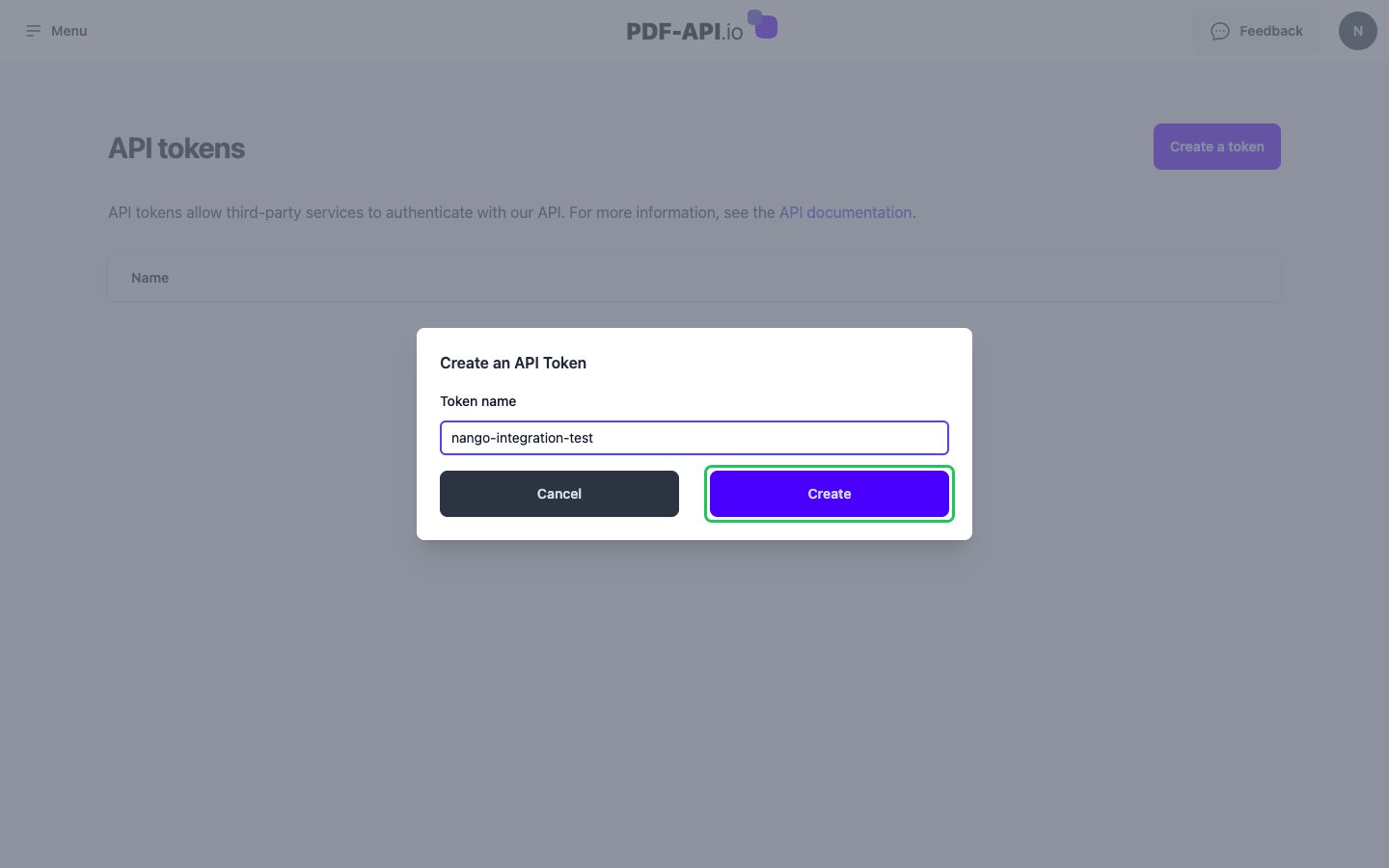
- Click Create a token, enter a Token name, for example
Nango, and click Create.
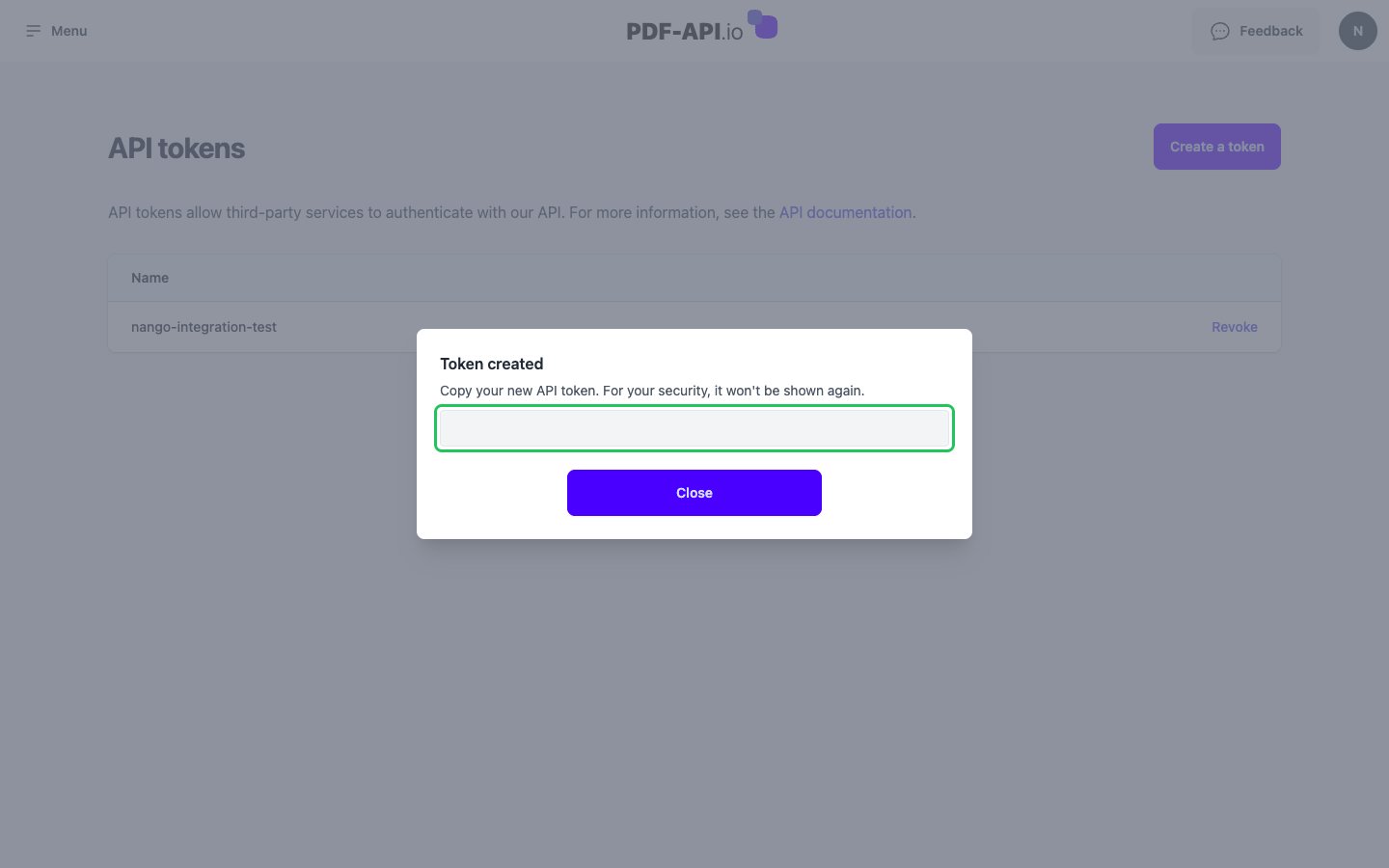
- Copy the full token shown in the Token created dialog, including the number and
|at its start. You won’t be able to view it again.
Step 2: Enter your API token in the Connect UI
- Open the form where you need to authenticate with PDF API.io.
- Enter your API Token in the designated field.
- Click Connect. Nango checks the token with PDF API.io and rejects it if it is wrong.