Overview
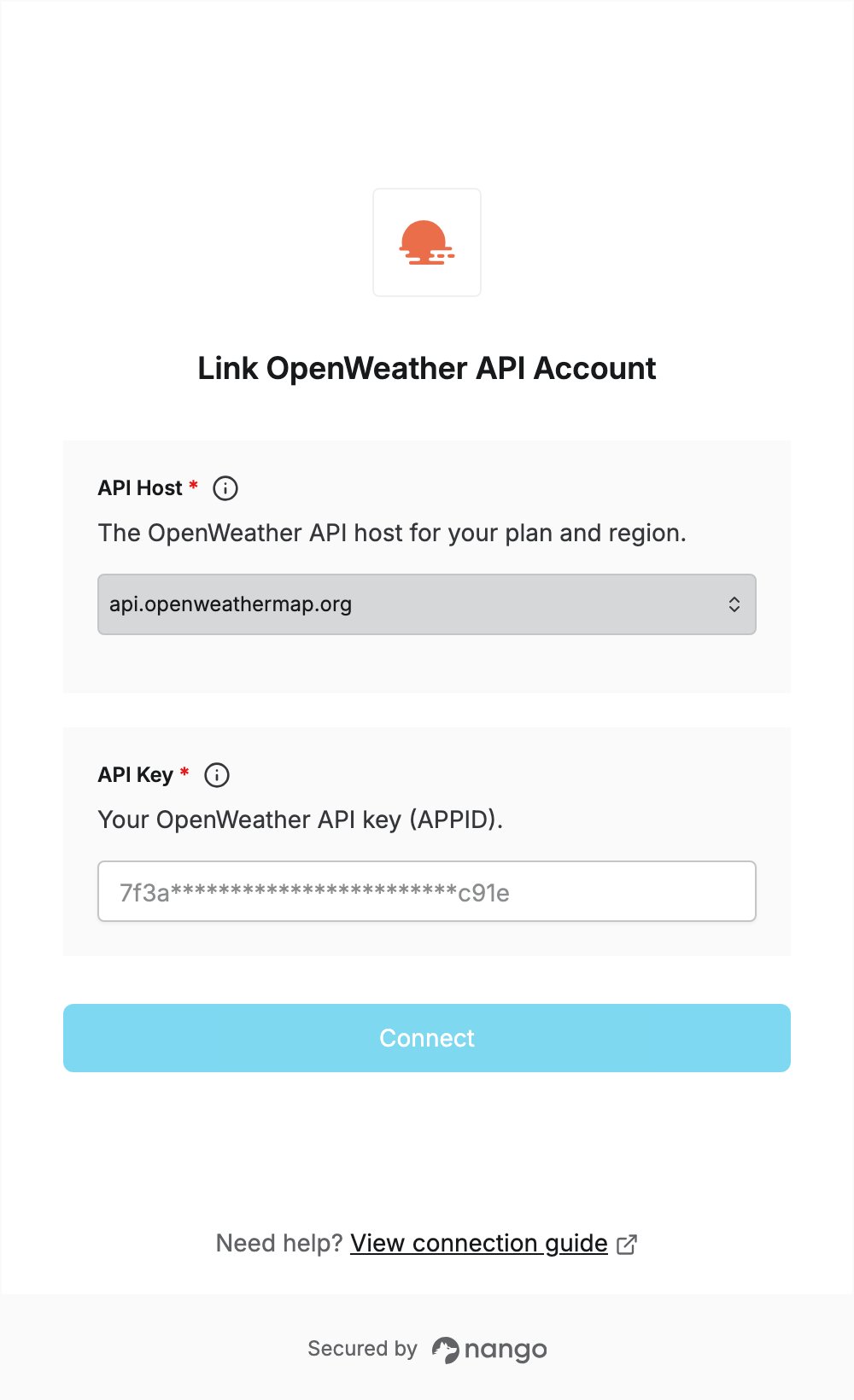
To authenticate with OpenWeather API, you need:- API Key — the API key (APPID) from your OpenWeather account.
- API Host — the OpenWeather host for your plan and region.
Prerequisites
- An OpenWeather account. If you don’t have one, sign up and confirm your email address. The Free plan includes an API key.
Step 1: Copy your API key
- Sign in to OpenWeather and click the API keys tab in your personal account.
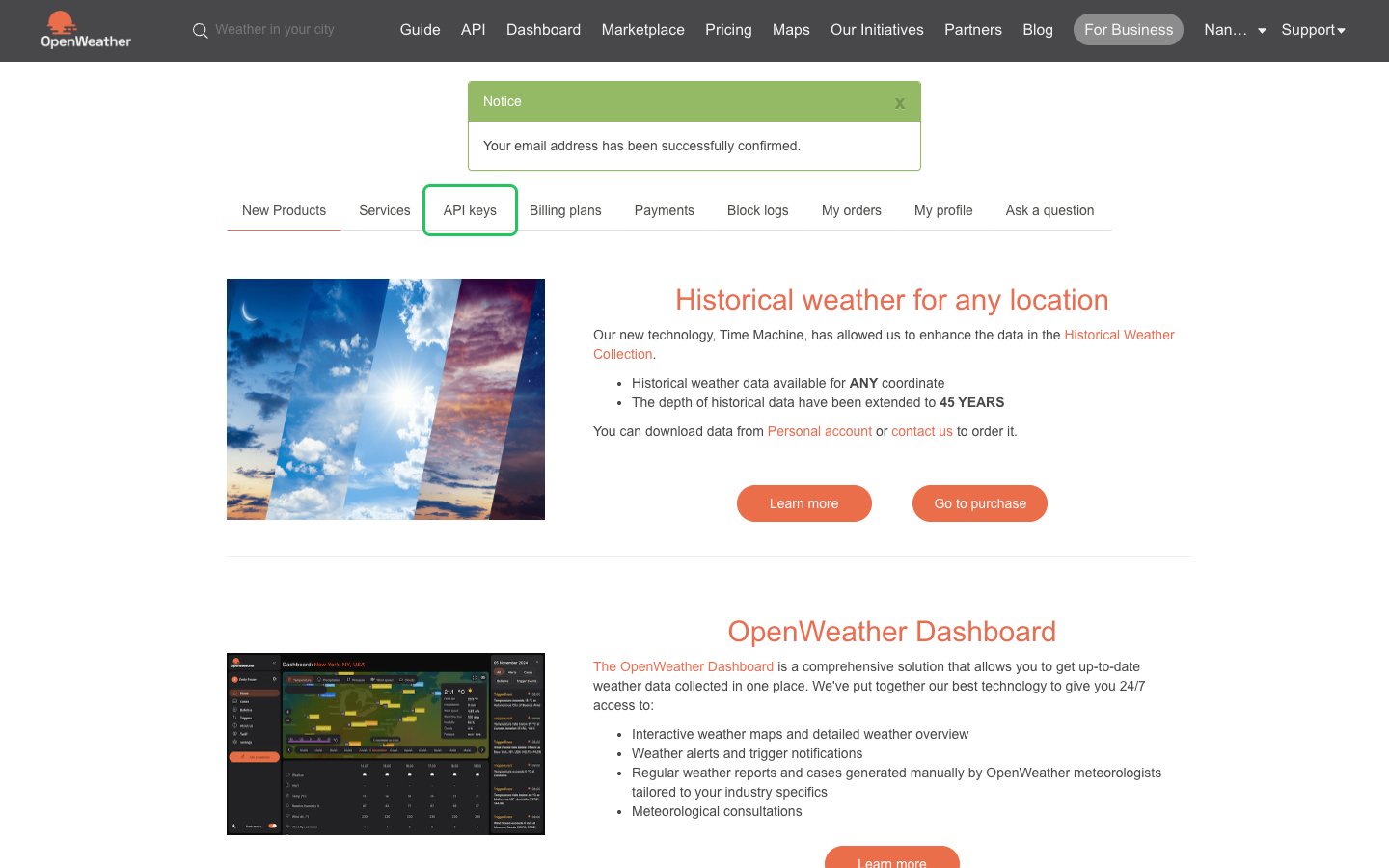
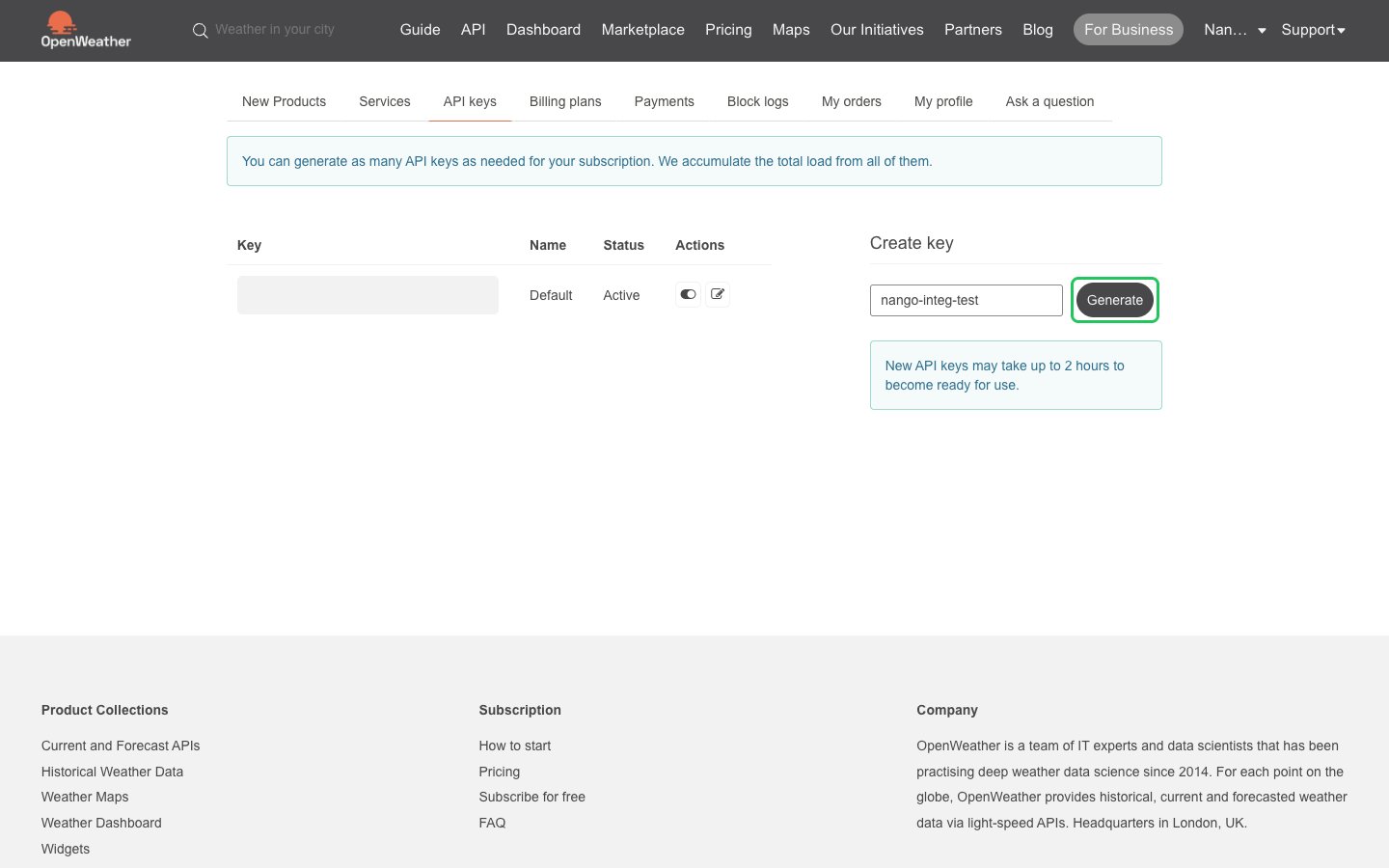
- Copy the Default key, or enter a name under Create key and click Generate.
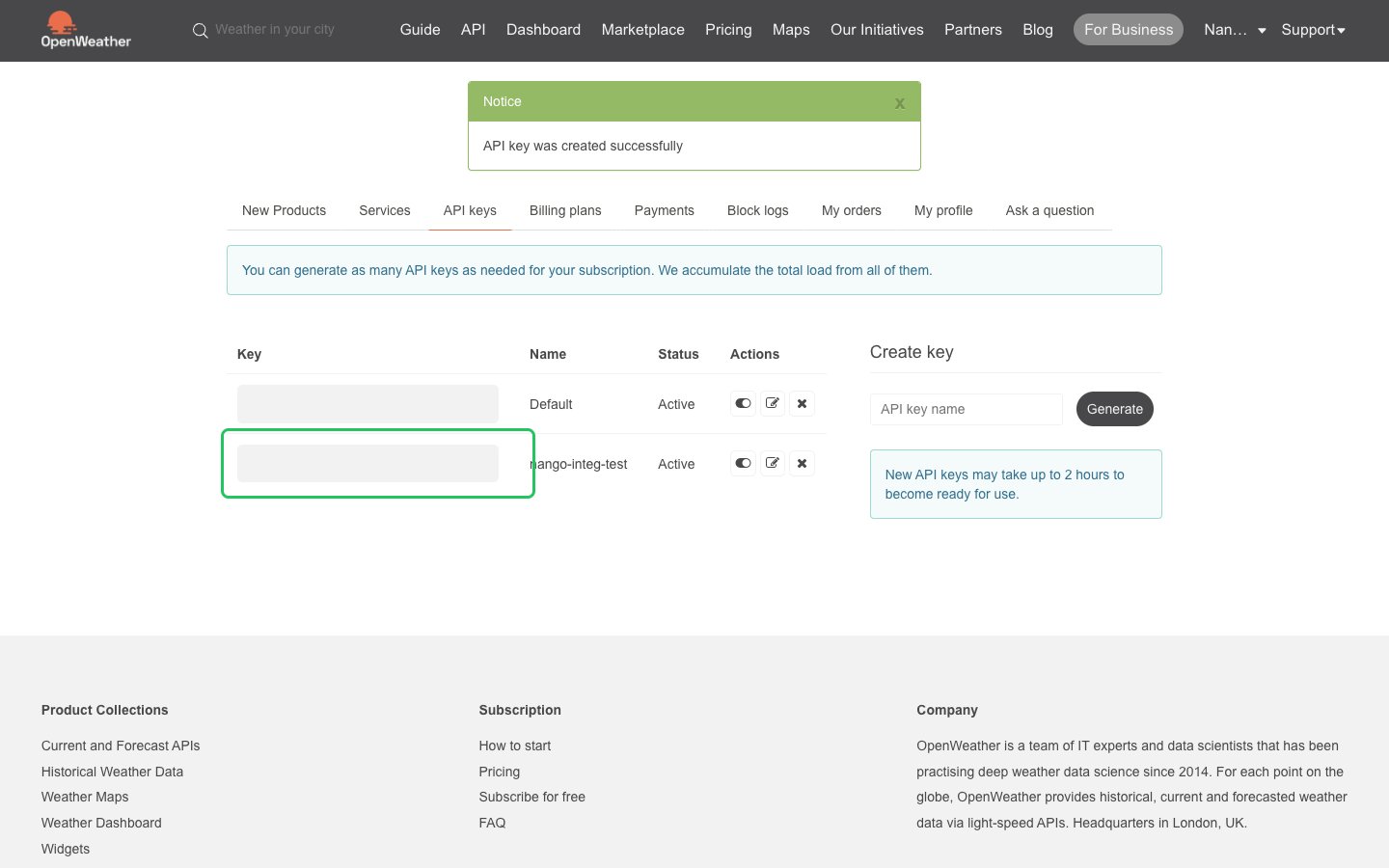
- Copy the key from the Key column.
Step 2: Choose your API host
Pick the host that matches your OpenWeather plan:
Free API calls only work on
api.openweathermap.org. For a paid plan, use the host given in the confirmation email OpenWeather sends when your subscription is activated. See How to start to work with OpenWeather API.
Step 3: Enter your credentials in the Connect UI
- Open the form where you need to authenticate with OpenWeather API.
- Select your host in the API Host field.
- Enter your API key in the API Key field.
- Submit the form, and you should be successfully authenticated.