Overview
To authenticate with OpenGraph.io, you need:- App ID — the API key of your OpenGraph.io account.
Prerequisites
- An OpenGraph.io account. Sign up here; the Free plan includes 100 API credits per month.
Step 1: Copy your App ID
- Log in to the OpenGraph.io dashboard. New accounts go through a short onboarding with one test request before the dashboard opens.
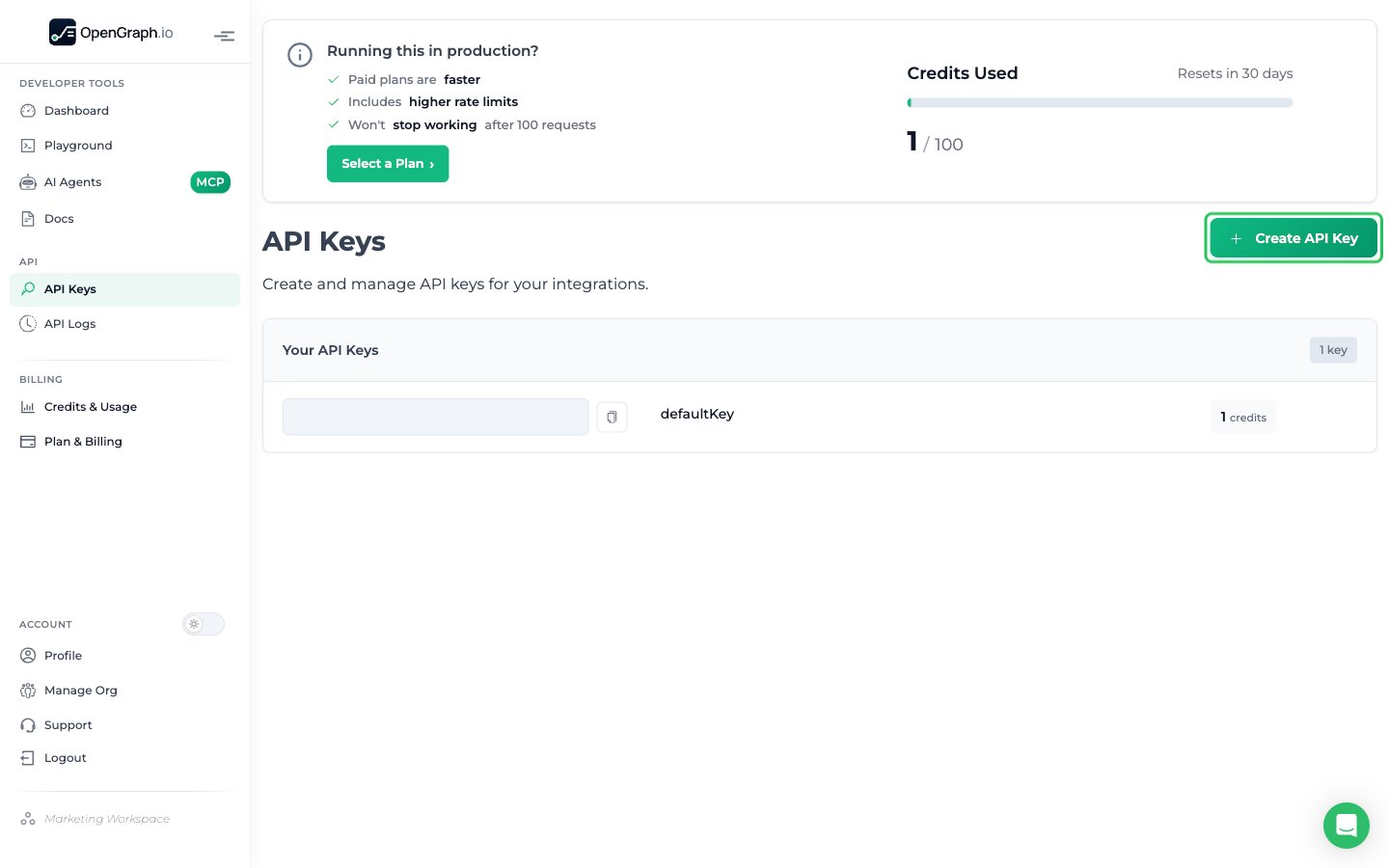
- In the sidebar, under API, click API Keys. Click Create API Key, or copy the App ID of the existing defaultKey.
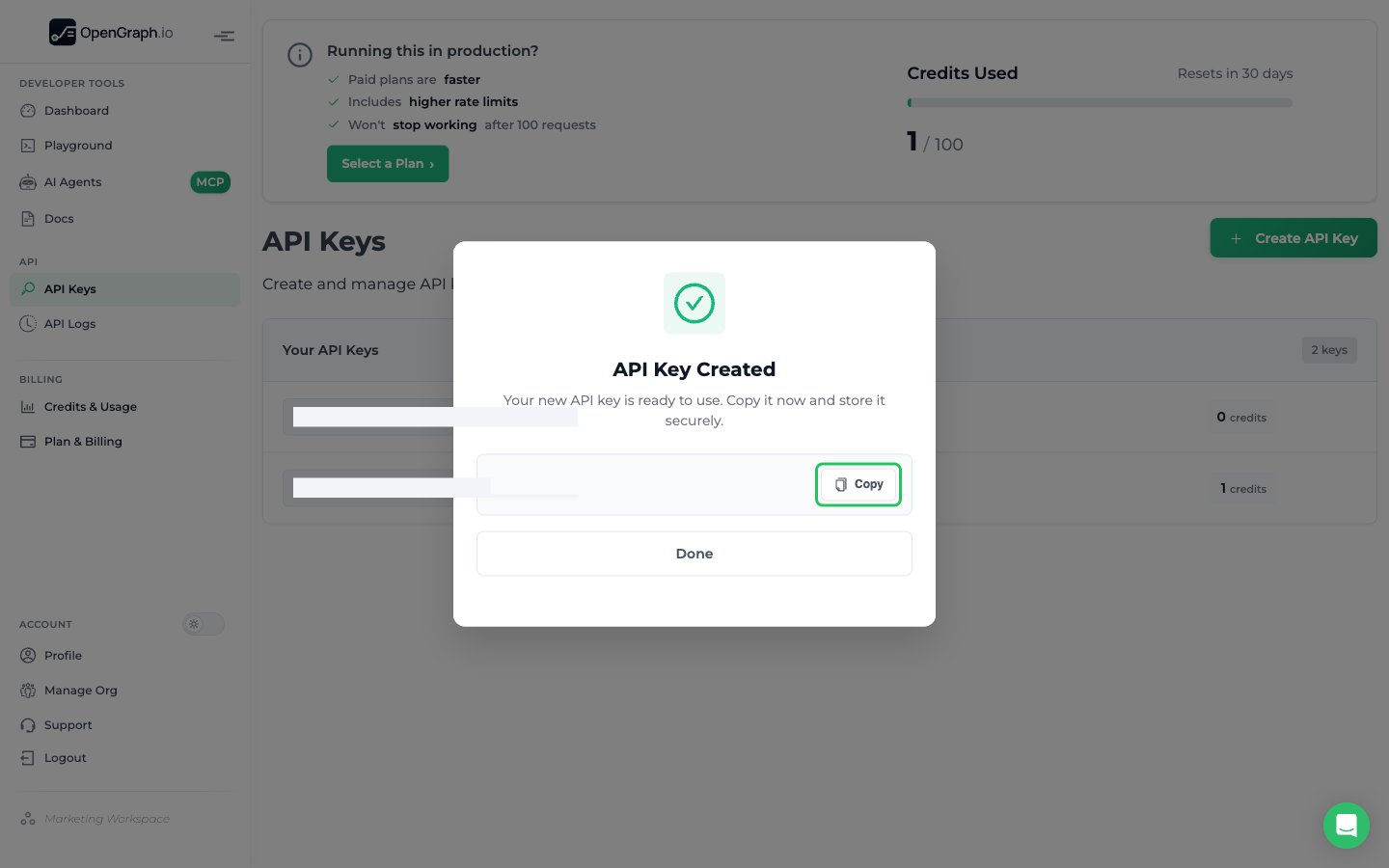
- In the API Key Created dialog, click Copy, then Done. This key is your App ID.
Step 2: Enter your App ID in the Connect UI
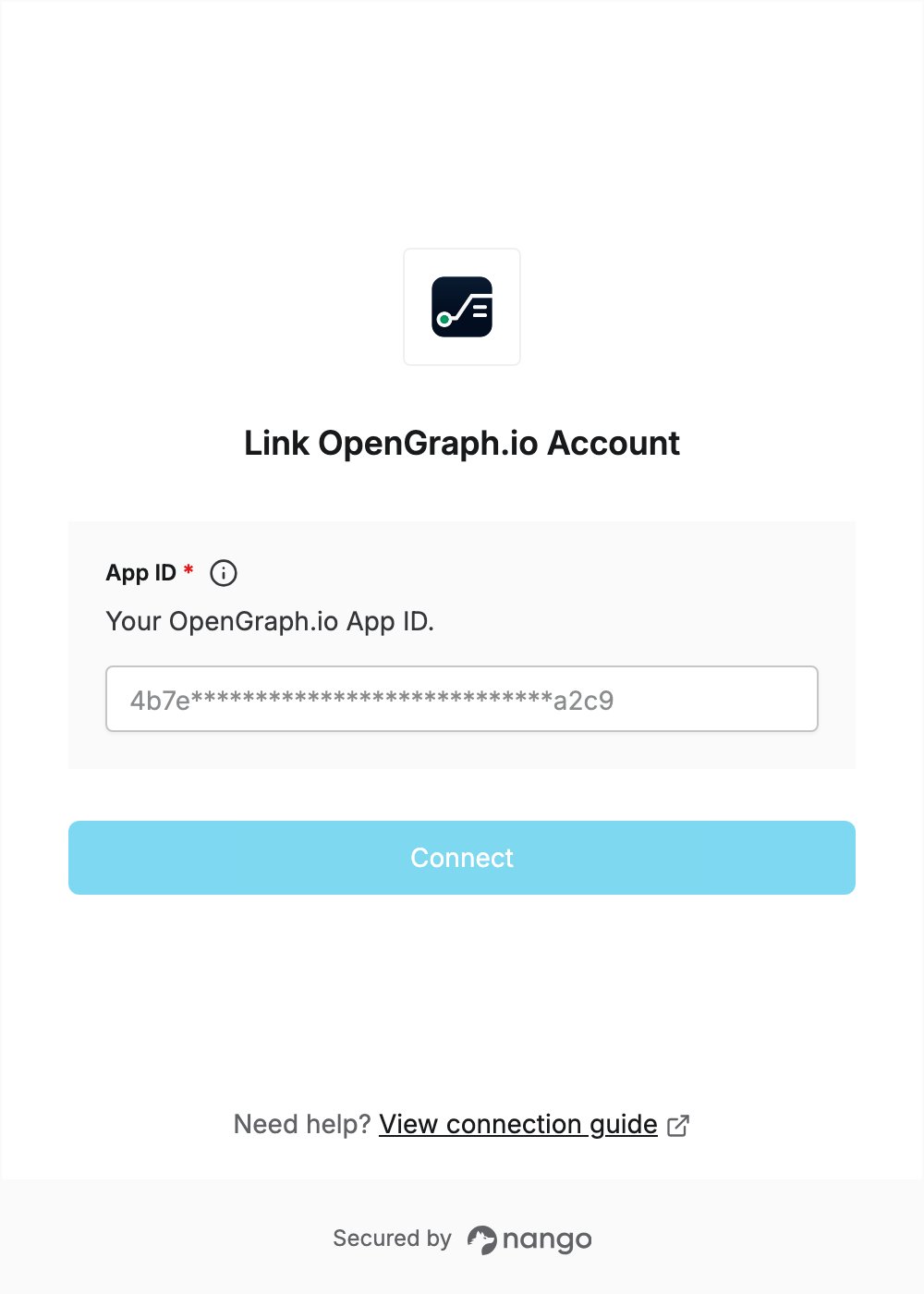
- Open the form where you need to authenticate with OpenGraph.io.
- Enter your App ID in the designated field.
- Click Connect.