Overview
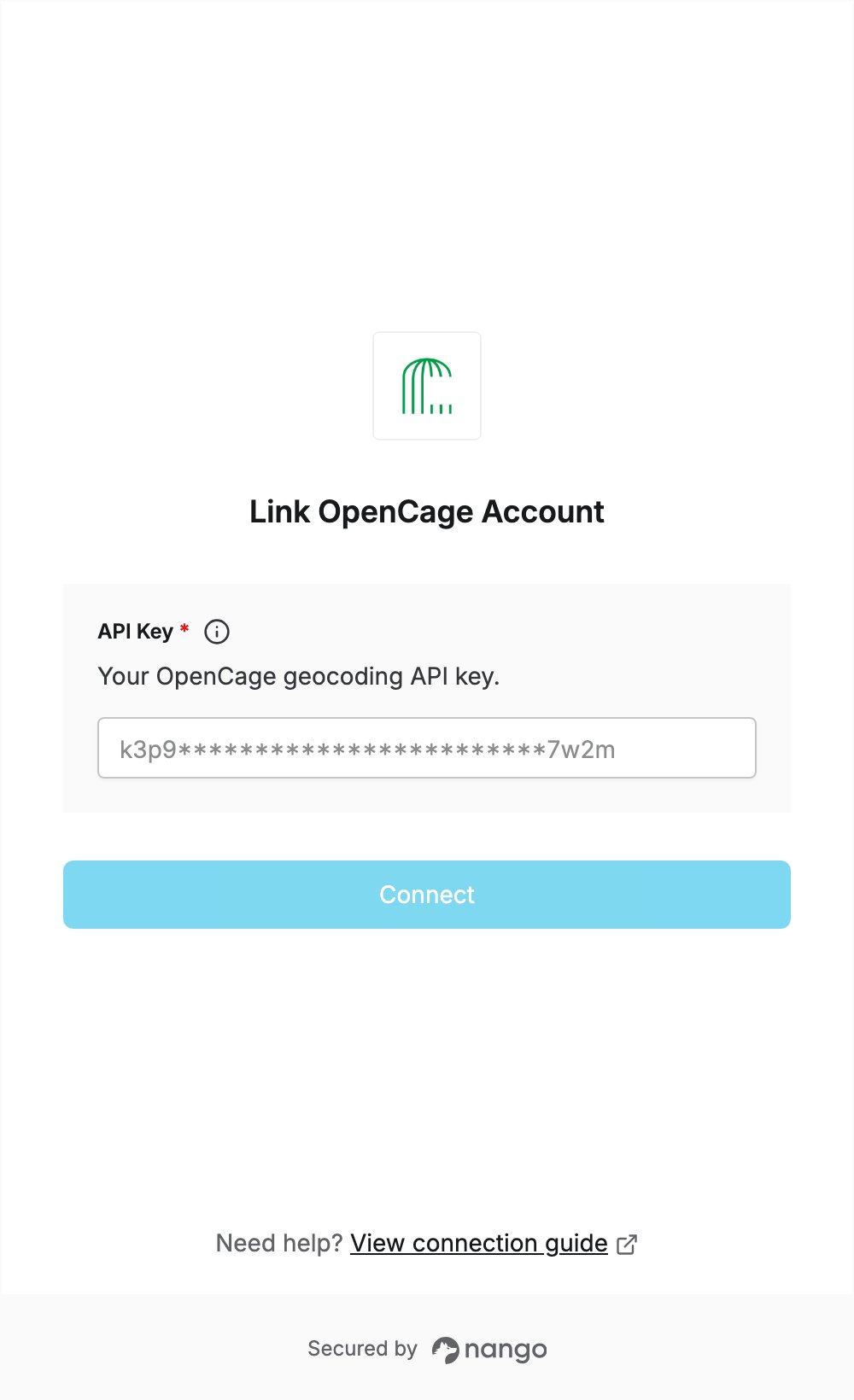
To authenticate with OpenCage, you need:- API Key - Your OpenCage geocoding API key.
Prerequisites
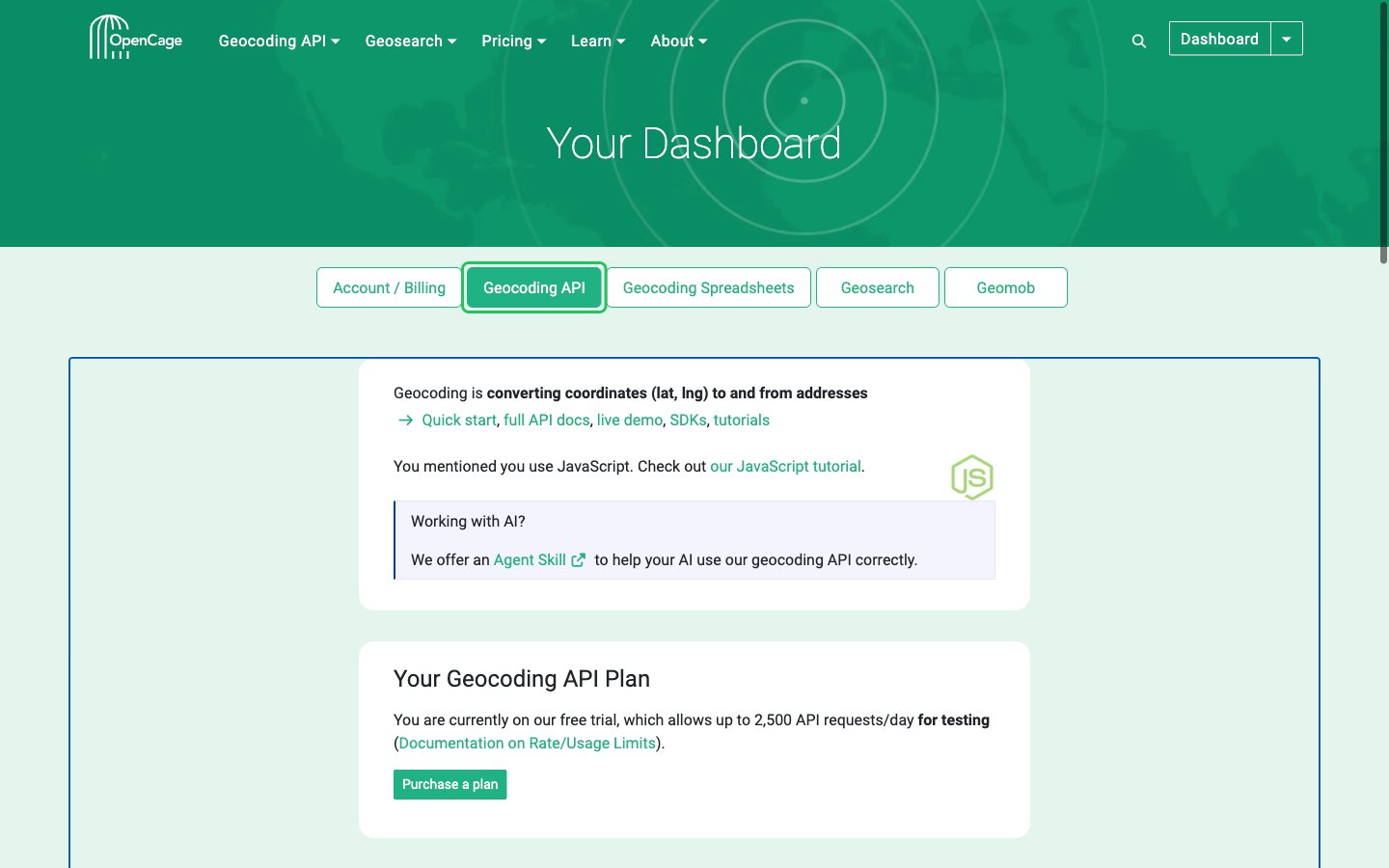
- An OpenCage account. You can sign up for a free trial without a credit card.
Step 1: Copy your API key
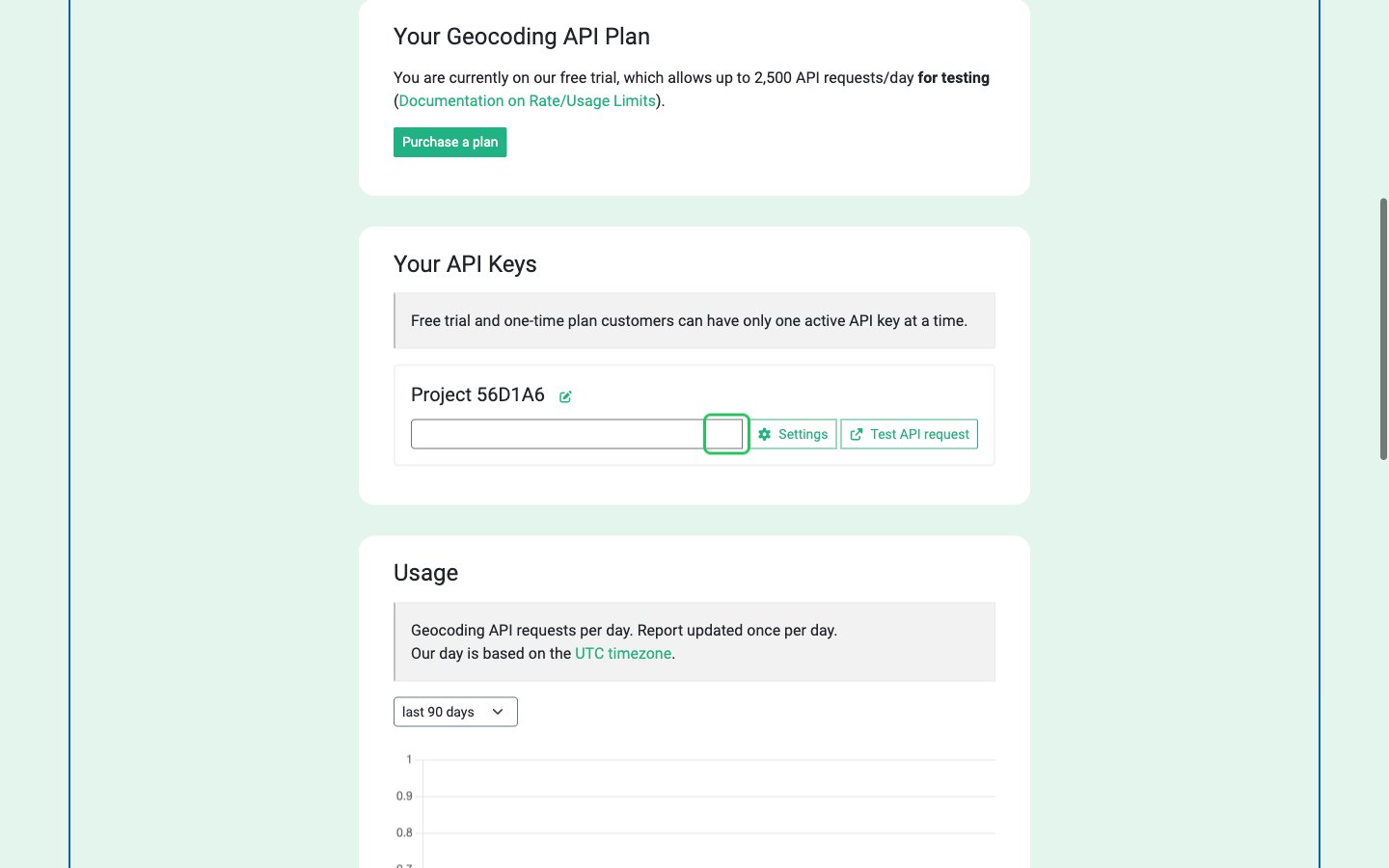
- Under Your API Keys, click the copy button next to your key to copy it.
Step 2: Enter your API key in the Connect UI
- Open the form where you need to authenticate with OpenCage.
- Enter your API Key in the designated field.
- Submit the form, and you should be successfully authenticated.