Overview
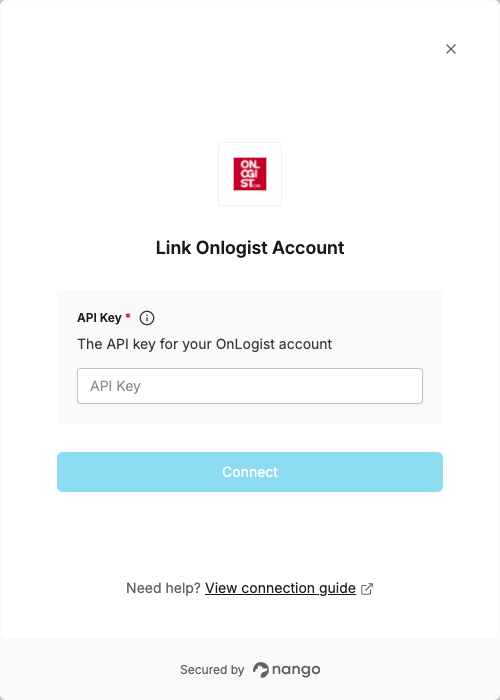
To authenticate with OnLogist, you will need:- API Key - A key that grants secure access to the OnLogist API, enabling authorized applications to interact with OnLogist resources and services.
Prerequisites:
- You must have a registered OnLogist account.
Instructions:
Step 1: Request API Access
To get your API Key, you need to request API access from OnLogist:- Email service@onlogist.com to request API access for your account.
- Once OnLogist processes your request, you will receive API access which will also include your API Key.
Step 2: Enter credentials in the Connect UI
Once you have your API Key:- Open the form where you need to authenticate with OnLogist.
- Enter your API Key in the designated field.
- Submit the form, and you should be successfully authenticated.