Overview
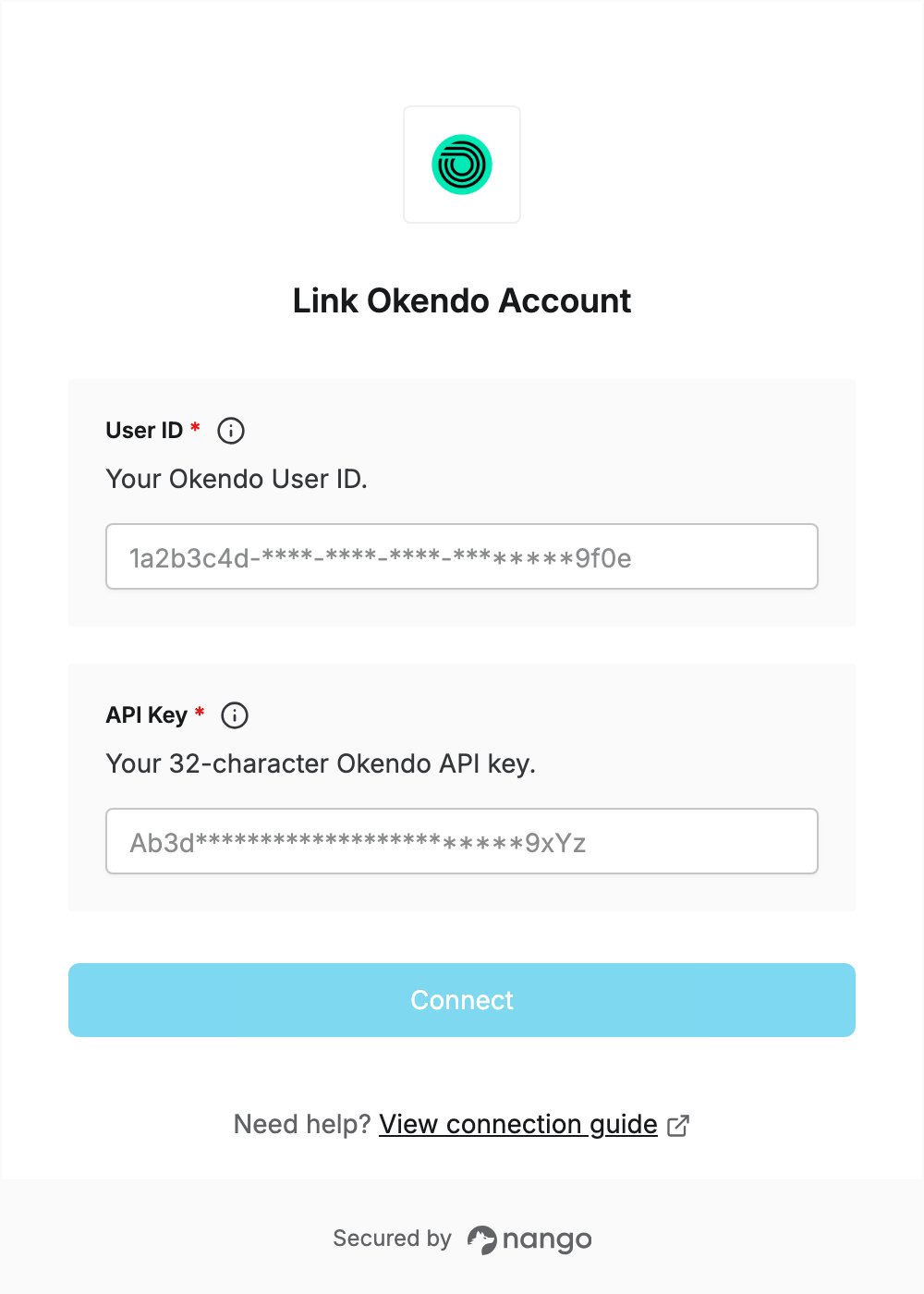
To authenticate with Okendo, you need:- User ID — your Okendo User ID.
- API Key — the 32-character key that goes with it.
Prerequisites
- An Okendo account with access to the Merchant API. Okendo offers it to enterprise customers.
Step 1: Get your User ID and API Key
- Log in to the Okendo app.
- Open the integration settings section.
- Copy your User ID and API Key.
Step 2: Enter your credentials in the Connect UI
- Open the form where you need to authenticate with Okendo.
- Enter your User ID and API Key in the designated fields.
- Submit the form, and you should be successfully authenticated.