Overview
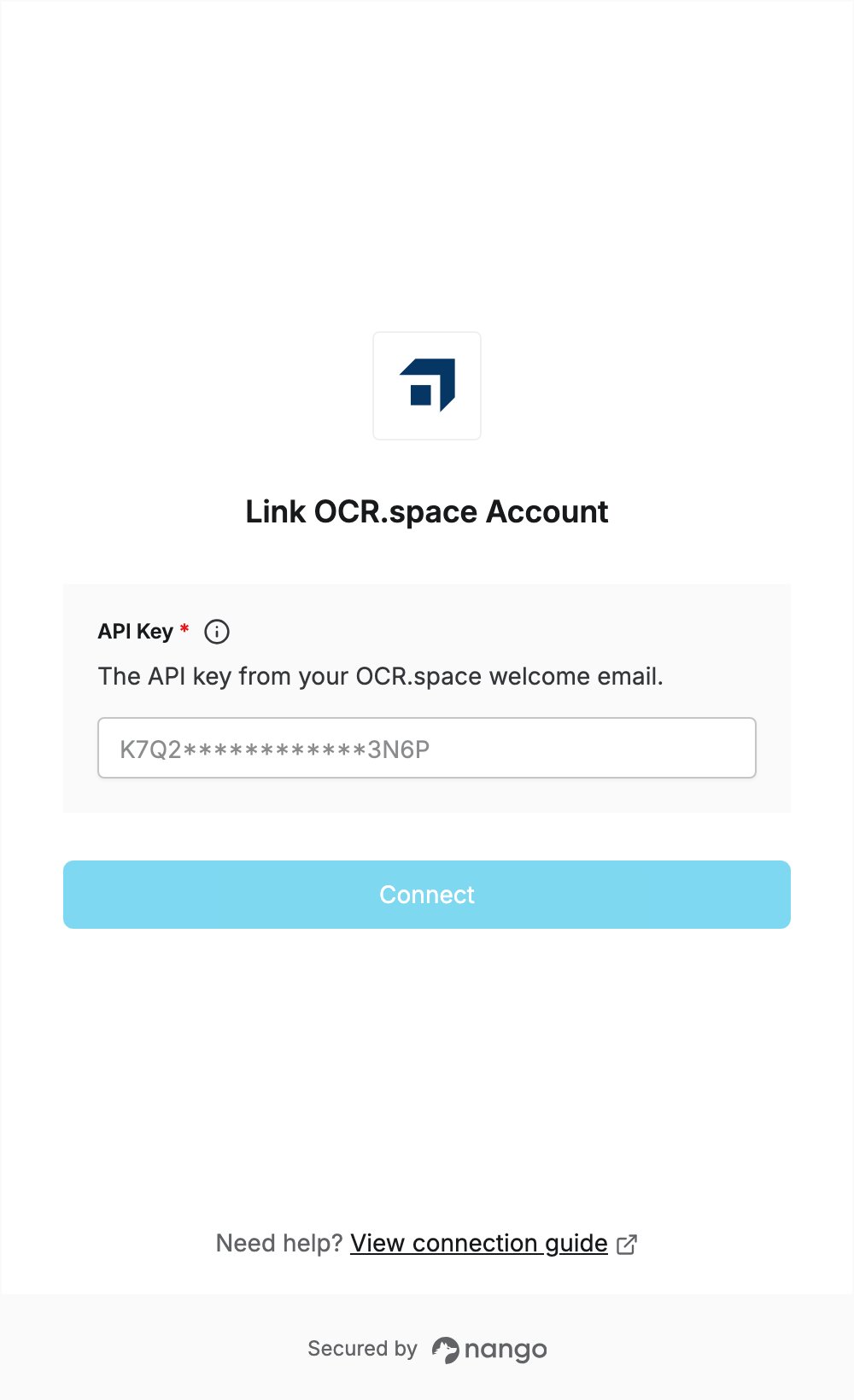
To authenticate with OCR.space, you need:- API Key — the OCR.space API key sent to your email address.
Prerequisites
- An email address. The free API key needs no account or password: OCR.space sends it by email.
Step 1: Get your API key
- Open the free OCR API key page.
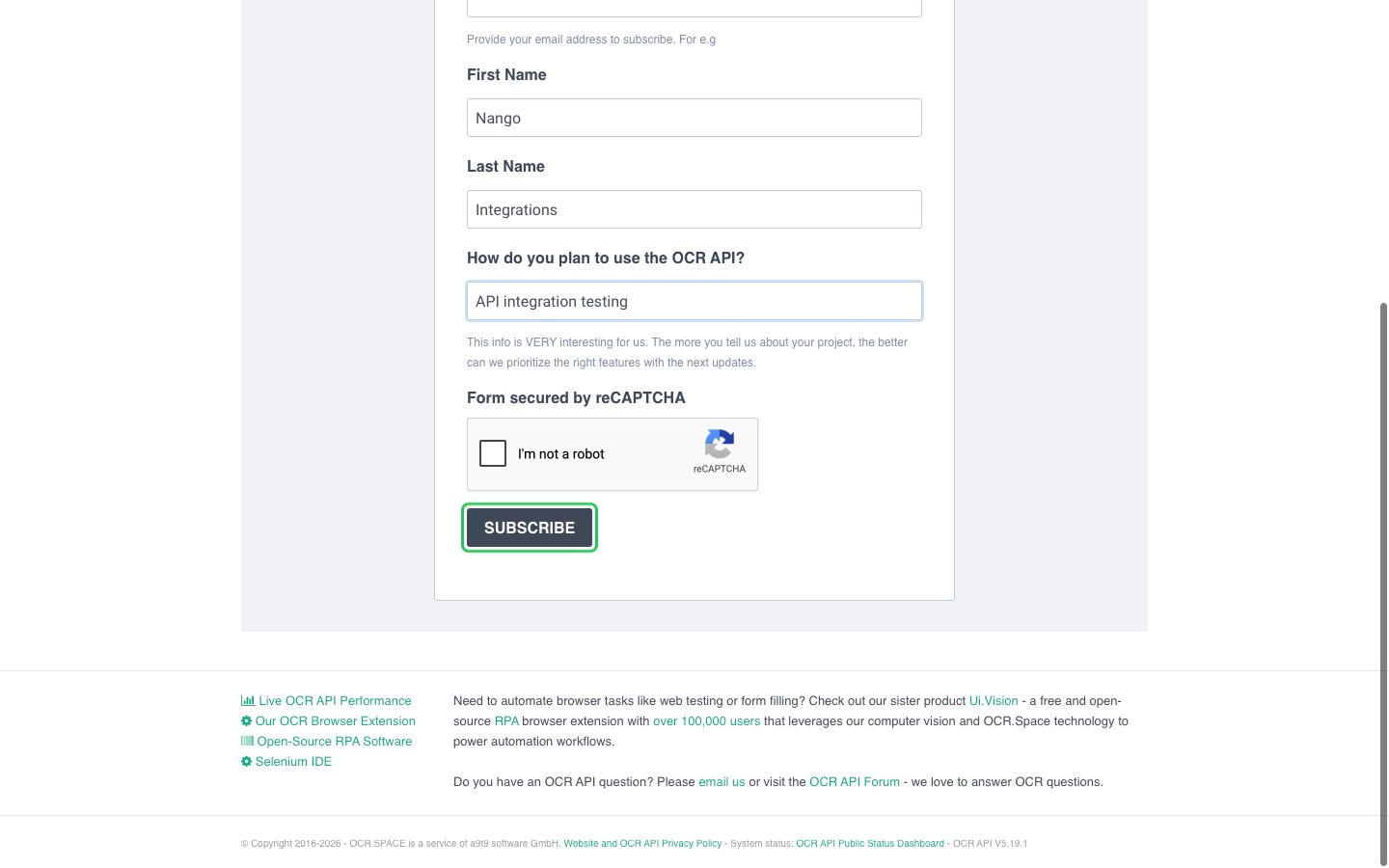
- Enter your email address. The other fields are optional.
- Complete the reCAPTCHA and click SUBSCRIBE.
- Open the email OCR.SPACE Free OCR API: Please Confirm Subscription and click Yes, subscribe me to the free OCR API list.
- Open the email Welcome! Here is your Free OCR API key that arrives a few seconds later, and copy the API key from it.
Step 2: Enter your API key in the Connect UI
- Open the form where you need to authenticate with OCR.space.
- Paste the key you copied in Step 1 into the API Key field.
- Submit the form.