Overview
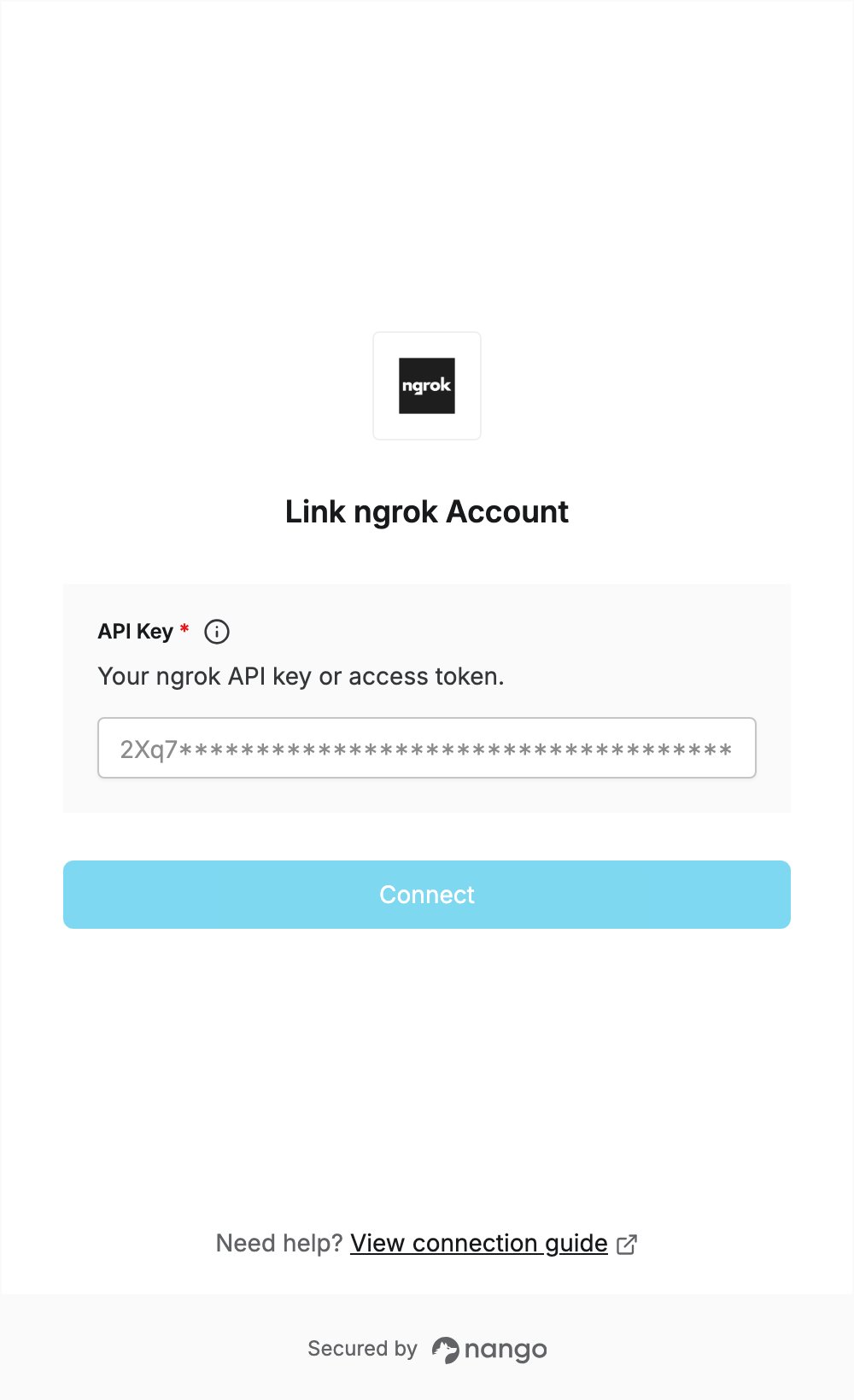
To authenticate with ngrok, you need:- API Key — an ngrok API key or access token.
Prerequisites
- An ngrok account. You can sign up for free; the ngrok API is available to all ngrok users at no additional charge.
Step 1: Create an API key or access token
Both kinds of key work. An API key can call the whole API. An access token (it starts withngrok_pat_) can only do what its scopes allow.
To create an API key:
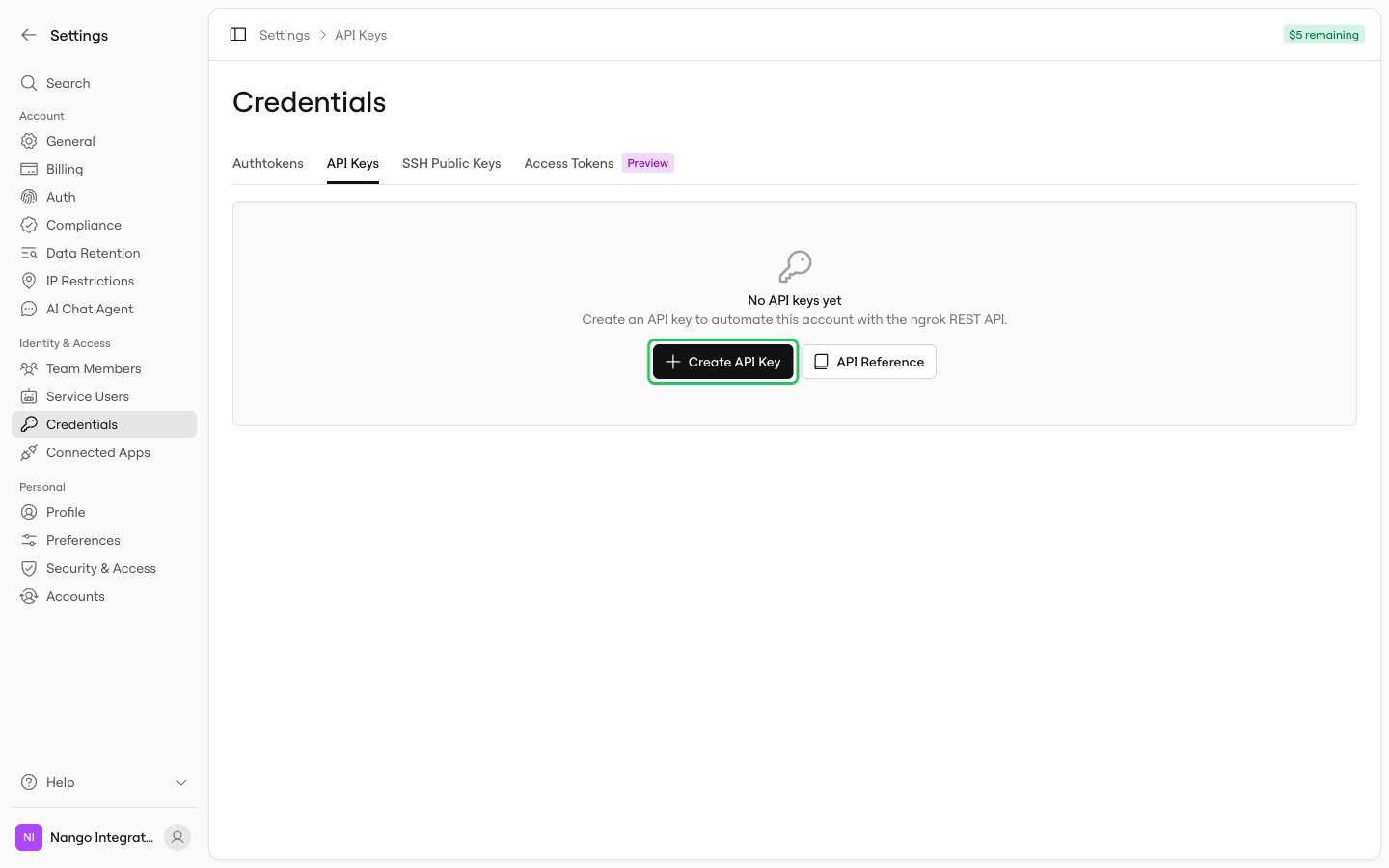
- Sign in to the ngrok dashboard and go to Settings -> Credentials, then open the API Keys tab (API Keys).
- Click New API Key (Create API Key if you have none yet).
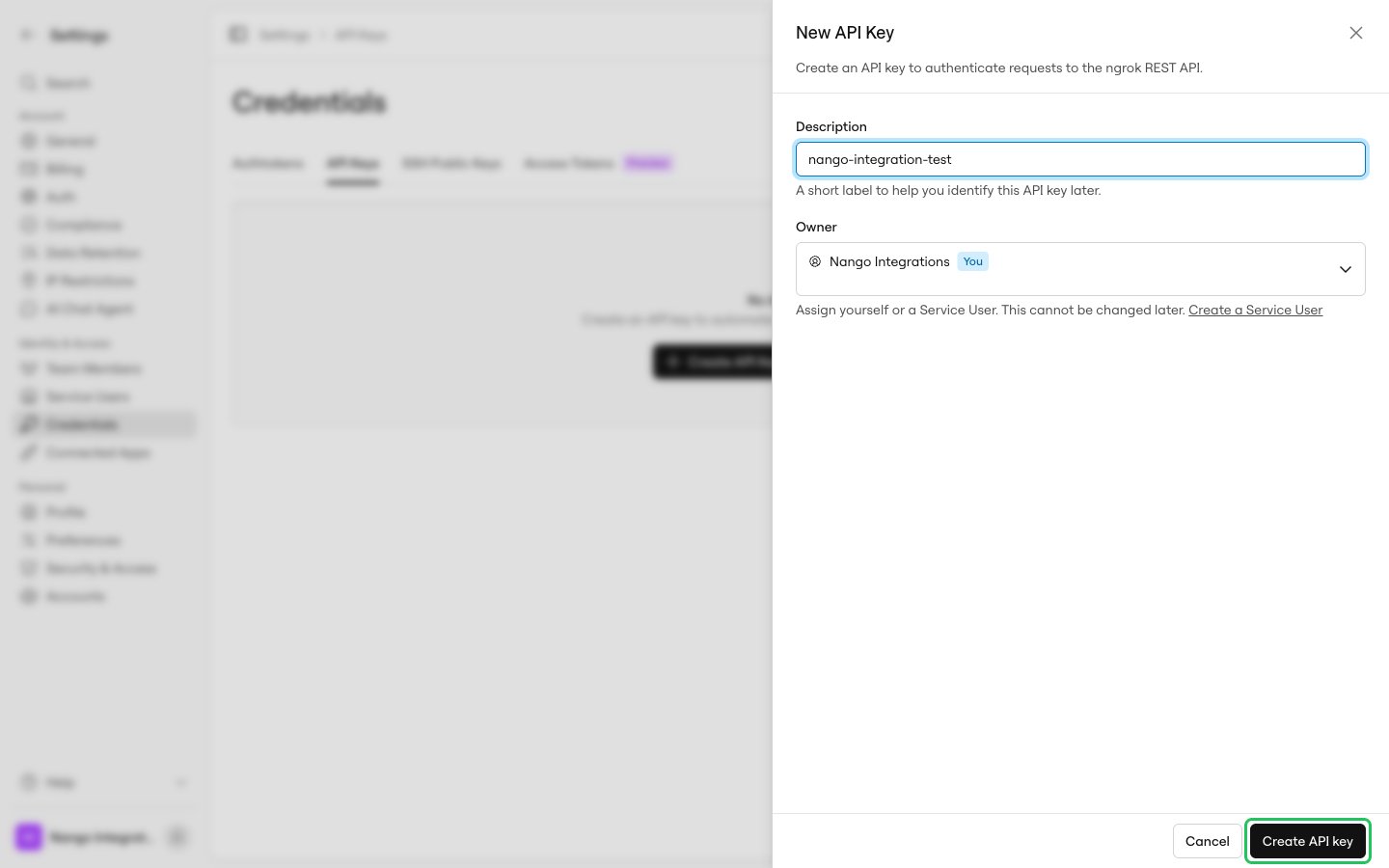
- Enter a description, keep yourself as the Owner, and click Create API key.
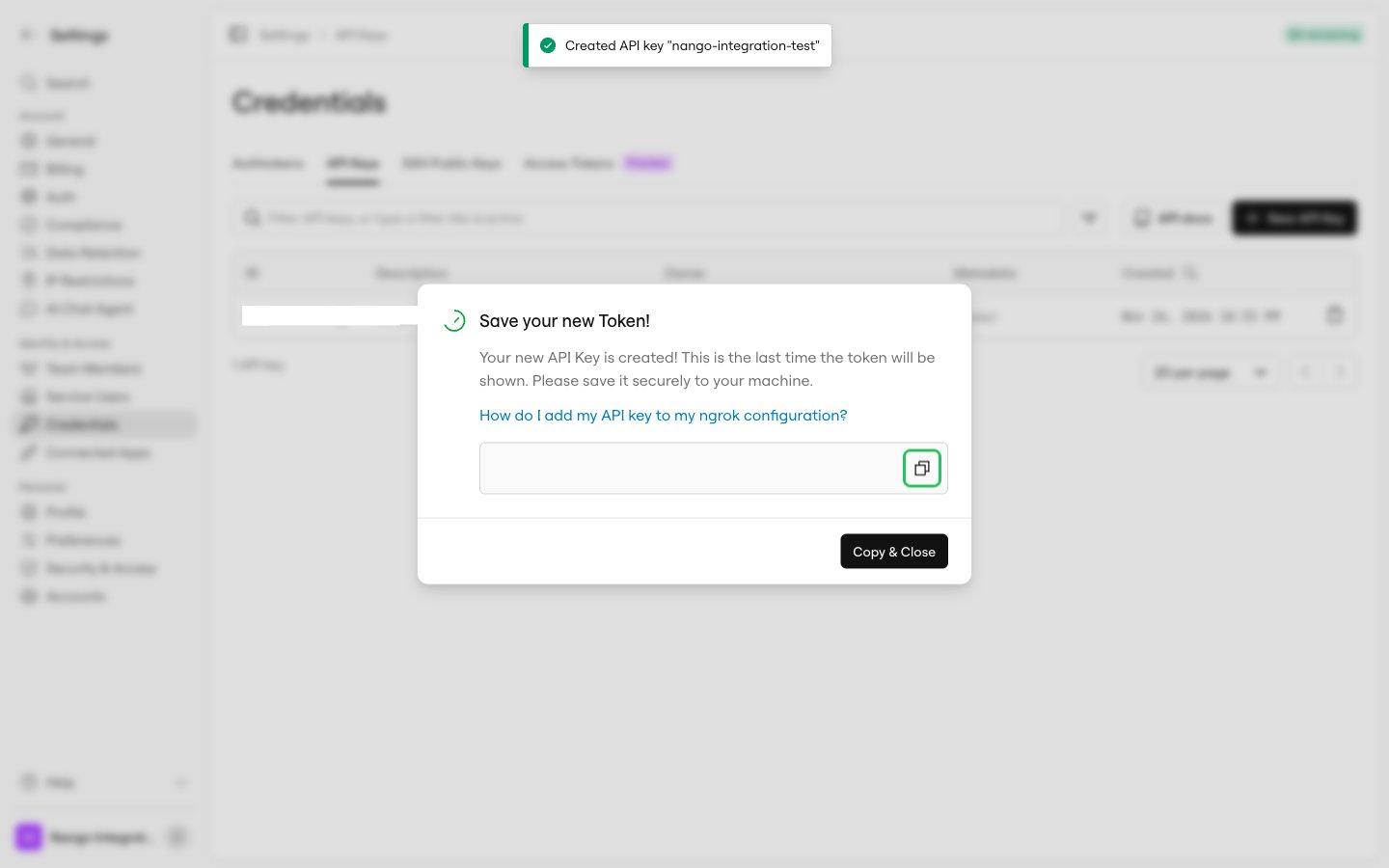
- Copy the API key with the copy button. ngrok shows it only once.
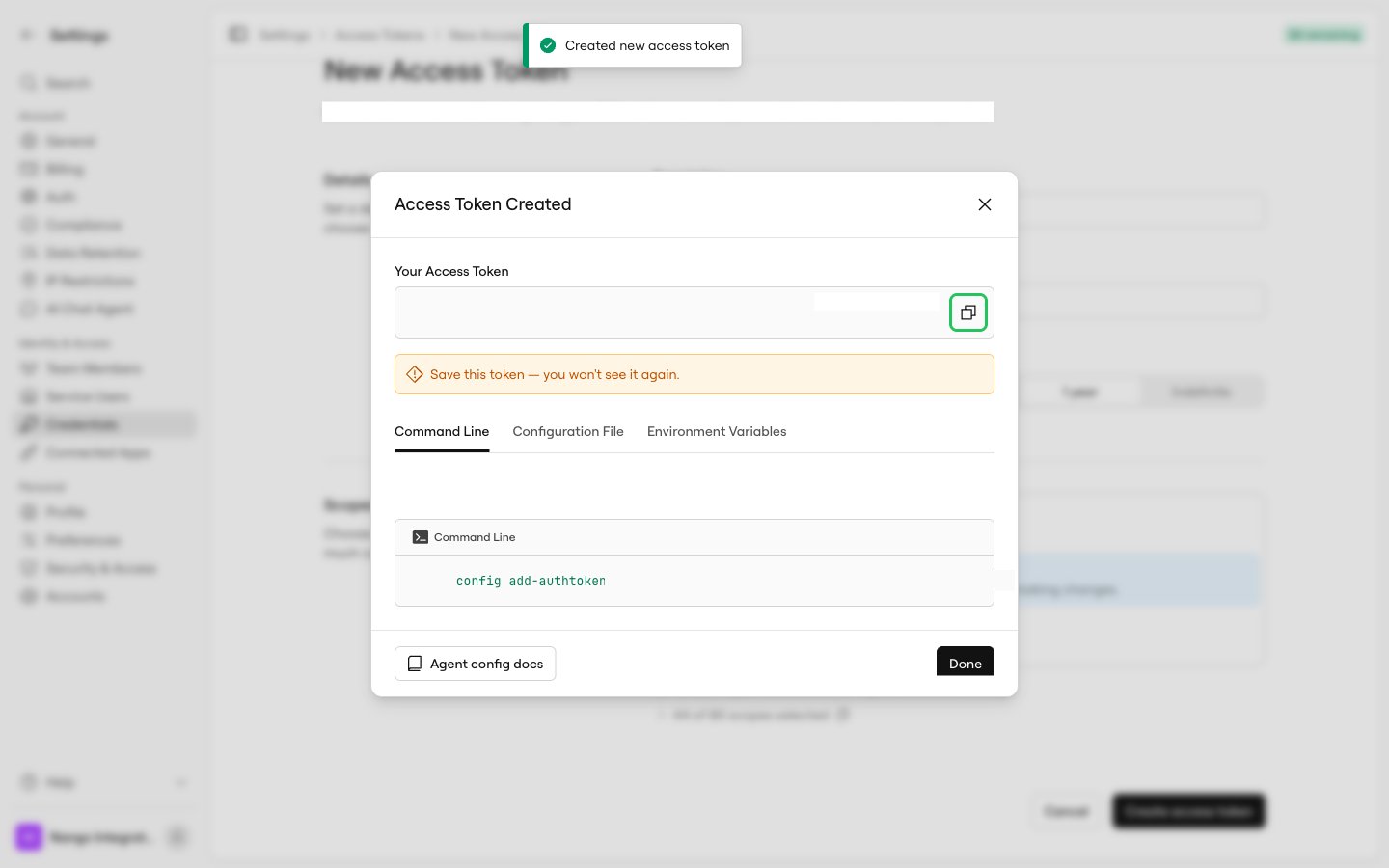
- Open the Access Tokens tab (Access Tokens) and start a new access token.
- Enter a description, pick an expiration, and choose the scopes: full access, read-only, or custom. Give the token the scopes your integration needs.
- Save the token and copy its value with the copy button. ngrok shows it only once.
Step 2: Enter your credentials in the Connect UI
- Open the form where you need to authenticate with ngrok.
- Paste the API key or access token you copied in Step 1 into the API Key field.
- Submit the form.