Overview
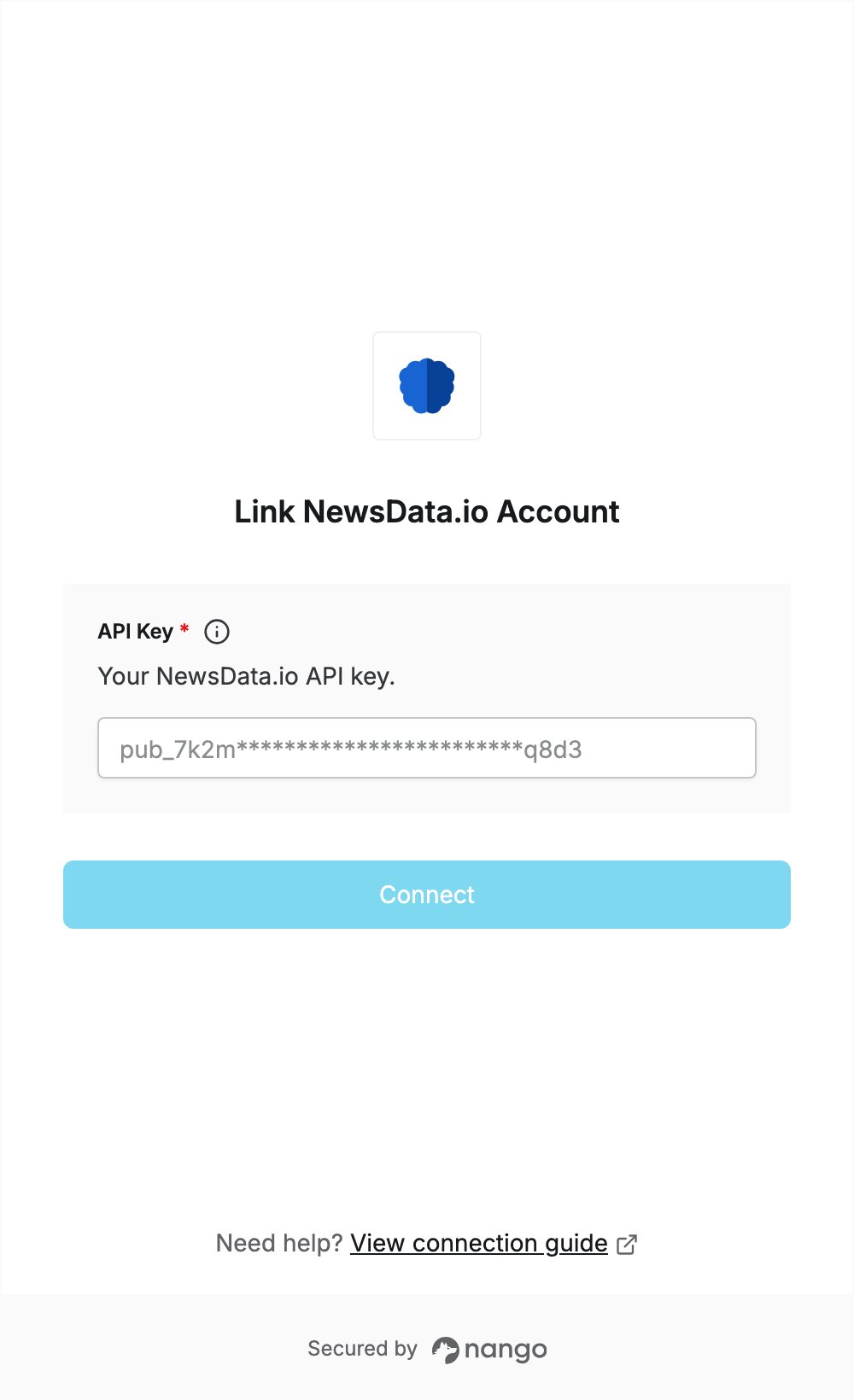
To authenticate with NewsData.io, you need:- API Key - The API key of your NewsData.io account.
Prerequisites
- A NewsData.io account. Register here for free; no credit card is needed. Verify your email address to activate the account.
Step 1: Copy your API key
- Log in to NewsData.io and click API Key in the left sidebar of the dashboard to open Manage API Keys.
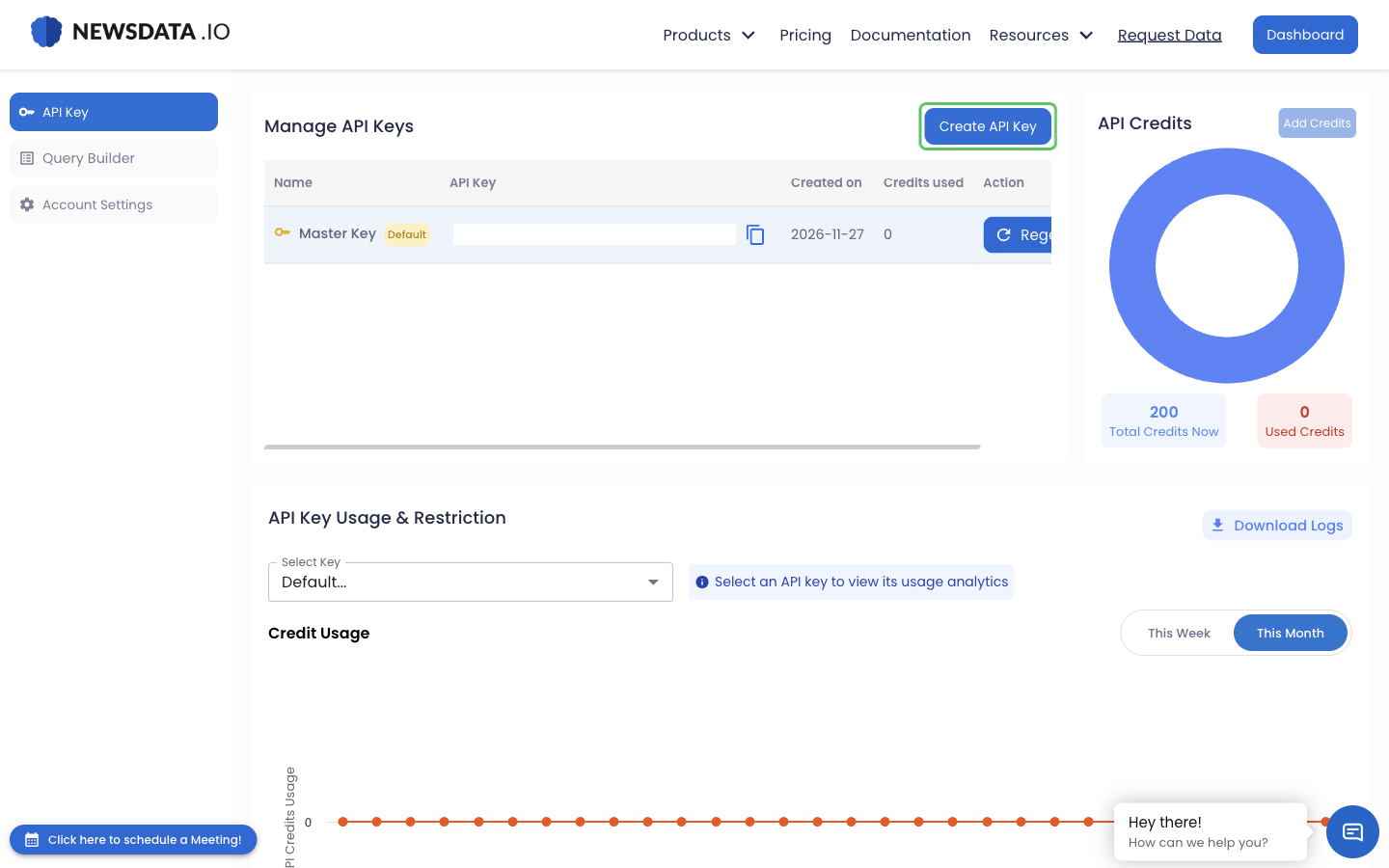
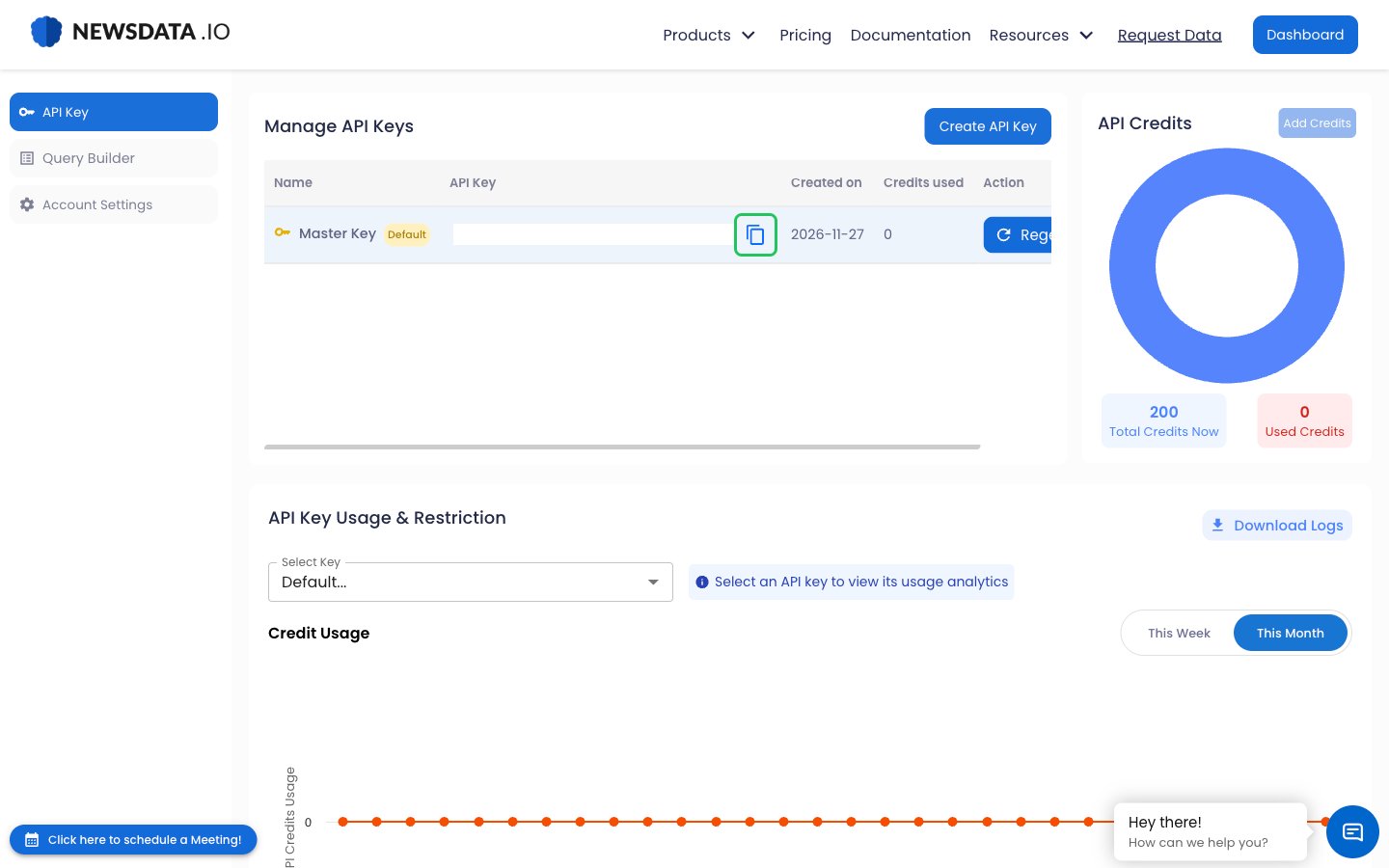
- Copy the Master Key with the copy icon next to it. If your plan lets you create more keys, you can instead click Create API Key and copy the new key.
Step 2: Enter your API key in the Connect UI
- Open the form where you need to authenticate with NewsData.io.
- Enter your API Key in the designated field.
- Submit the form, and you should be successfully authenticated.