Overview
To authenticate with NeverBounce, you need:- API Key — the API key of a NeverBounce Custom Integration app.
Prerequisites
- A NeverBounce account. You can sign up for free.
- A verified email address: click the link in NeverBounce’s welcome email, otherwise API features stay locked.
Step 1: Create a Custom Integration app
- Log in to your NeverBounce account.
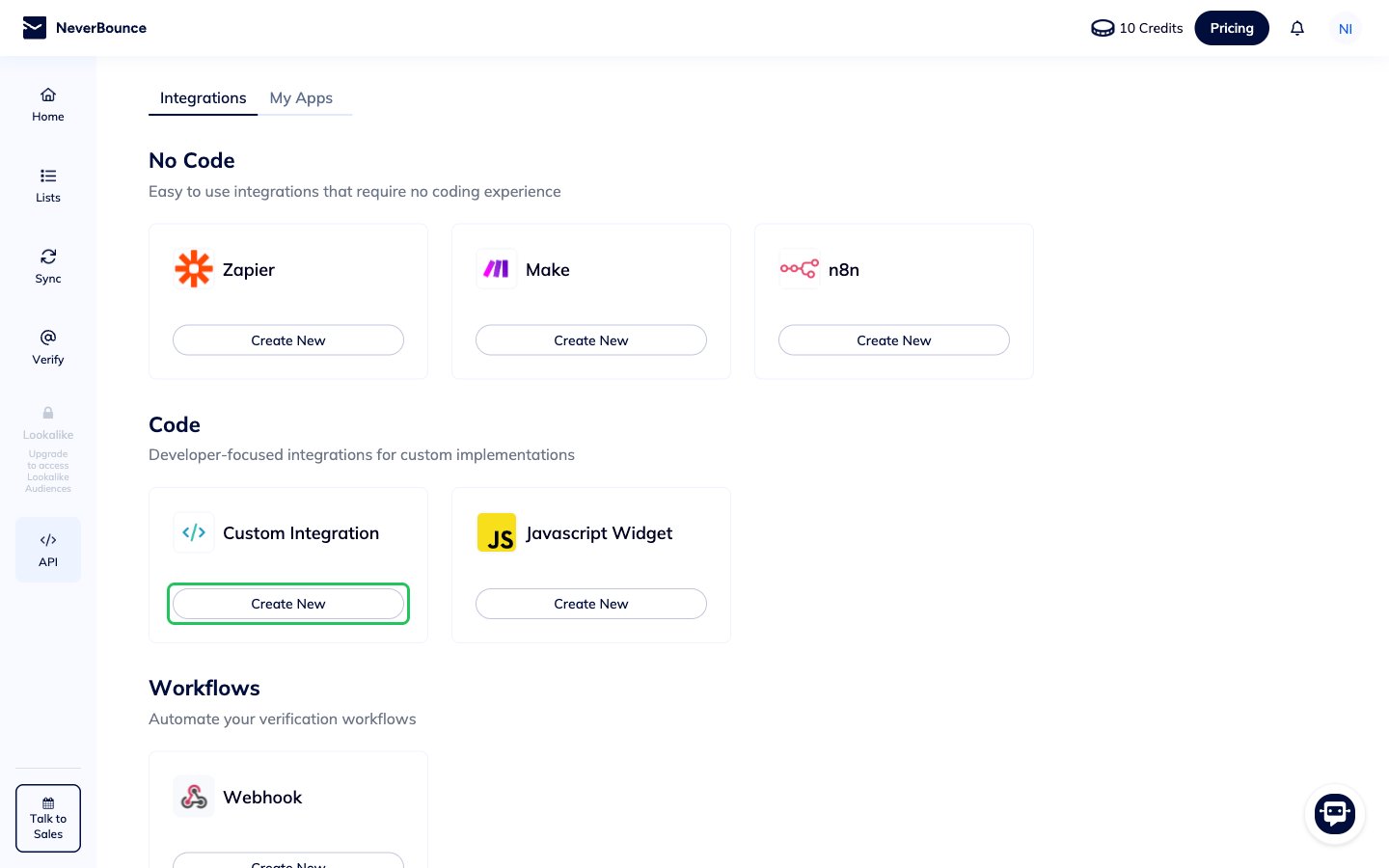
- Click API in the left sidebar to open the Integrations page.
- Under Code, click Create New on the Custom Integration card. The app is created and its overview page opens.
- Optional: click the pencil icon next to the app name to rename it, then click Save.
Step 2: Copy your API key
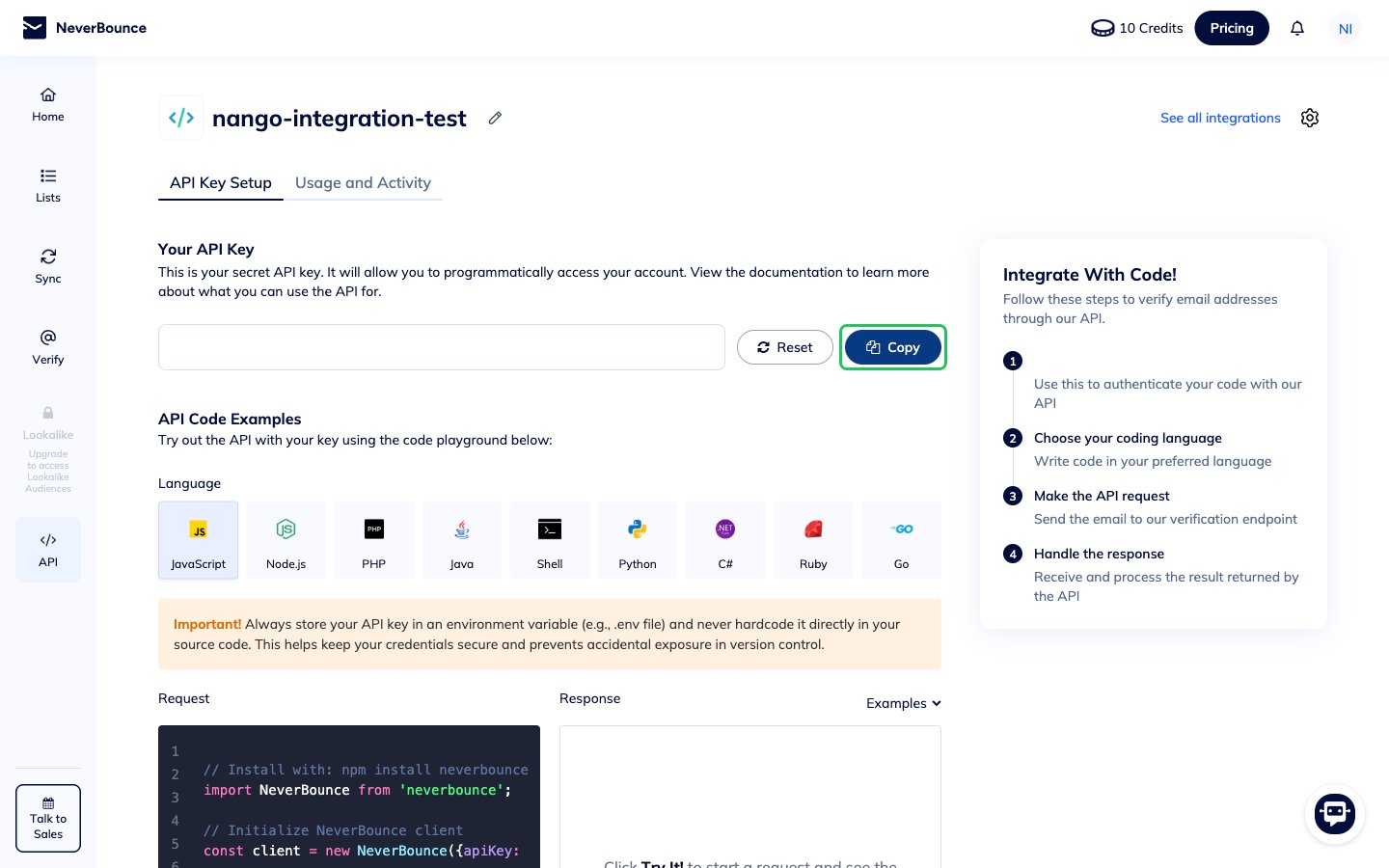
- On the app’s API Key Setup tab, under Your API Key, click Copy.
Step 3: Enter your credentials in the Connect UI
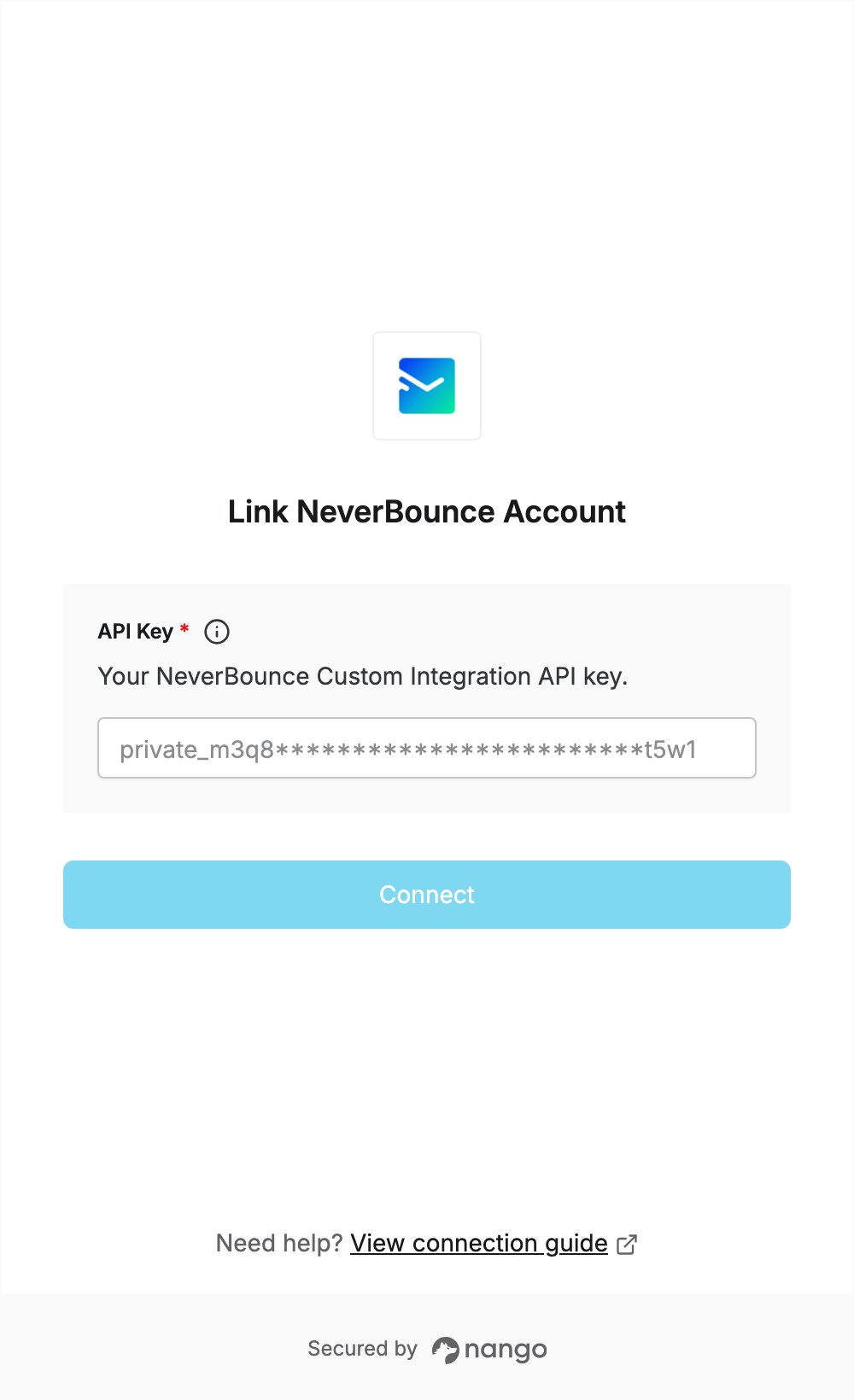
- Open the form where you need to authenticate with NeverBounce.
- Enter your API Key in the designated field.
- Submit the form, and you should be successfully authenticated.