Overview
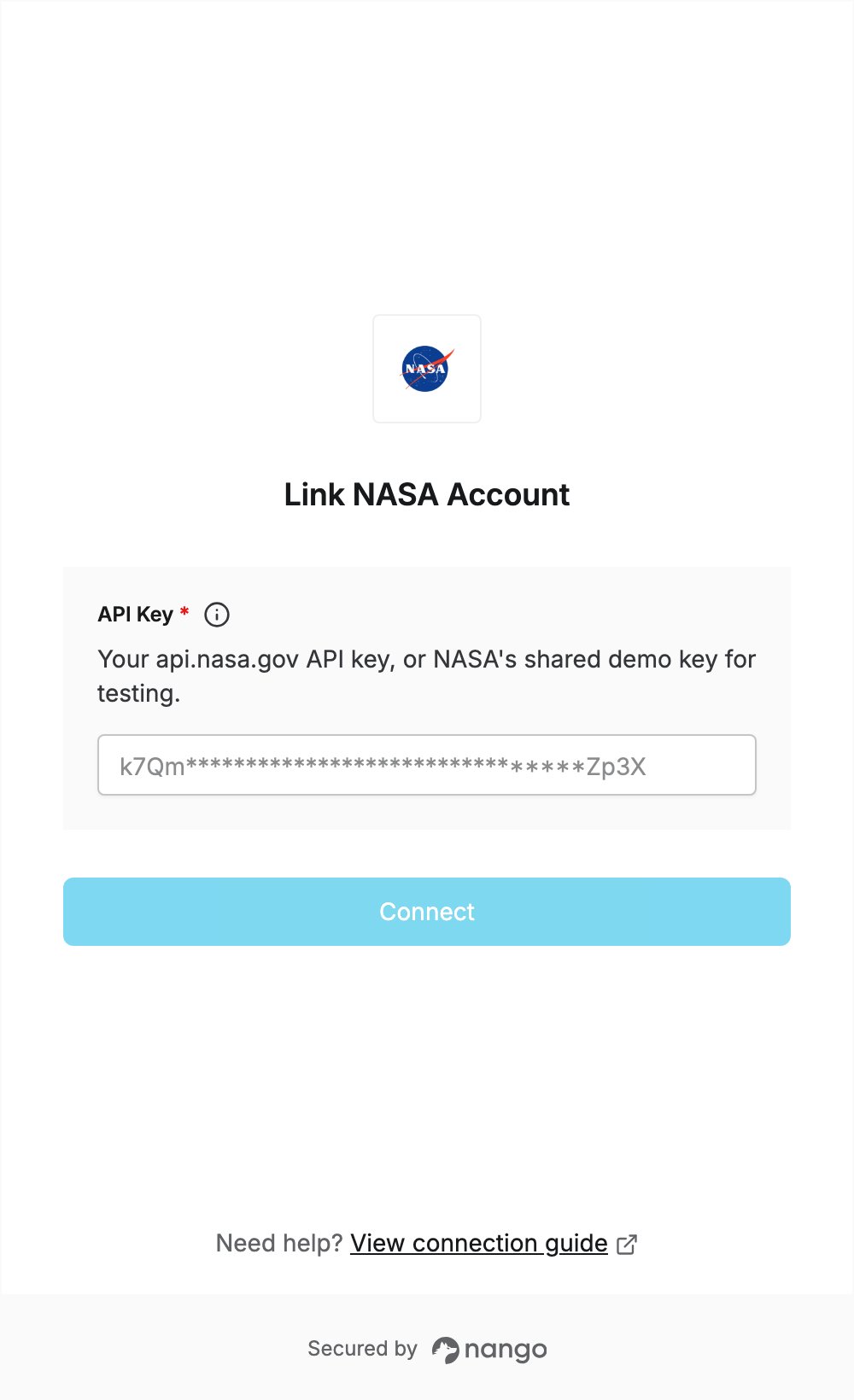
To authenticate with NASA, you need:- API Key — an api.nasa.gov API key, or NASA’s shared demo key for testing.
Prerequisites
- A valid email address. An api.nasa.gov key allows 1,000 requests per hour.
Step 1: Generate an API key
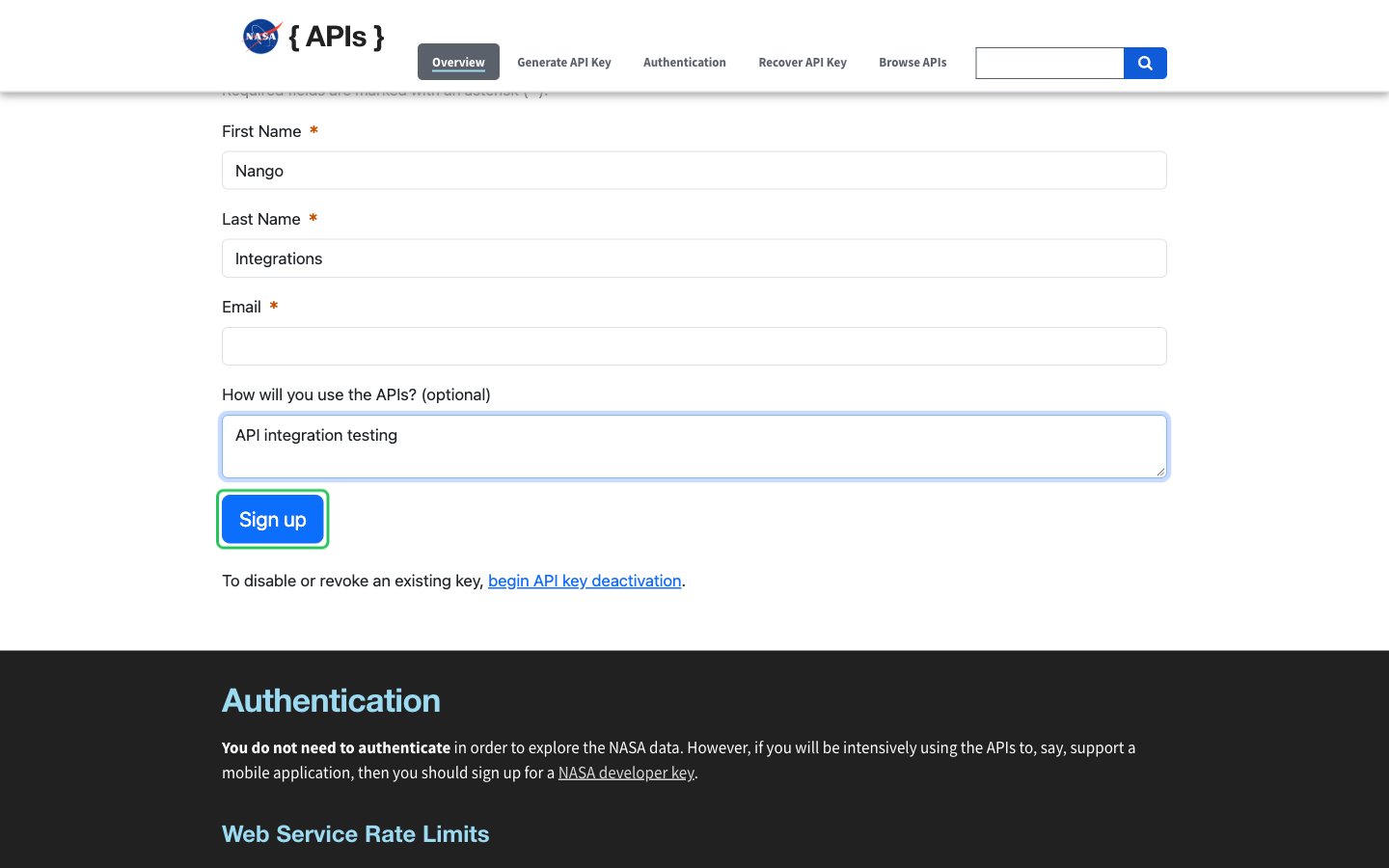
- Open api.nasa.gov and click Generate API Key in the top menu.
- Enter your first name, last name and email. How will you use the APIs? is optional.
- Click Sign up.
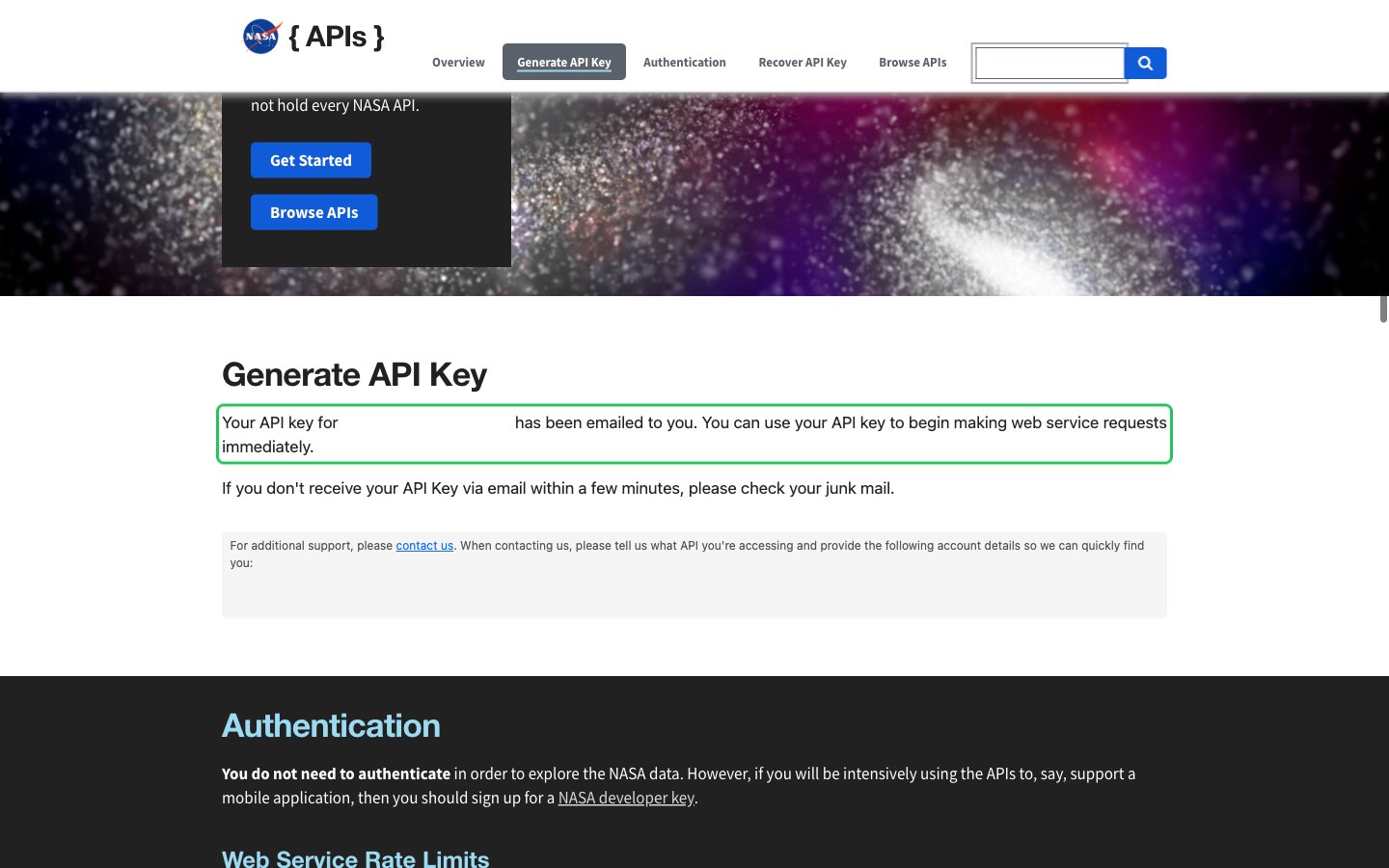
- The page confirms that your API key has been emailed to you. Open the email from api.data.gov and copy the key.
Step 2: Enter your API key in the Connect UI
- Open the form where you need to authenticate with NASA.
- Paste the key you copied in Step 1, or the demo key, into the API Key field.
- Submit the form, and you should be successfully authenticated.