Overview
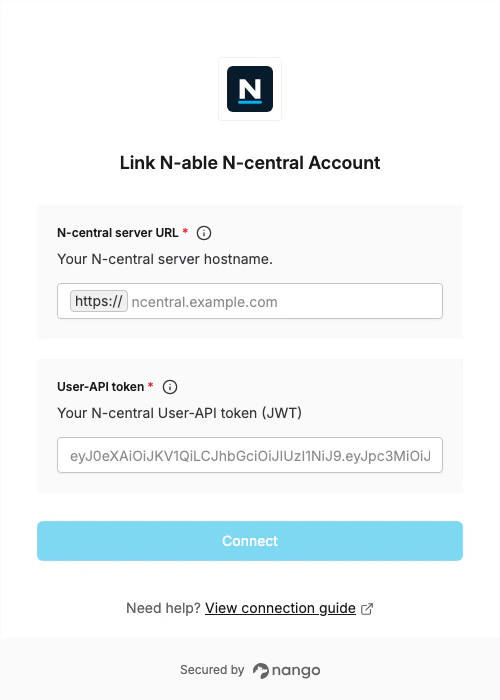
To authenticate with N-able N-central, you need:- N-central server URL - Your N-central server hostname, for example
ncentral.example.com. - User-API token - A JWT generated from the N-central UI for the user that should access the API.
Prerequisites
- An N-central instance running version 2023.9 or later.
- A user account with access to generate a User-API token.
- The permissions required for the N-central API endpoints your integration calls.
Instructions
Step 1: Find your N-central server URL
Use the hostname of your N-central instance withouthttps:// and without a path.
For example, if your N-central URL is https://ncentral.example.com/dashboard, enter ncentral.example.com.
Step 2: Generate a User-API token
- In N-central, go to Administration -> User Management -> Users.
- Open the user that should access the API.
- Go to API Access.
- Generate a JSON Web Token.
- Copy the generated User-API token.
Step 3: Enter credentials in the Connect UI
Once you have your N-central server URL and User-API token:- Open the form where you need to authenticate with N-able N-central.
- Enter your server hostname and User-API token.
- Submit the form.