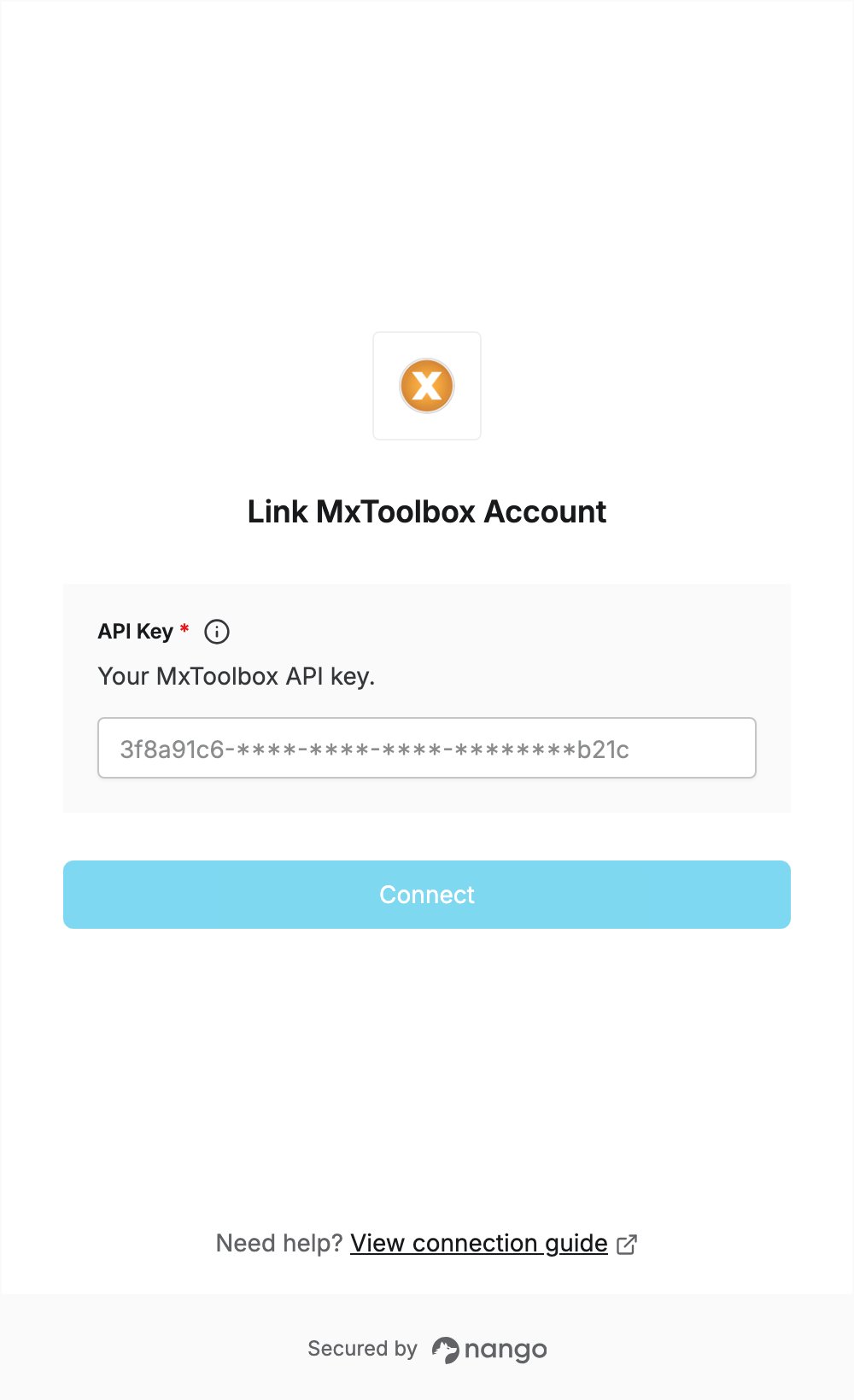
Overview
To authenticate with MxToolbox, you need:- API Key — your MxToolbox API key.
Prerequisites
- An MxToolbox account. Create a free account to receive your API key. Paid plans unlock higher request quotas, network lookups, and full monitor access.
Step 1: Copy your API key
- Log in to MxToolbox.
- Click your email address in the top right corner to open the account menu, then click Settings.
- Open the API tab, or go straight to the API page.
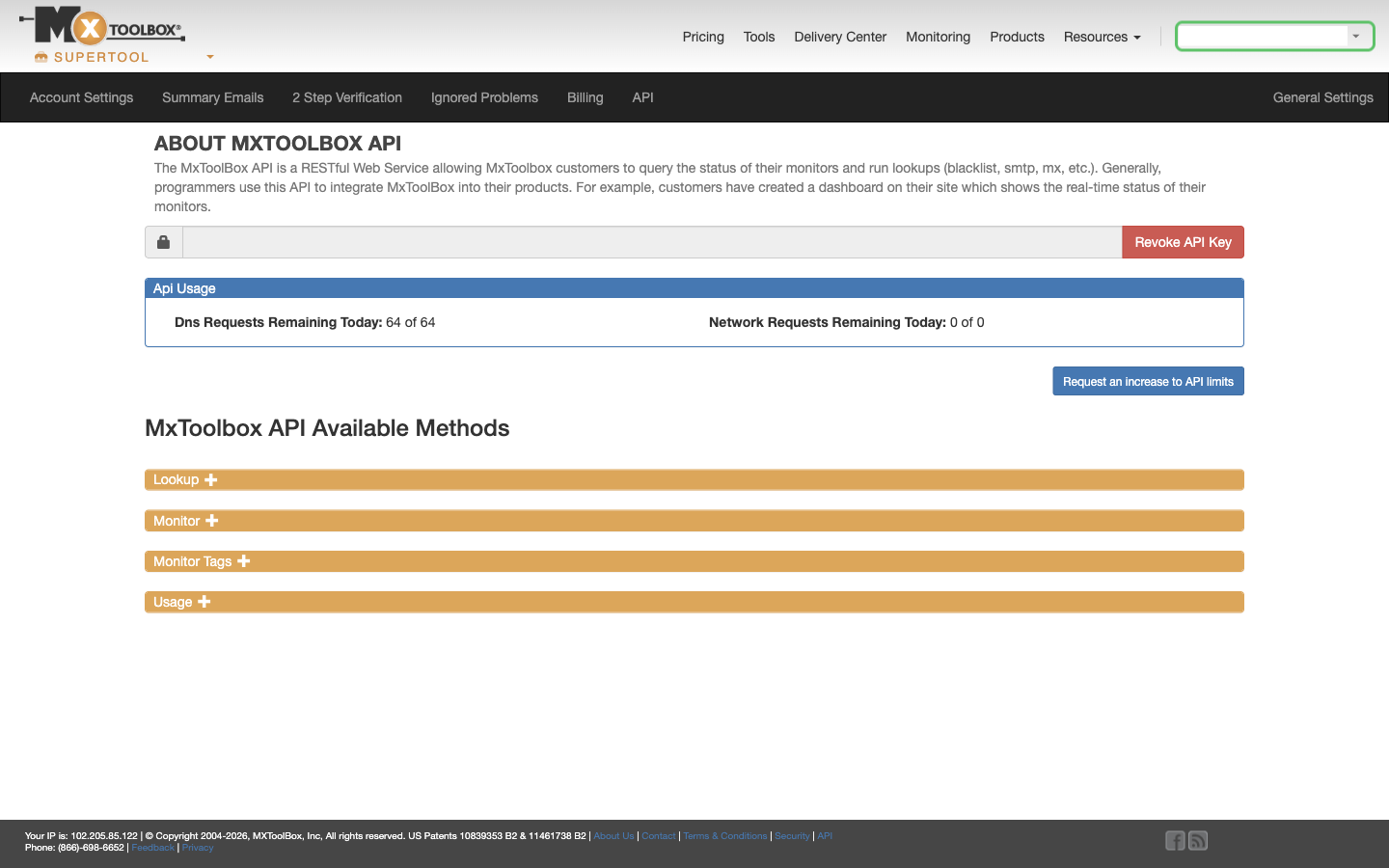
- Copy the API key from the field at the top of the page. MxToolbox creates the key for you, so there is nothing to generate.
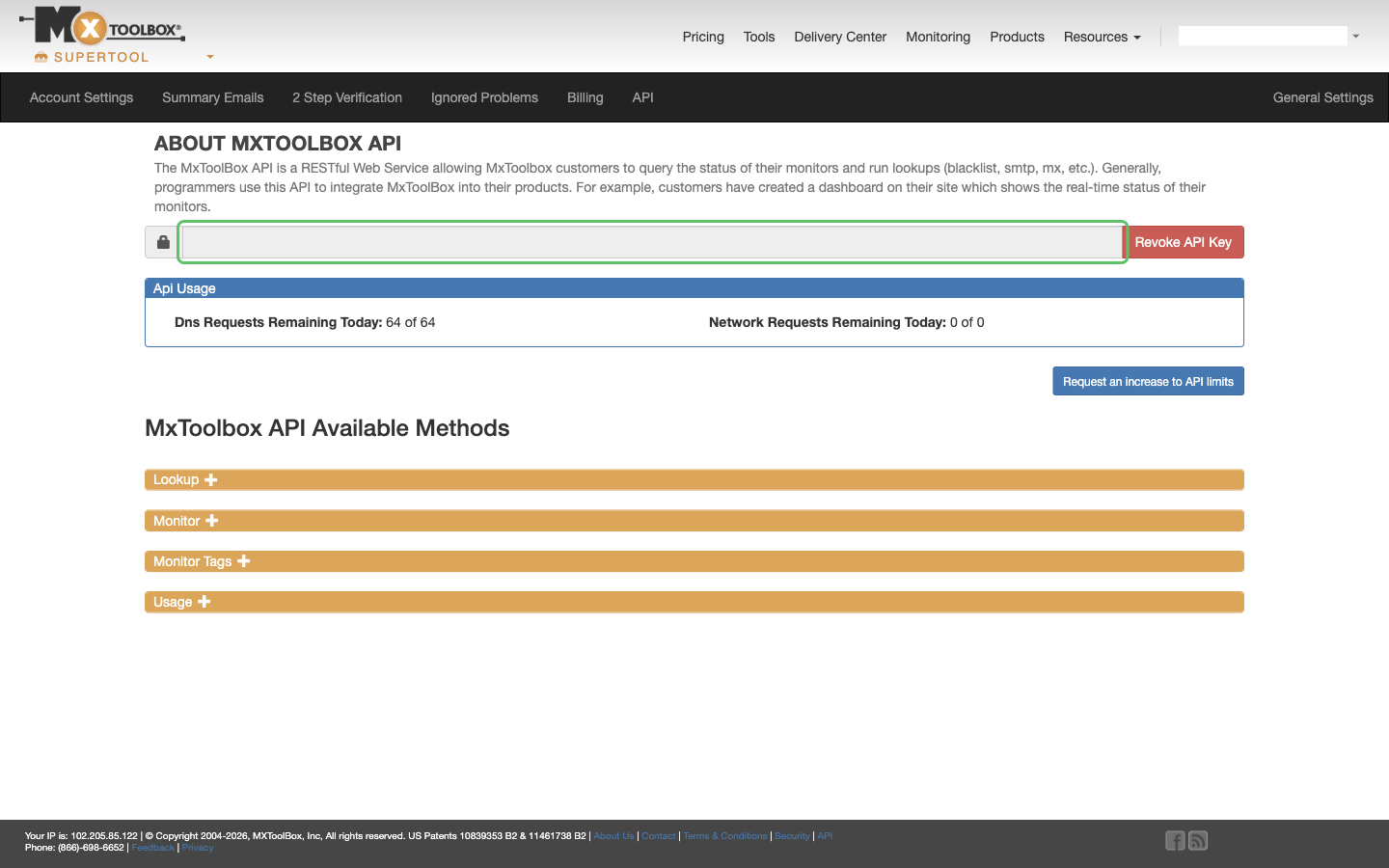
Step 2: Enter your API key in the Connect UI
- Open the form where you need to authenticate with MxToolbox.
- Enter your API Key in the designated field.
- Submit the form, and you should be successfully authenticated.