Overview
To connect with Modjo AI, you need your API Key from your Modjo AI account settings. This guide walks you through finding it.Prerequisites
- You must have Administrator or Manager permissions in Modjo AI.
Instructions
Step 1: Generate your API Key
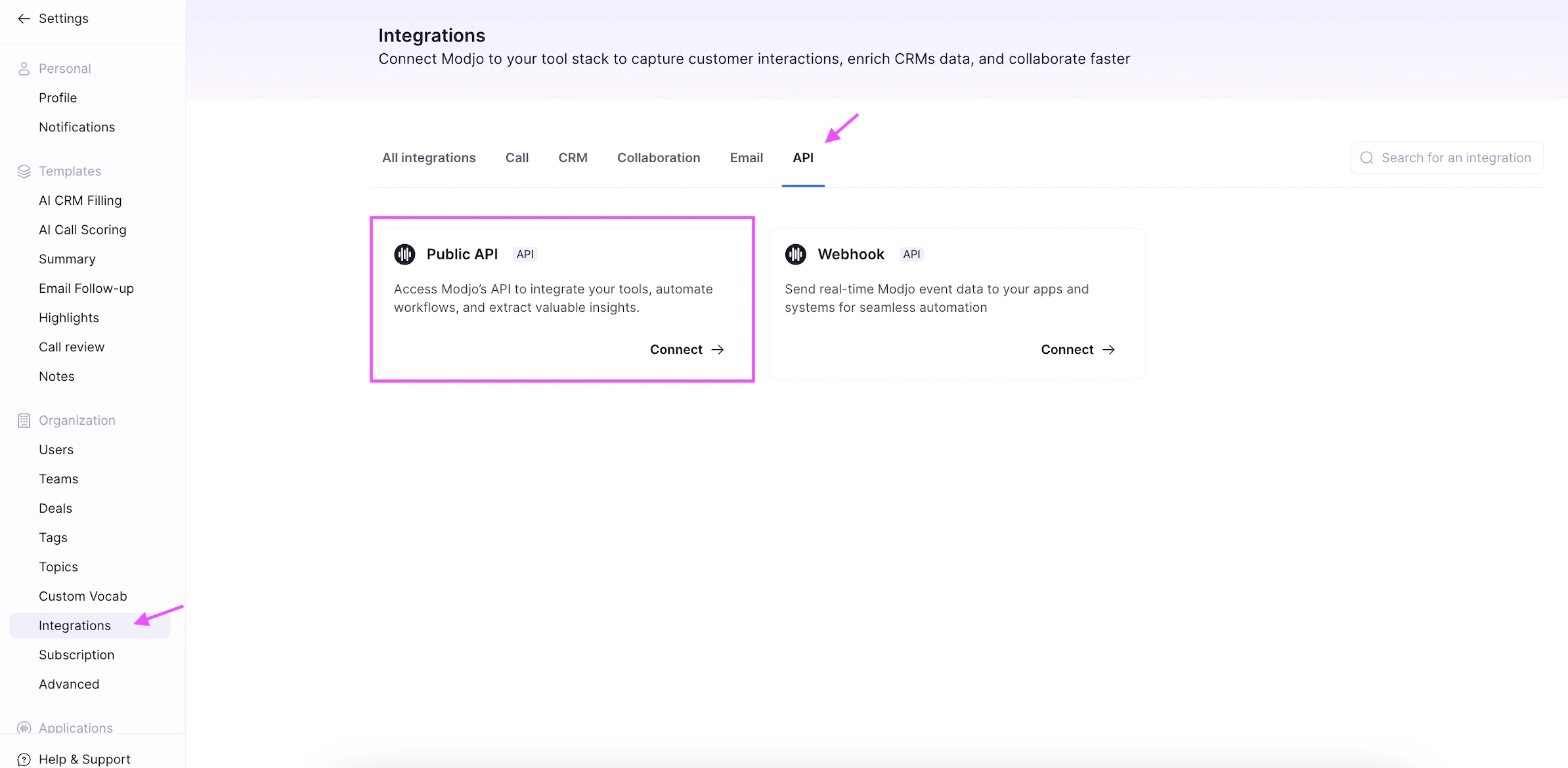
- Log in to your Modjo AI account.
- Go to Settings.
- Access the Integrations section.
- Find the Public API card and click Connect.
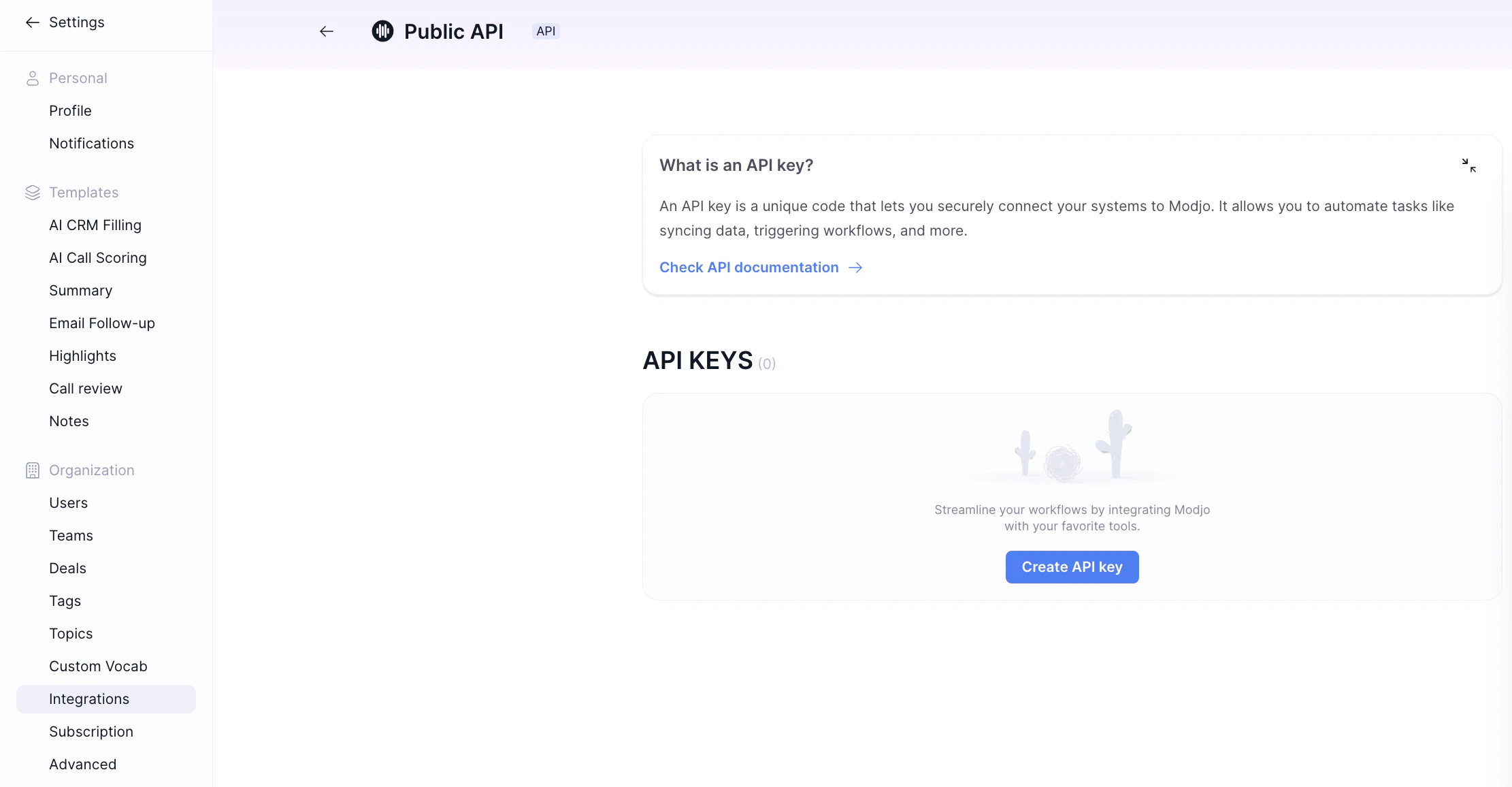
- Create a new API key.
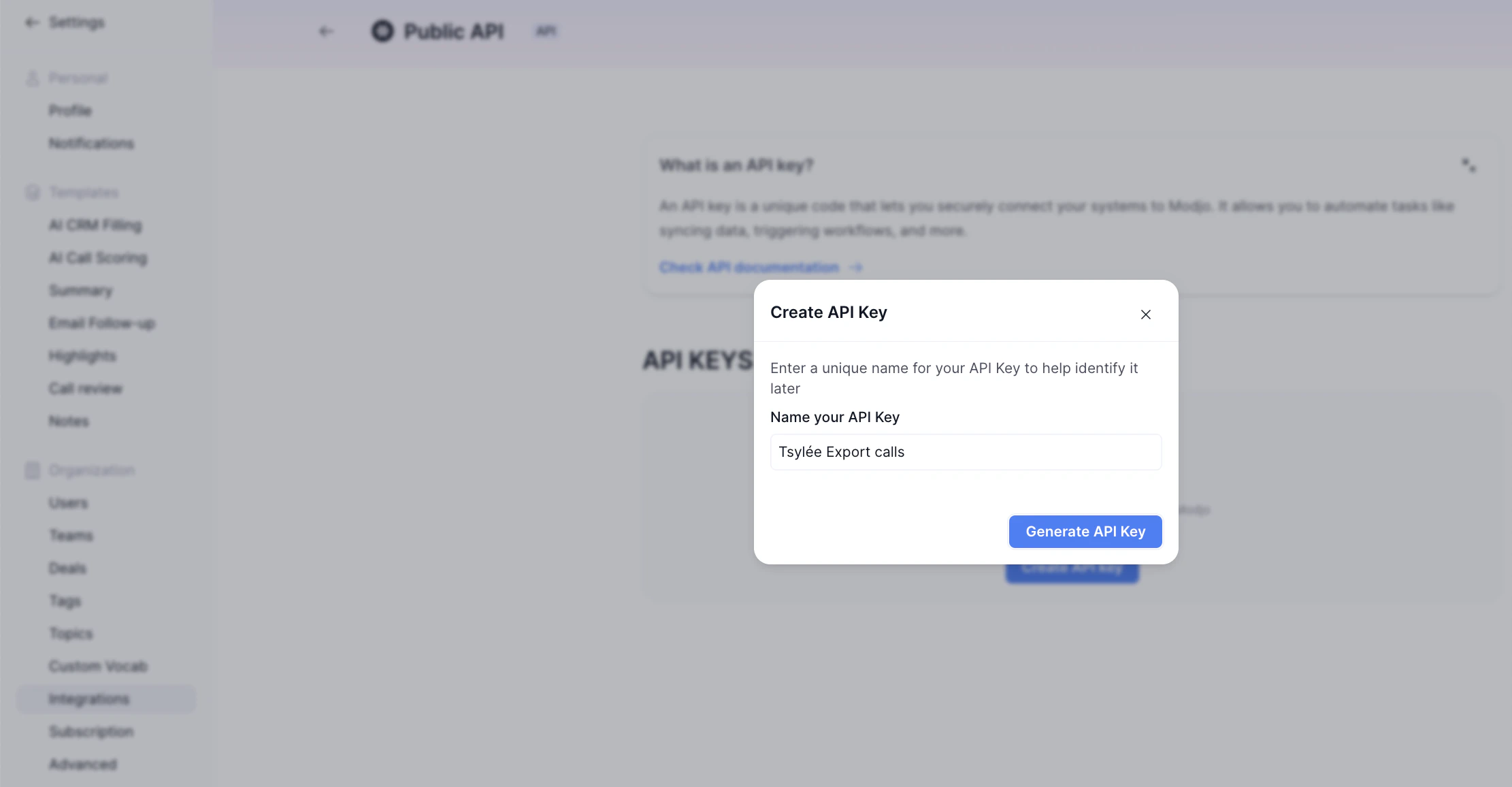
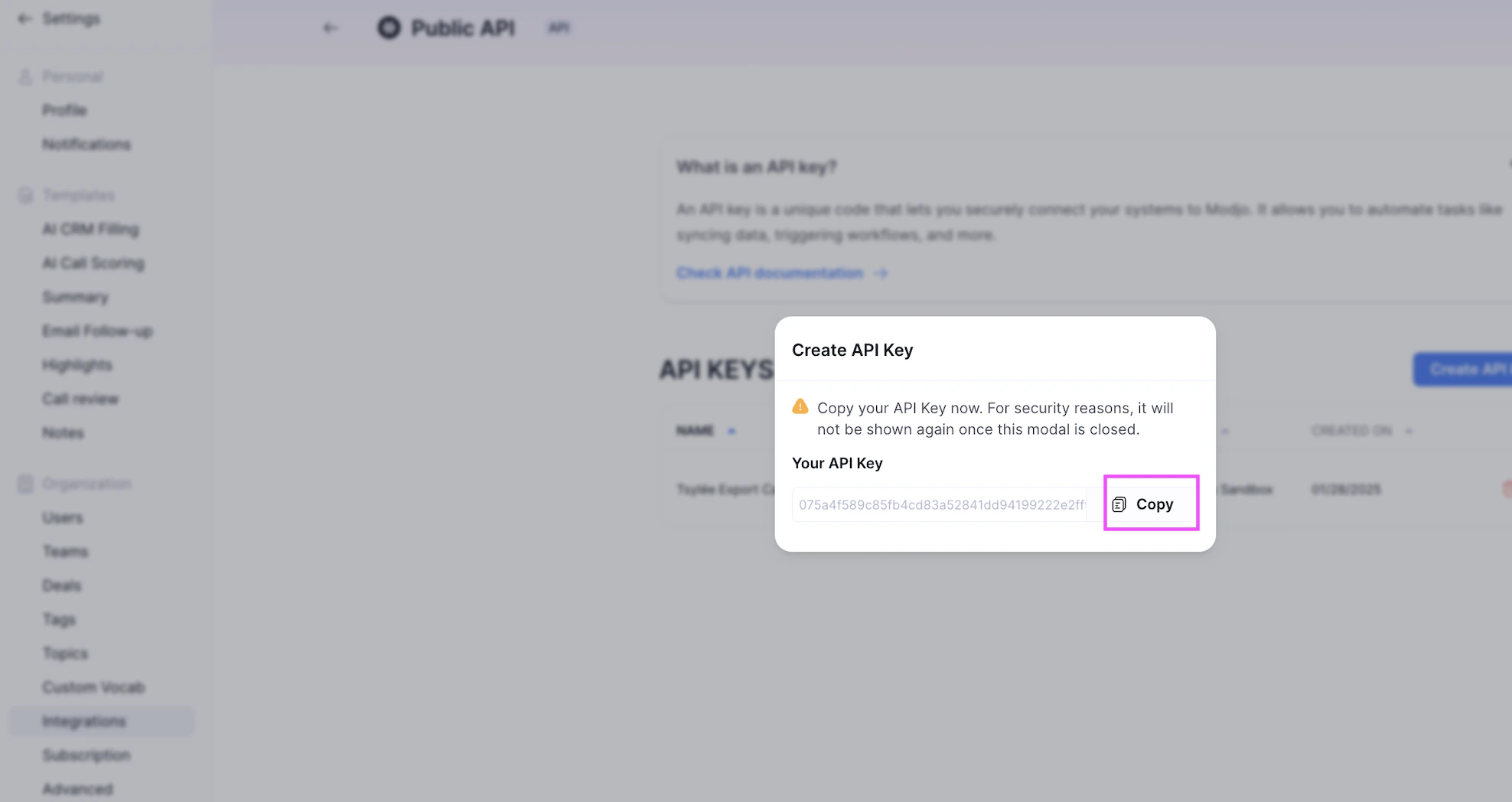
- Click Copy to copy your API key — make sure to save it, as Modjo AI does not store it and you will not be able to retrieve it later.
Step 2: Enter credentials in Nango
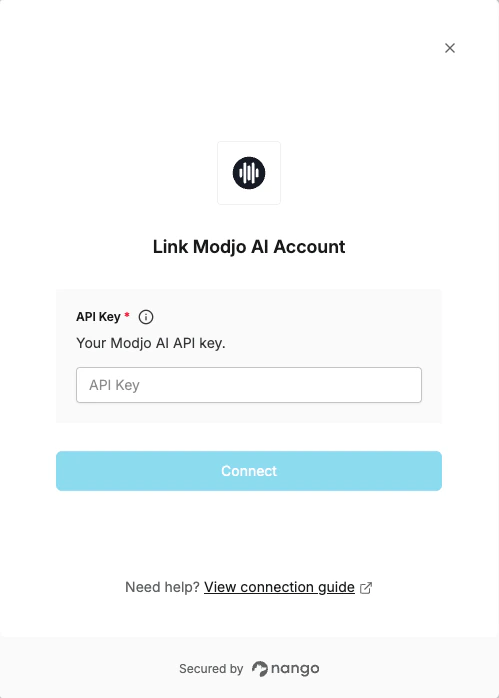
- Open the form where you need to authenticate with Modjo AI.
- Enter your API Key in the respective field.
- Submit the form to connect your Modjo AI account.