Overview
To authenticate with ModernLoop, you need:- API Key — a ModernLoop API token for your organization.
Prerequisites
- A ModernLoop account in the organization you want to connect, with access to create API tokens. If you don’t see where to create one, ask your ModernLoop administrator or ModernLoop support.
Step 1: Create an API token
- Sign in to ModernLoop and create an API token for your organization.
- Grant only the read and write scopes your integration needs. A call that needs a scope the token doesn’t have fails with
INSUFFICIENT_SCOPE. See Required permissions for the list of scopes. - Copy the token.
Step 2: Enter your API key in the Connect UI
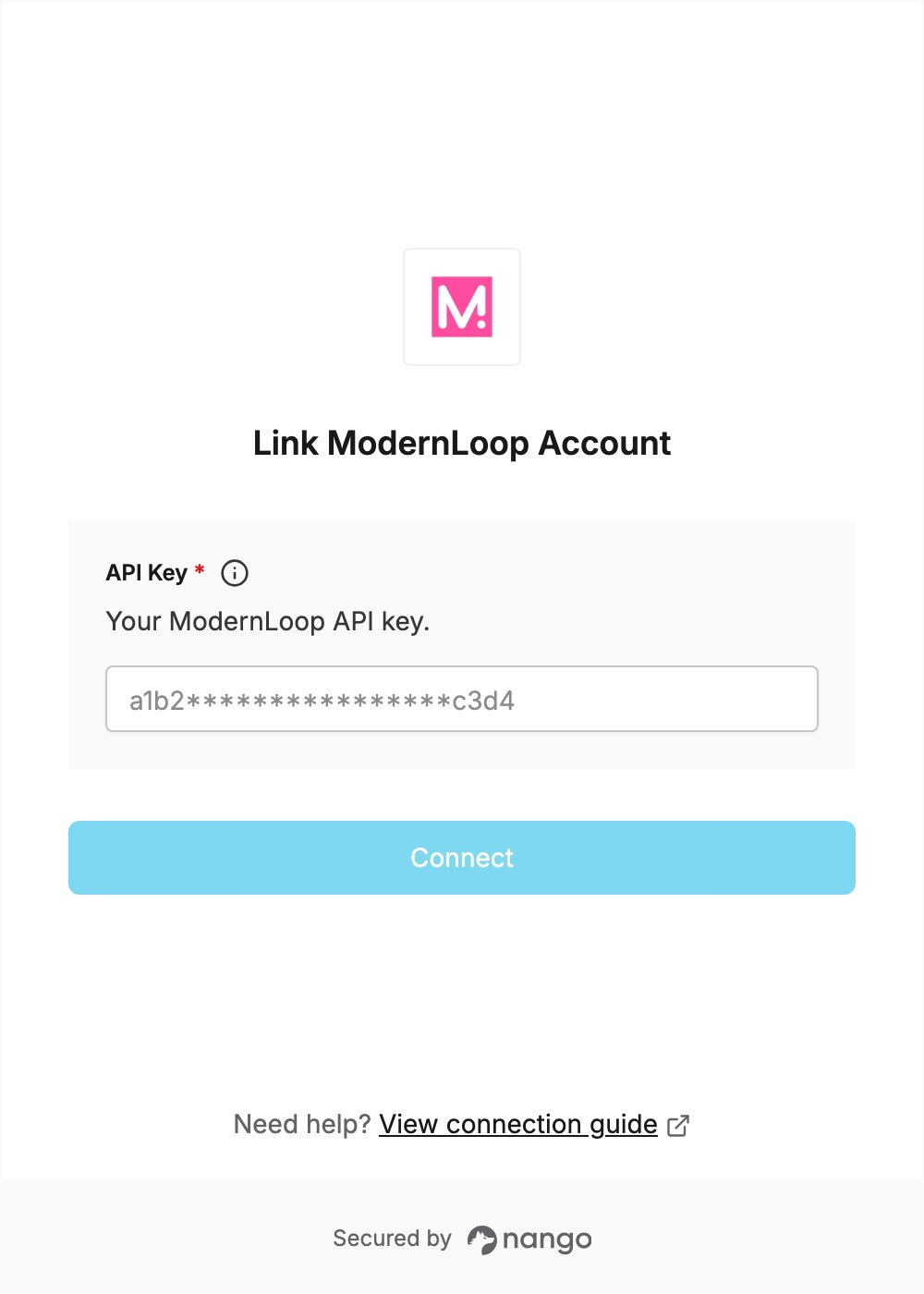
- Open the form where you need to authenticate with ModernLoop.
- Enter your token in the API Key field.
- Submit the form, and you should be successfully authenticated.