Overview
To authenticate with Minerstat, you need:- API Key — a Minerstat API key.
Prerequisites
- A Minerstat developer account. The Free plan includes API access and needs no card; sign up here.
Step 1: Open the developer portal
- Go to the Minerstat developer portal and sign in with your email or Google.
- On your first sign-in, tick I accept the API terms and click Activate the developer portal.
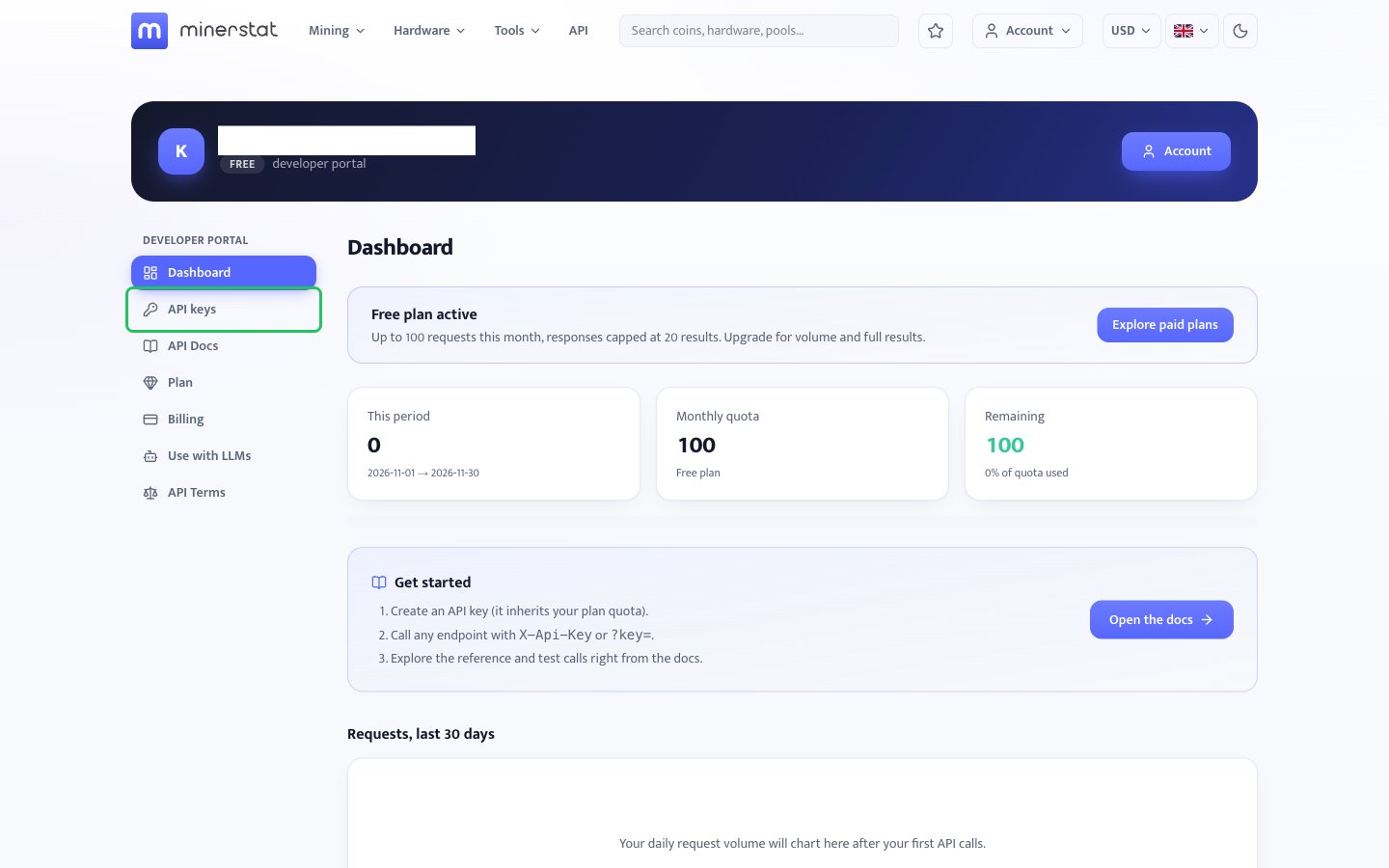
- In the sidebar, click API keys.
Step 2: Create an API key
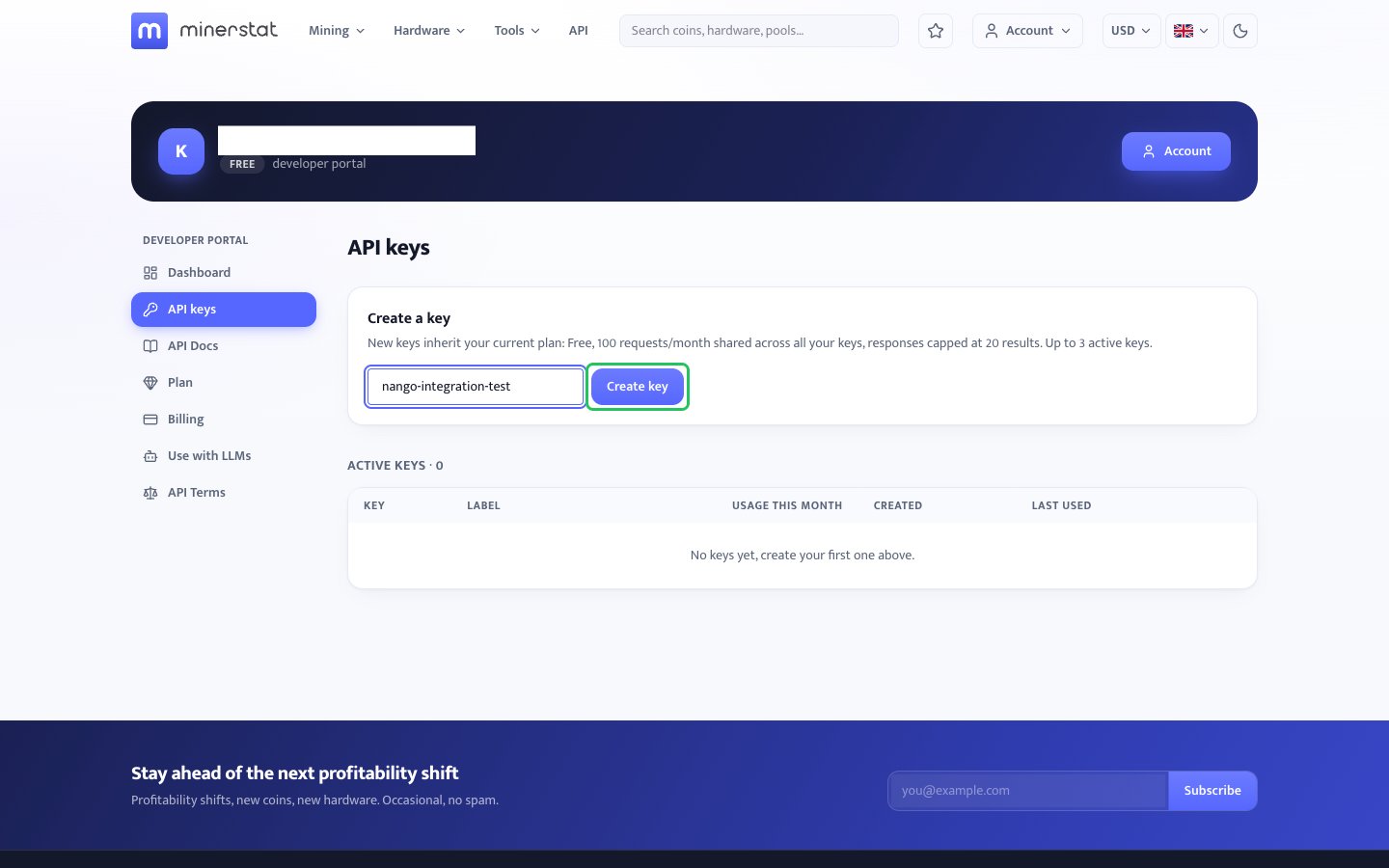
- Under Create a key, enter a label (optional), then click Create key.
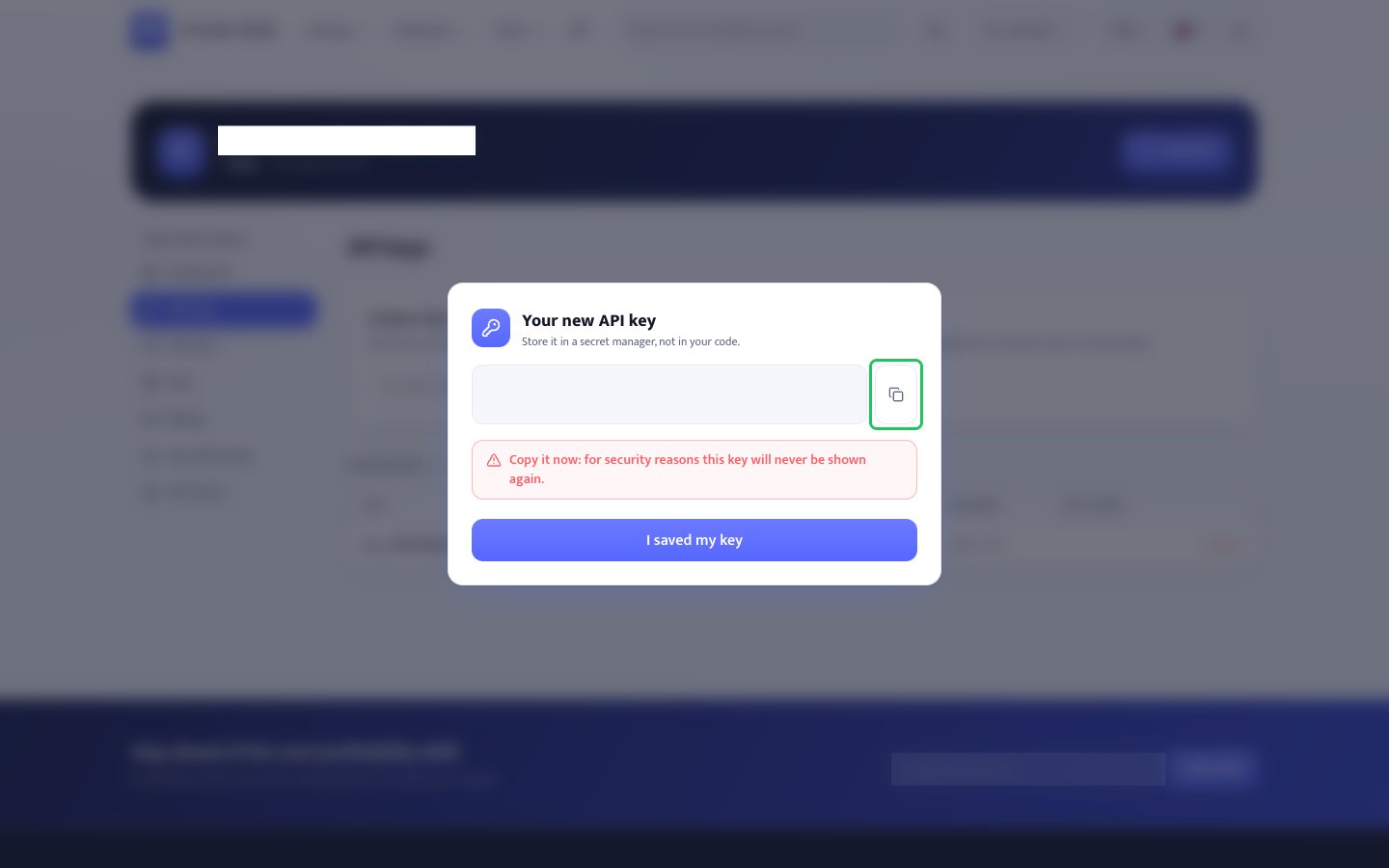
- In the Your new API key panel, click the copy button. Minerstat shows the key only once, so store it before you continue.
- Click I saved my key.
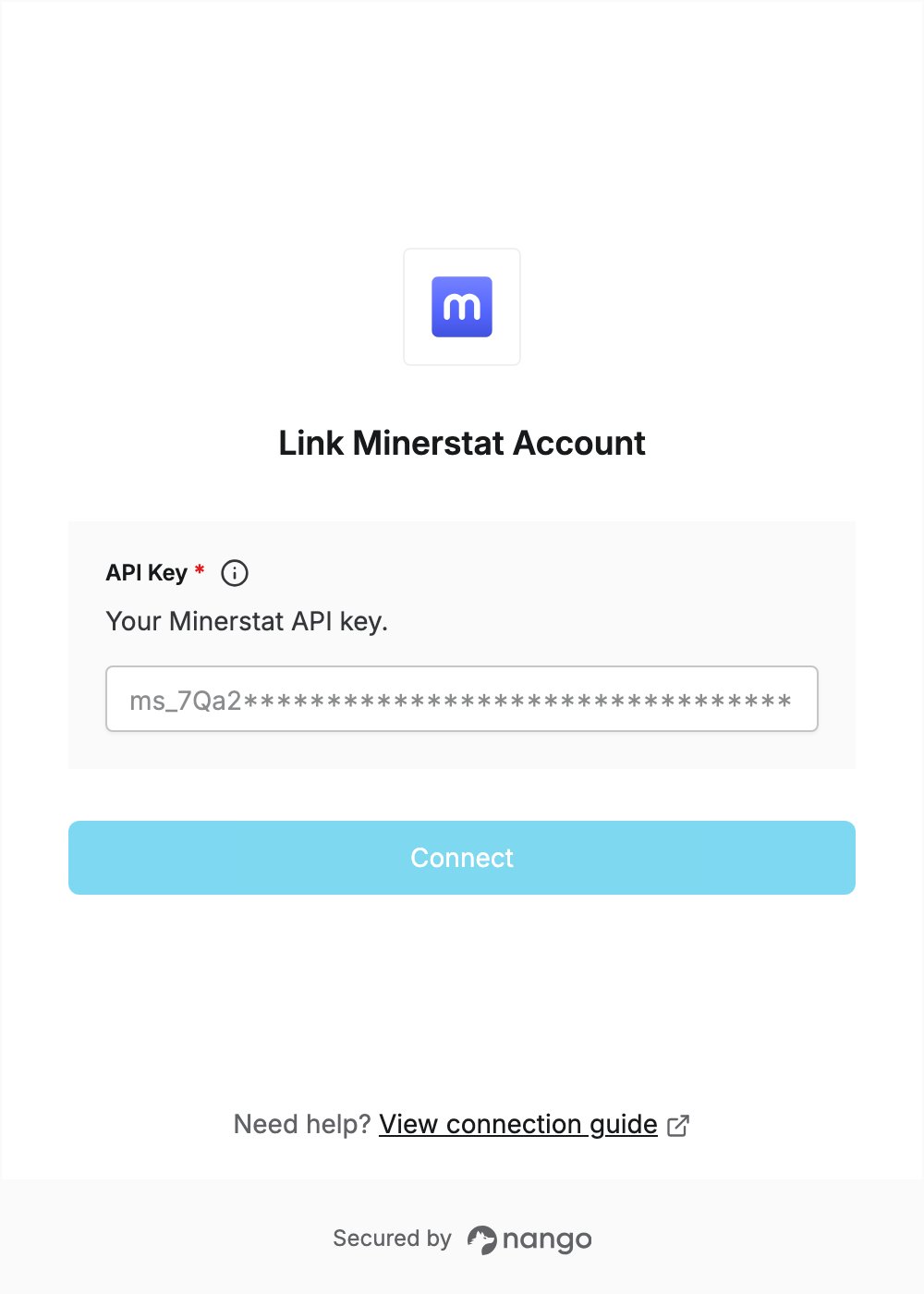
Step 3: Enter your API key in the Connect UI
- Open the form where you need to authenticate with Minerstat.
- Enter your API Key in the designated field.
- Click Connect.