Overview
To authenticate with MillionVerifier, you need an API Key. This guide walks you through locating your API key in MillionVerifier and connecting your account.Prerequisites
- A MillionVerifier account
Instructions
Step 1: Finding your API key
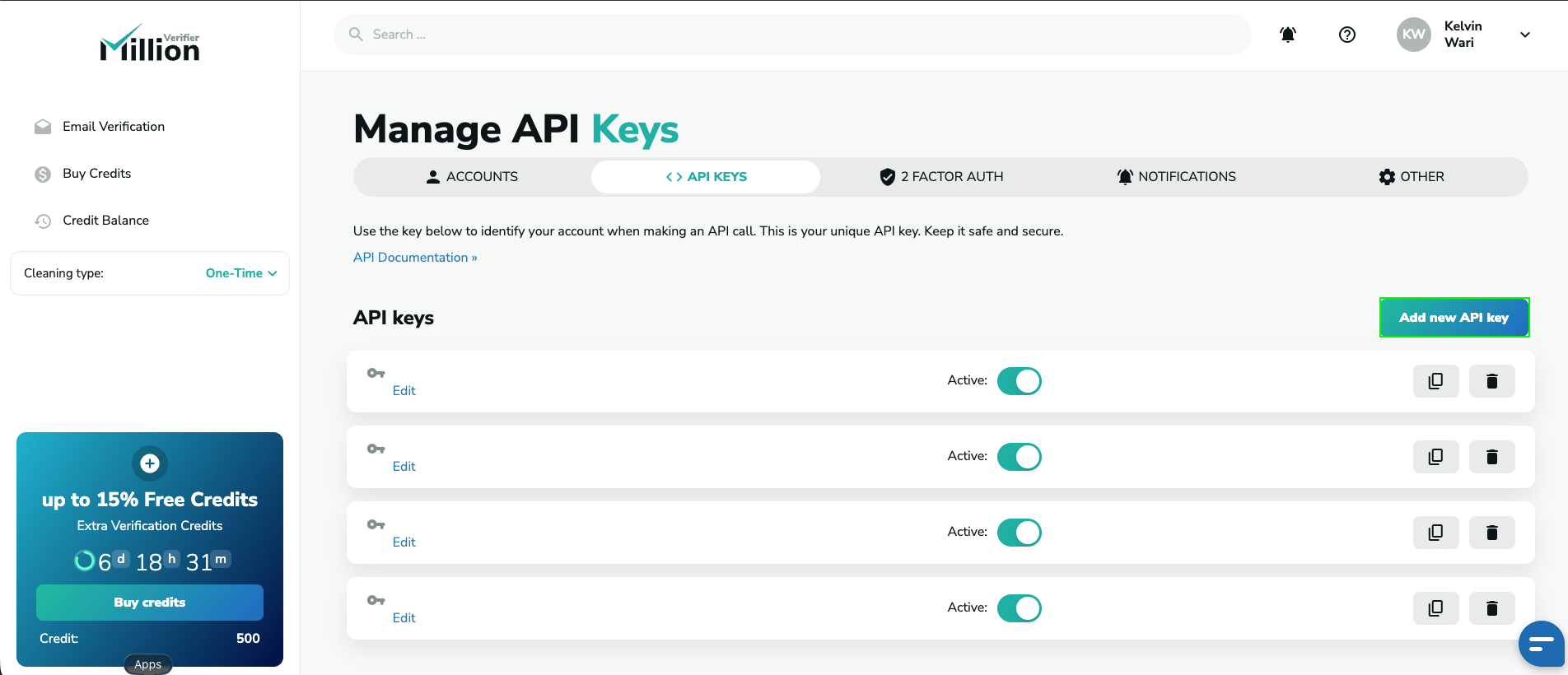
- Log in to your MillionVerifier account.
- Go to the API page.
- Copy your API key, or click Add new API Key to generate a new one.
Step 2: Enter your credentials in the Connect UI
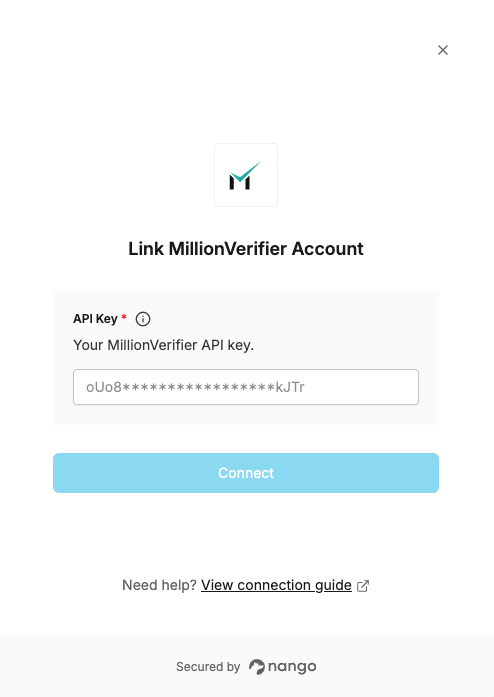
- Open the form where you need to authenticate with MillionVerifier.
- Enter your API Key.
- Submit the form, and you should be successfully authenticated.