Overview
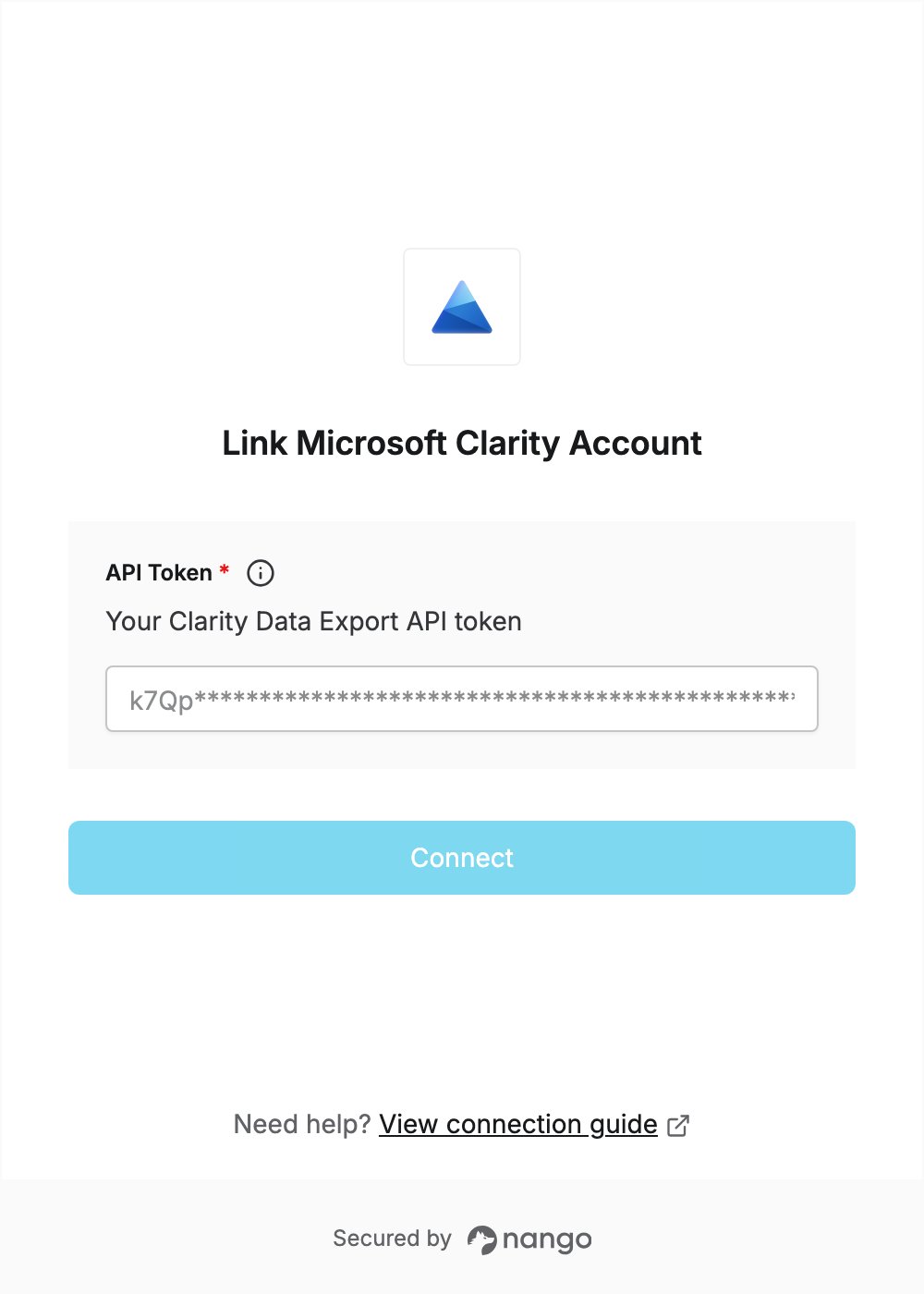
To authenticate with Microsoft Clarity, you need:- API Token — a Data Export API token for your Clarity project.
Prerequisites
- Admin access to the Clarity project you want to connect. Only project admins can manage API tokens, and each token belongs to one project.
Step 1: Open your project settings
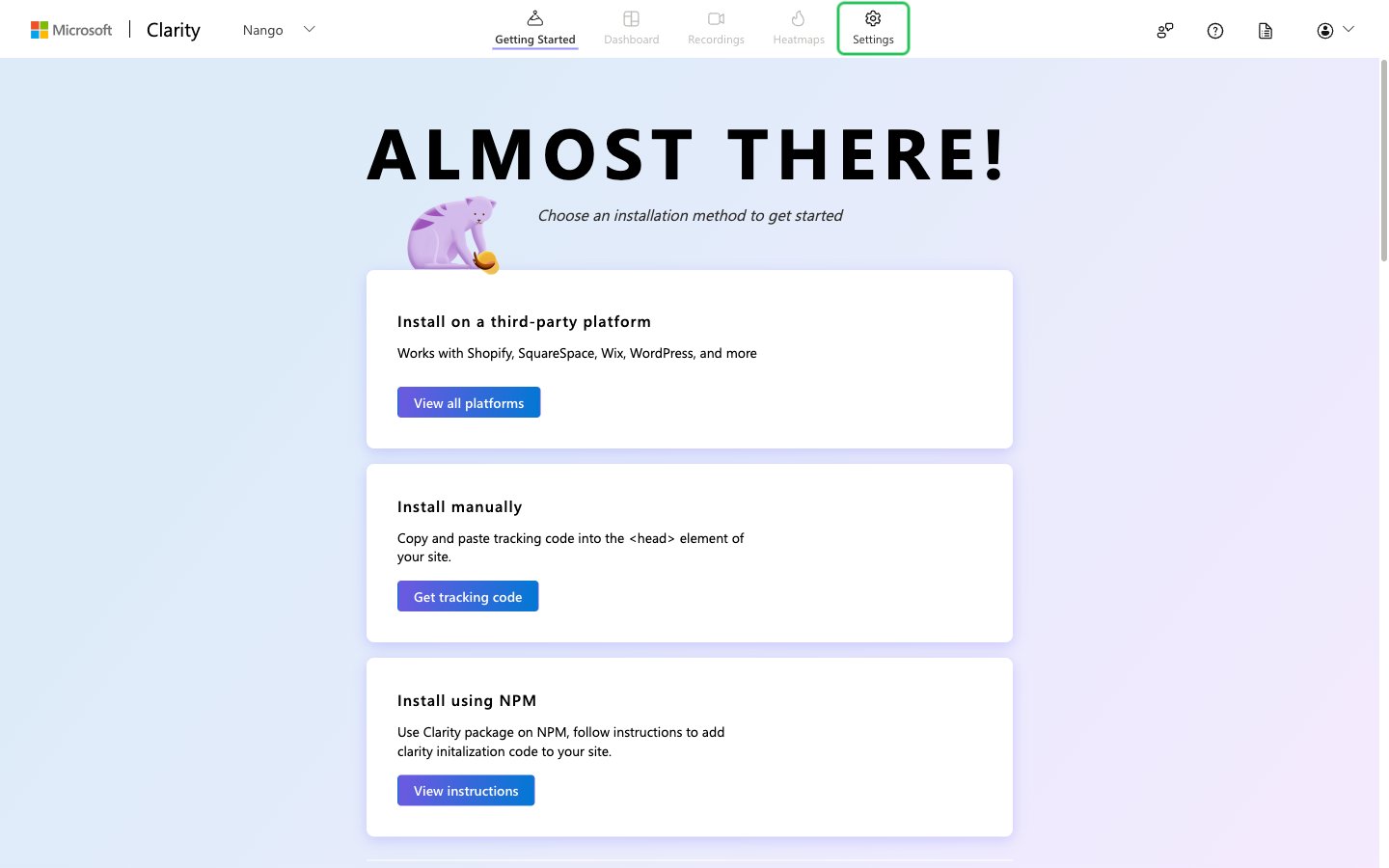
- Sign in to Microsoft Clarity and open your project.
- Click the Settings tab.
Step 2: Generate an API token
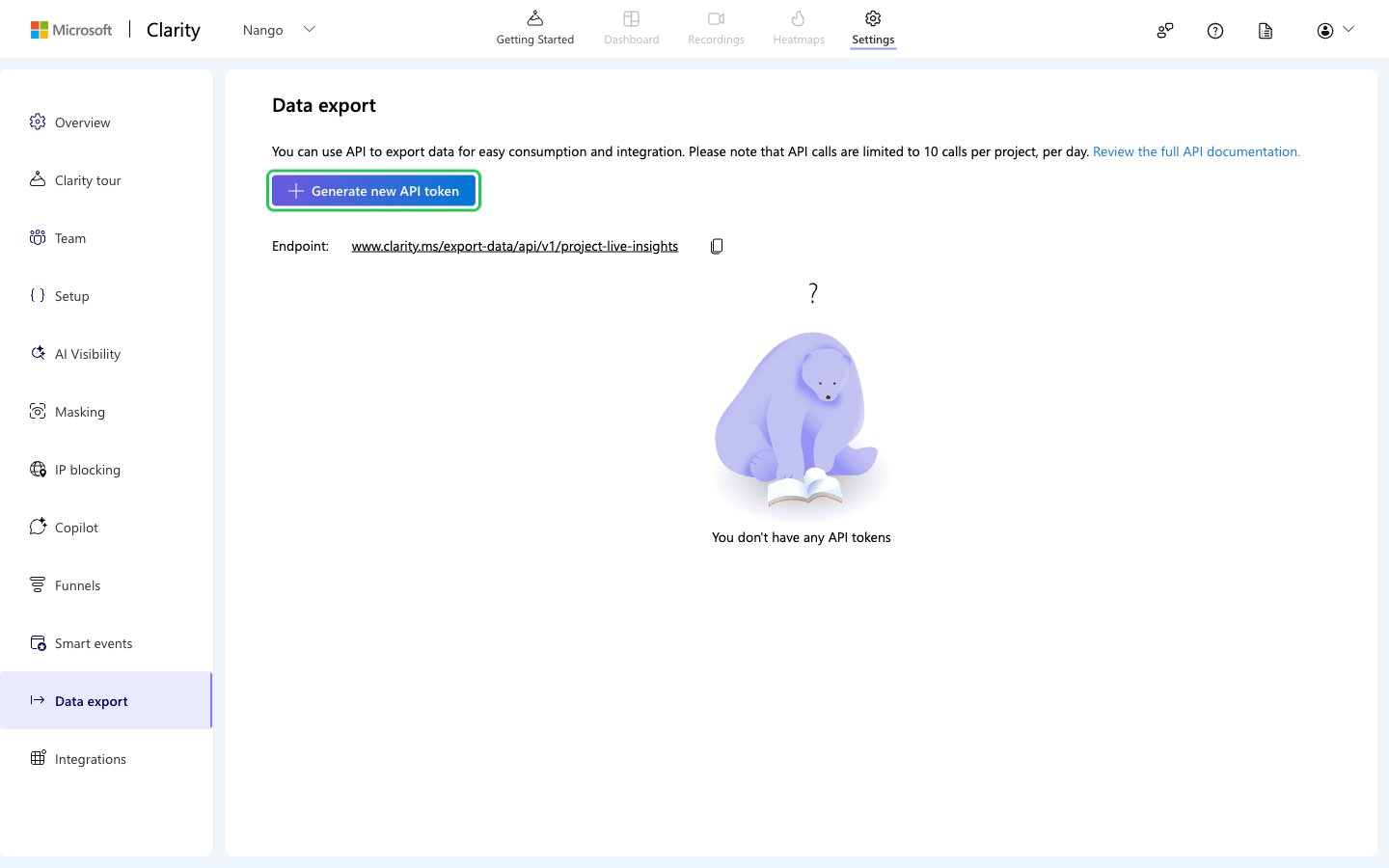
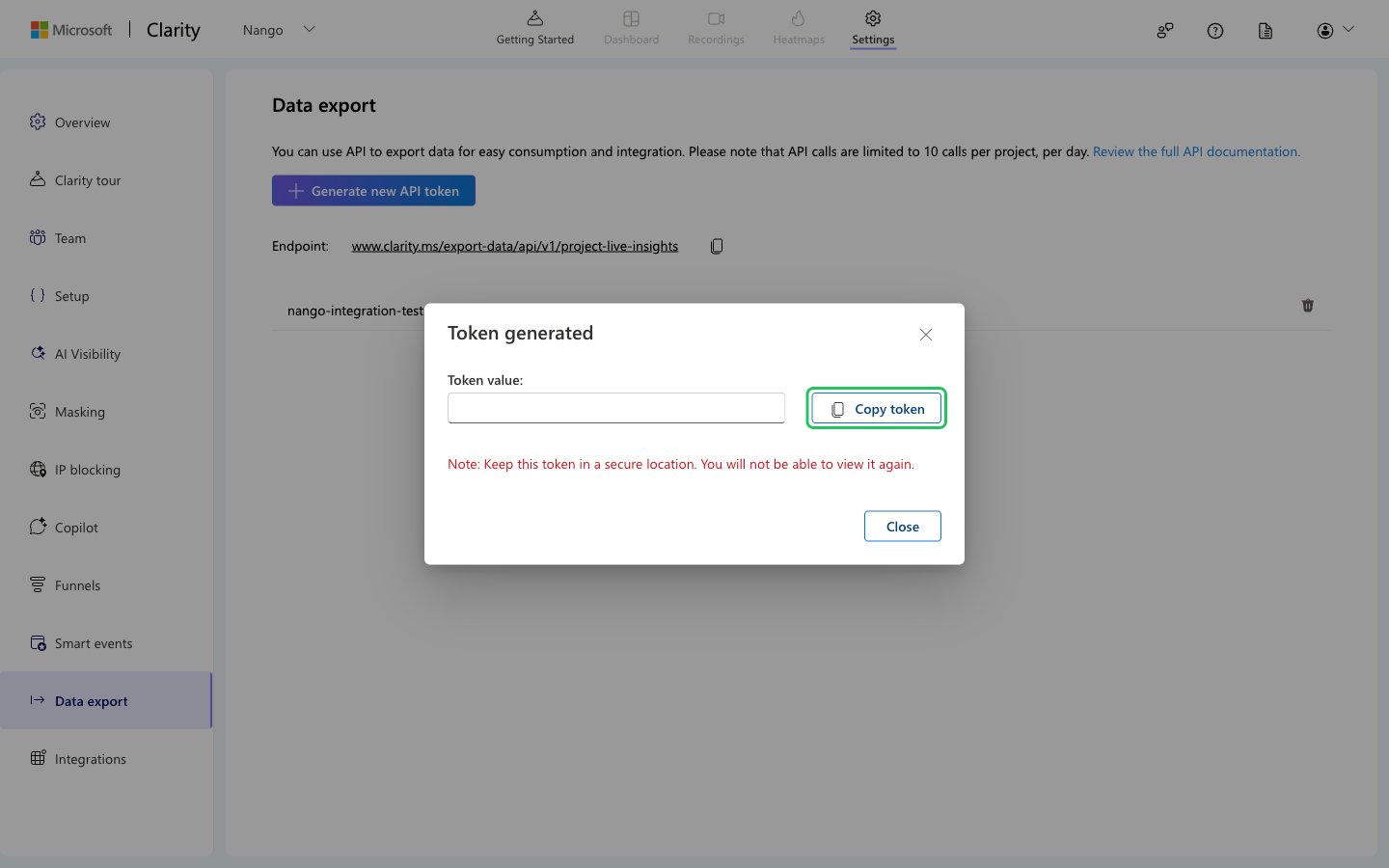
- In the Settings sidebar, select Data export, then click Generate new API token.
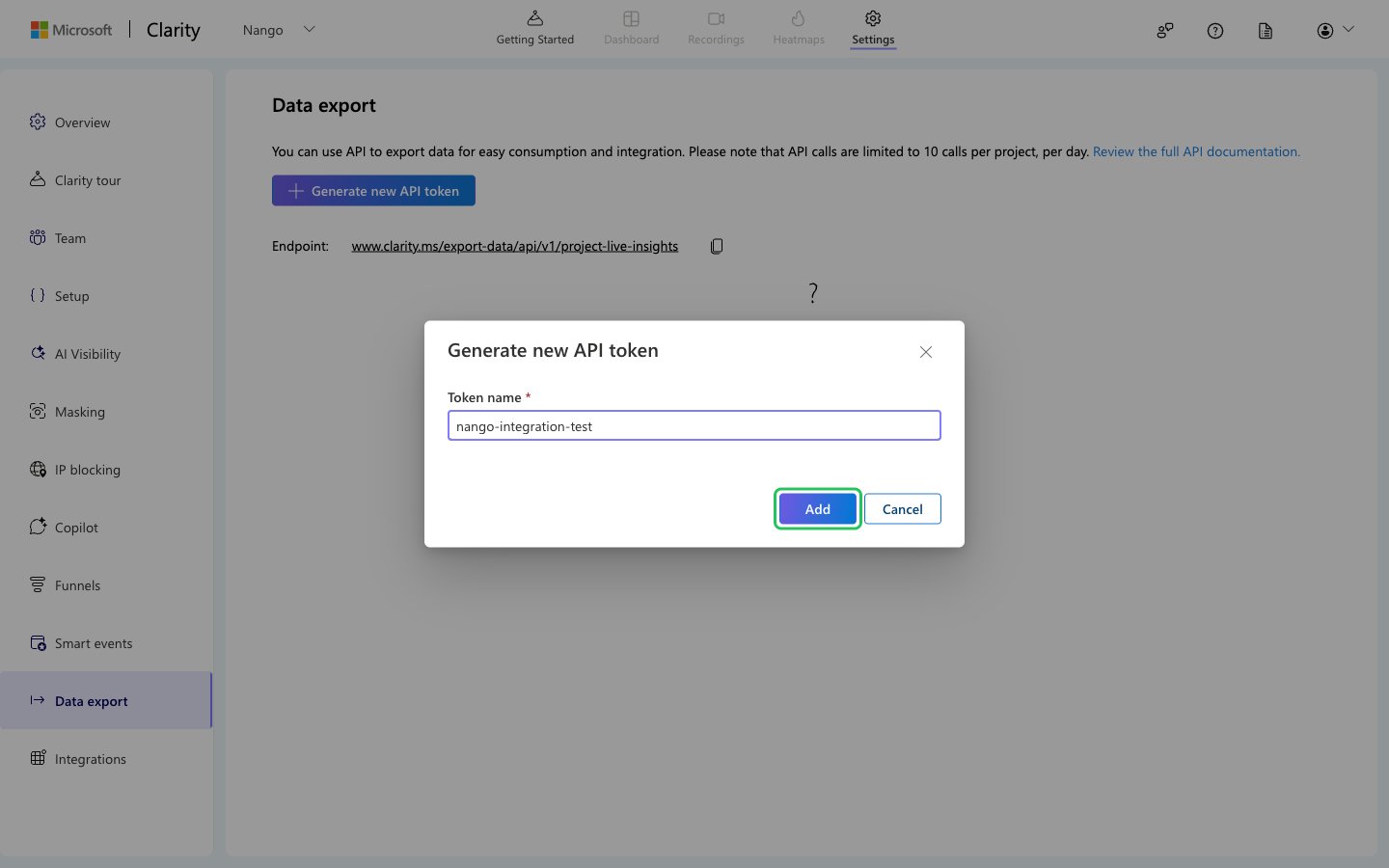
- Enter a token name (4 to 32 characters: letters, digits, hyphens, underscores and periods, no spaces), then click Add.
- Click Copy token to copy the generated token. It is shown only once, so store it securely.
Step 3: Enter your API token in the Connect UI
- Open the form where you need to authenticate with Microsoft Clarity.
- Enter your token in the API Token field.
- Submit the form. The connection is saved without checking the token: if the token is wrong, the first API request returns an authentication error.