Overview
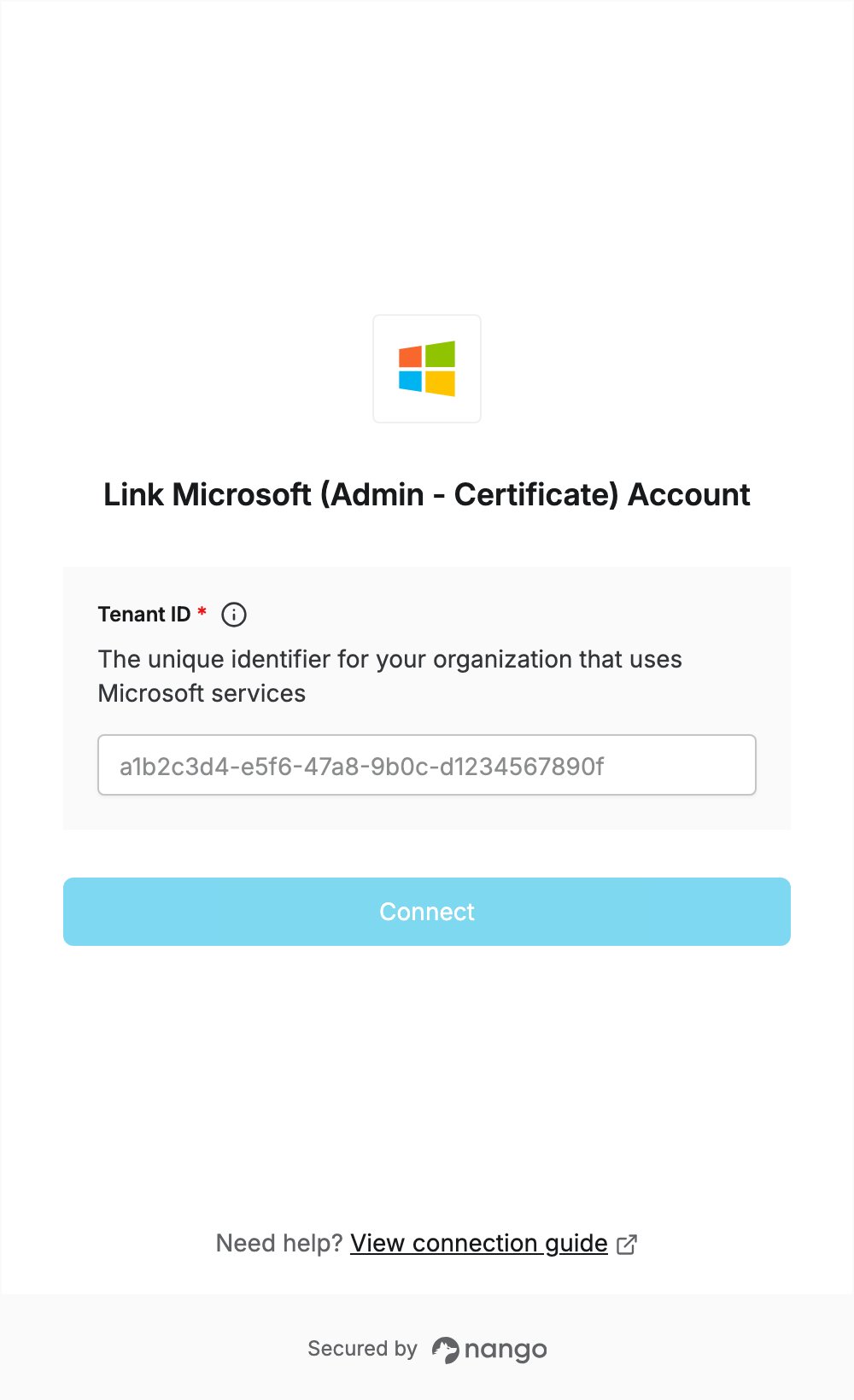
To authenticate with Microsoft (Admin - Certificate), you need:- Tenant ID - The unique identifier for your organization that uses Microsoft services.
Prerequisites
- A Microsoft Entra ID (Azure AD) tenant, and an account that can grant Microsoft Graph application permissions in it (a Global Administrator or Privileged Role Administrator).
Step 1: Finding your Tenant ID
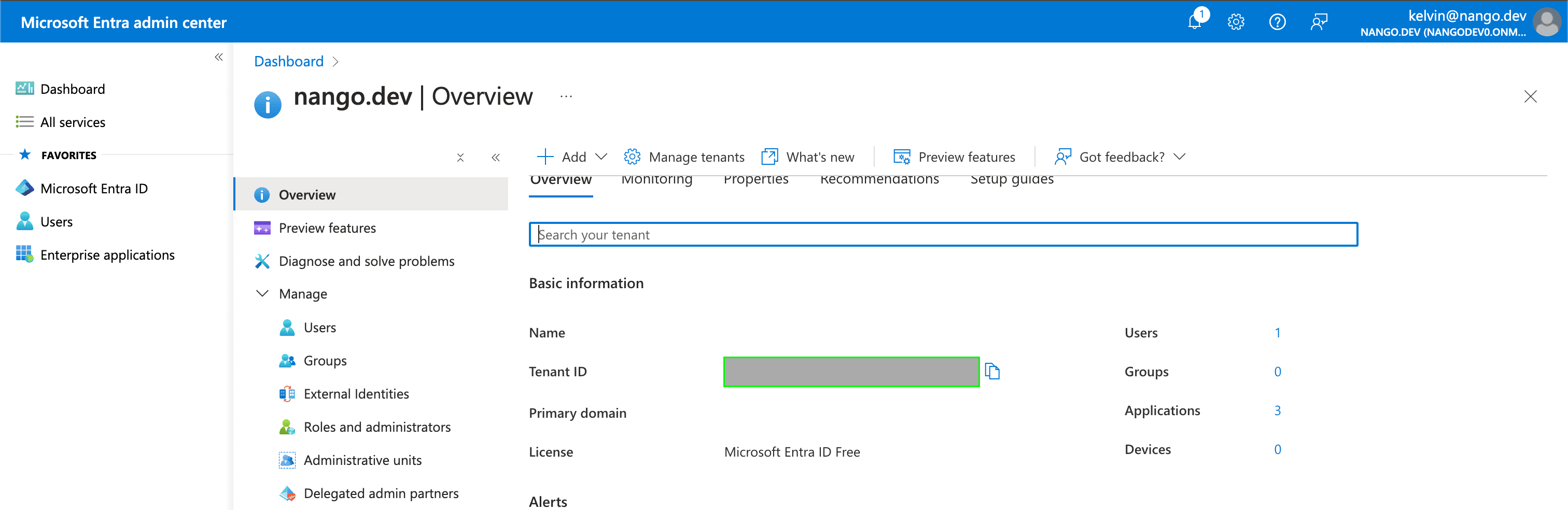
- Sign in to the Microsoft Entra admin center.
- Open Identity > Overview. Your Tenant ID is shown on the Overview tab.
Step 2: Enter your Tenant ID in the Connect UI
- Open the form where you need to authenticate with Microsoft (Admin - Certificate).
- Enter your Tenant ID.
- Submit the form. Microsoft opens a sign-in page: sign in as an administrator and click Accept to grant the permissions for your organization.