Overview
To authenticate with Mezmo, you need:- API Key — a Mezmo service account key, personal access key, or enterprise service account key.
Prerequisites
- A Mezmo account with permission to create service accounts. Mezmo recommends reserving this permission for account administrators.
Step 1: Create a service account key
- Sign in to the Mezmo web app.
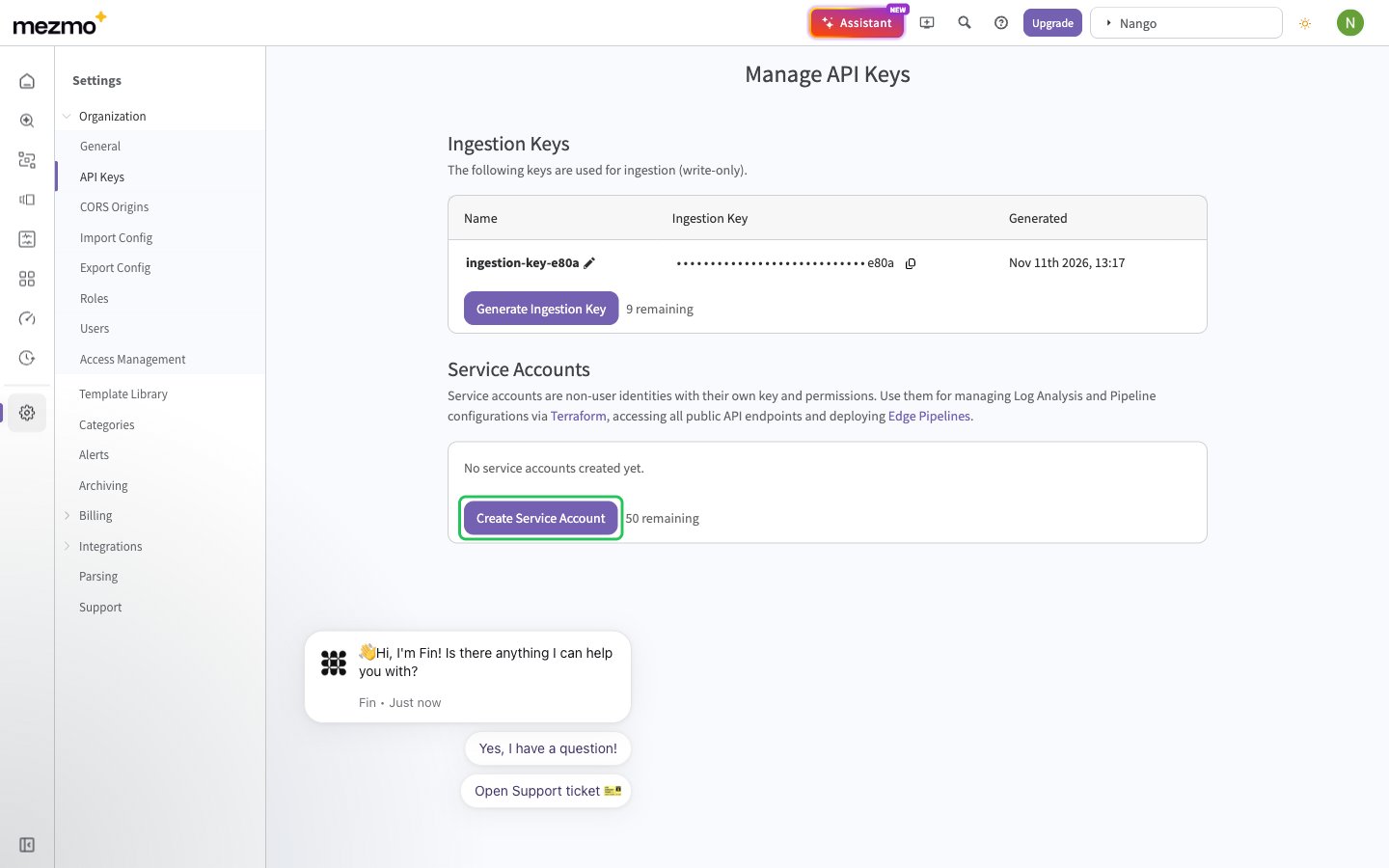
- Go to Settings > Organization > API Keys, then under Service Accounts click Create Service Account.
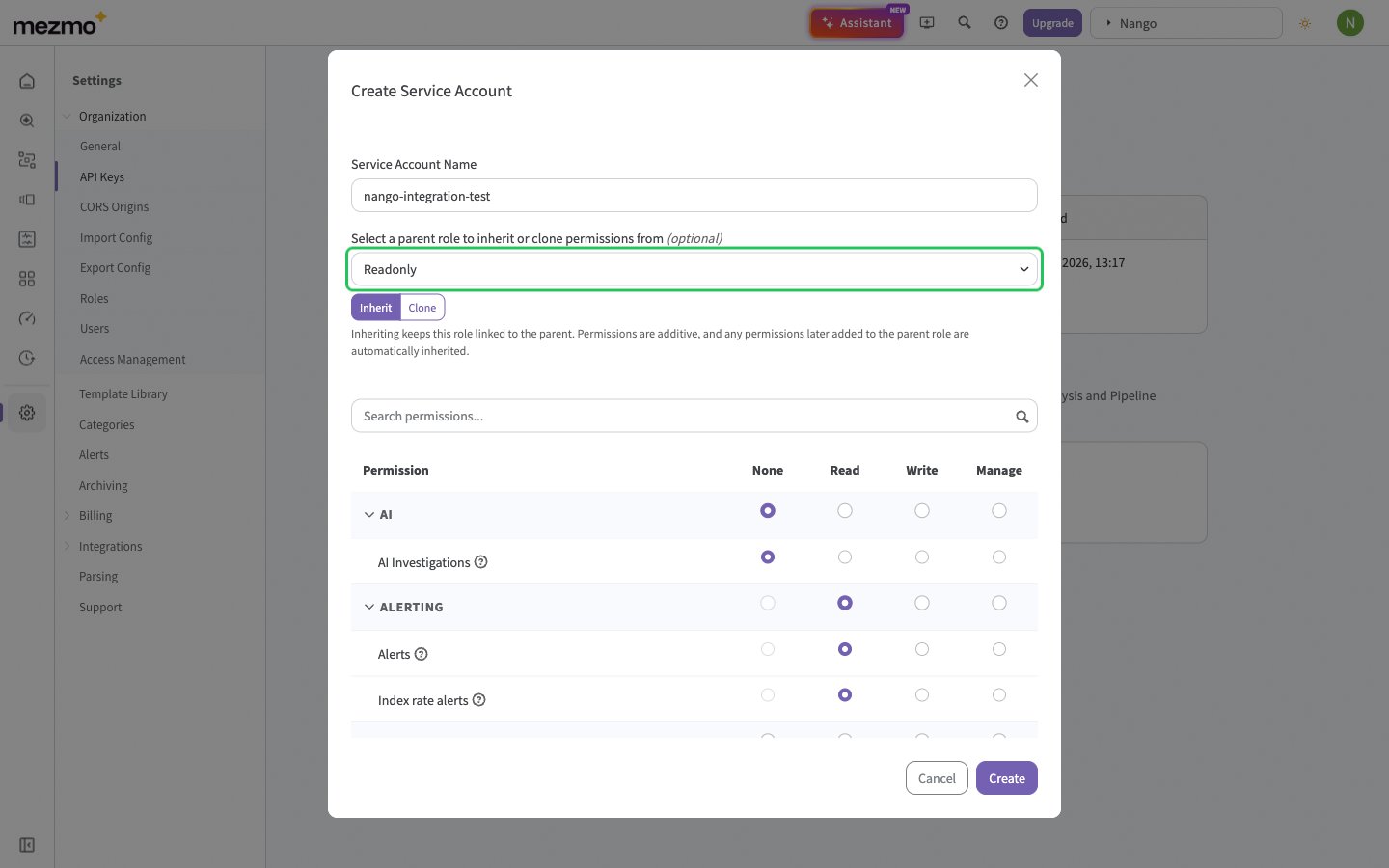
- Enter a Service Account Name (3 to 50 characters) and select a parent role that grants the access your integration needs, for example Readonly. Nango checks the key by listing your pipelines or accounts, so the key needs read access to one of them. Click Create.
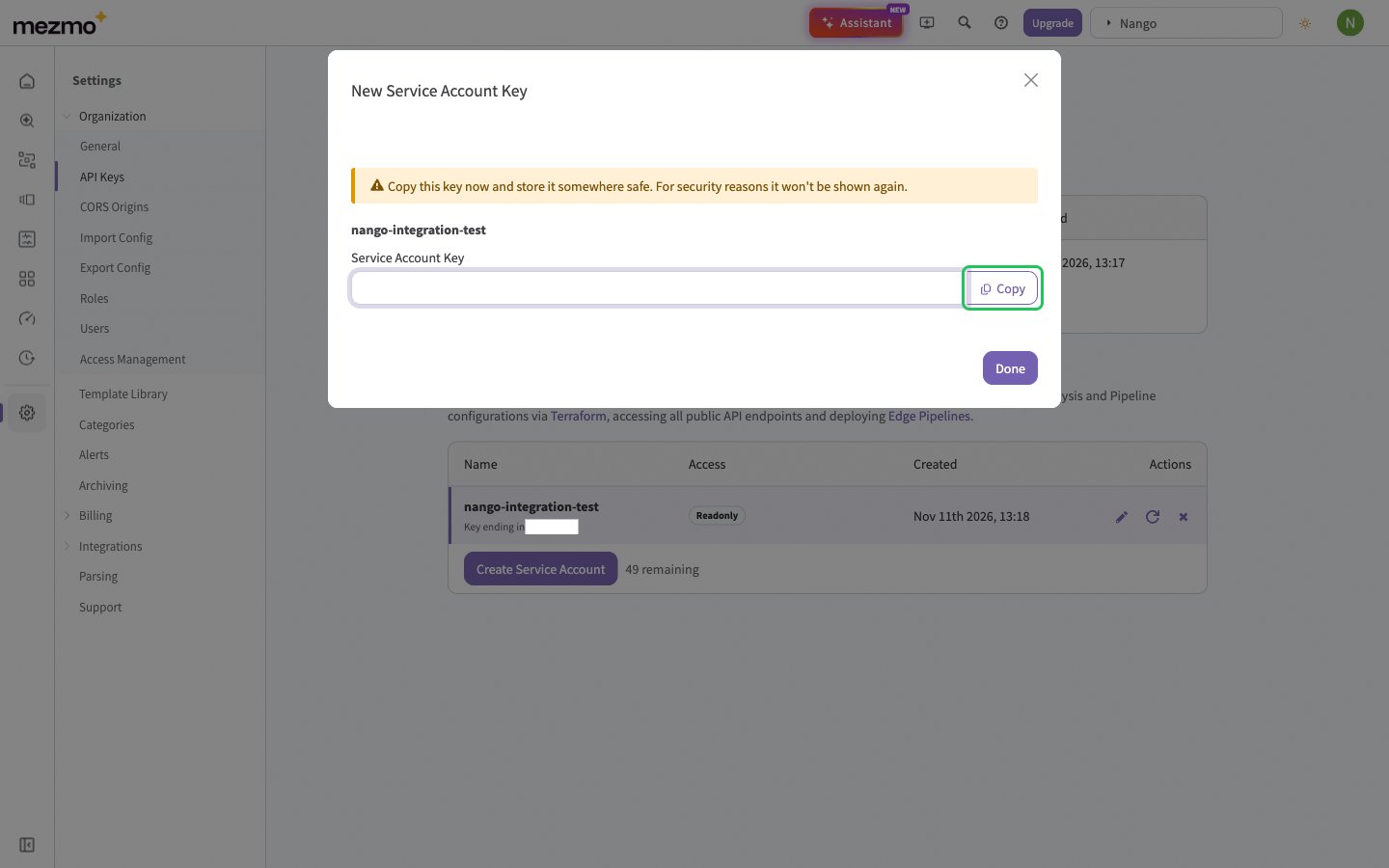
- Click Copy to copy the key, which starts with
sts_. Mezmo shows it only once.
sta_ and cannot exceed the access of the user they belong to.
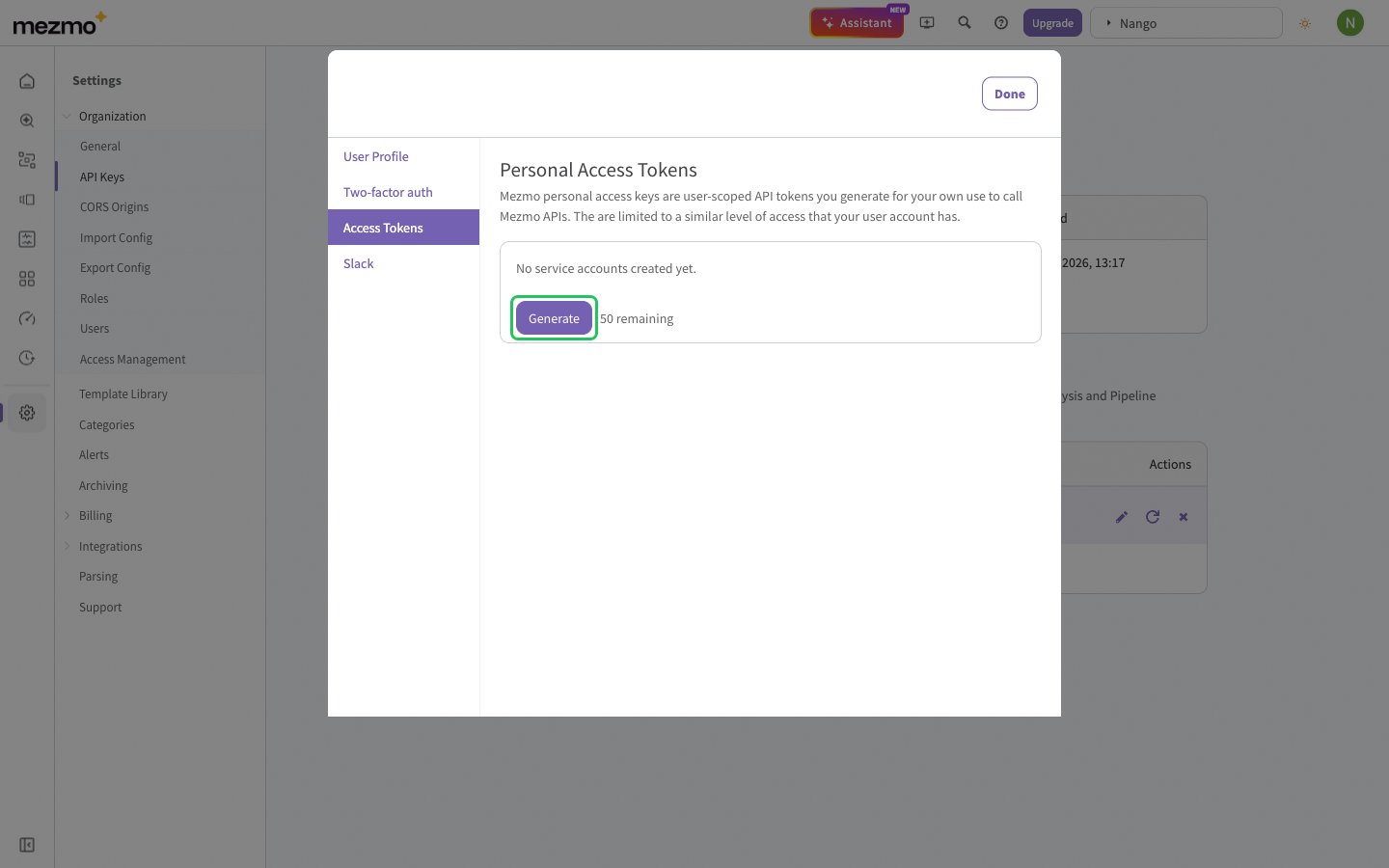
ste_ and are only available through Mezmo’s enterprise dashboard. They work the same way.
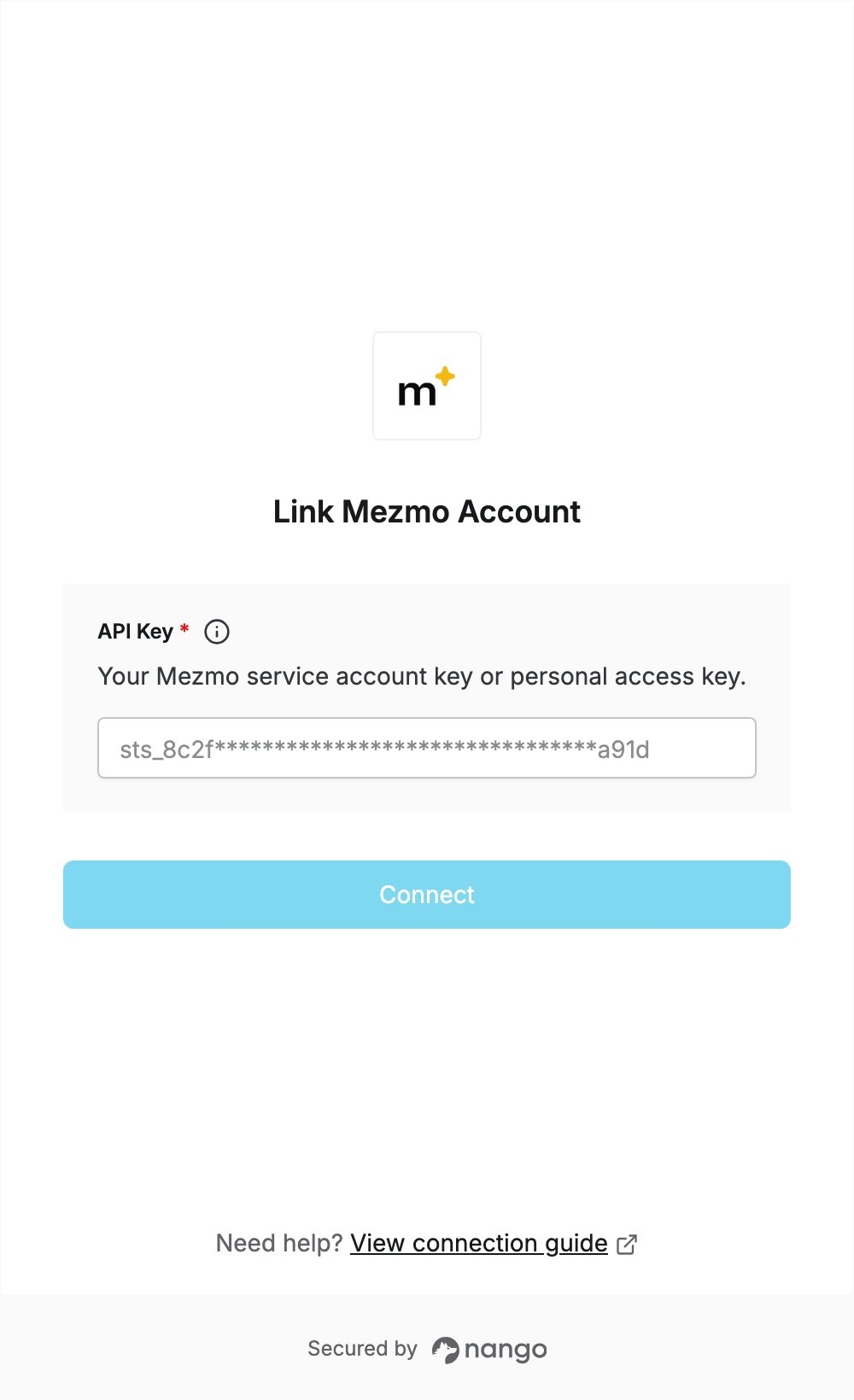
Step 2: Enter your API key in the Connect UI
- Open the form where you need to authenticate with Mezmo.
- Enter your API Key in the designated field.
- Submit the form, and you should be successfully authenticated.