Overview
Mercury supports both a production and a sandbox environment. You can connect to either when setting up your integration.Instructions
Step 1: Choose your environment
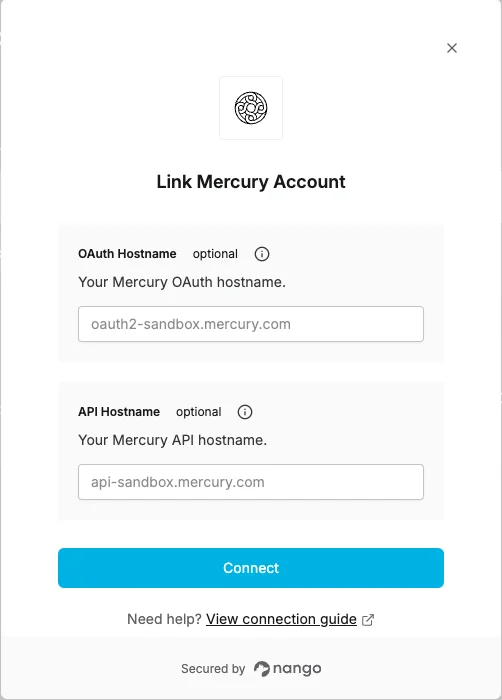
Sandbox Enter the following hostnames to use the Mercury sandbox:
Production (default)
Leave the API Hostname and OAuth Hostname fields empty. Nango will connect to the production environment automatically.
Step 2: Authorize Mercury
- Open the form where you need to authenticate with Mercury.
- Optionally fill in the API Hostname and OAuth Hostname fields. Leave them empty for production.
- Submit the form, and you should be successfully authenticated.