Overview
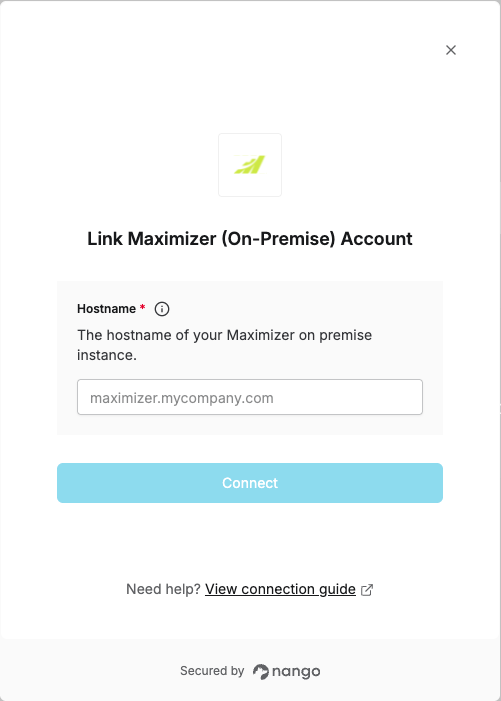
To authenticate with Maximizer (On-Premise), you will need:- Hostname - The hostname of your Maximizer on premise instance
Prerequisites
- A Maximizer on-premise instance.
Instructions:
Step 1: Finding your hostname
- The Hostname is the domain name of your Maximizer on premise web access server. It is the part of the URL you use to access Maximizer, without
https://and without any URL path.
Step 2: Enter credentials in the Connect UI
- Open the form where you connect to Maximizer (On-Premise)
- Enter your Hostname in the respective field.
- Submit the form, and you should be successfully authenticated.