Overview
To authenticate with MailerSend, you need:- API Token — a MailerSend API token.
Prerequisites
- A MailerSend account with a verified email address.
Step 1: Create an API token
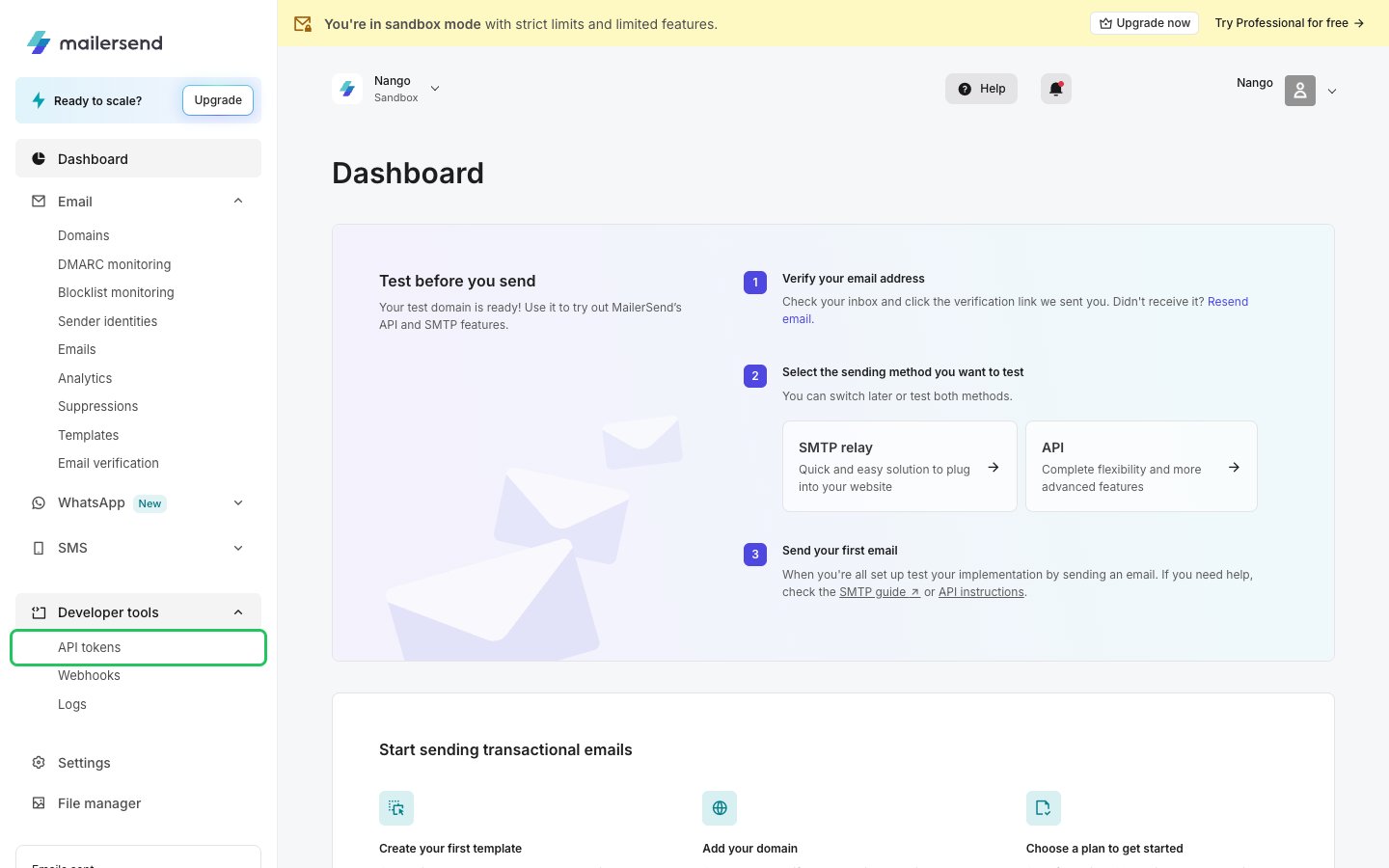
- Log in to MailerSend. In the left sidebar, open Developer tools and click API tokens.
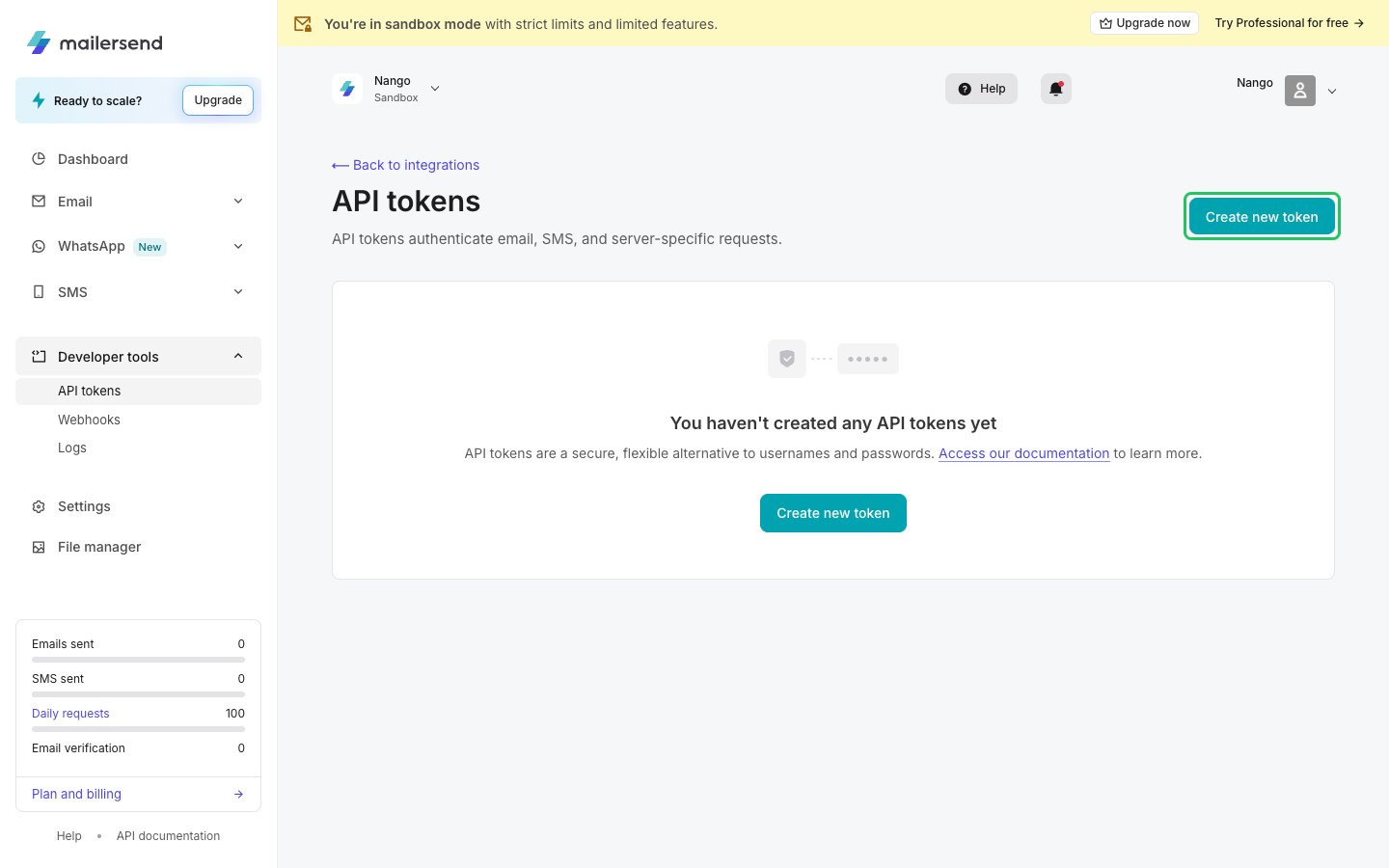
- Click Create new token.
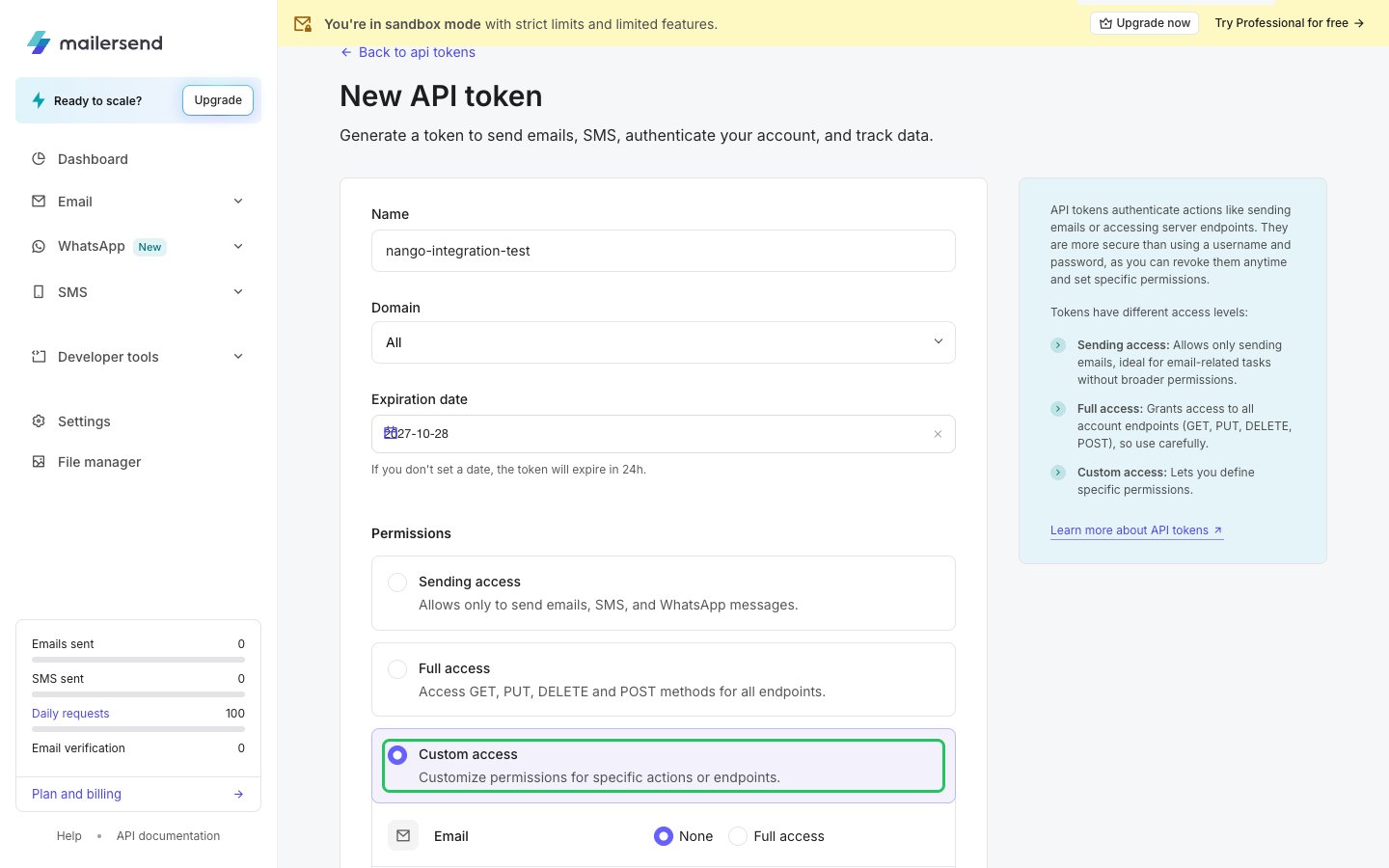
- Enter a name, choose the domain, and set an Expiration date. If you leave it empty, the token expires after 24 hours.
- Under Permissions, choose Full access, or Custom access with the permissions your integration needs. Then click Generate token.
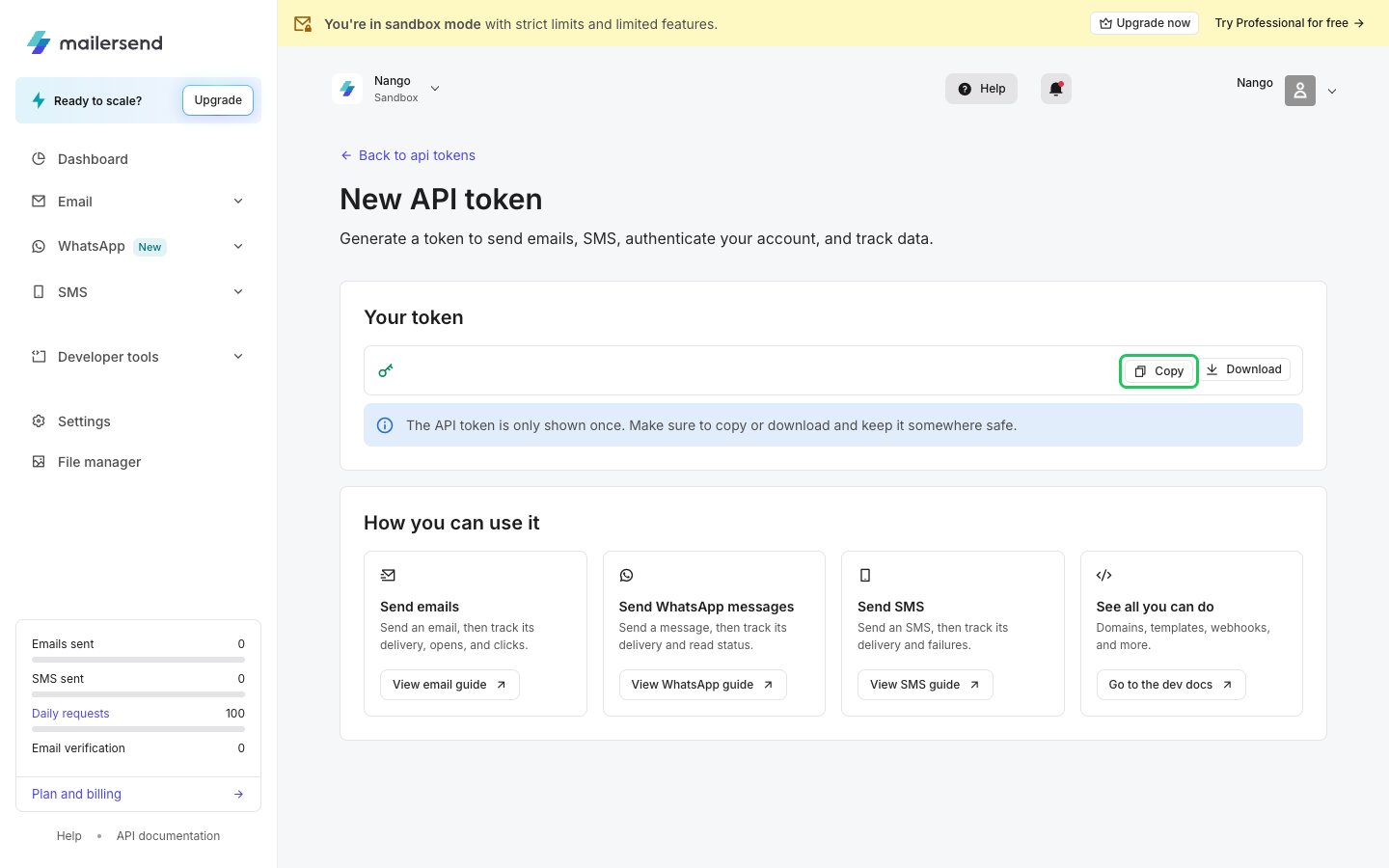
- Copy the token right away. MailerSend shows it only once.
Step 2: Enter your API token in the Connect UI
- Open the form where you need to authenticate with MailerSend.
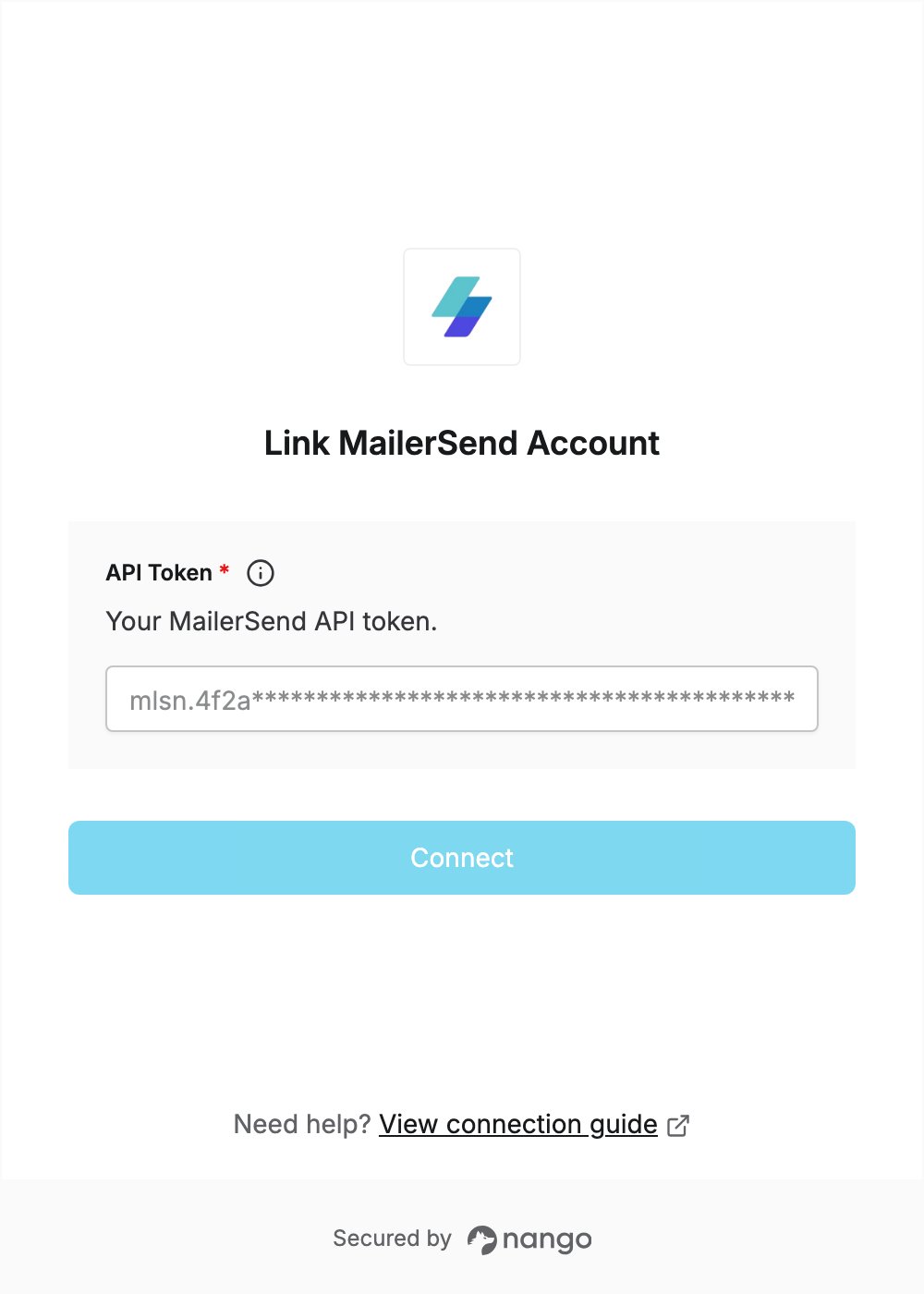
- Enter your API Token in the designated field.
- Submit the form, and you should be successfully authenticated.