Overview
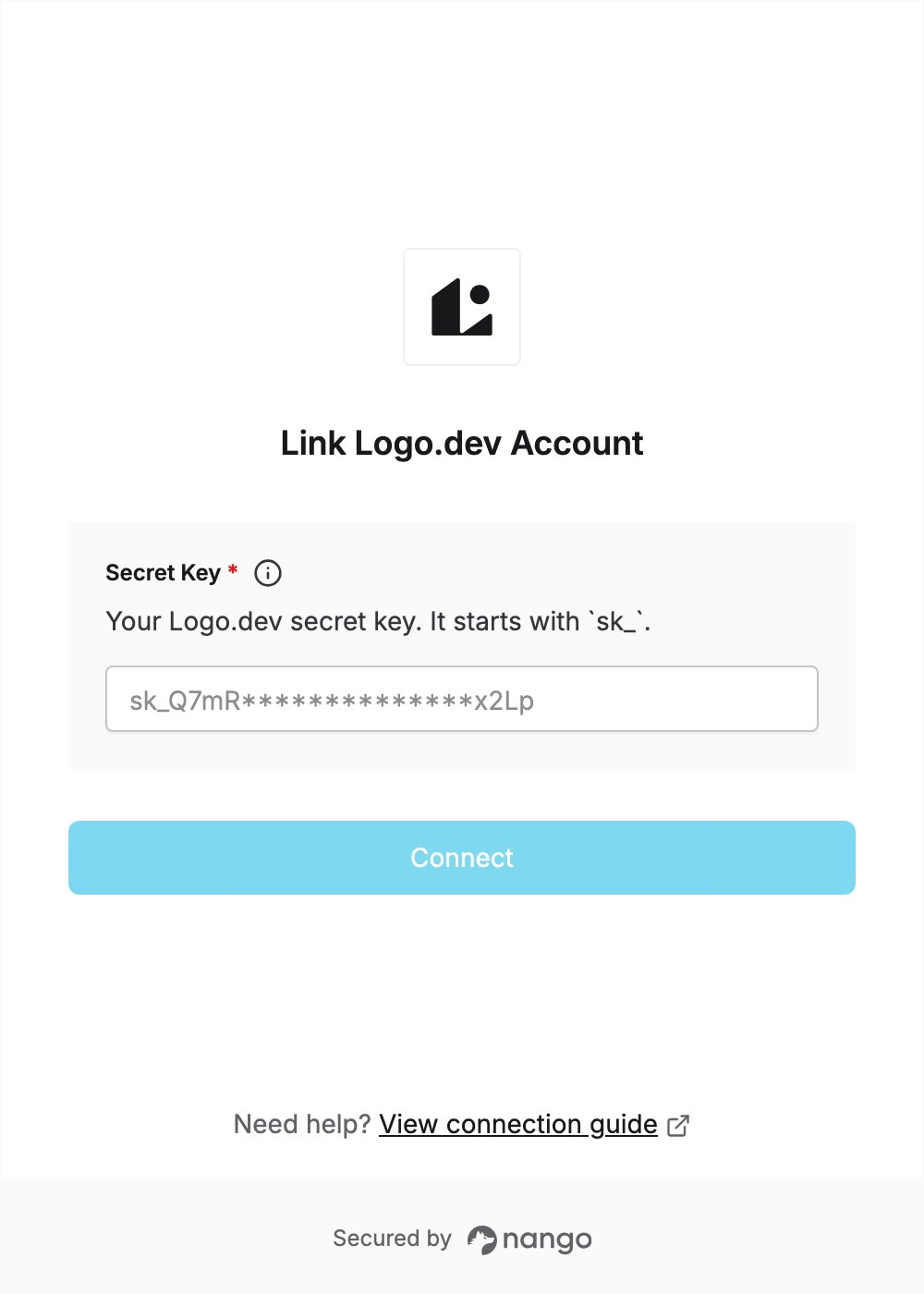
To authenticate with Logo.dev, you need:- Secret Key — the API secret key from your Logo.dev dashboard.
Prerequisites
- A Logo.dev account. You can sign up for free at logo.dev.
- On a team, only an admin can create keys.
Step 1: Copy your secret key
- Sign in to Logo.dev and open API Keys under Manage in the dashboard sidebar.
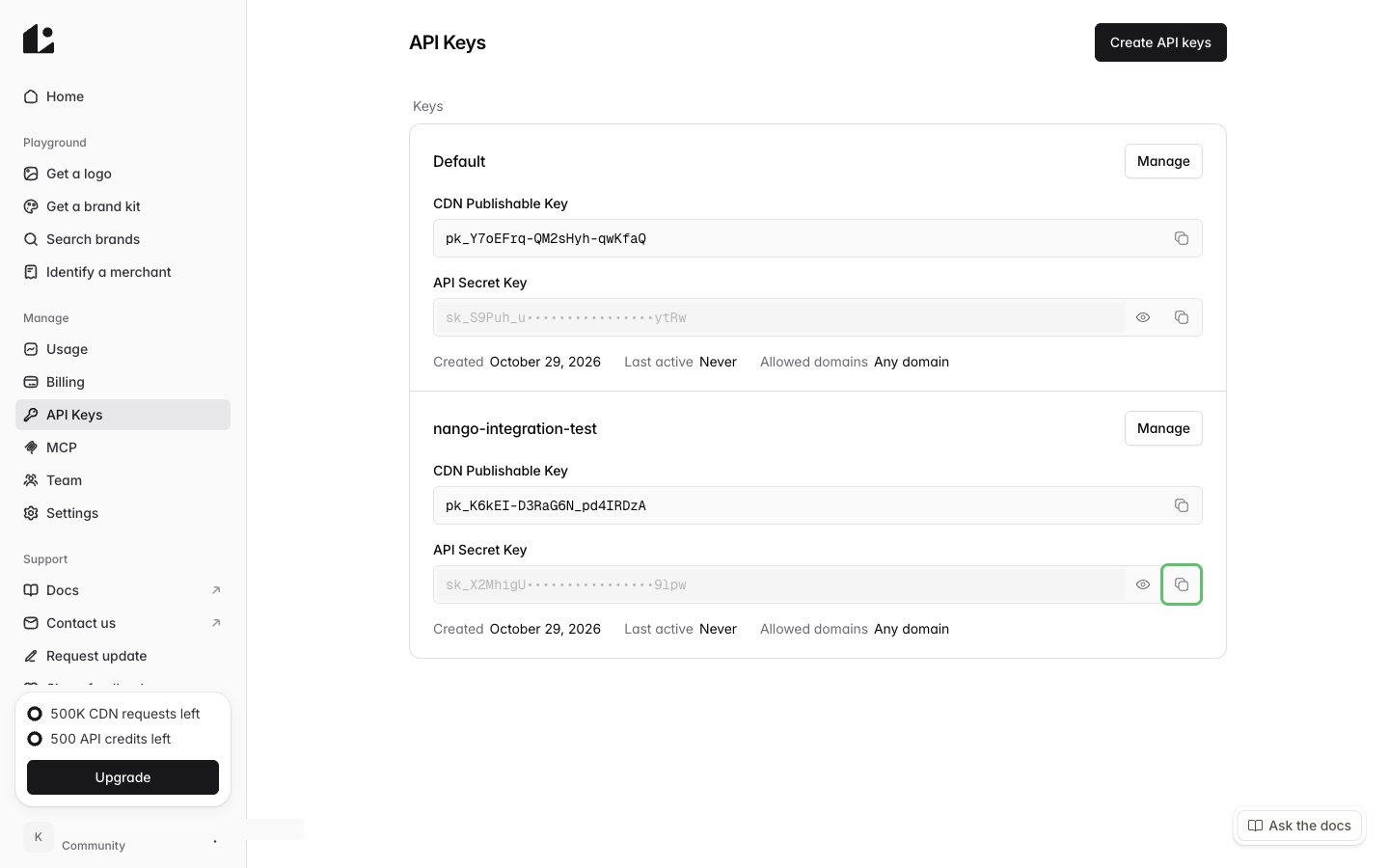
- Use an existing key pair, such as Default, or click Create API keys, enter a name and confirm to create one for this connection.
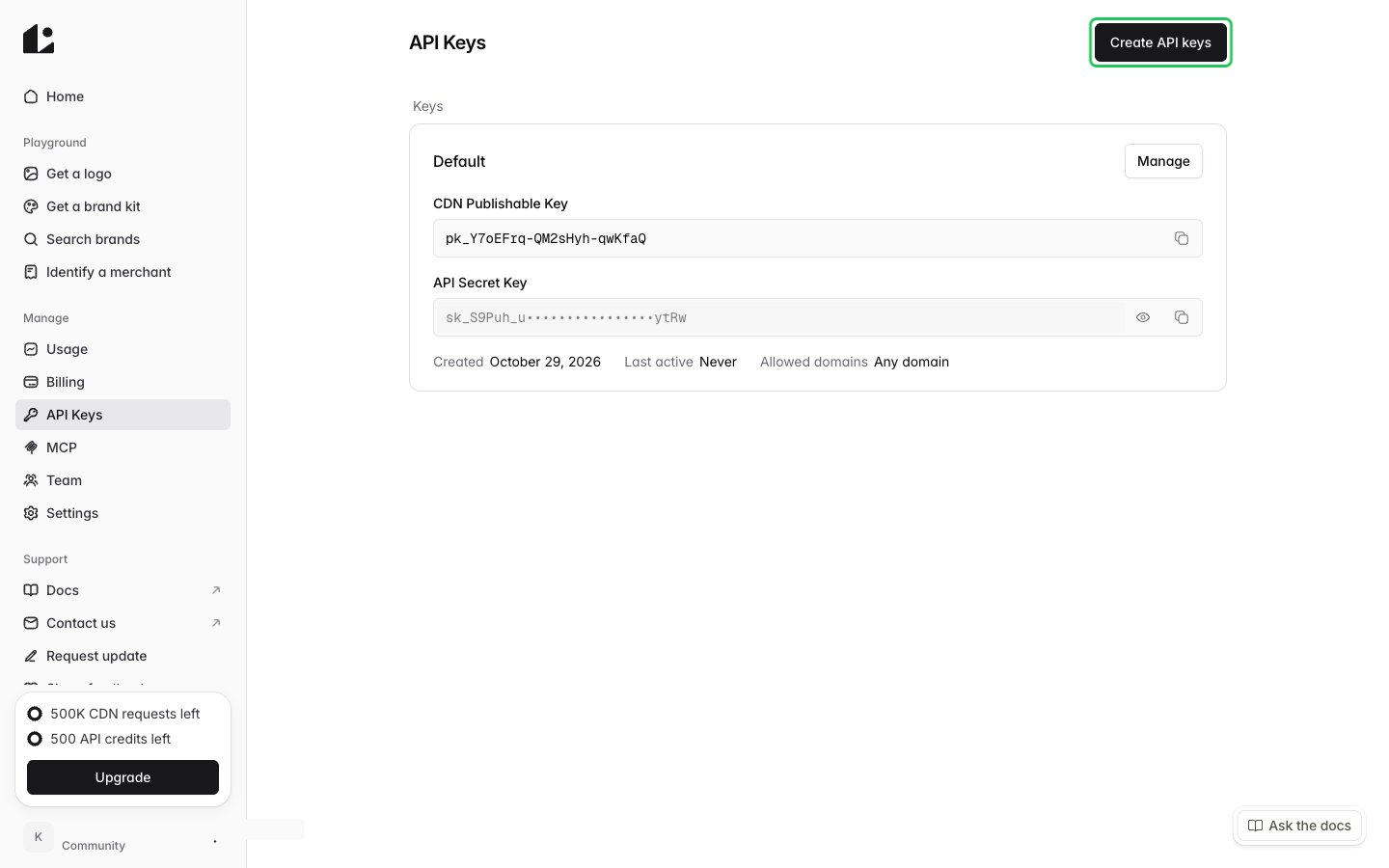
- In the key pair’s row, click the copy button next to API Secret Key. The secret key starts with
sk_. Don’t use the CDN Publishable Key (pk_): it only works for logo images and can’t call the API.
Step 2: Enter your secret key in the Connect UI
- Open the form where you need to authenticate with Logo.dev.
- Enter your Secret Key in the designated field.
- Submit the form, and you should be successfully authenticated.