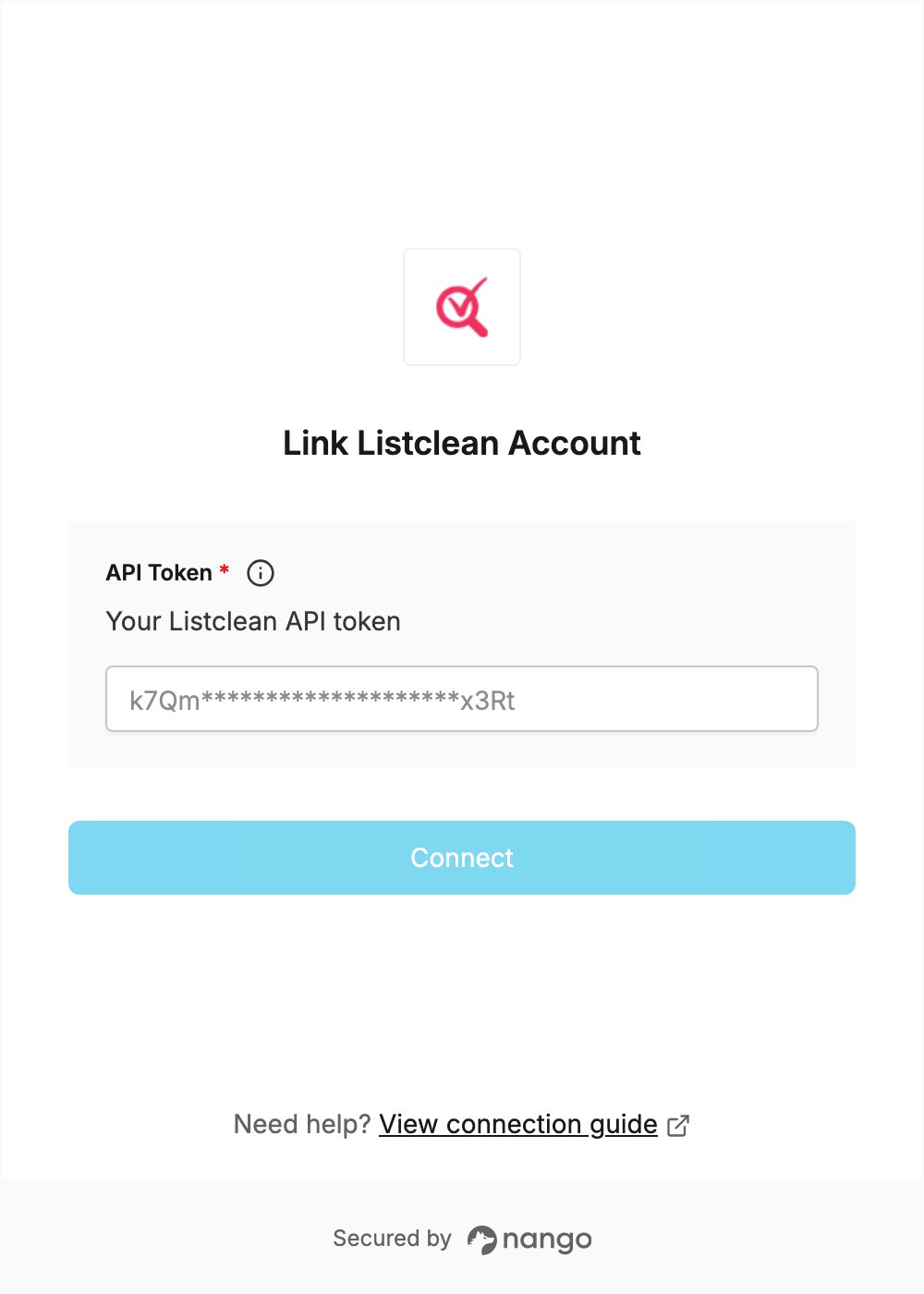
Overview
To authenticate with Listclean, you need:- API Token — an API token from your Listclean dashboard.
Prerequisites
- A Listclean account. New accounts get 25 free verification credits, no credit card required. If you don’t have an account, sign up.
Step 1: Create an API token
- Sign in to the Listclean dashboard.
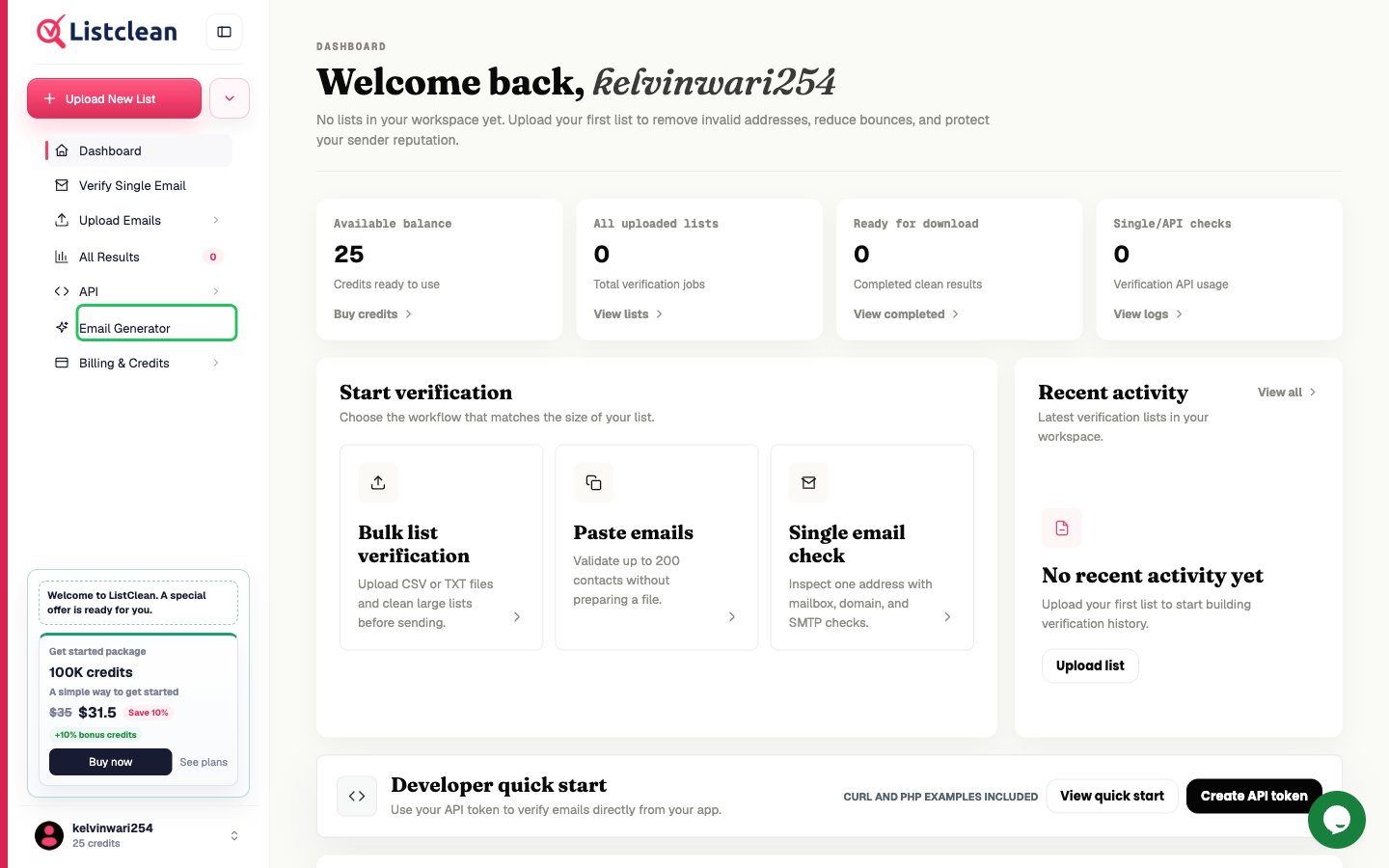
- In the left sidebar, expand API and click API Key.
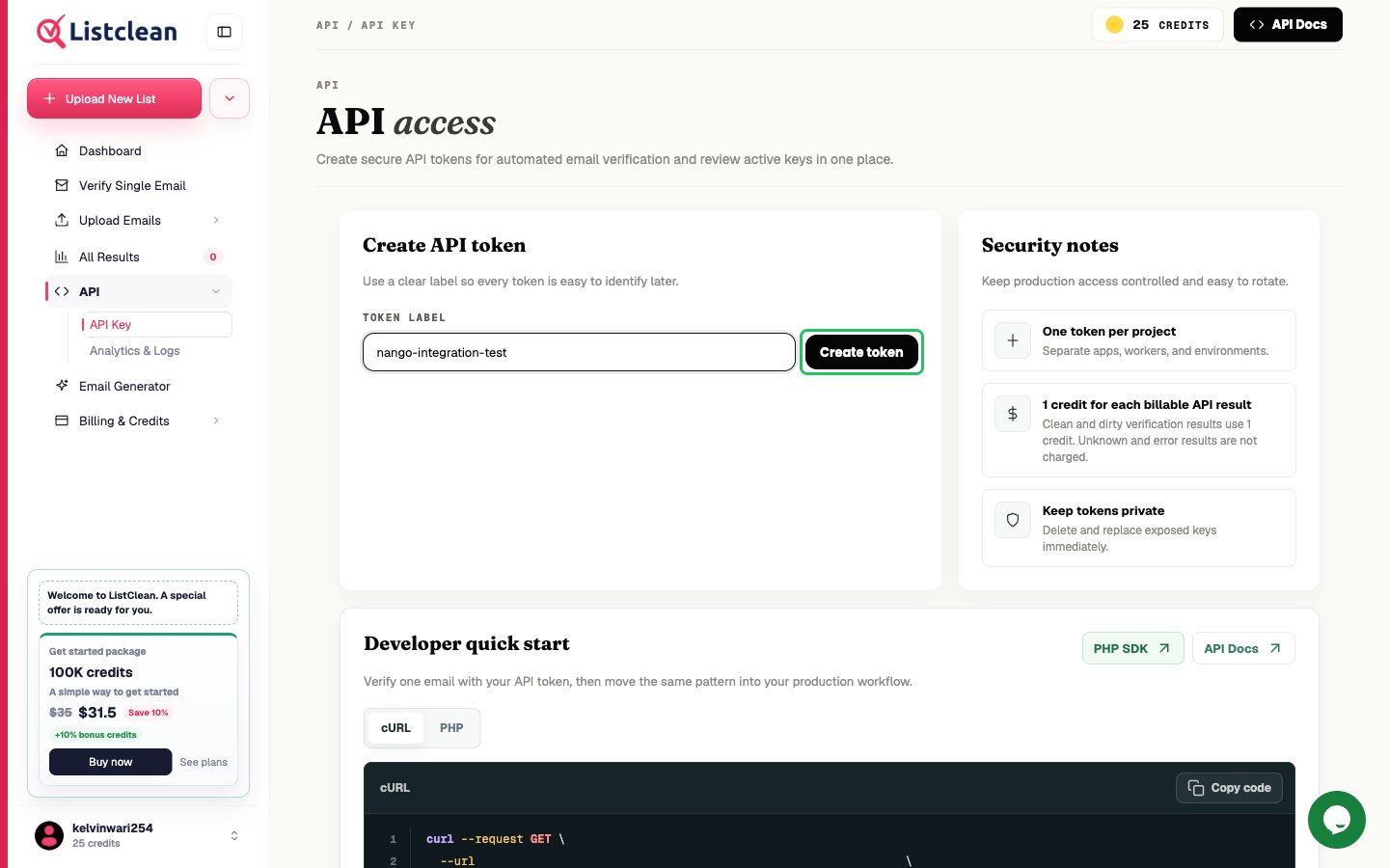
- Under Create API token, enter a token label (for example,
nango-integration) and click Create token.
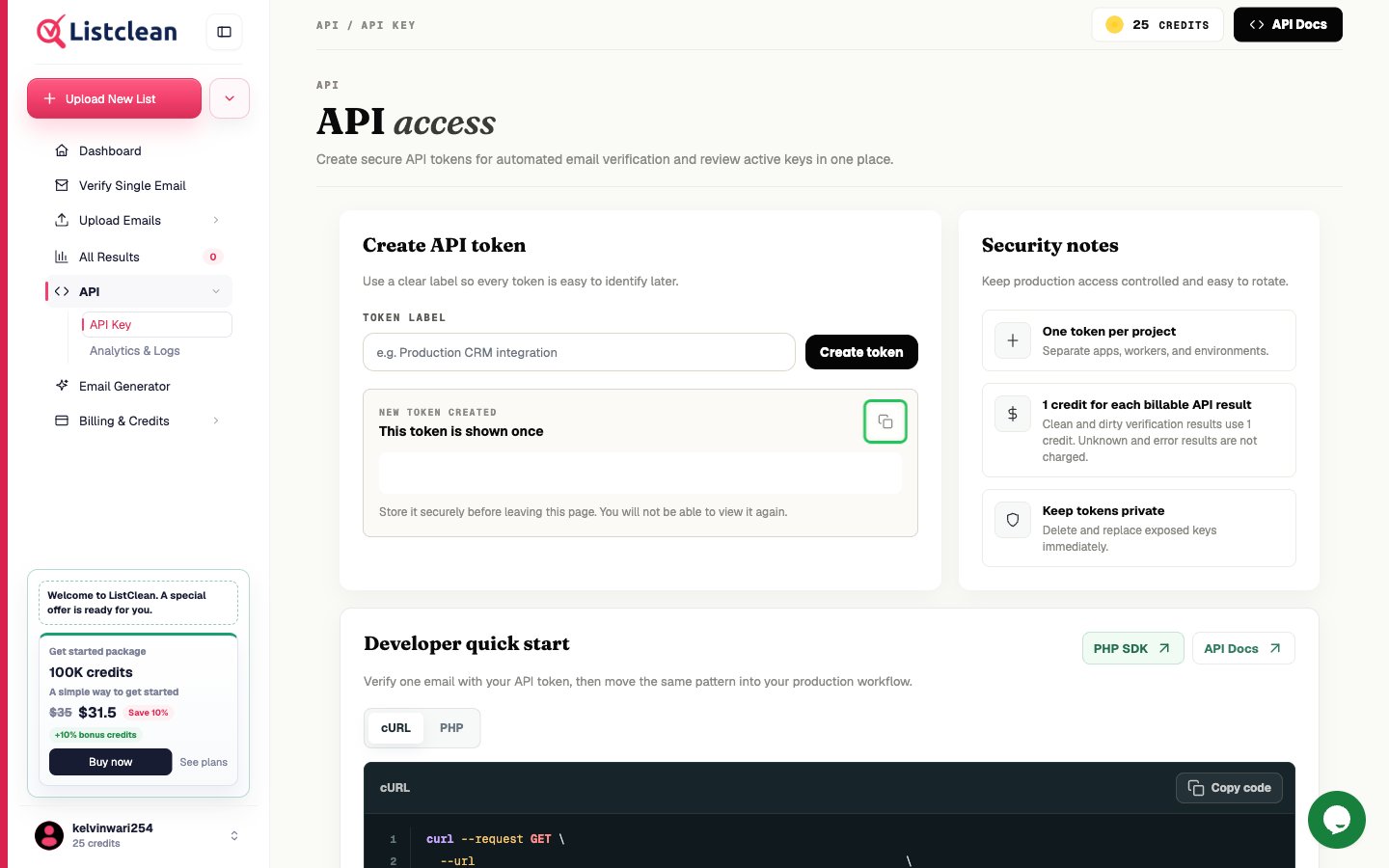
- Under New token created, click the copy icon to copy the token. It is shown only once.
Step 2: Enter your API token in the Connect UI
- Open the form where you need to authenticate with Listclean.
- Enter your API token in the API Token field.
- Submit the form, and you should be successfully authenticated.