Overview
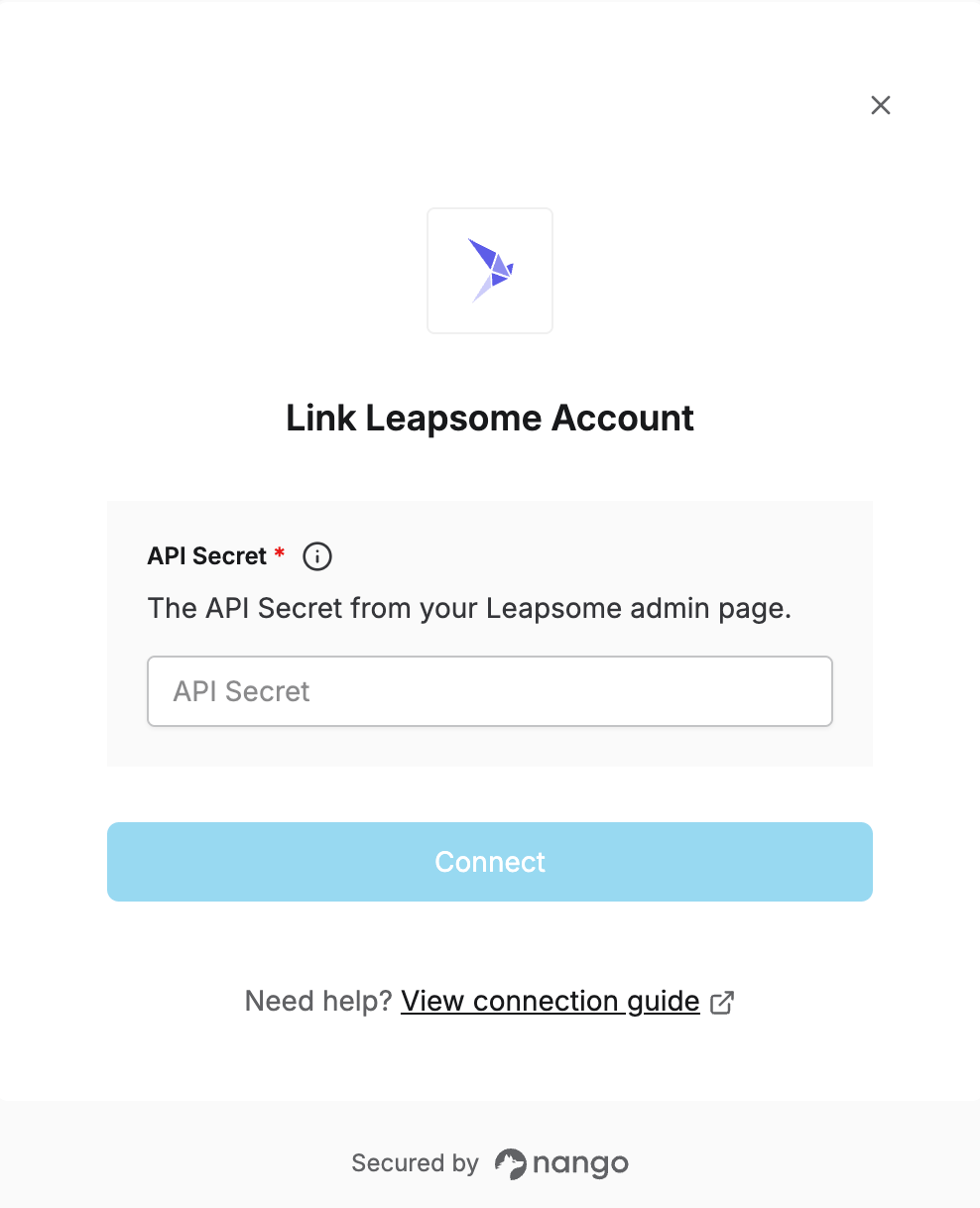
To authenticate with Leapsome, you need:- API Secret - A secret from your Leapsome admin page. Nango exchanges it for a short-lived JWT access token behind the scenes and refreshes it automatically.
Prerequisites
- An active Leapsome account with administrator access.
Instructions
Step 1: Getting your API secret
- Log in to Leapsome as an administrator and go to Settings → Integrations and imports → Content API.
- Click Create API Secret. The secret appears above the button — copy it.
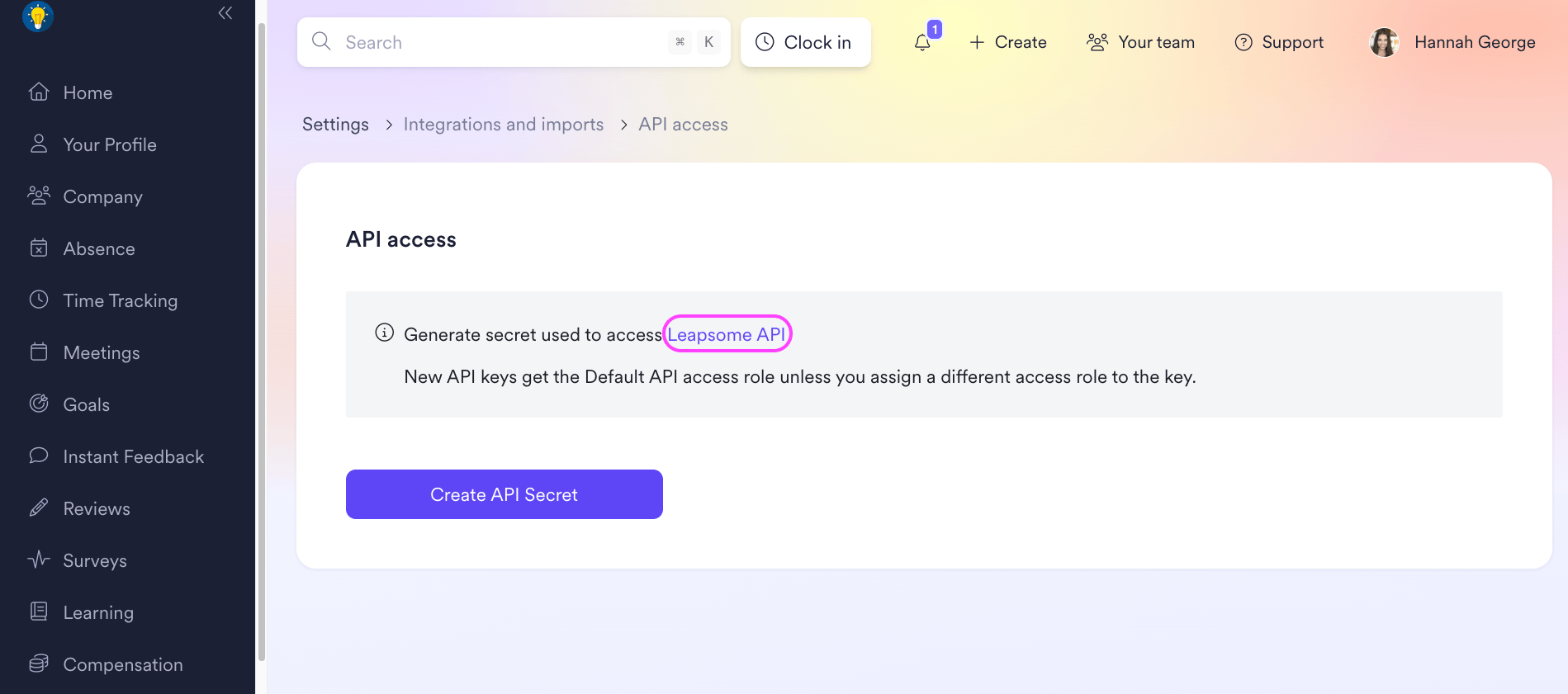
This is the Content API secret (used for the Reviews, Goals, Employee, Payroll, and Time Tracking endpoints). It’s separate from Leapsome’s SCIM API token, which is used only for user provisioning — don’t mix the two up.
Step 2: Enter credentials in the Connect UI
Once you have your API Secret:- Open the form where you need to authenticate with Leapsome.
- Enter your API Secret in the field provided.
- Submit the form, and you should be successfully authenticated.