Overview
To authenticate with Laposta, you need:- API Key — an API key (API sleutel) from the Koppelingen page of your Laposta account.
Prerequisites
- A Laposta account. If you don’t have one, sign up for free.
Step 1: Create an API key
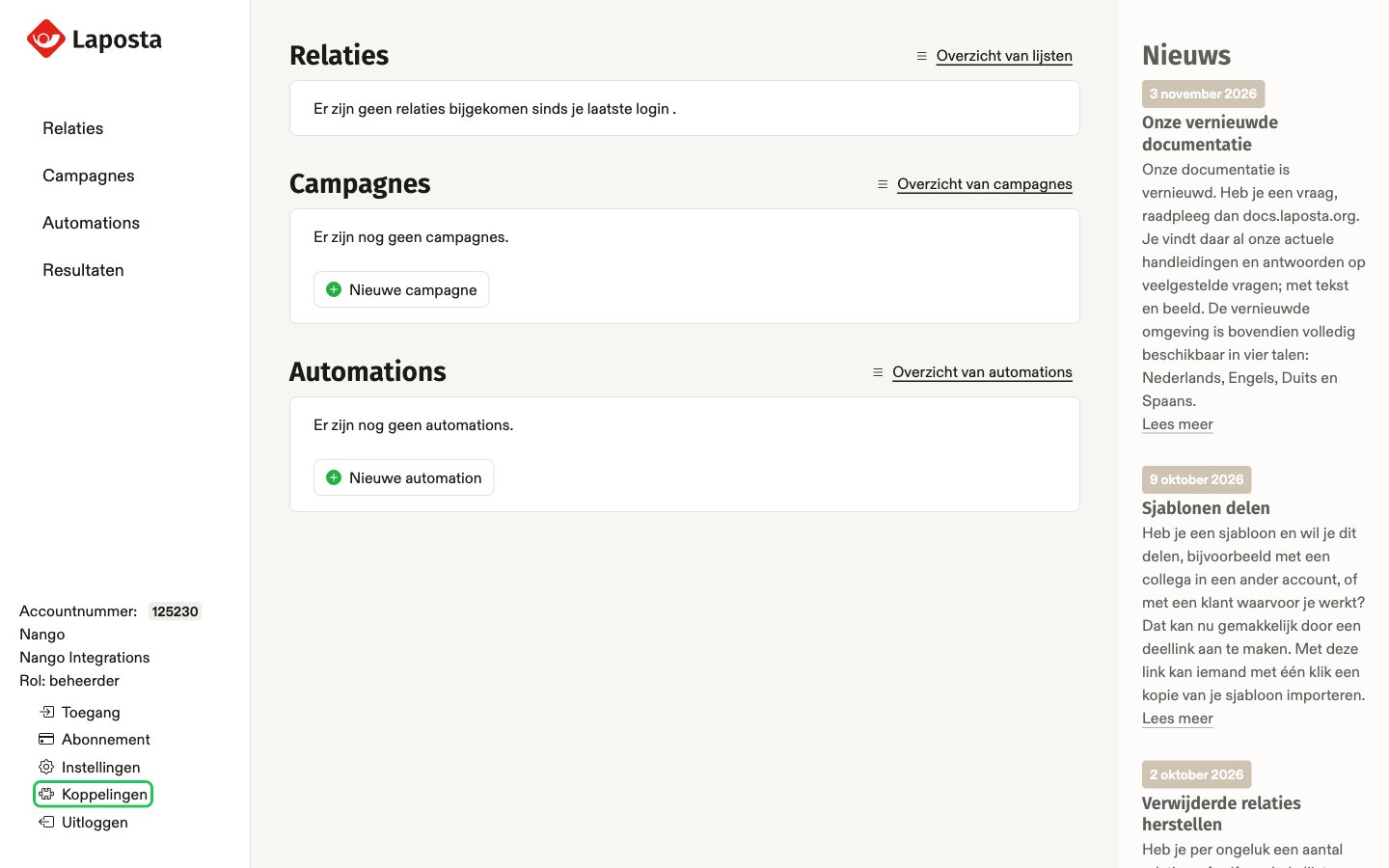
- Log in to Laposta. In the account menu at the bottom left, click Koppelingen. This opens Software koppelen > API sleutels.
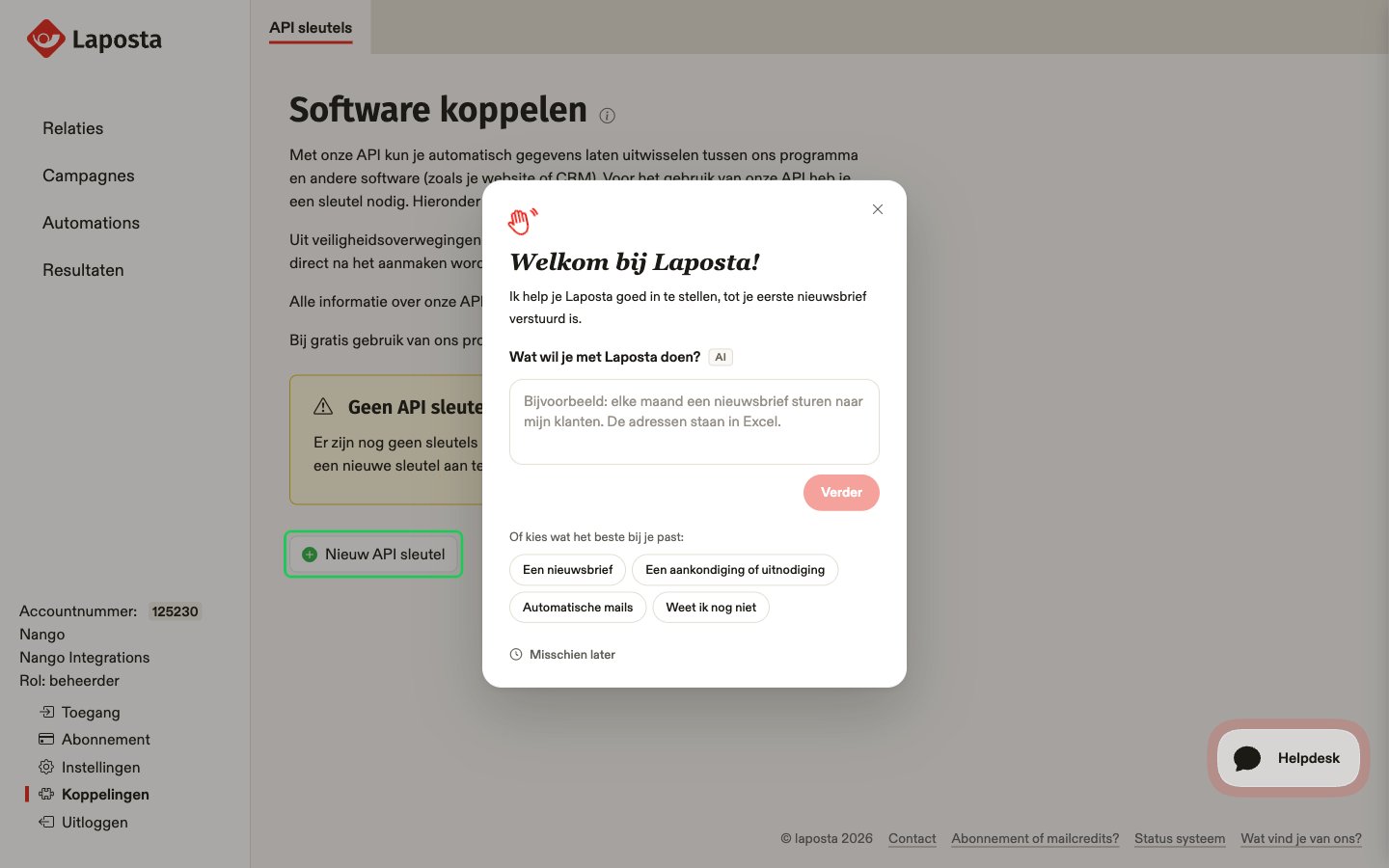
- On the API sleutels page, click Nieuw API sleutel.
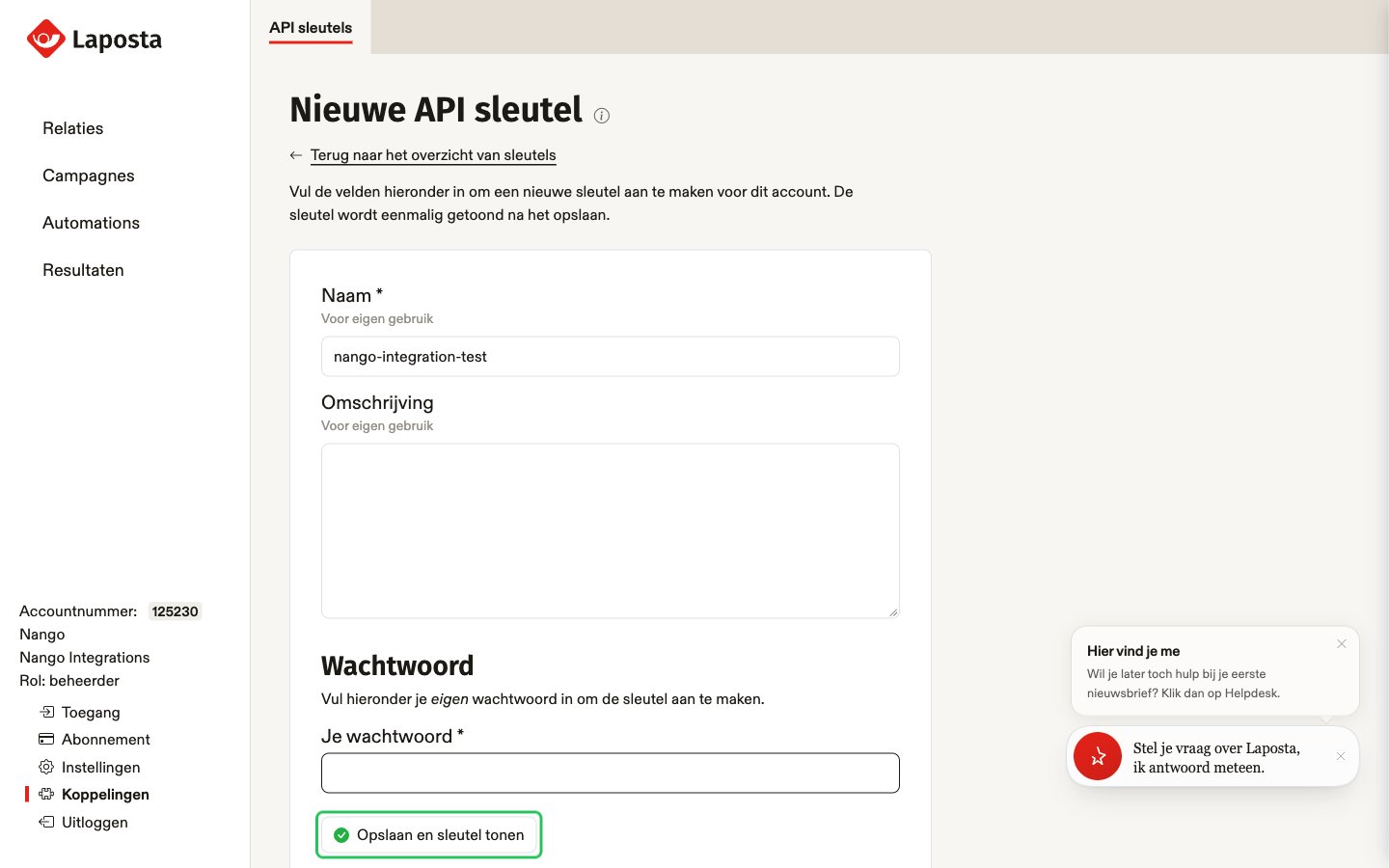
- Enter a Naam (name) for the key, for example
nango, and optionally an Omschrijving (description). - Under Wachtwoord, enter your own Laposta account password to confirm, then click Opslaan en sleutel tonen.
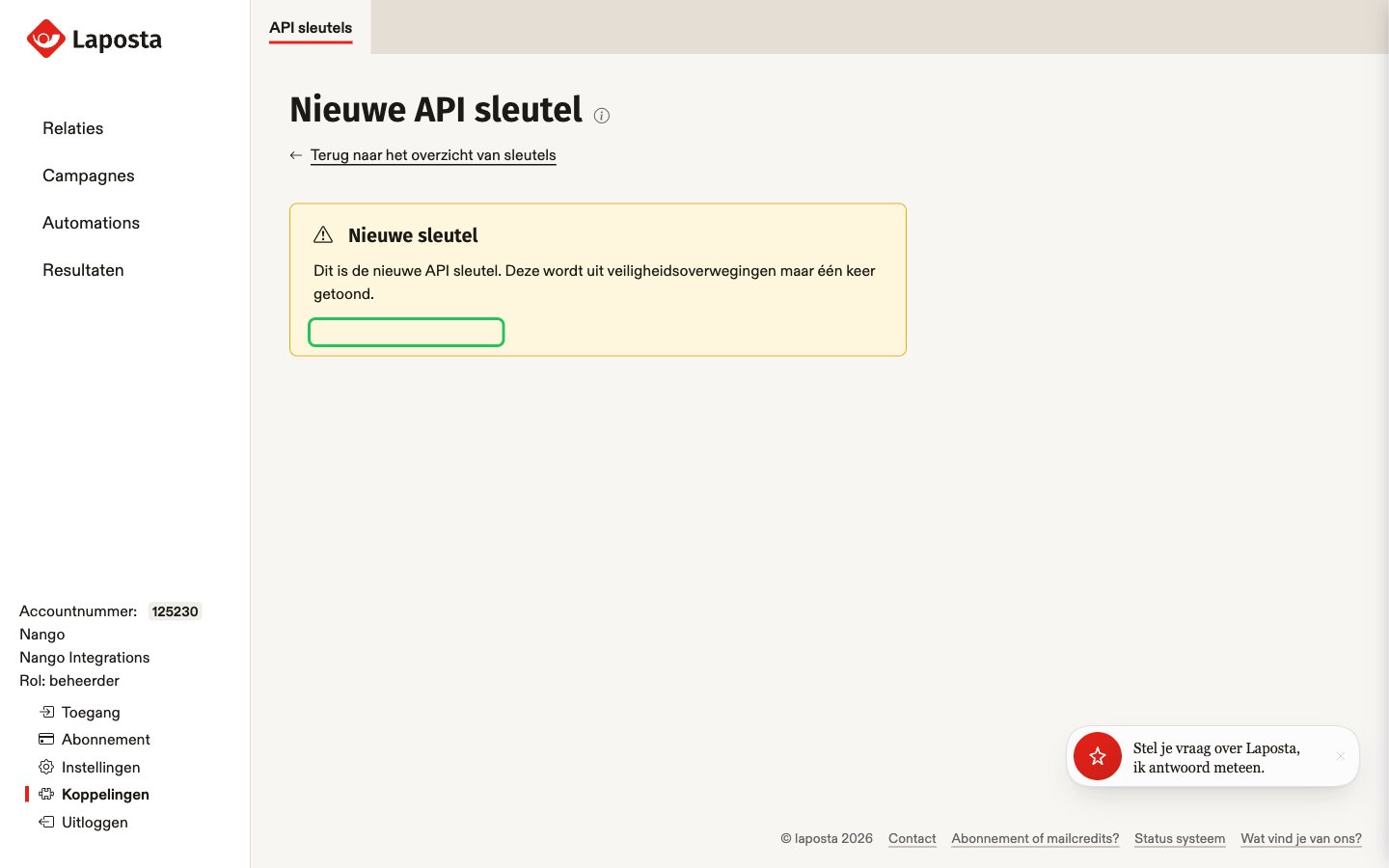
- Copy the key shown under Nieuwe sleutel right away. Laposta shows it only once; afterwards you only see its first four characters.
A free Laposta account can have at most three API keys.
Step 2: Enter your credentials in the Connect UI
- Open the form where you need to authenticate with Laposta.
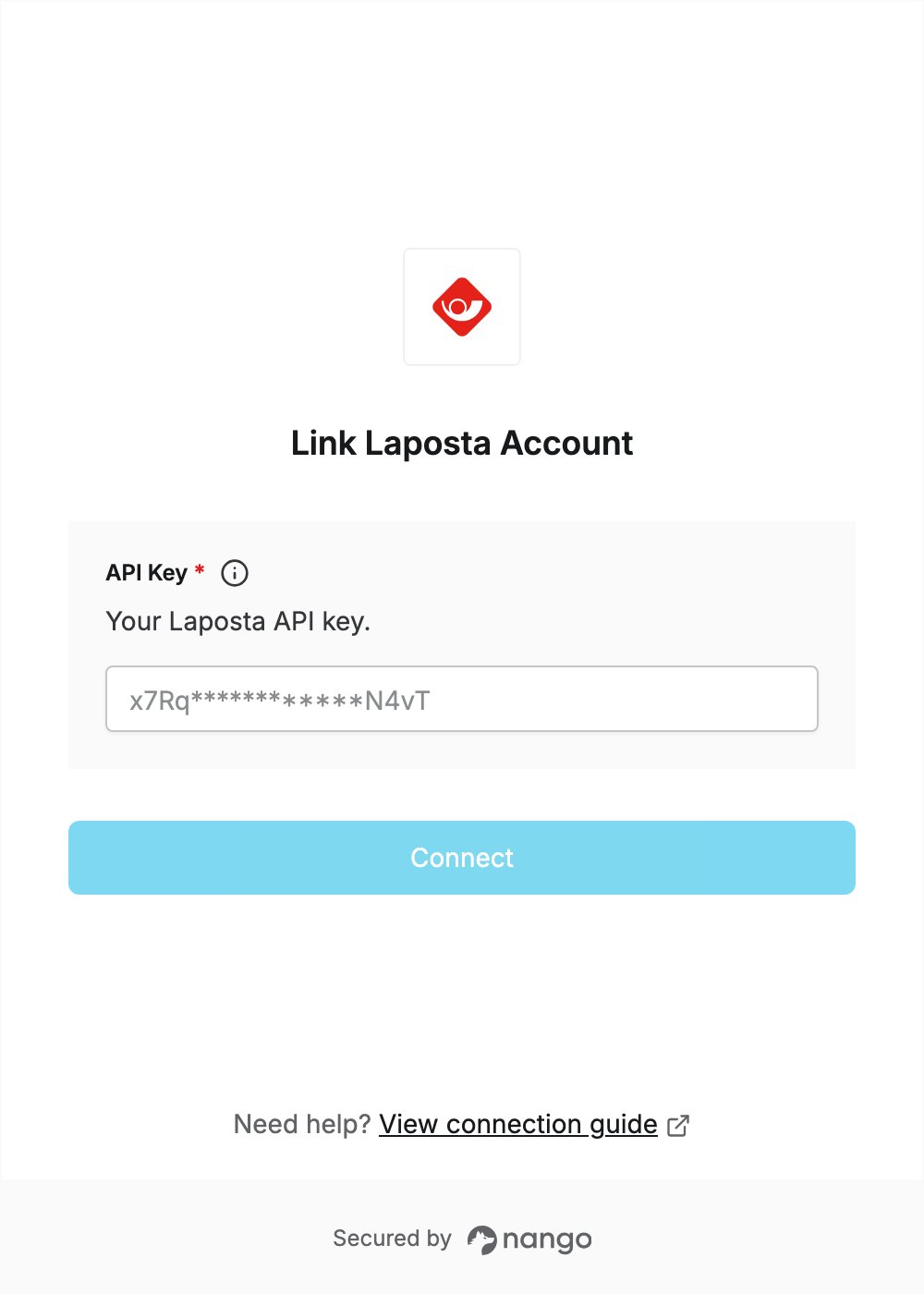
- Enter your API key in the API Key field. Laposta needs no password, so there is no password field.
- Submit the form, and you should be successfully authenticated.