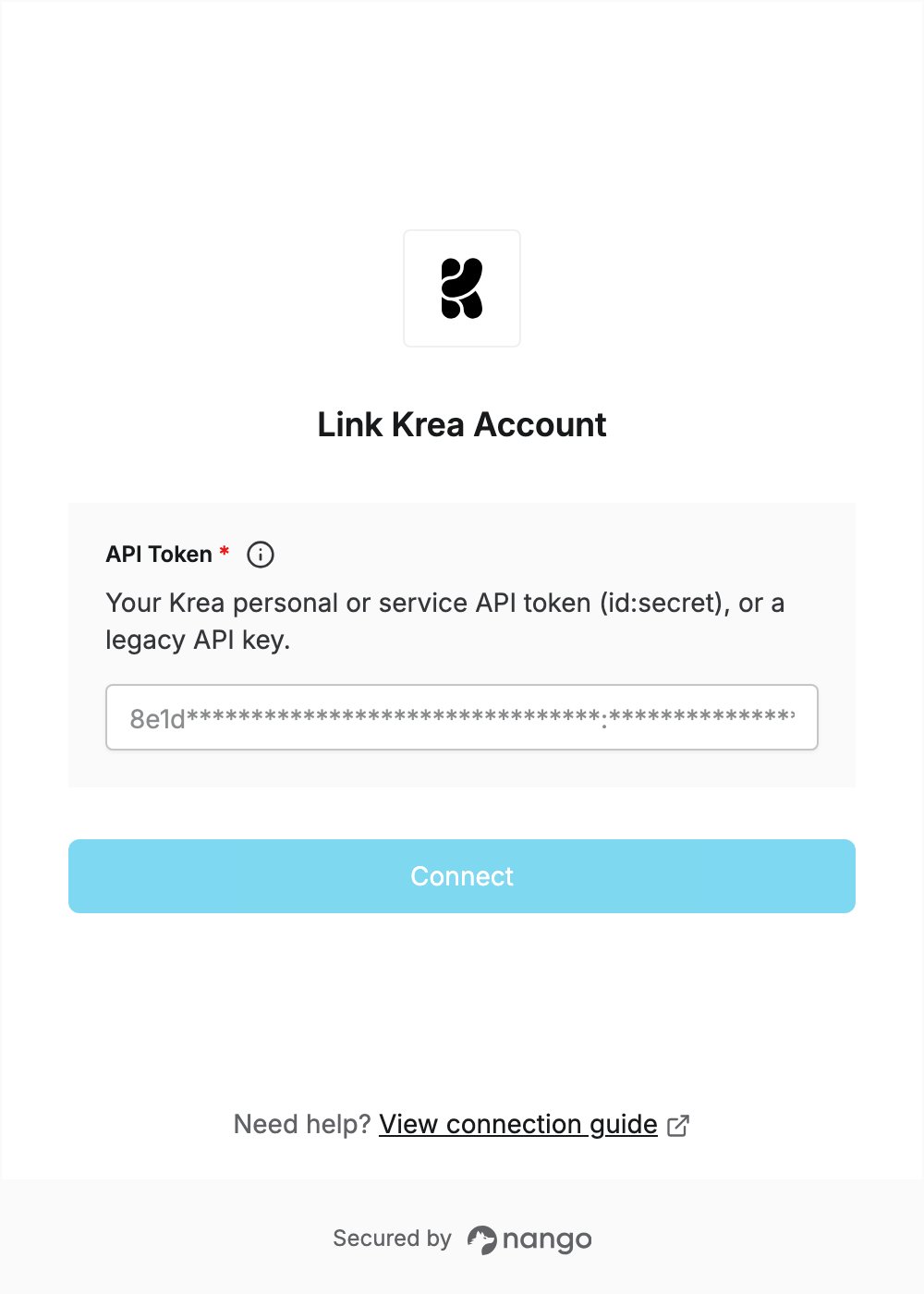
Overview
To authenticate with Krea, you need:- API Token — a Krea personal or service API token, in the
id:secretformat. A legacy Krea API key also works.
Prerequisites
- A Krea account in a workspace with API access enabled. If it isn’t, contact support@krea.ai.
- API calls are paid from the workspace’s prepaid API balance, which only workspace owners can add funds to.
Step 1: Create an API token
- Sign in to Krea and open the API Tokens page, then click Create Token.
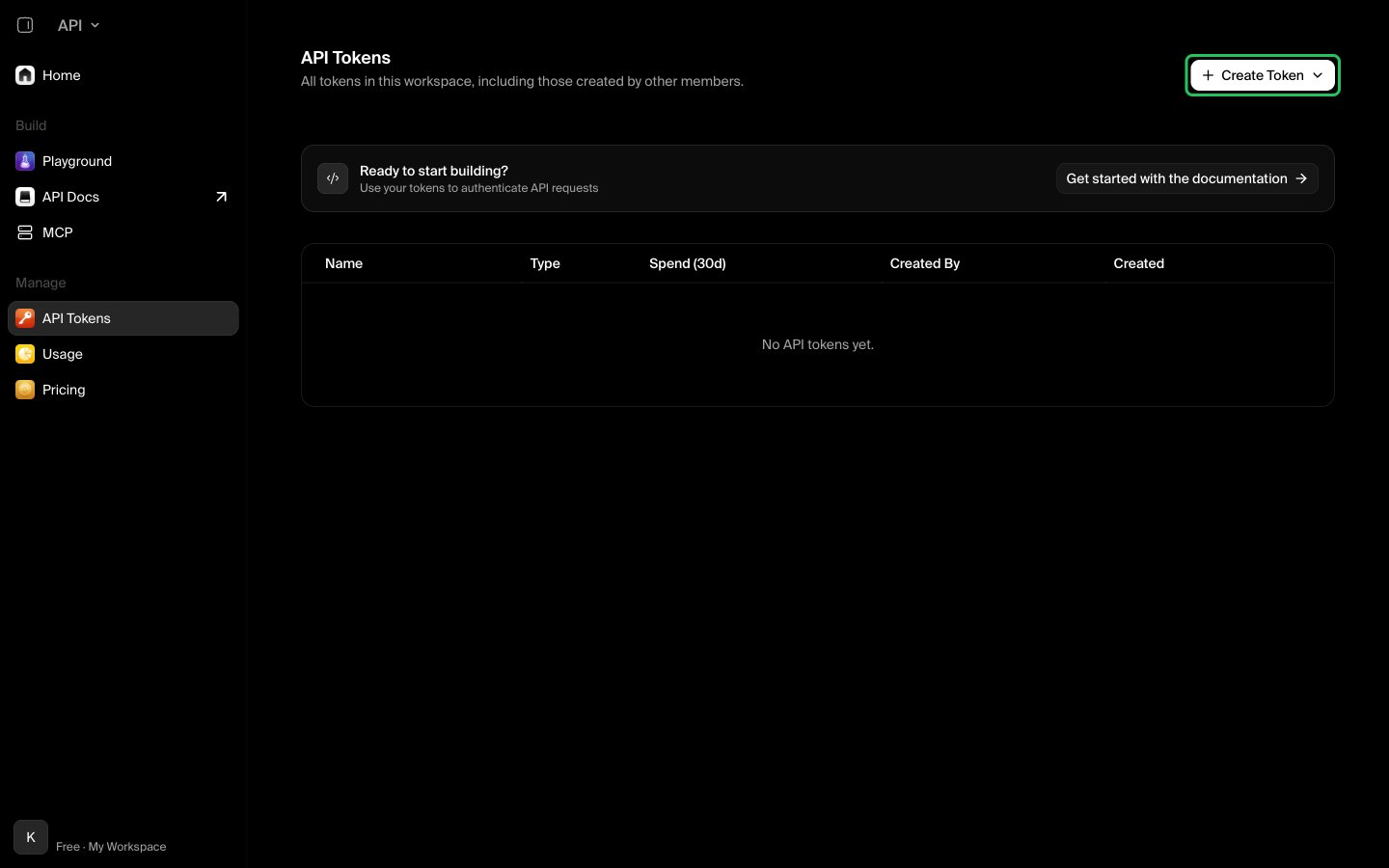
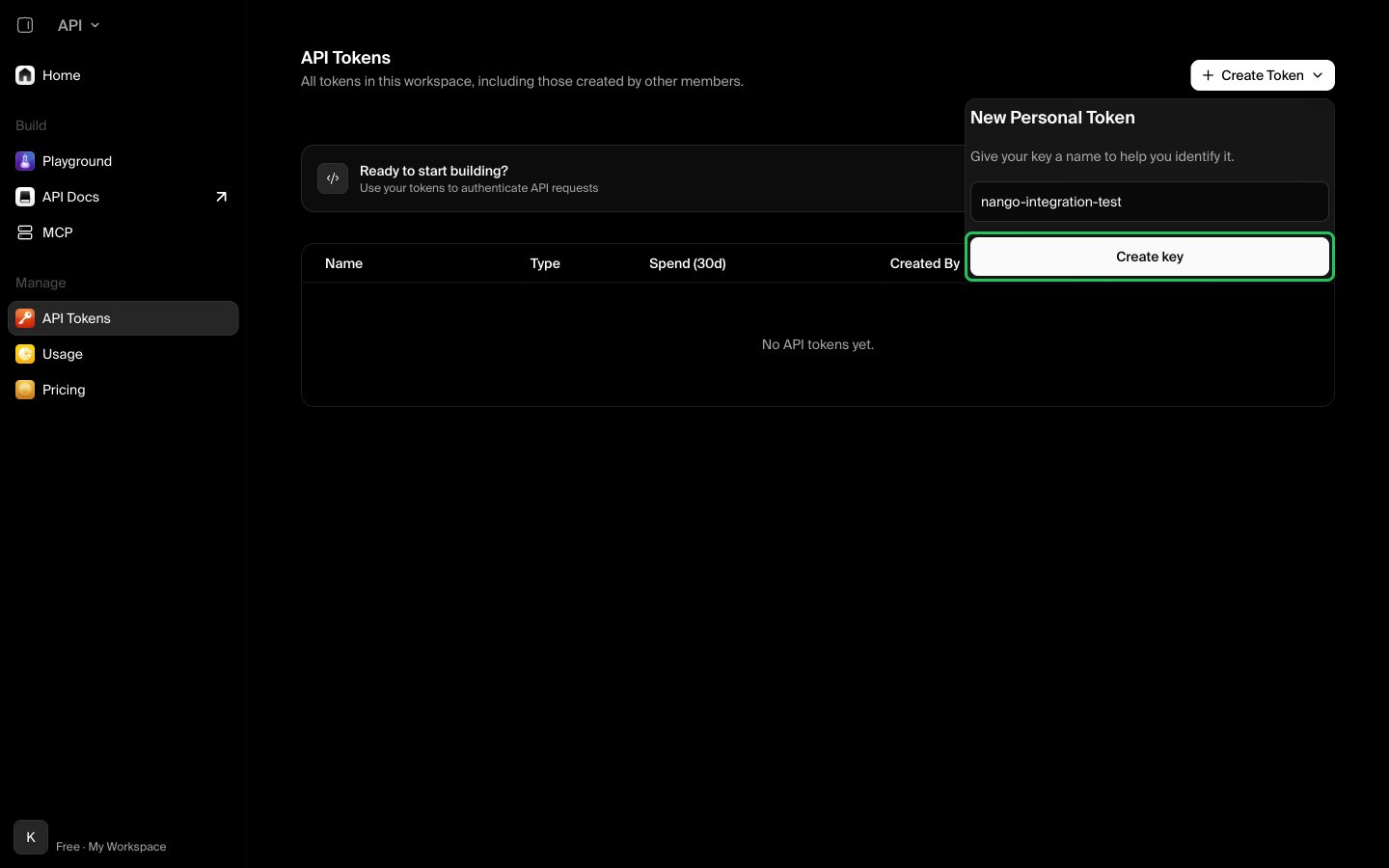
- Choose Personal token to act as yourself, or Service token to act as a separate workspace user. Only workspace owners and admins can create service tokens.
- Enter a descriptive name and click Create key.
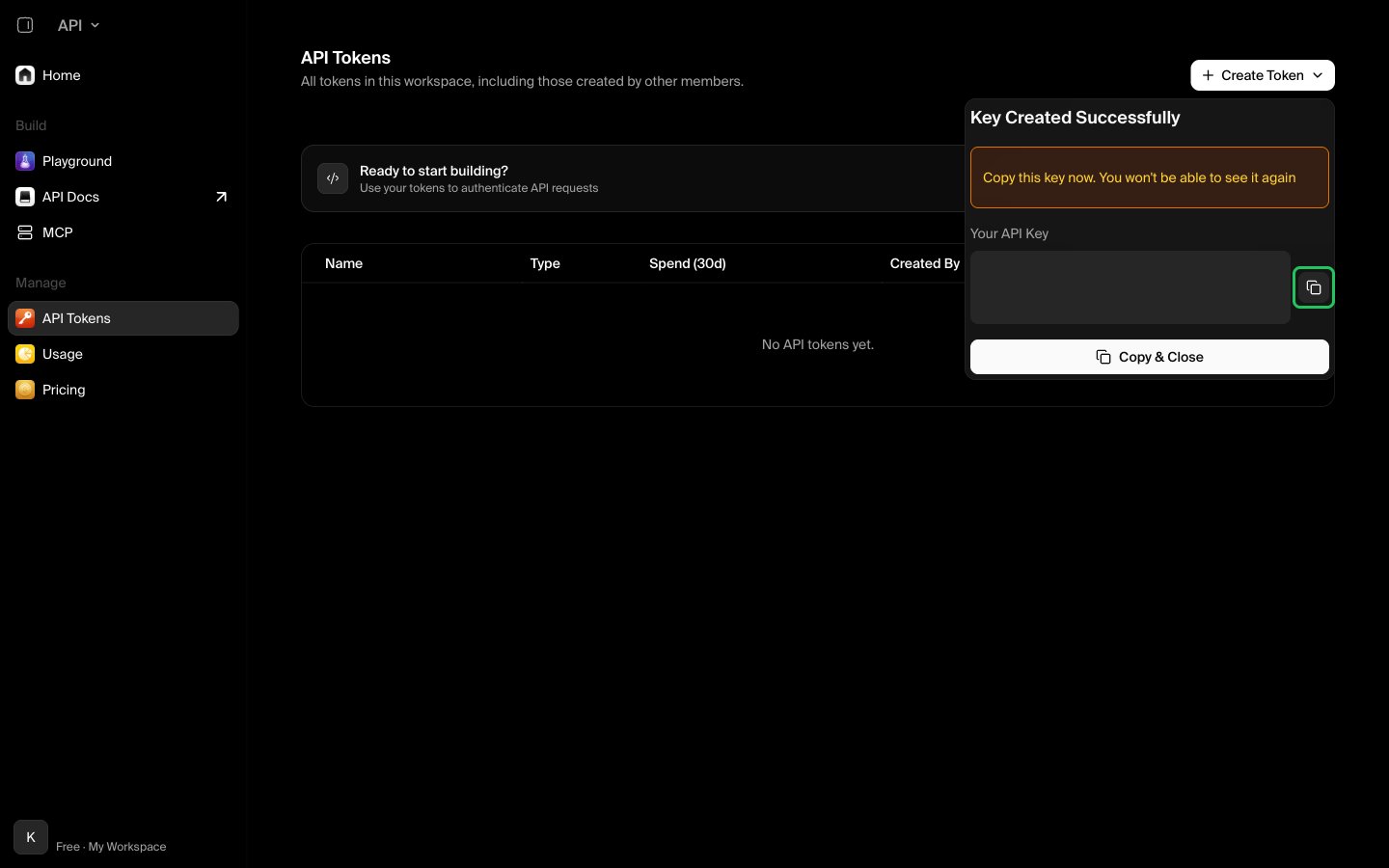
- Copy the token from the Key Created Successfully dialog. Krea shows it only once.
Step 2: Enter your API token in the Connect UI
- Open the form where you need to authenticate with Krea.
- Enter your API Token in the designated field.
- Submit the form, and you should be successfully authenticated.