Overview
To authenticate with KlickTipp, you need:
- API Key - An API key that grants Nango permission to interact with the KlickTipp API.
This guide will walk you through obtaining your API Key within KlickTipp.
Prerequisites
- An active KlickTipp account.
Instructions
Step 1: Getting Your API Key
- Log in to your KlickTipp account.
- Navigate to Listbuilding in the left sidebar.
- Click Create new listbuilding process or select an existing one.
- Choose Entry via API key as the listbuilding type.
- Copy the API Key shown on the configuration page.
Each API key is tied to a specific listbuilding process (subscription list). If you have multiple lists, each will have its own API key.
Step 2: Enter credentials in the Connect UI
Once you have your API Key:
- Open the form where you need to authenticate with KlickTipp.
- Enter your API Key in the field provided.
- Submit the form, and you should be successfully authenticated.
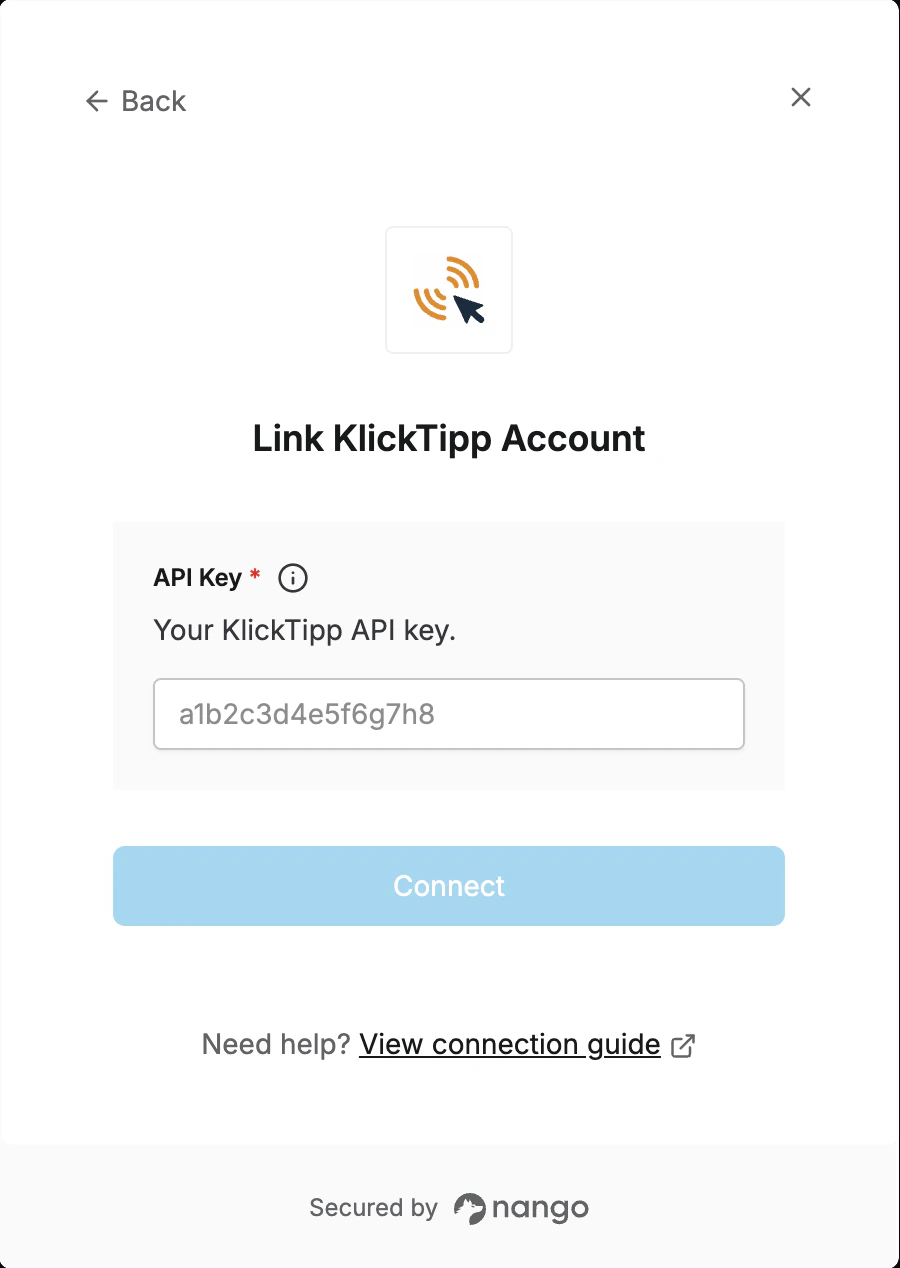 You are now connected to KlickTipp.
