Overview
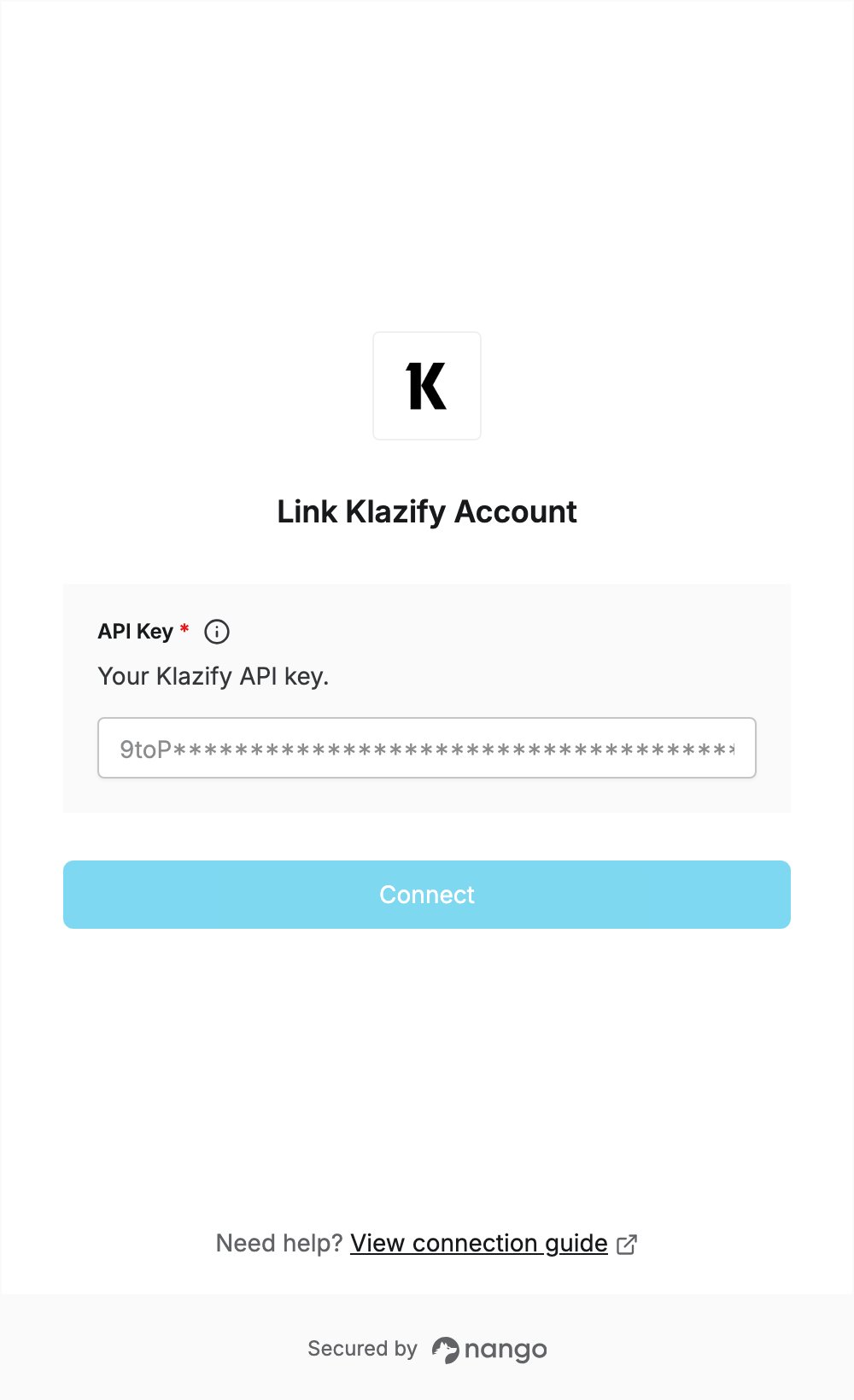
To authenticate with Klazify, you need:- API Key - your Klazify API key.
Prerequisites
- A Klazify account. All plans include a 7-day free trial. Sign up here with your email or Google account.
Step 1: Copy your API key
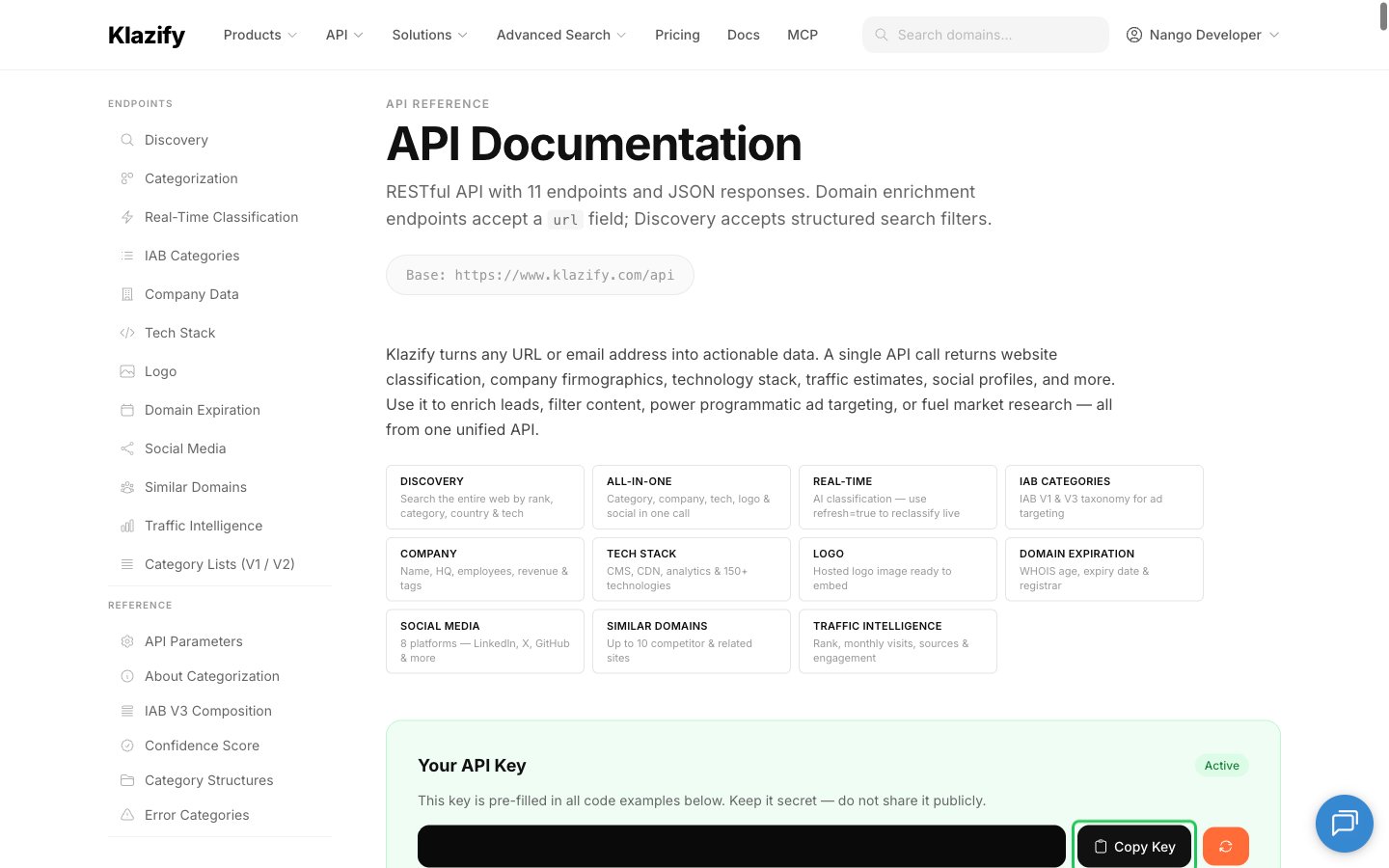
- Sign in to Klazify.
- In the top bar, click Docs to open the API documentation.
- Under Your API Key, click Copy Key.
Step 2: Enter your API key in the Connect UI
- Open the form where you need to authenticate with Klazify.
- Enter your API Key in the designated field.
- Click Connect. Nango checks the key with Klazify and rejects it if it is wrong.