Overview
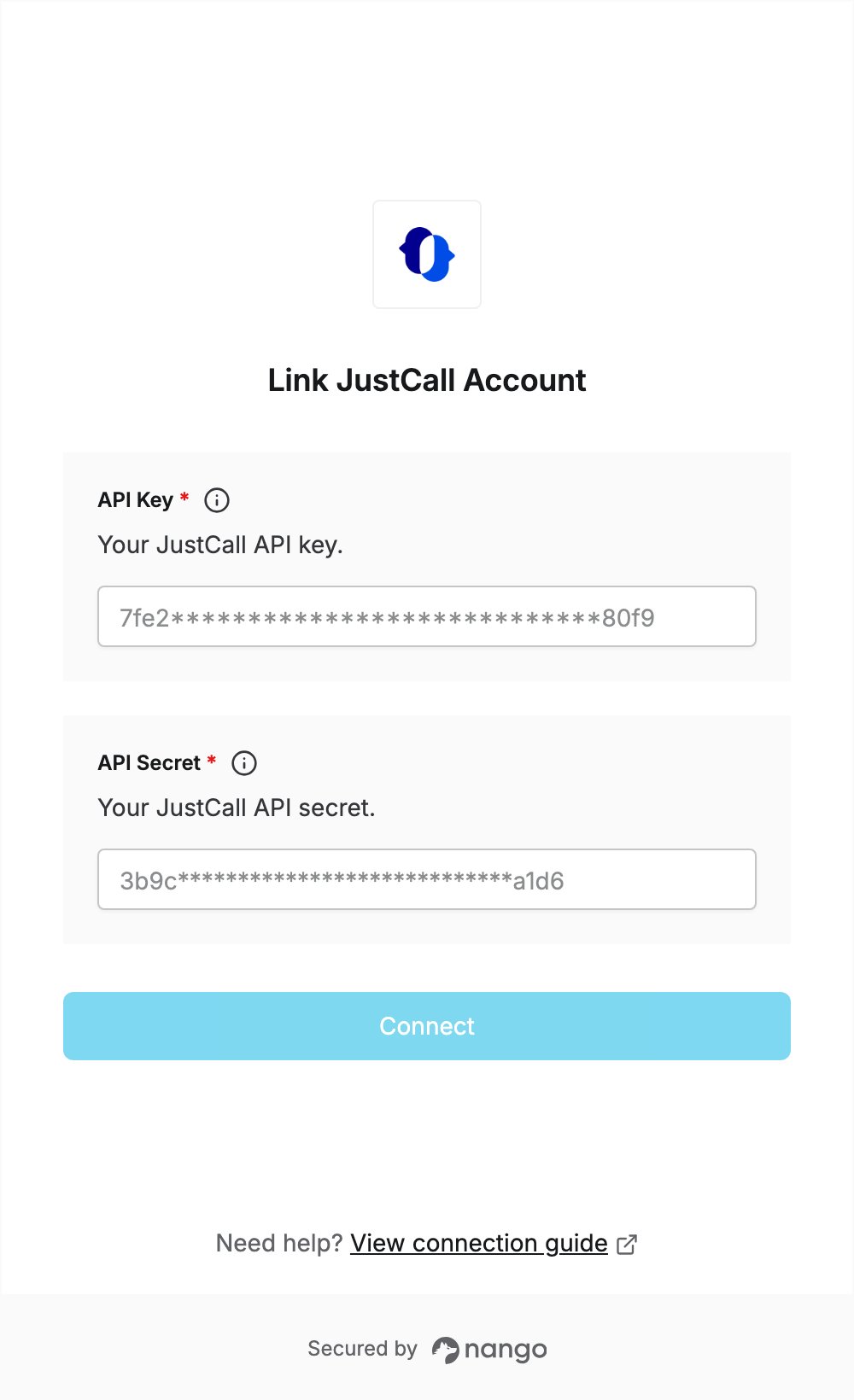
To authenticate with JustCall, you need:- API Key - The API key of your JustCall account.
- API Secret - The API secret shown next to the API key.
Prerequisites
- A JustCall account. If you don’t have one, sign up.
- The Account Owner or Admin role: only they can see the API key and secret.
- A plan with API access: JustCall’s developer docs say API access is available starting from the Team plan.
Step 1: Copy your API key and API secret
- Log in to JustCall.
- Click your profile icon, then click APIs and Webhooks (direct link).
- In the API Credentials section, click the copy button next to the API Key.
- Click the eye icon next to the API Secret to reveal it, then click its copy button.
Step 2: Enter your credentials in the Connect UI
- Open the form where you need to authenticate with JustCall.
- Paste your API key in the API Key field.
- Paste your API secret in the API Secret field.
- Submit the form, and you should be successfully authenticated.