Overview
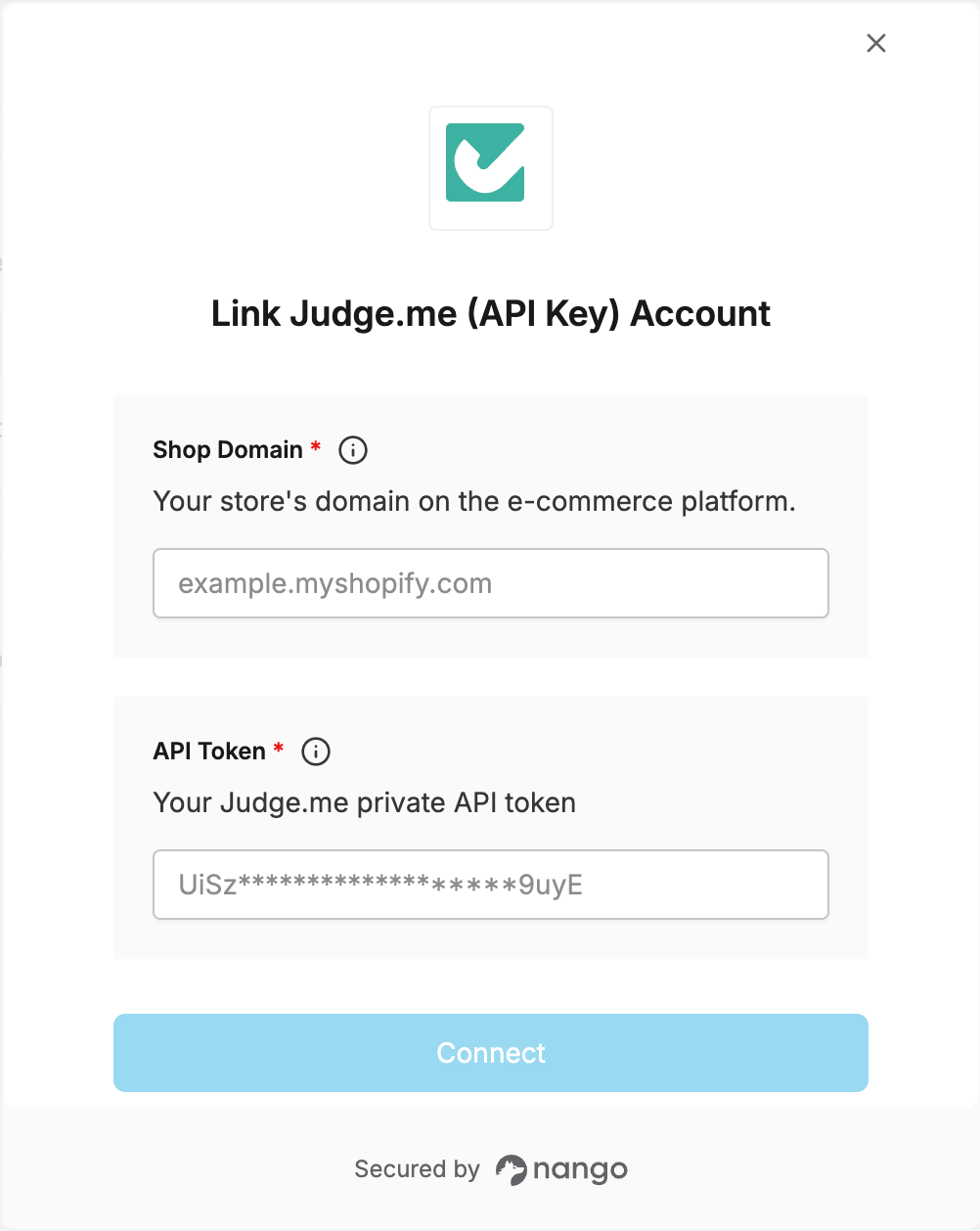
To authenticate with Judge.me, you will need:- Shop domain - The domain of the store your Judge.me account is connected to (e.g. a
.myshopify.comdomain). - API token - A private token that grants access to the Judge.me REST API on behalf of that store.
Prerequisites
- A Judge.me account with an app installed on your store.
Instructions
Step 1: Finding your shop domain
Your shop domain is the domain of the e-commerce store connected to Judge.me (e.g.example.myshopify.com). You can find it in your store admin’s URL or domain settings.
Step 2: Generating your API token
- Log in to your Judge.me admin and go to Settings > Integrations.
- Click View API tokens in the top right.
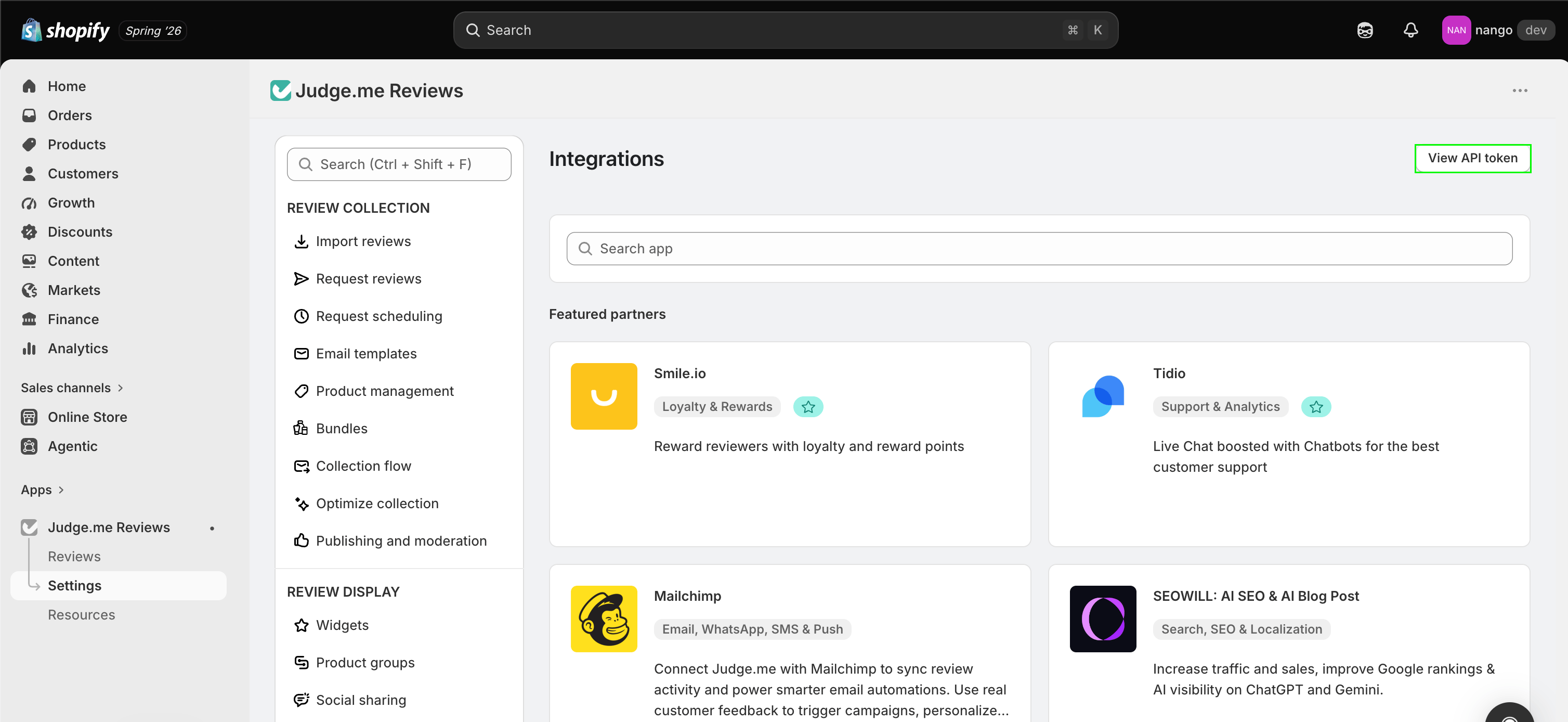
- Copy your Private API Token from the credentials shown.
Step 3: Authorize in Nango
- Open the Nango Connect form.
- Enter your Shop domain and API token in their respective fields.
- Submit the form, and you should be successfully authenticated.