Overview
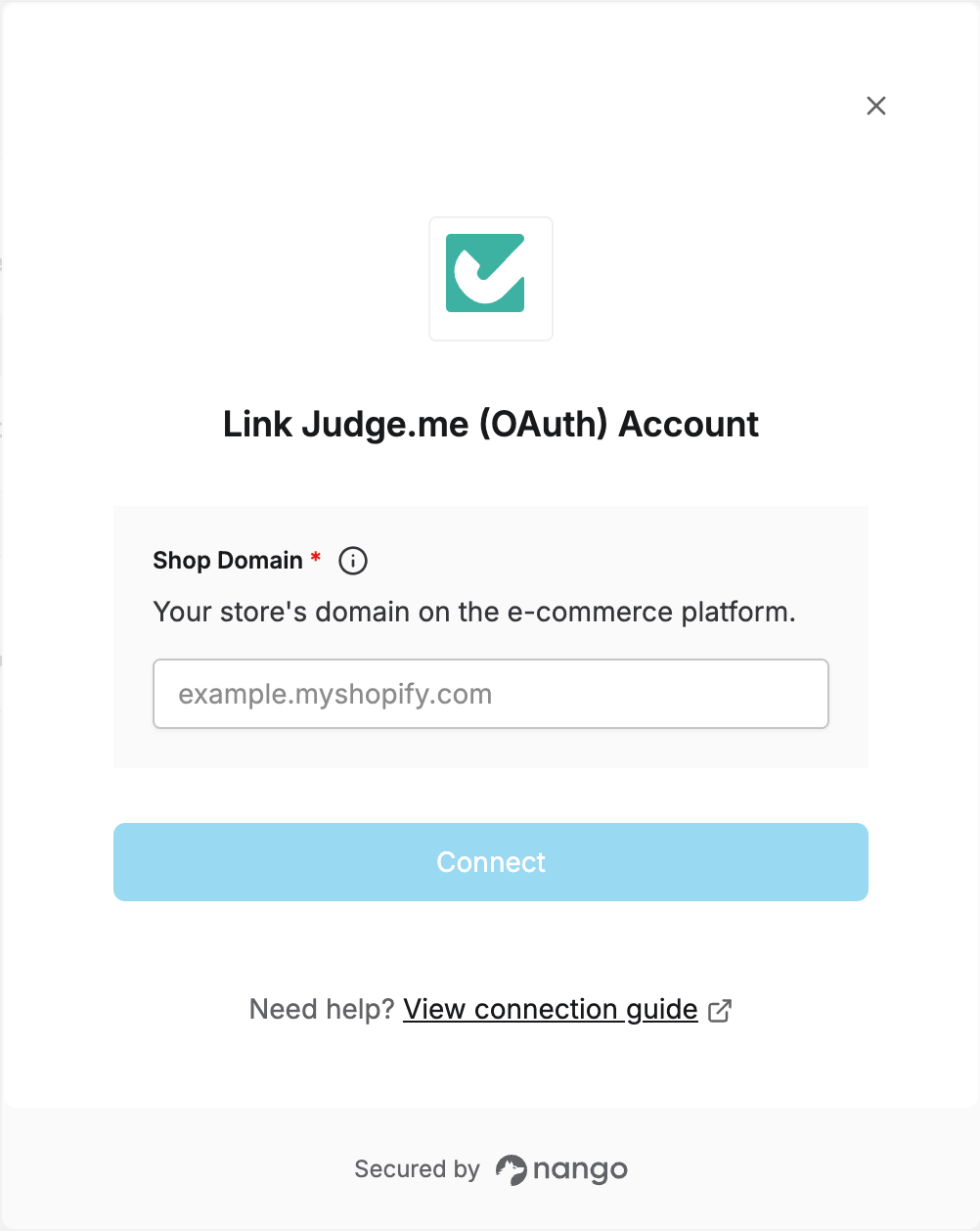
To connect with Judge.me, you need:- Shop domain – The domain of the e-commerce store connected to your Judge.me account.
Prerequisites
- A Judge.me account with an app installed on your store.
Instructions
Step 1: Finding your shop domain
Your shop domain is the domain of the e-commerce store connected to Judge.me (e.g.example.myshopify.com). You can find it in your store admin’s URL or domain settings.
Step 2: Authorize in Nango
- Open the Nango Connect form.
- Enter your Shop domain in the field provided.
- Continue through the flow to log in to Judge.me and authorize access.