Overview
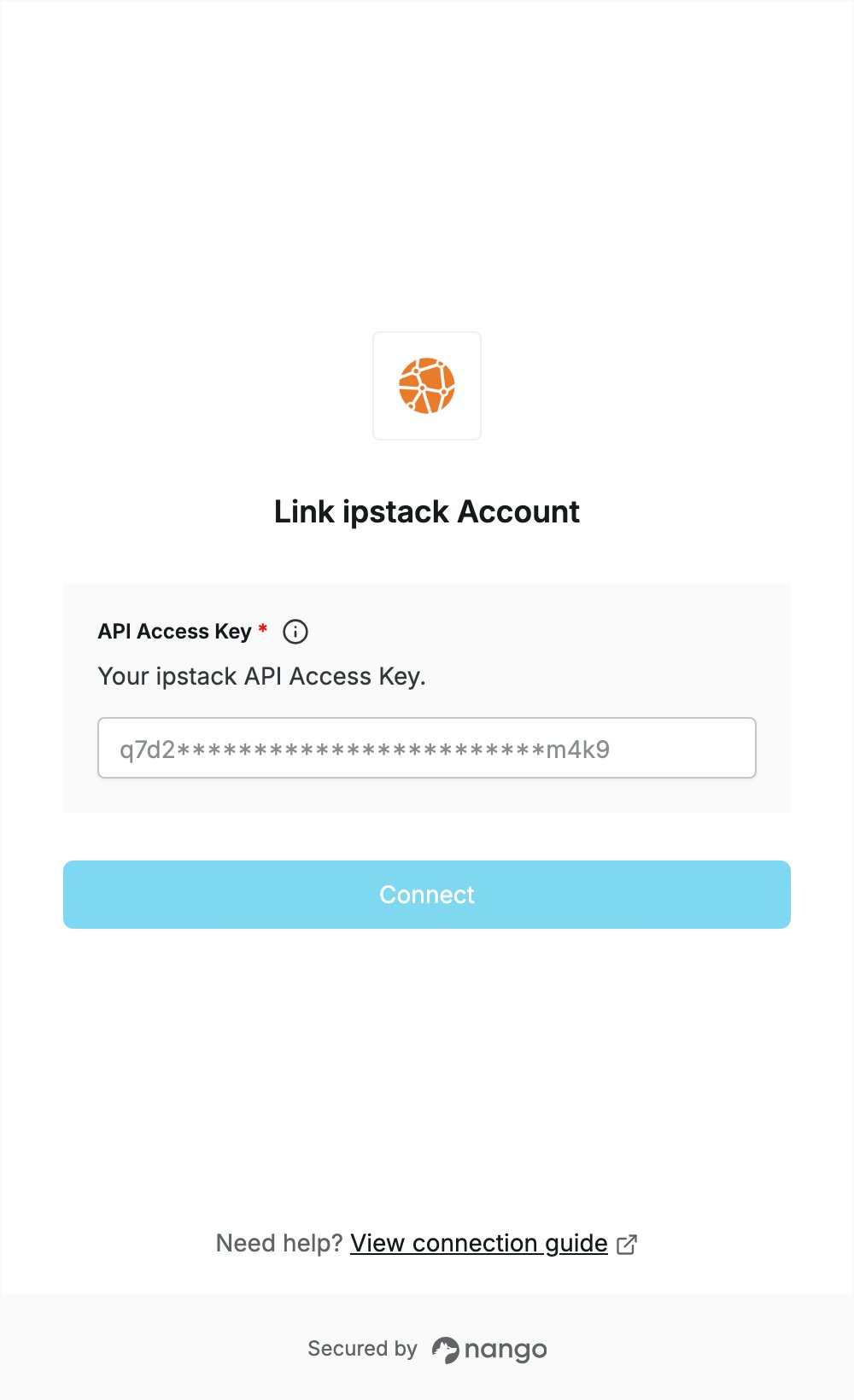
To authenticate with ipstack, you need:- API Access Key — the personal API Access Key from your ipstack dashboard.
Prerequisites
- An ipstack account. If you don’t have one, sign up for the Free plan: no credit card is required.
Step 1: Copy your API Access Key
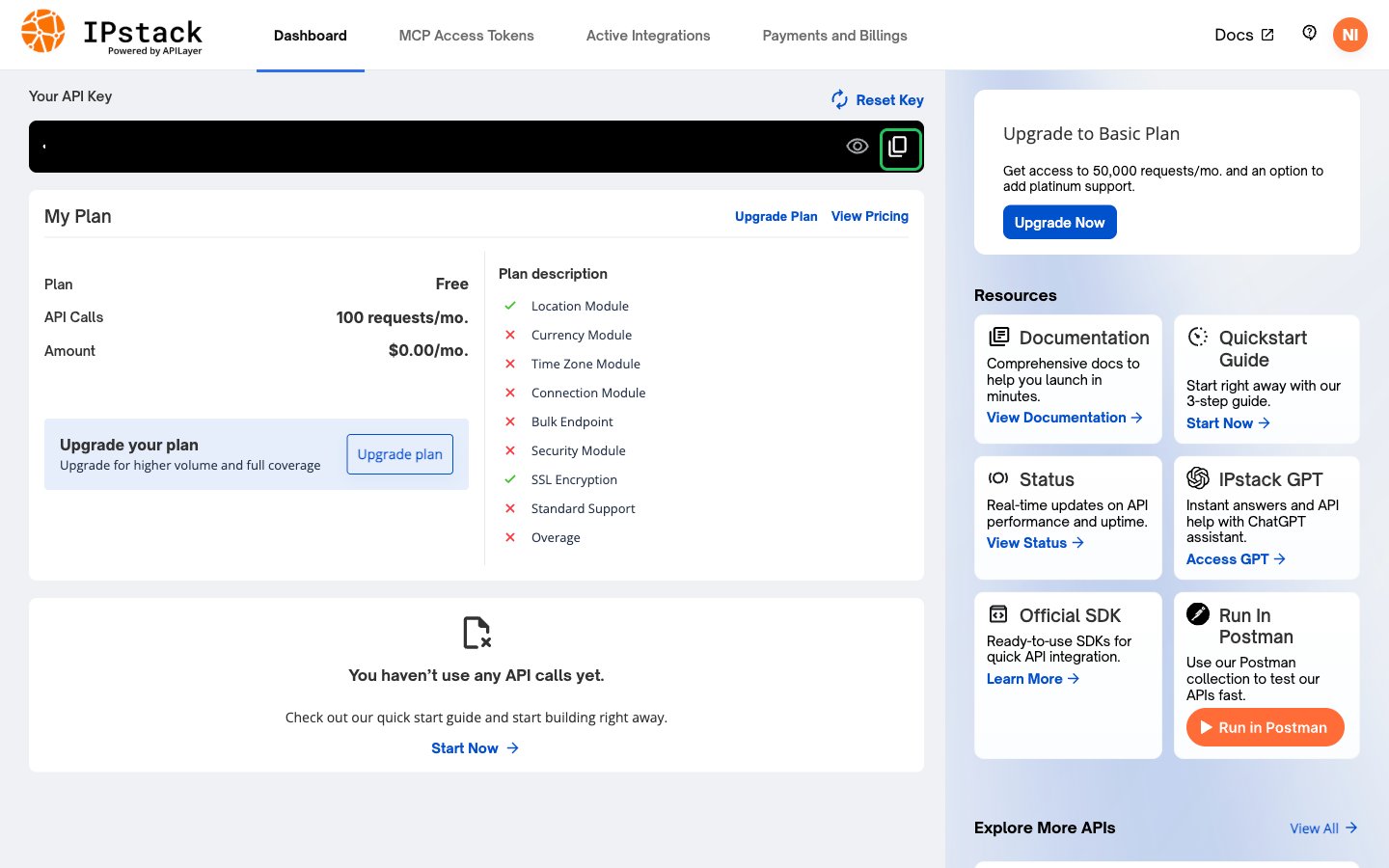
- Log in to ipstack and open the Dashboard. Your API Access Key is available there as soon as you sign up.
- Under Your API Key, click the copy icon to copy your key.
Step 2: Enter your API Access Key in the Connect UI
- Open the form where you need to authenticate with ipstack.
- Paste the key you copied in Step 1 into the API Access Key field.
- Submit the form, and you should be successfully authenticated.