Overview
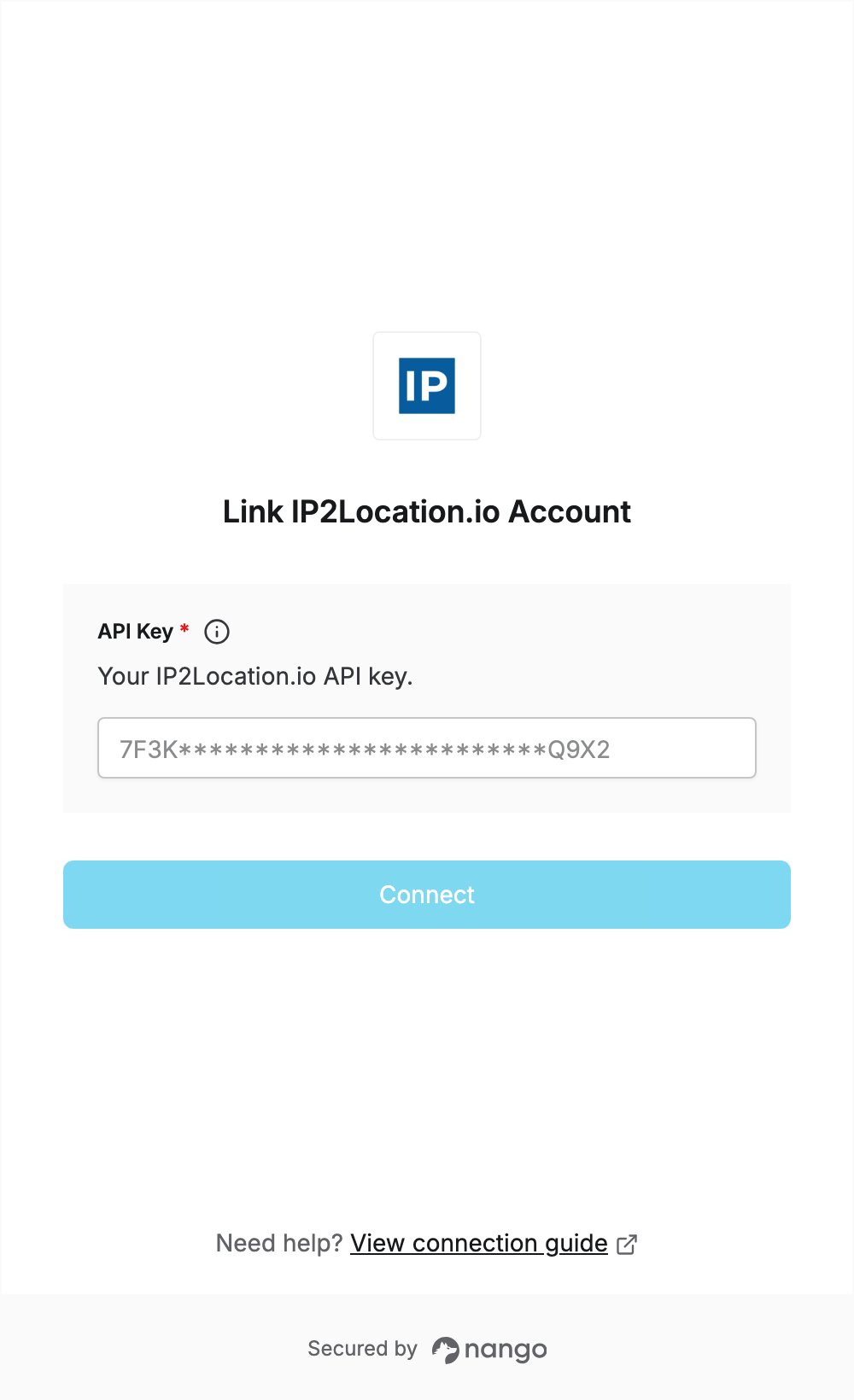
To authenticate with IP2Location.io, you need:- API Key — your IP2Location.io API key.
Prerequisites
- An IP2Location.io account. You can sign up for free; the free plan includes an API key.
Step 1: Copy your API key
- Log in to IP2Location.io. If the Quick Start Guide appears, click Skip Quickstart.
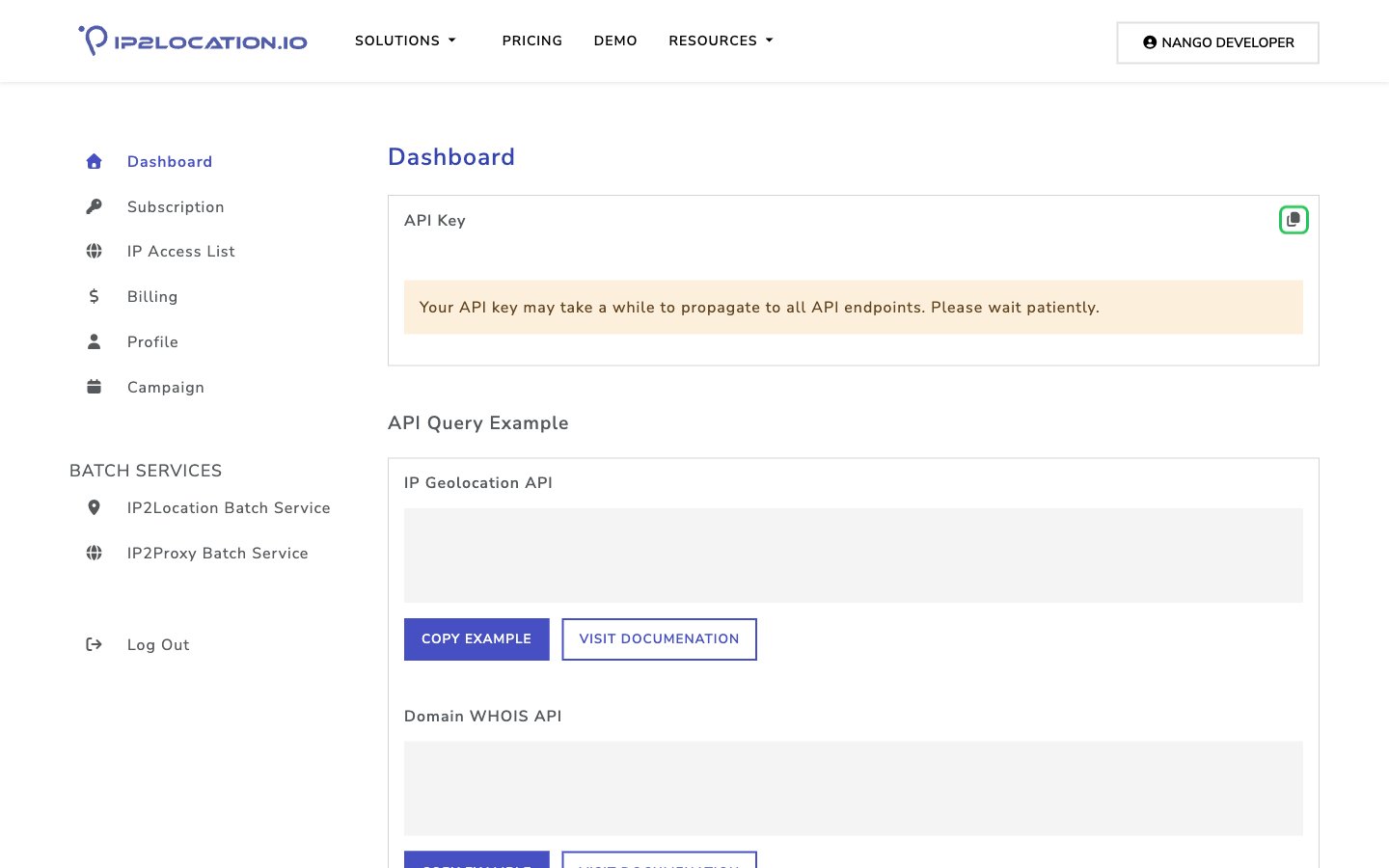
- On the Dashboard, the API Key card at the top shows your key. Click the copy icon next to API Key to copy it.
Step 2: Enter your API key in the Connect UI
- Open the form where you need to authenticate with IP2Location.io.
- Enter your API Key in the designated field.
- Submit the form, and you should be successfully authenticated.