Overview
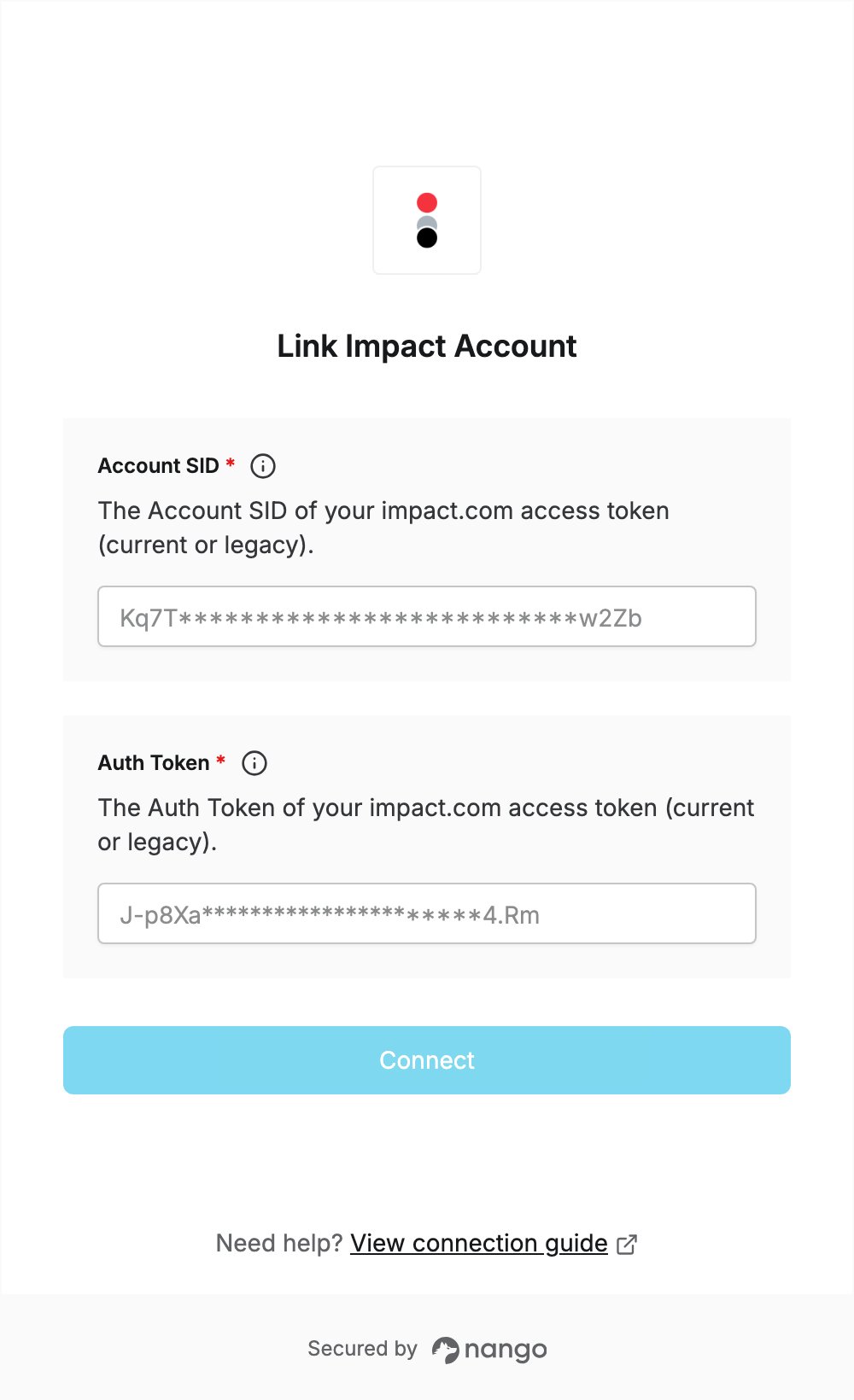
To authenticate with impact.com, you need an API access token, which has two values:- Account SID — identifies the token. impact.com uses it as the username.
- Auth Token — the token’s secret. impact.com uses it as the password.
Prerequisites
- An impact.com Brand, Partner or Agency account.
Step 1: Open the API settings
- Sign in to impact.com.
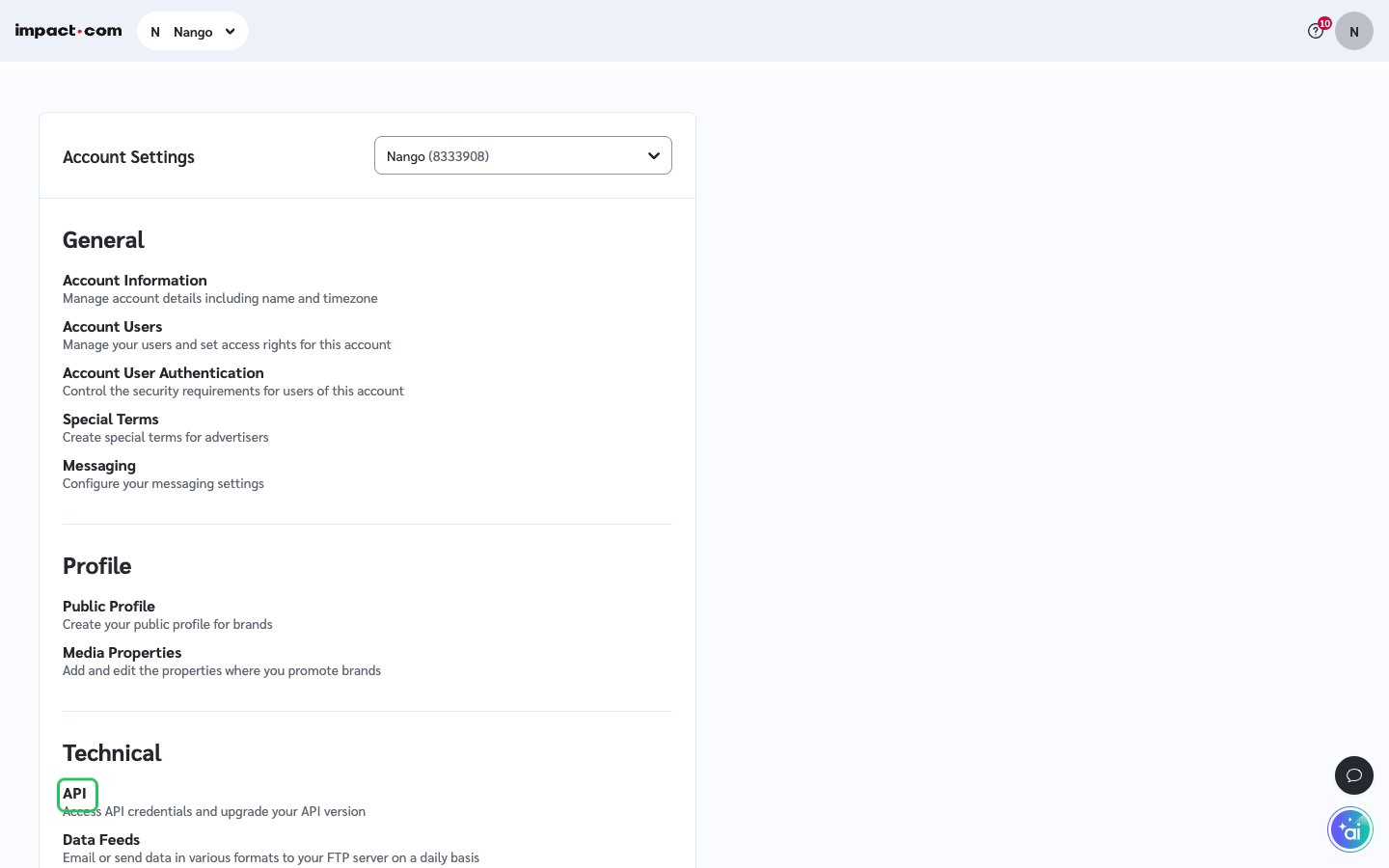
- Open your user profile menu in the top navigation bar and select Settings. In an Agency account, select Menu → Settings.
- Under Technical, select API.
Step 2: Create an access token
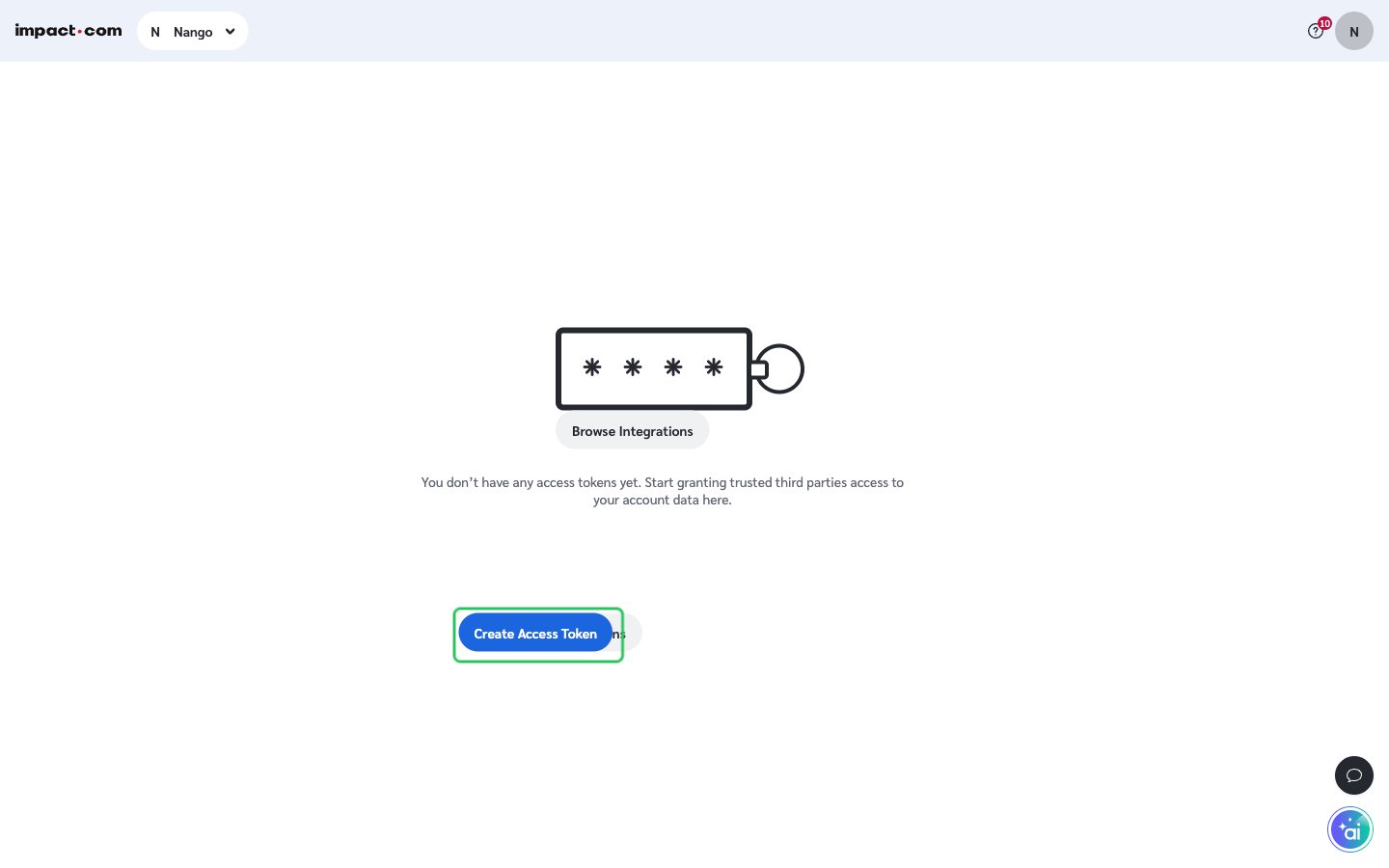
- Select Create Access Token on the upper right of the page.
- Enter a Token Name and Description, keep the default (latest) API Version, then select Next.
- Select a Primary Contact, optionally add developer email addresses, then select Next.
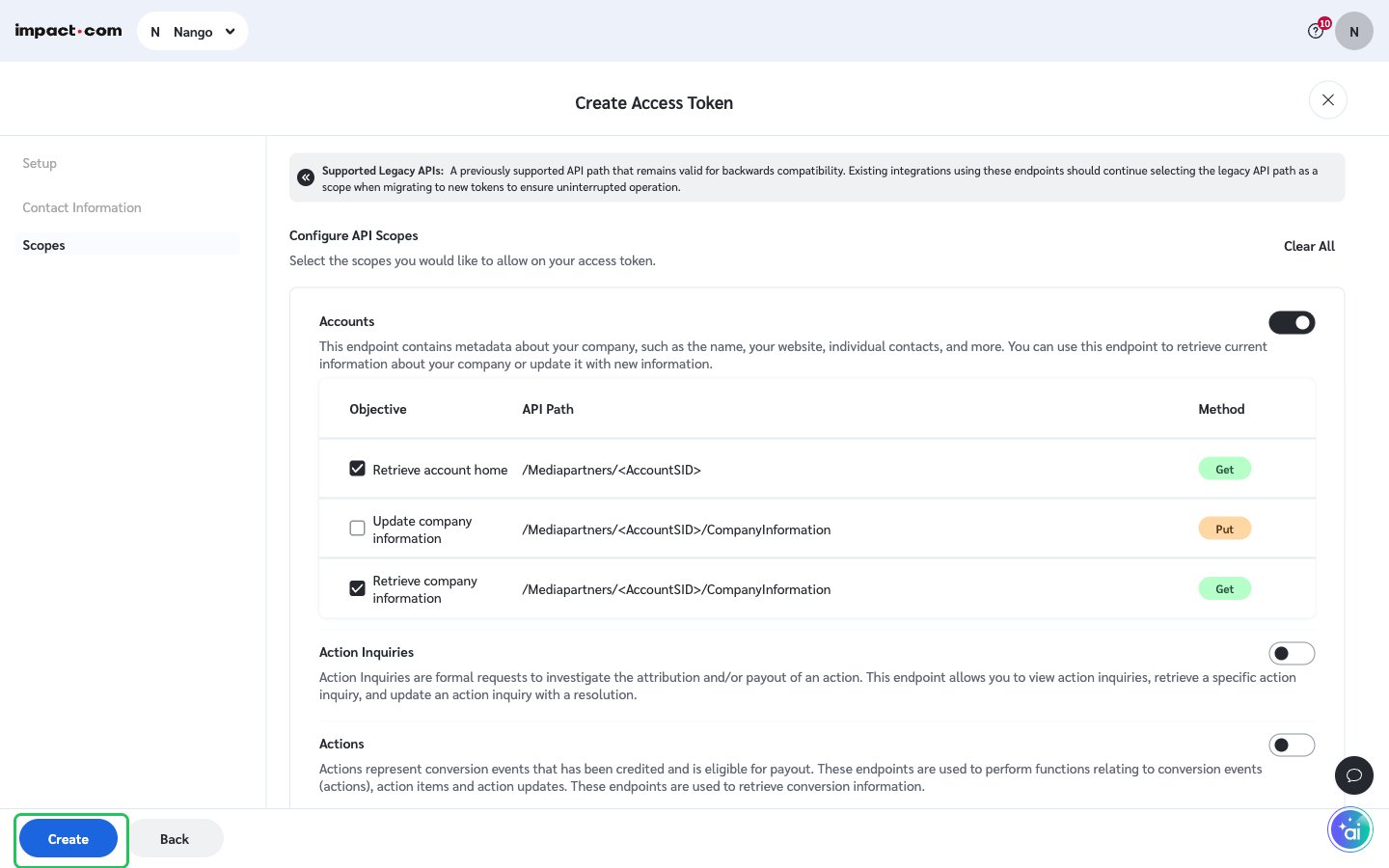
- Toggle on the API categories your integration needs and select their scopes, for example Accounts with the Get scopes for read access.
- Select Create.
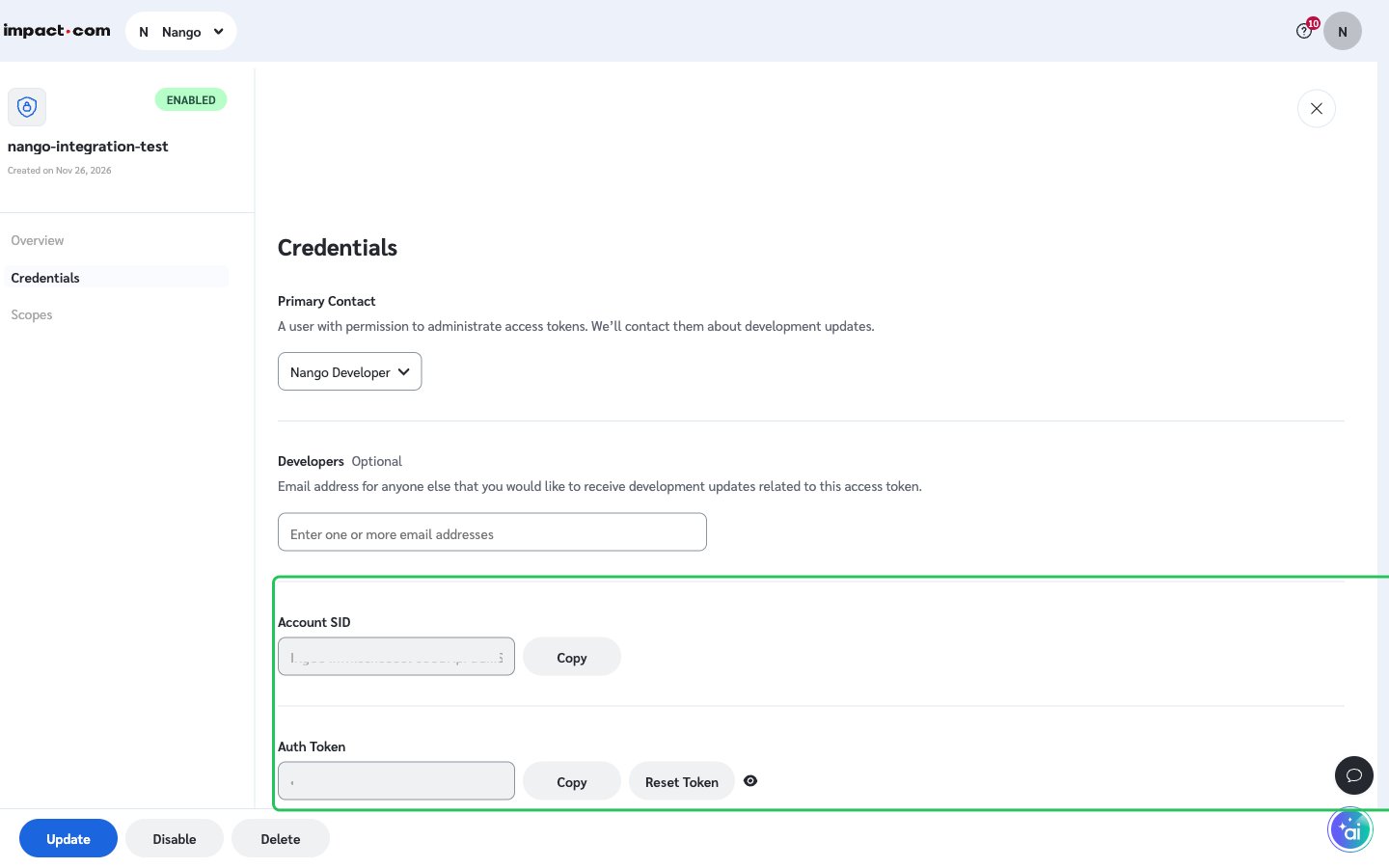
Step 3: Copy the Account SID and Auth Token
- Back on the API page, select your access token’s card.
- Select Credentials in the left navigation.
- Copy the Account SID.
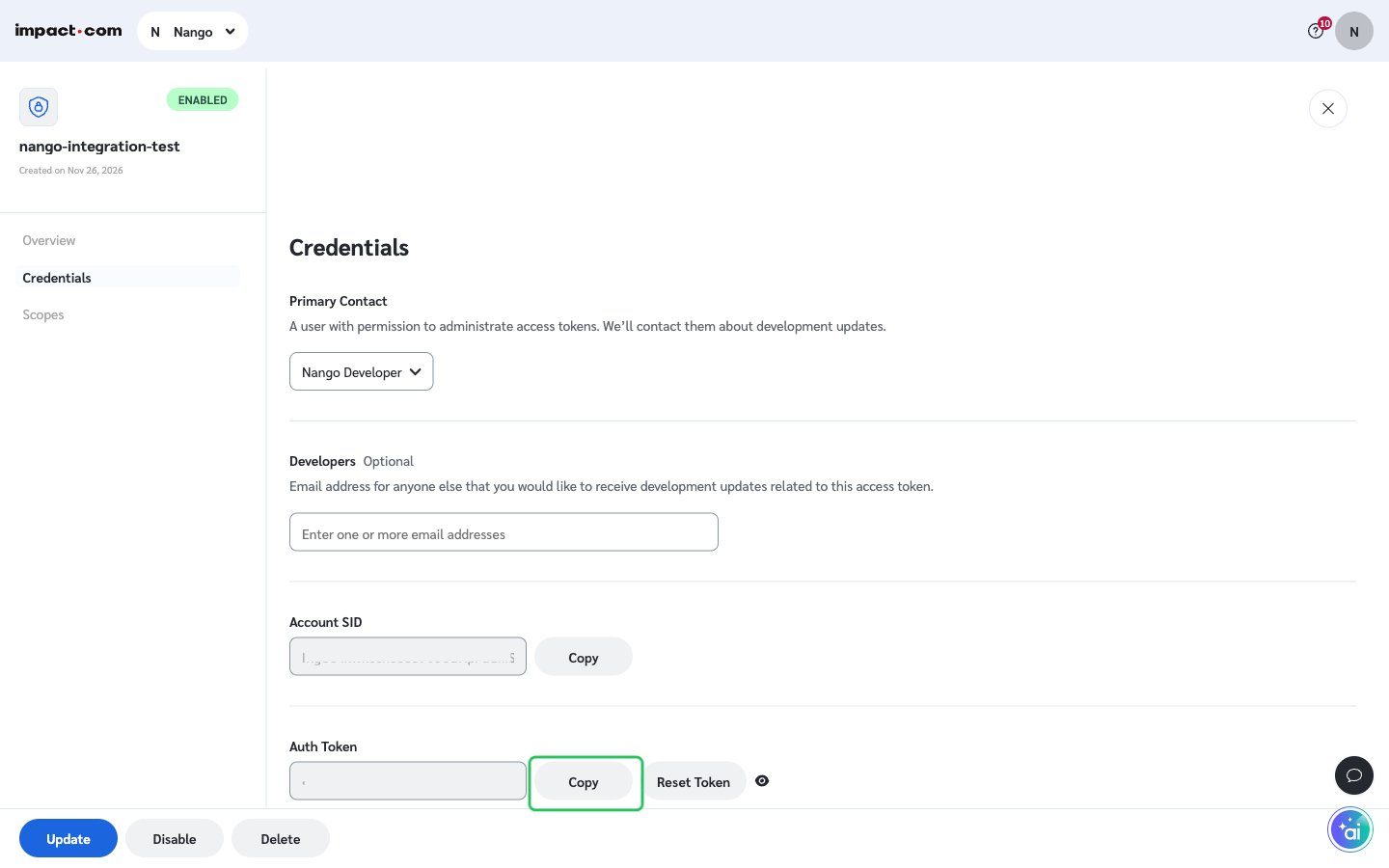
- Select Copy next to Auth Token to copy it.
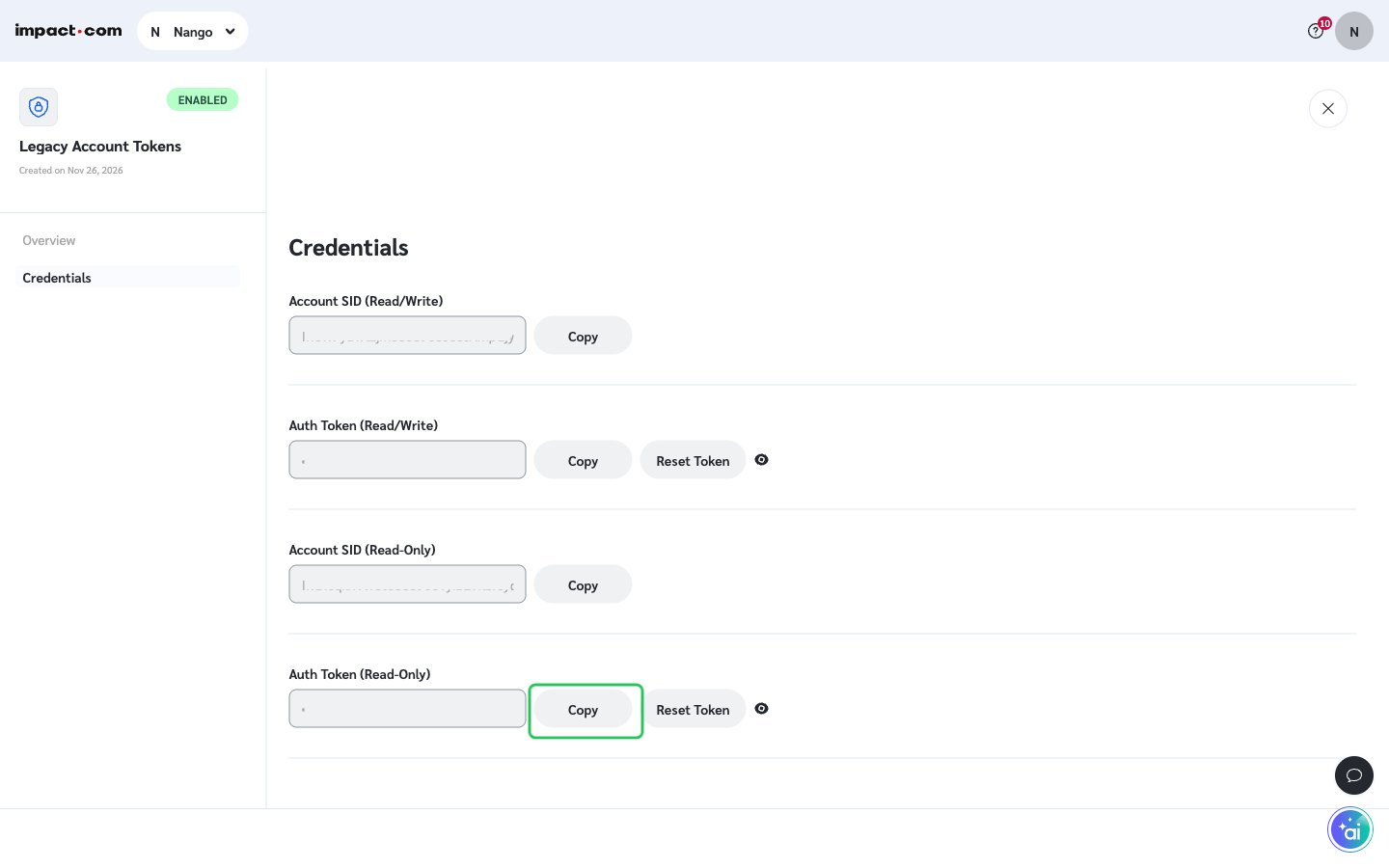
Legacy tokens created before April 2025 work too. Select the Legacy Account Tokens card on the API page (select Enable Legacy Tokens on the upper right if it is not visible), then Credentials. It has a Read/Write pair and a Read-Only pair: copy the Account SID and Auth Token of the same pair.
Step 4: Enter your credentials in the Connect UI
- Open the form where you need to authenticate with impact.com.
- Enter the Account SID in the Account SID field.
- Enter the Auth Token in the Auth Token field.
- Submit the form. Nango checks the credentials with impact.com and rejects them if they are invalid.