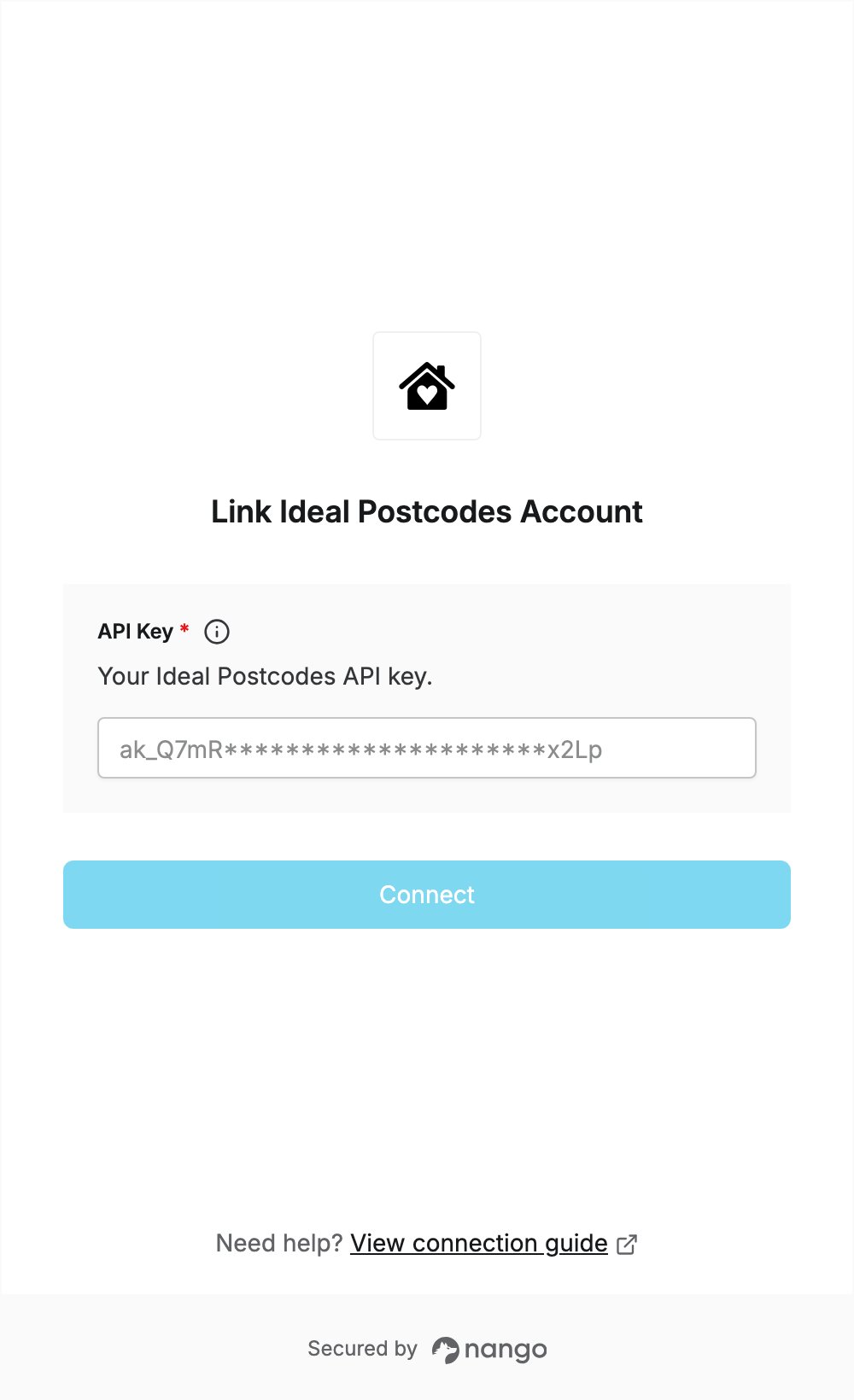
Overview
To authenticate with Ideal Postcodes, you need:- API Key — an API key from your Ideal Postcodes dashboard. It starts with
ak_.
Prerequisites
- An Ideal Postcodes account. The free trial comes with 50 free credits and needs no credit card.
Step 1: Copy your API key
- Sign in to the Ideal Postcodes dashboard.
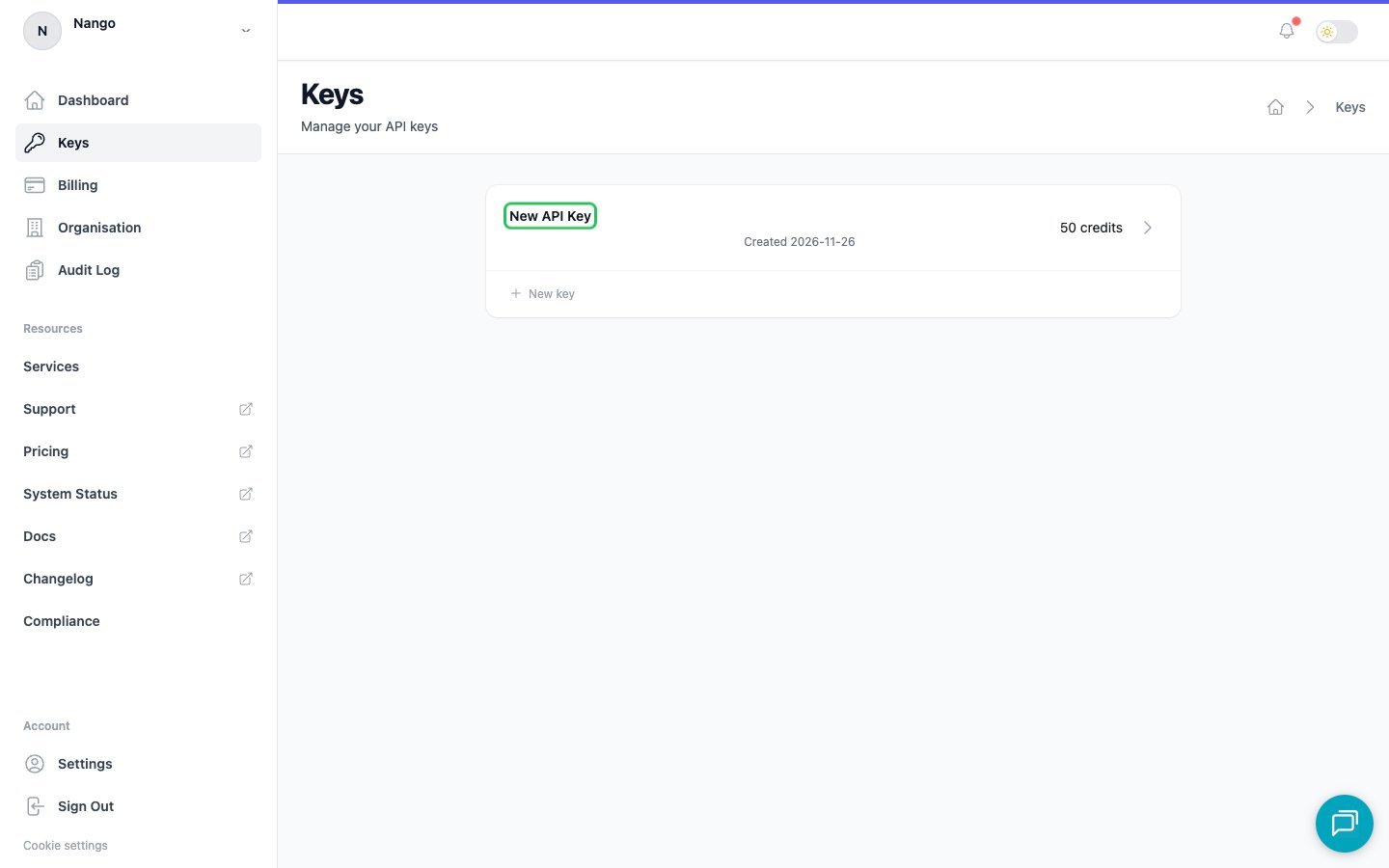
- Click Keys in the left sidebar, then click the API key you want to use. The key created with your account holds the free trial credits.
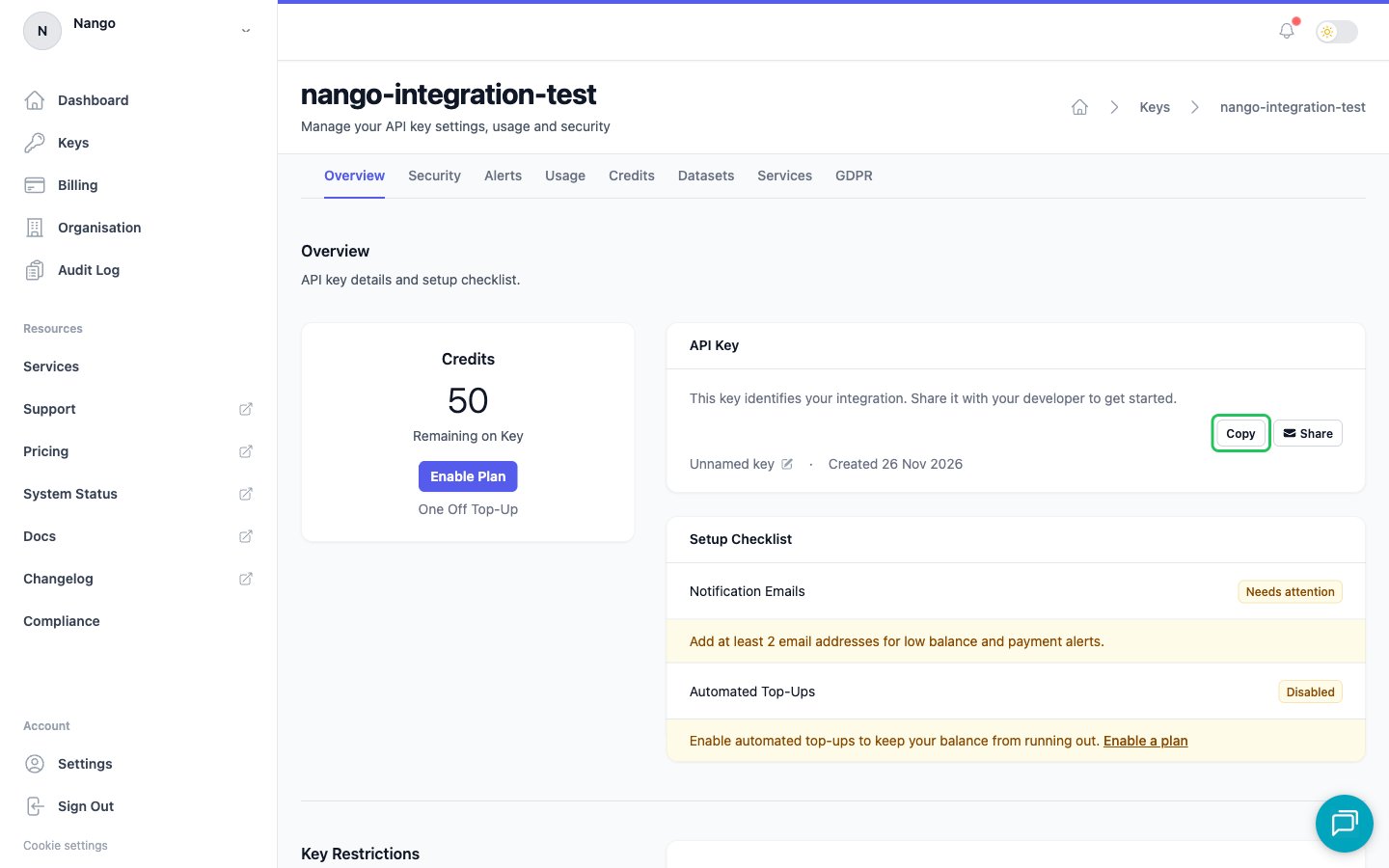
- In the API Key card, click Copy. The key starts with
ak_.
Leave the key’s Allowed URLs empty. Ideal Postcodes rejects requests to a key with Allowed URLs when their Referer or Origin header does not match, which blocks server-side requests.
Step 2: Enter your API key in the Connect UI
- Open the form where you need to authenticate with Ideal Postcodes.
- Paste the key you copied in Step 1 into the API Key field.
- Submit the form, and you should be successfully authenticated.