Overview
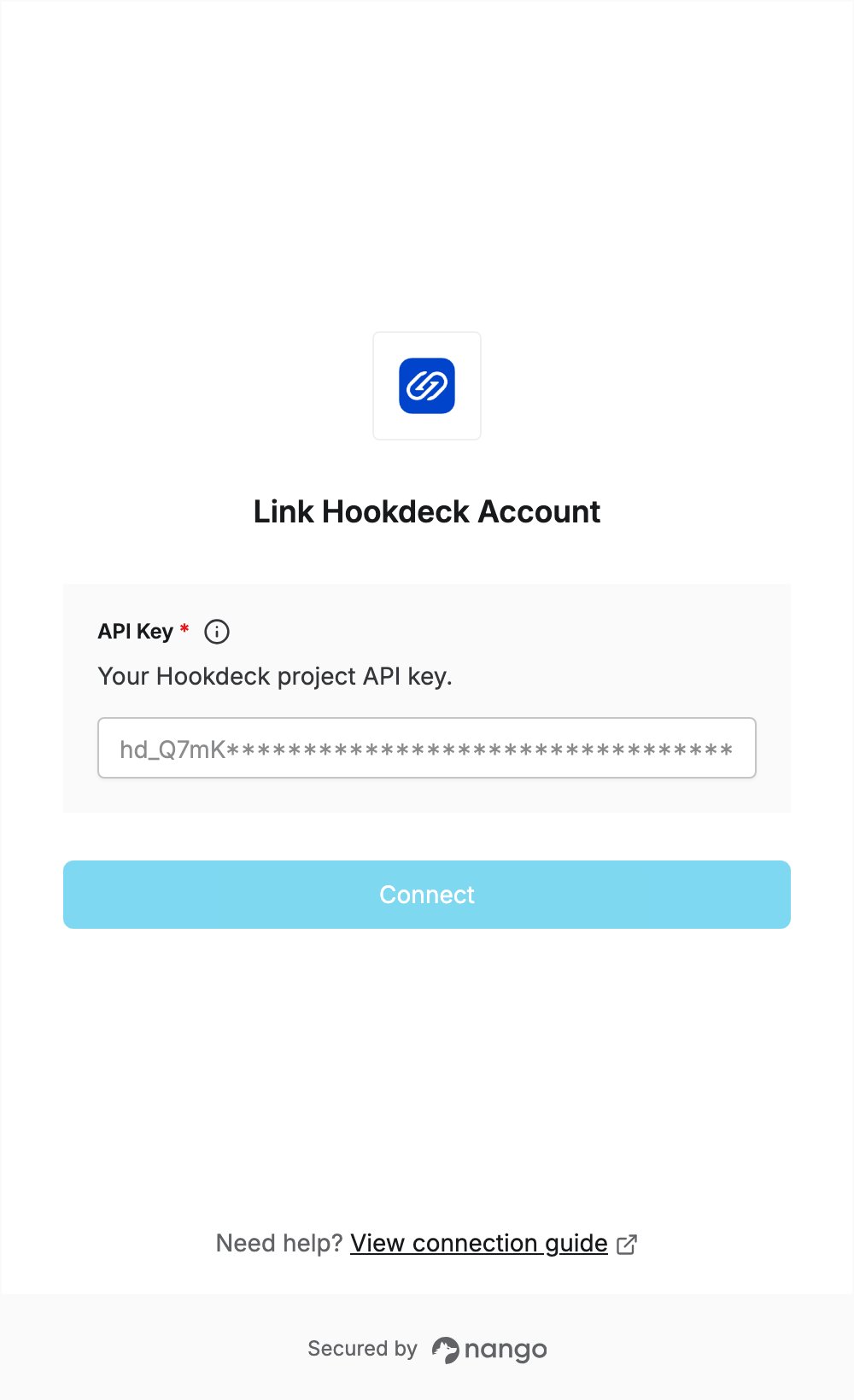
To authenticate with Hookdeck, you need:- API Key — a Hookdeck project API key.
Prerequisites
- A Hookdeck account. You can sign up for the free Developer plan without a credit card.
Step 1: Create an API key
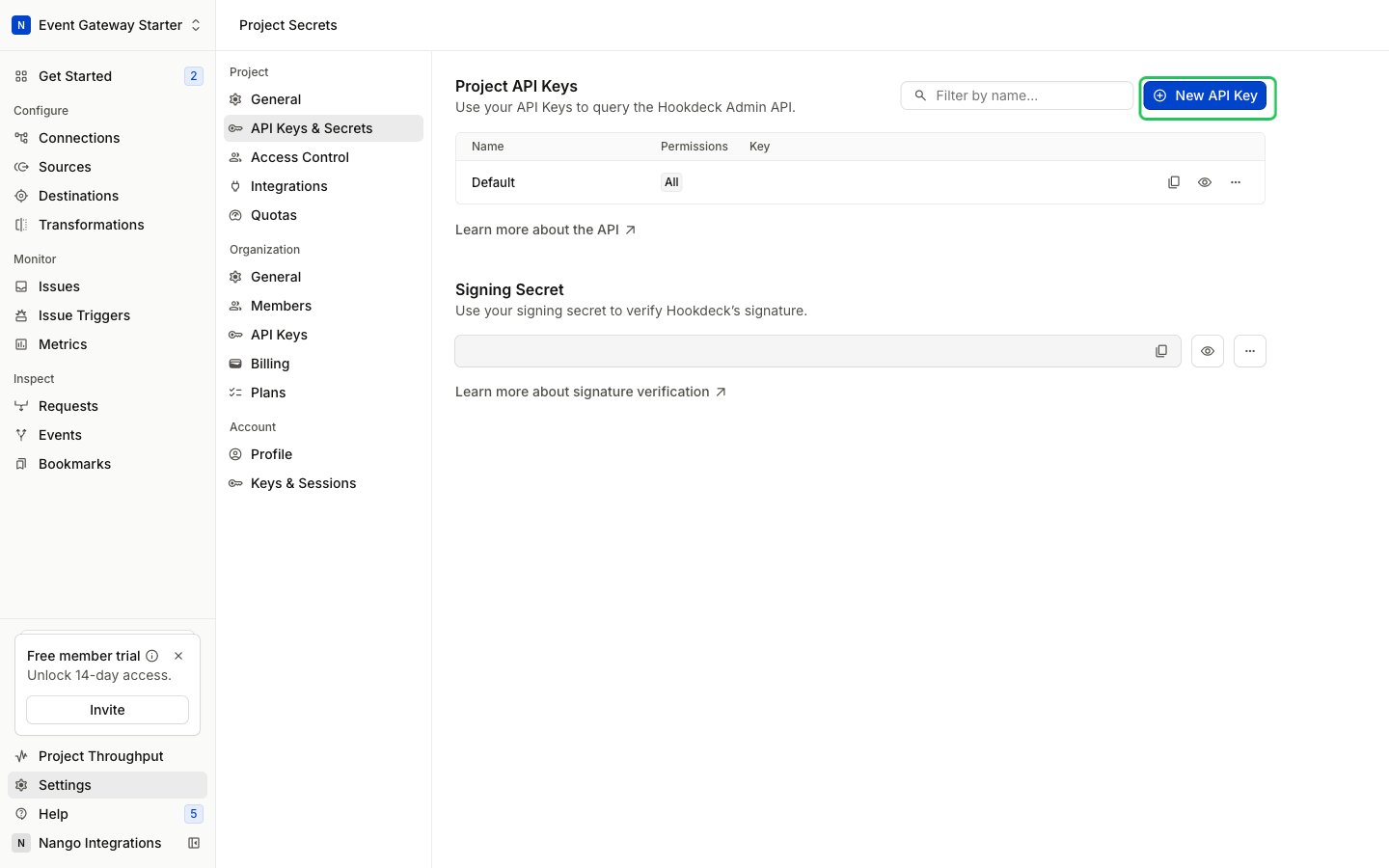
A project API key works with one project: it selects that project on every request.- Sign in to the Hookdeck dashboard and open Settings -> API Keys & Secrets for your project (project settings).
- In the Project API Keys section, click New API Key.
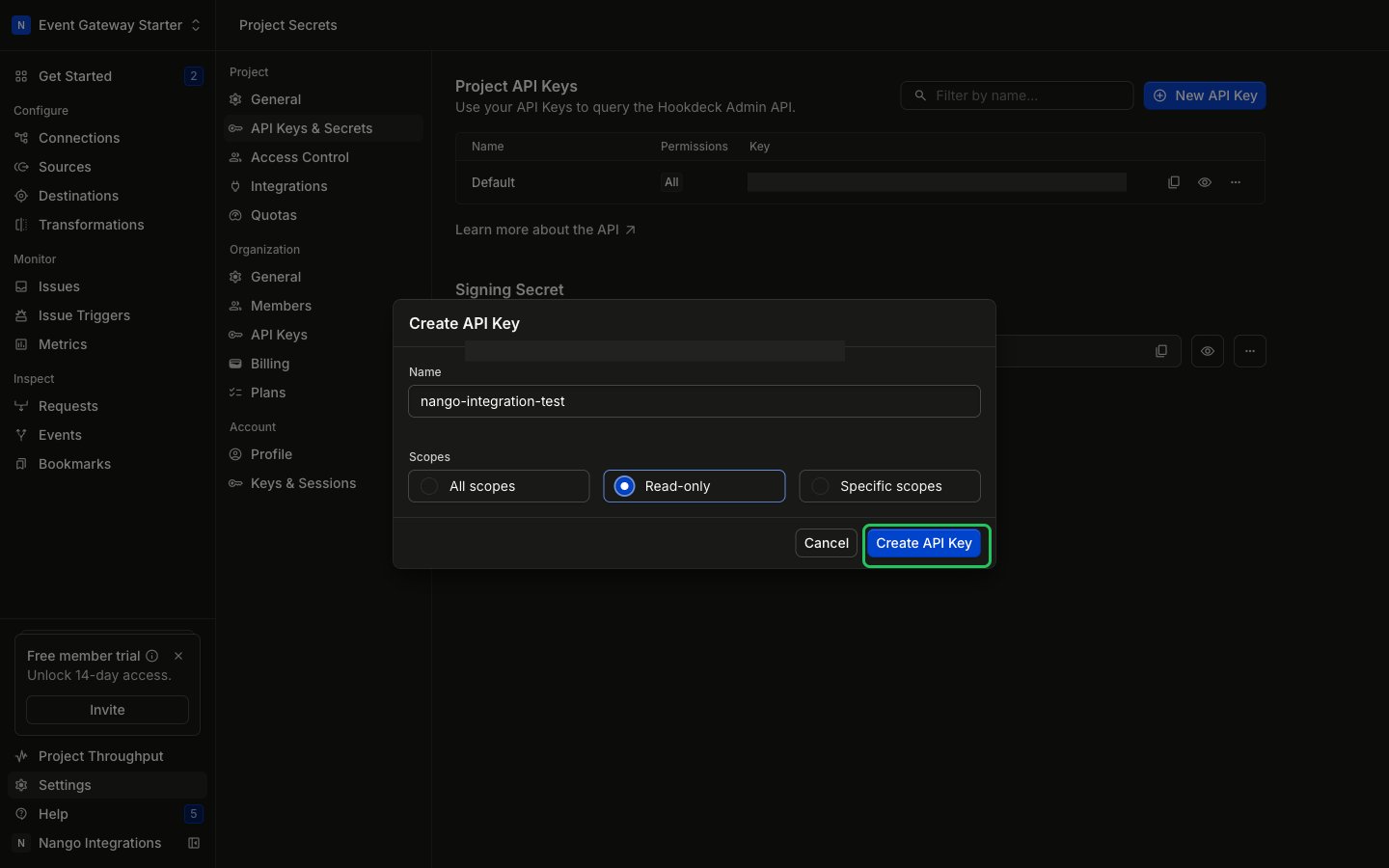
- Enter a name and choose the key’s scopes: All scopes, Read-only or Specific scopes. Give the key only the scopes your integration needs.
- Click Create API Key.
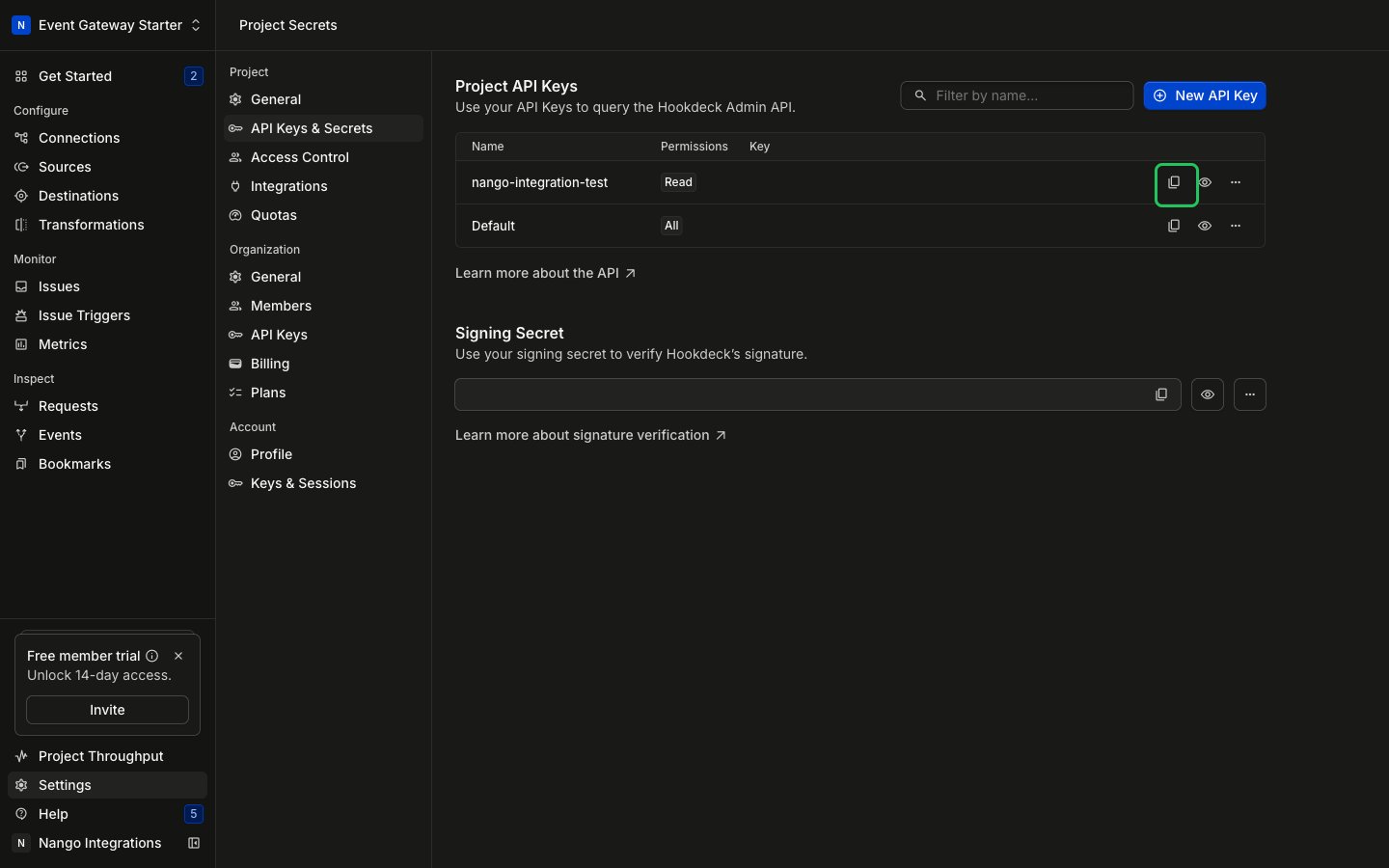
- Copy the new key with the copy button next to it.
Step 2: Enter your credentials in the Connect UI
- Open the form where you need to authenticate with Hookdeck.
- Paste the key you copied in Step 1 into the API Key field.
- Submit the form.