Overview
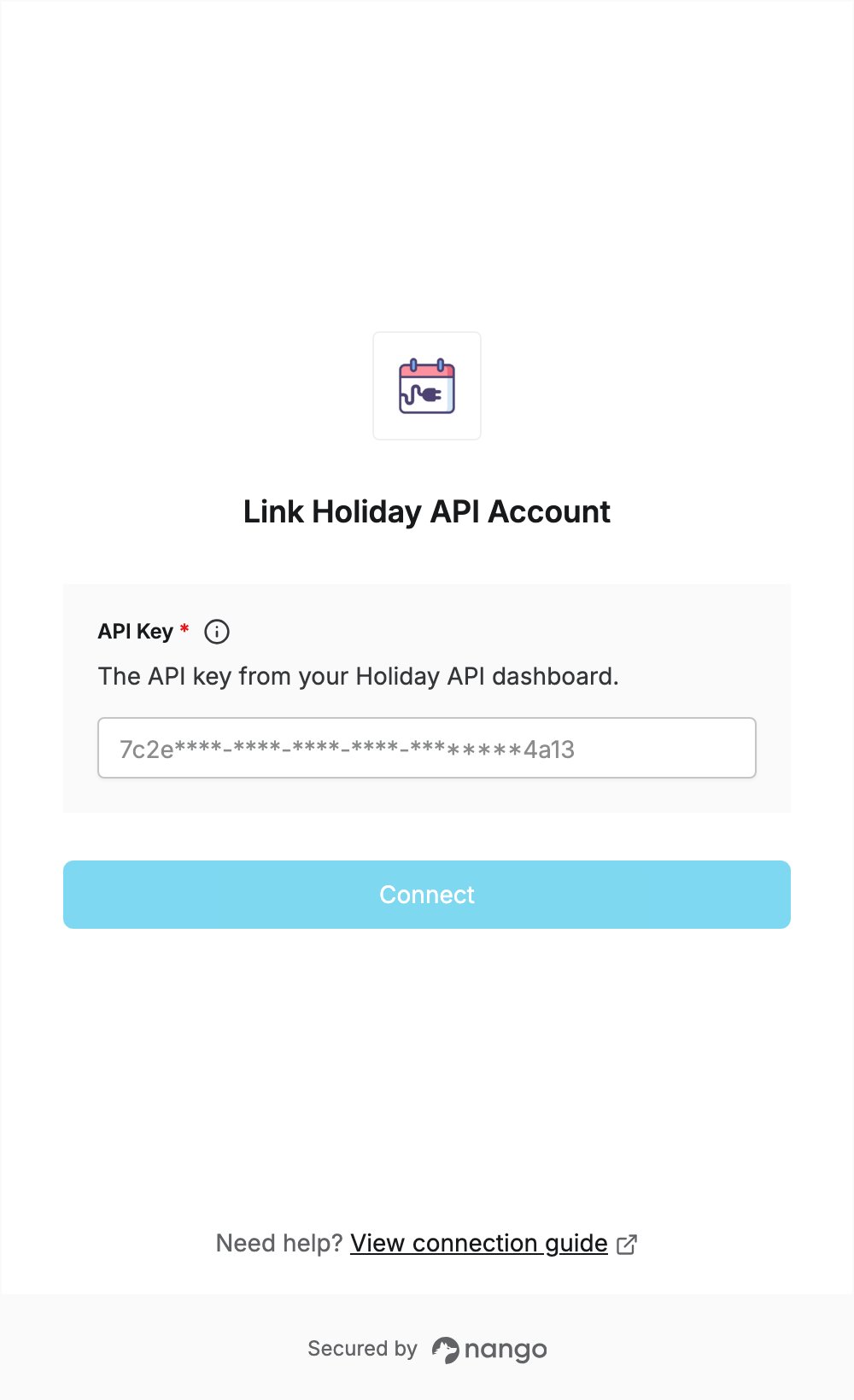
To authenticate with Holiday API, you need:- API Key — the API key shown in your Holiday API dashboard.
Prerequisites
- A Holiday API account. Sign up for free: the free Developer plan includes 10,000 requests a month for last year’s data, for non-commercial use. Paid plans add commercial use and holidays for every year (1 to 2050 and beyond).
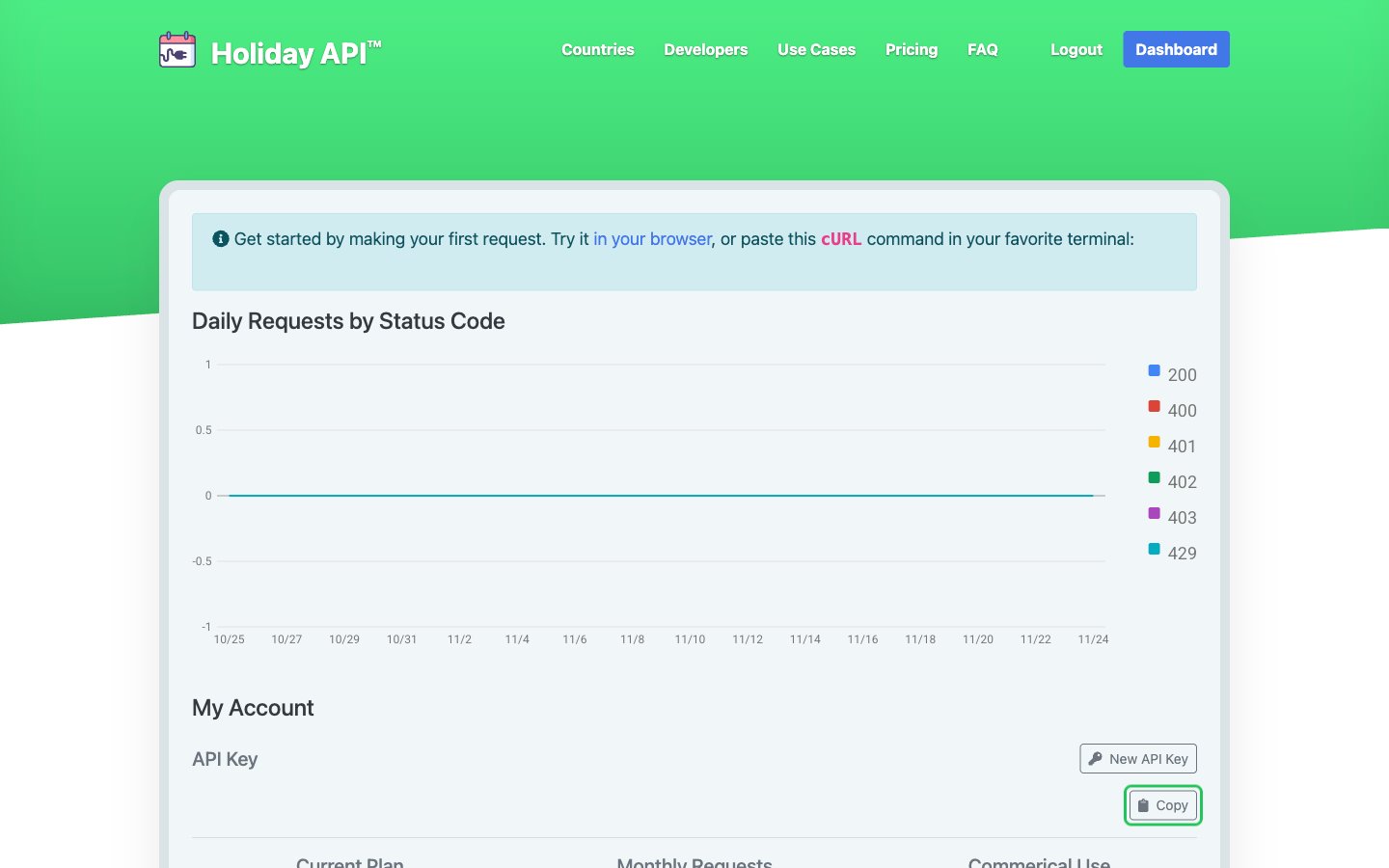
Step 1: Copy your API key
- Sign in to Holiday API and open your dashboard.
- Under My Account > API Key, click Copy.
Step 2: Enter your API key in the Connect UI
- Open the form where you need to authenticate with Holiday API.
- Paste the key you copied in Step 1 into the API Key field.
- Submit the form. Nango checks the key with Holiday API and rejects it if it is invalid.