Overview
To authenticate with Holded’s v2 API, you will need:- API Key – A key that grants Nango permission to interact with the Holded API on your behalf.
Prerequisites
- An active Holded account.
Instructions
Step 1: Generate an API key
- Log in to your Holded account and go to Settings → API.
- Click + New API Token.
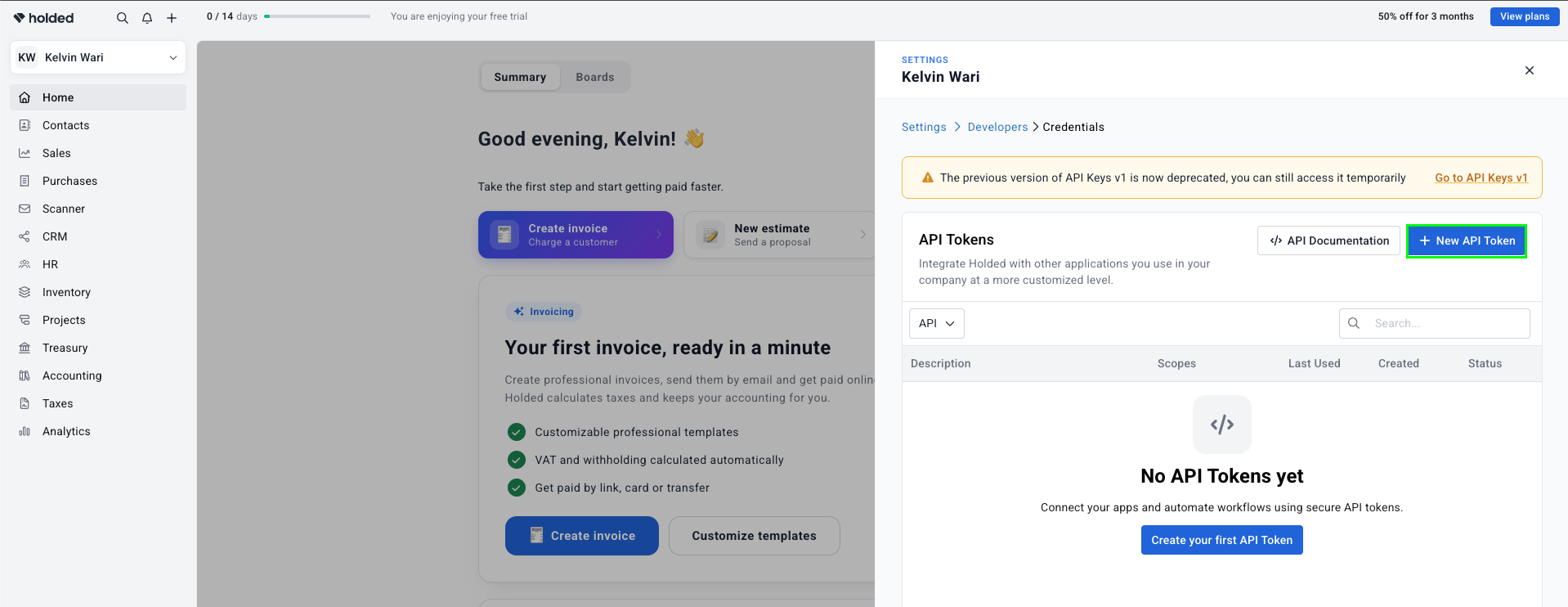
- Enter a name and select the permissions you want to grant this token.
- Click Create token to generate it.
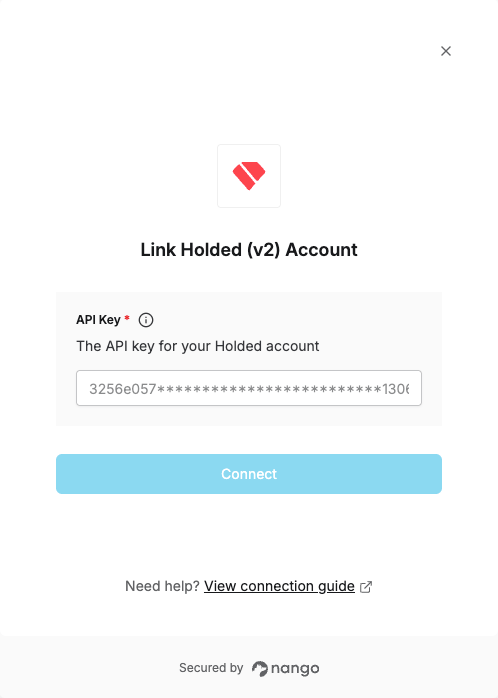
Step 2: Enter credentials in the Connect UI
- Open the form where you need to authenticate with Holded.
- Enter your API Key in the API Key field.
- Submit the form to complete authentication.