

Overview
HitPay has a production, a sandbox, and a staging environment. You choose the environment each time you connect an account. If the app you’re connecting from has already set the environment, the field is hidden and you can skip choosing it. Each environment uses a separate OAuth app with their own client ID and secret. Create one Nango integration per environment, and connect each account to the integration whose credentials match the environment you pick.Instructions
Step 1: Choose your environment
Pick the environment that matches the credentials of the integration you are connecting to. A production app’s credentials only work with
hit-pay.com, a sandbox app’s only with sandbox.hit-pay.com, and a staging app’s only with staging.hit-pay.com.
Step 2: Authorize HitPay
- Open the form where you need to authenticate with HitPay.
- Select your Environment. Skip this if the field isn’t shown.
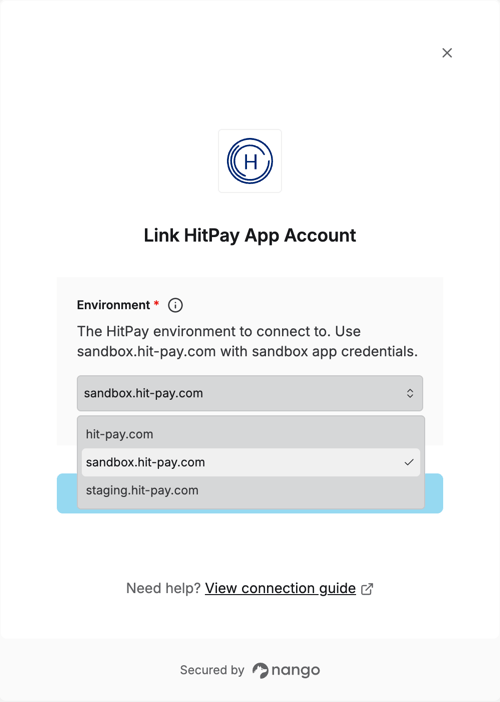
- Submit the form, log in to HitPay, and pick the business to connect.