Overview
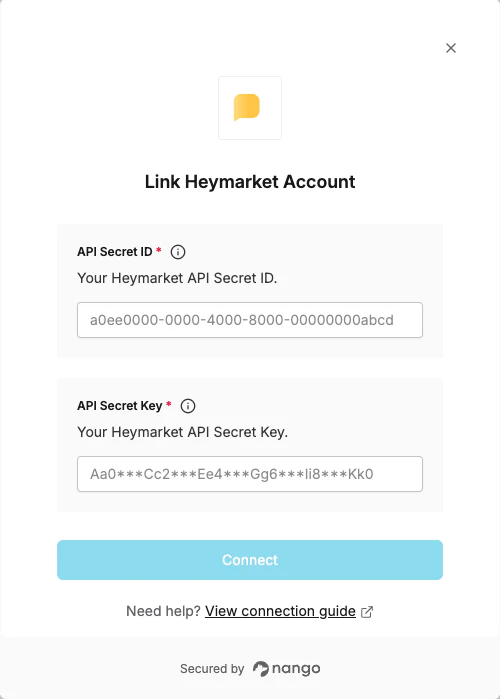
To authenticate with Heymarket, you will need:- API Secret ID — The secret ID for your API client.
- API Secret Key — The secret key used with your API Secret ID to generate a token for authentication.
Prerequisites:
- A Heymarket account with Heymarket API access enabled. If your account does not have API access yet, contact Heymarket support to request it.
Instructions:
Step 1: Finding your API Secret ID and Secret Key
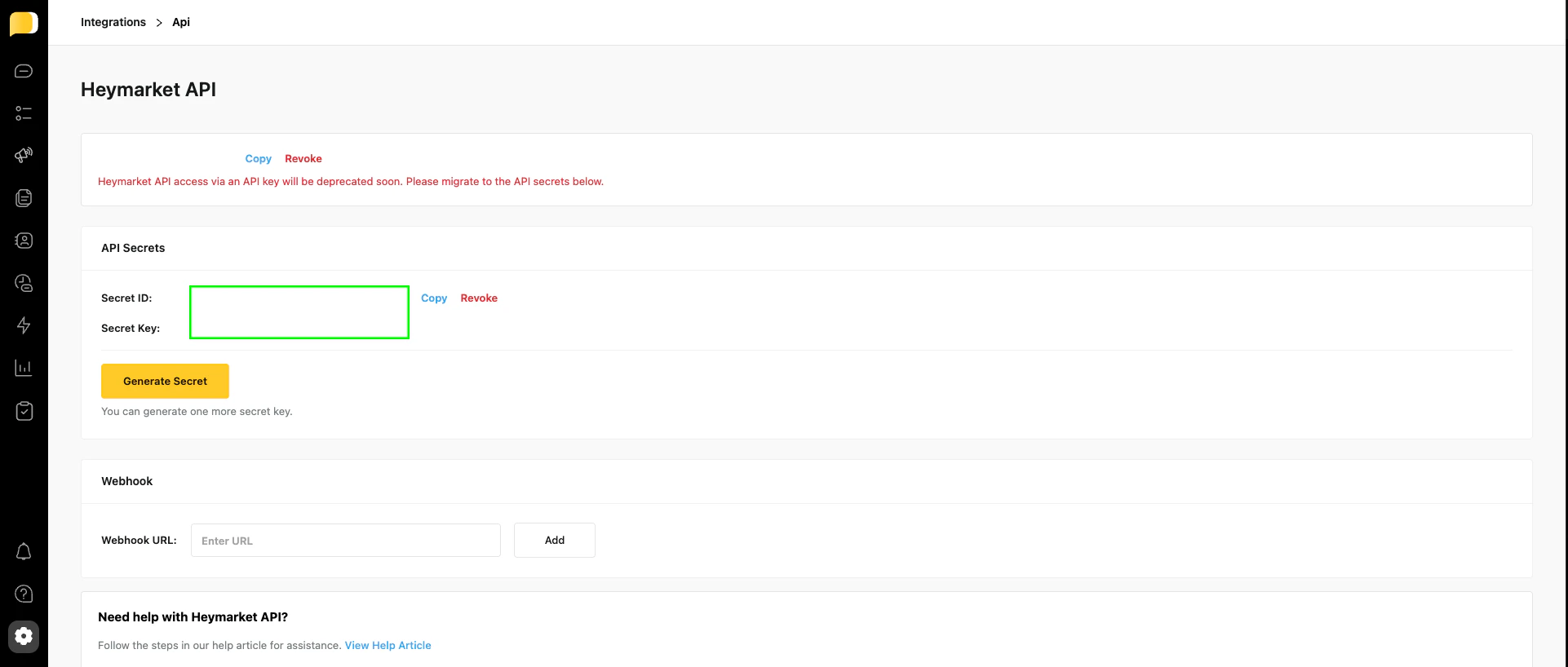
- Log in to Heymarket and navigate to the Heymarket API page.
- Copy your API Secret ID and API Secret Key from the dashboard.
Step 2: Enter credentials in the Connect UI
Once you have your API Secret ID and API Secret Key:- Open the form where you need to authenticate with Heymarket.
- Enter your API Secret ID and API Secret Key in their respective fields.
- Submit the form, and you should be successfully authenticated.