Overview
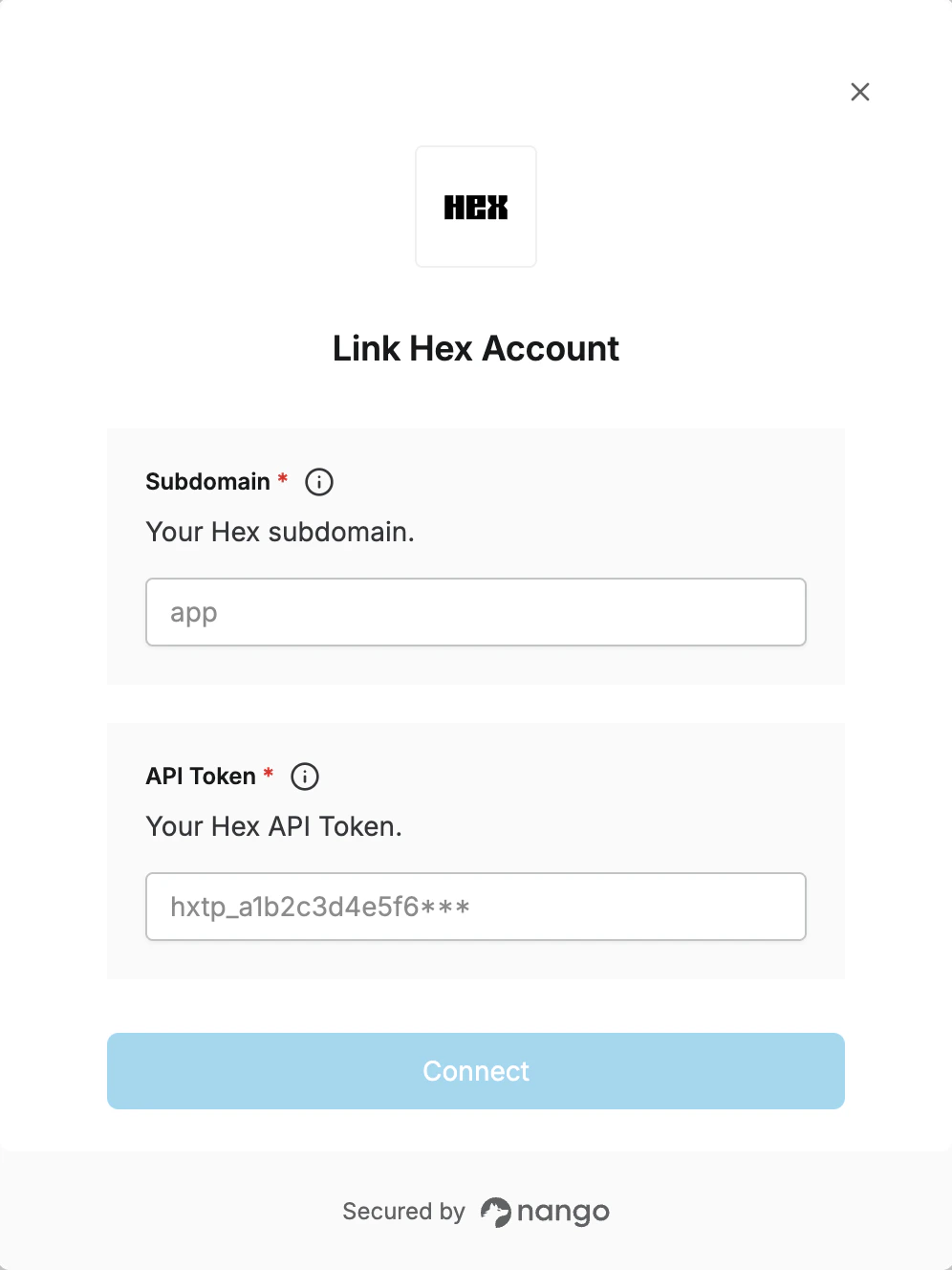
To authenticate with Hex, you will need:- Subdomain – Your Hex subdomain.
- API Token – A personal access token or workspace token that grants Nango permission to interact with the Hex API on your behalf.
Prerequisites
- An active Hex account with Editor or higher role (for personal access tokens), or Admin role (for workspace tokens).
Instructions
Step 1: Creating your API token
- Log in to your Hex account.
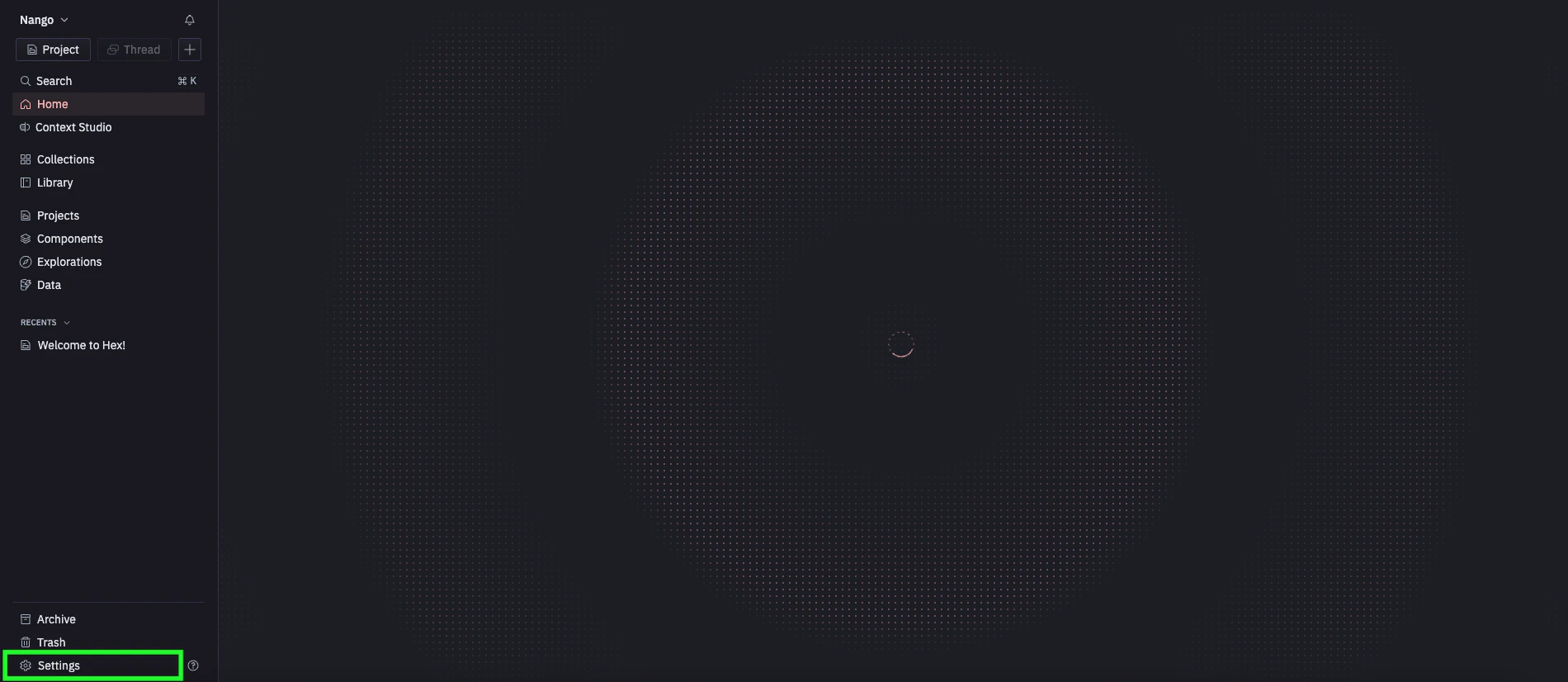
- Click the settings button.
- Click the API Keys button.
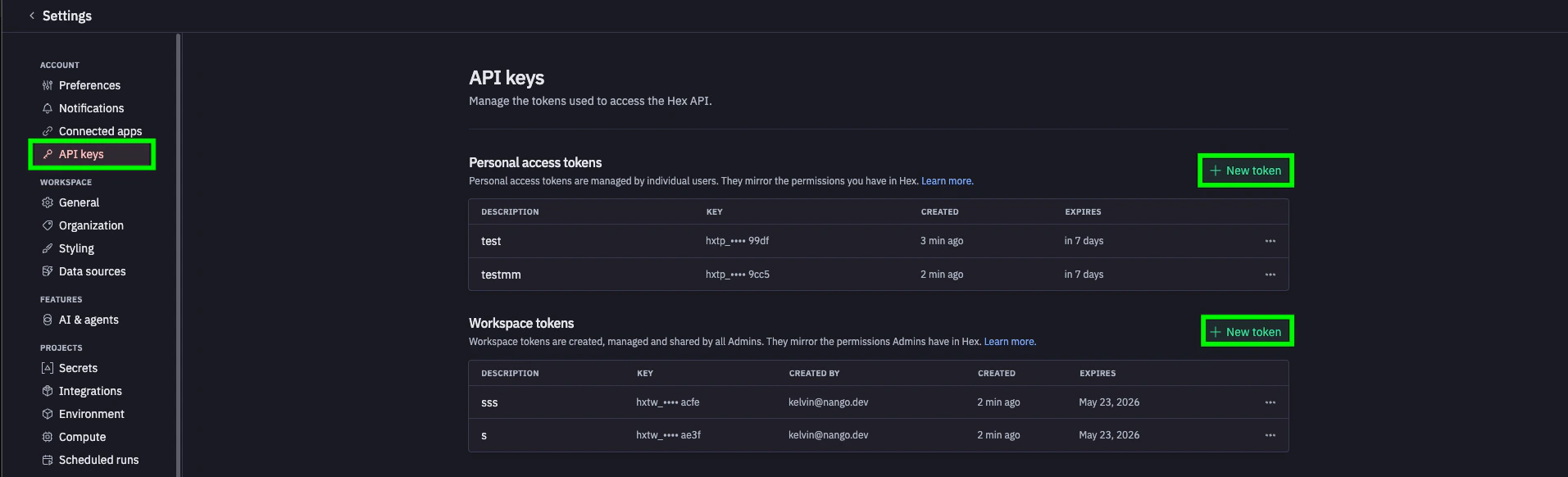
- Choose the token type, click New Token, and fill in the form.
- Personal access tokens (prefix
hxtp_) inherit your own permissions and require an expiration date. - Workspace tokens (prefix
hxtw_) are managed by admins, can be set to never expire, and support different permission scopes.
- Personal access tokens (prefix
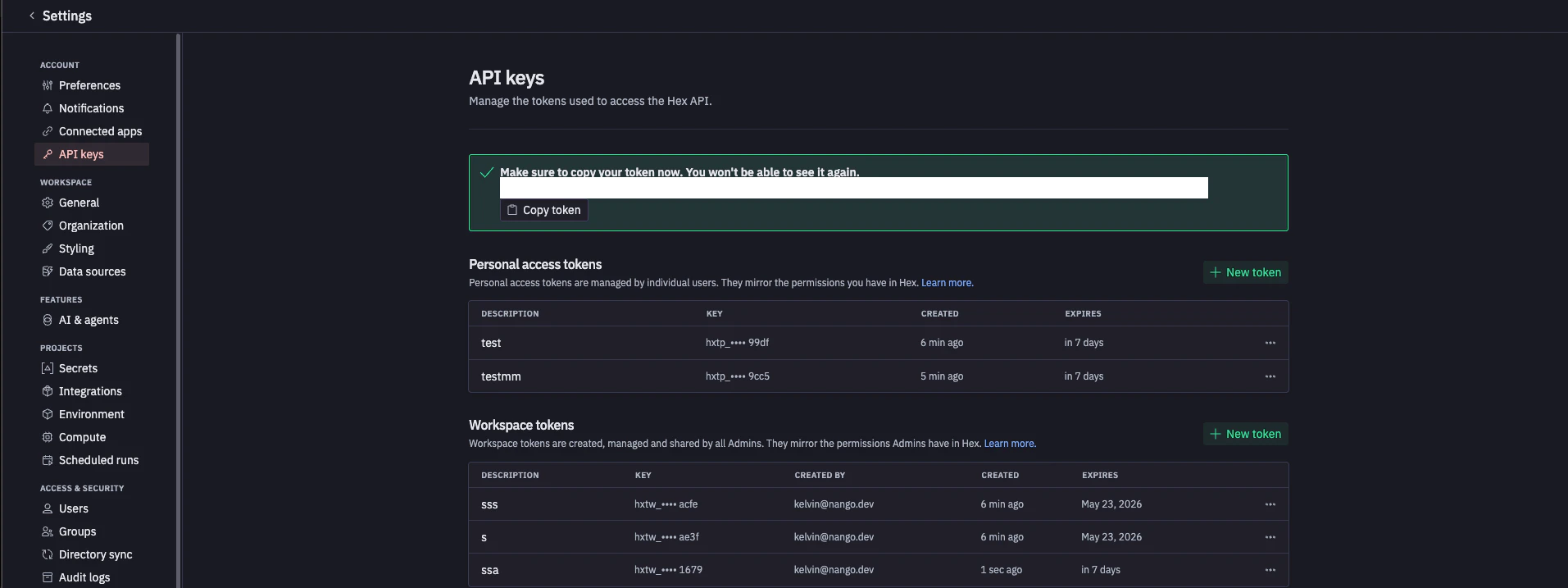
- Copy the token immediately — it is shown once upon creation and cannot be retrieved later.
Step 2: Finding your subdomain
Your subdomain is the part before.hex.tech in the URL you use to access Hex:
- Standard accounts →
app(your Hex URL ishttps://app.hex.tech) - EU multi-tenant →
eu(your Hex URL ishttps://eu.hex.tech) - Single-tenant or HIPAA → your custom subdomain, e.g.
atreides(your Hex URL ishttps://atreides.hex.tech)
Step 3: Enter credentials in the Connect UI
- Open the form where you need to authenticate with Hex.
- Enter your Subdomain in the Subdomain field.
- Enter your API Token in the API Token field.
- Submit the form to complete authentication.