Overview
To authenticate with HERE, you need:- API Key — an API key for an app on the HERE platform.
Prerequisites
- A HERE platform account. If your company has no HERE platform organization yet, you can get started for free.
Step 1: Register an app
Skip this step if you already have an app you want to use.- Sign in to the HERE platform.
- Select Access Manager from the launcher.
- On the Apps tab, click Register new app and enter the required information.
- Click Register.
Step 2: Create an API key
- In Access Manager, on the Apps tab, select your app.
- On the Credentials tab, select API Keys, then click Create API key. An app can have at most two API keys.
- Copy the API key.
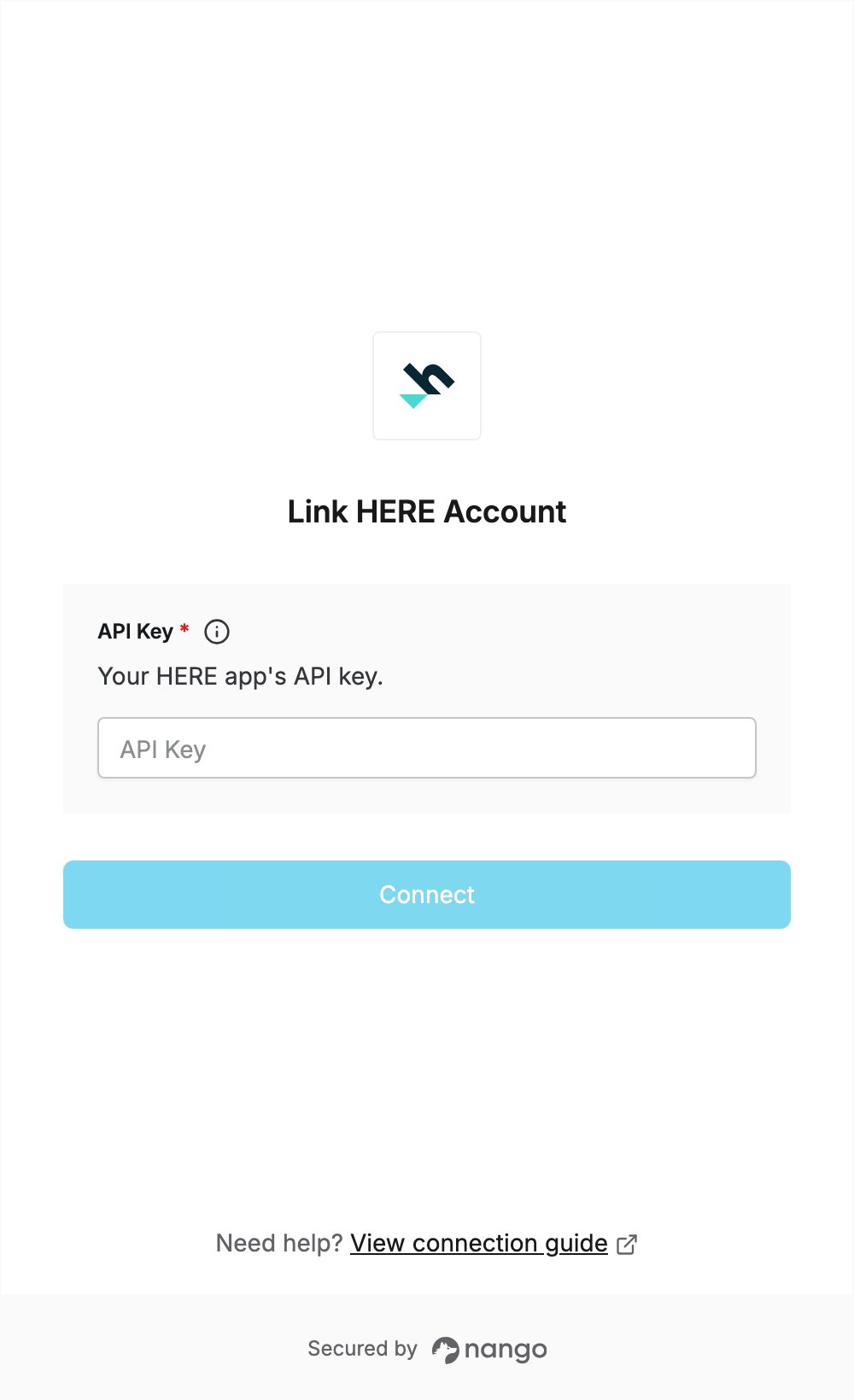
Step 3: Enter your API key in the Connect UI
- Open the form where you need to authenticate with HERE.
- Paste the key you copied in Step 2 into the API Key field.
- Submit the form, and you should be successfully authenticated.