Overview
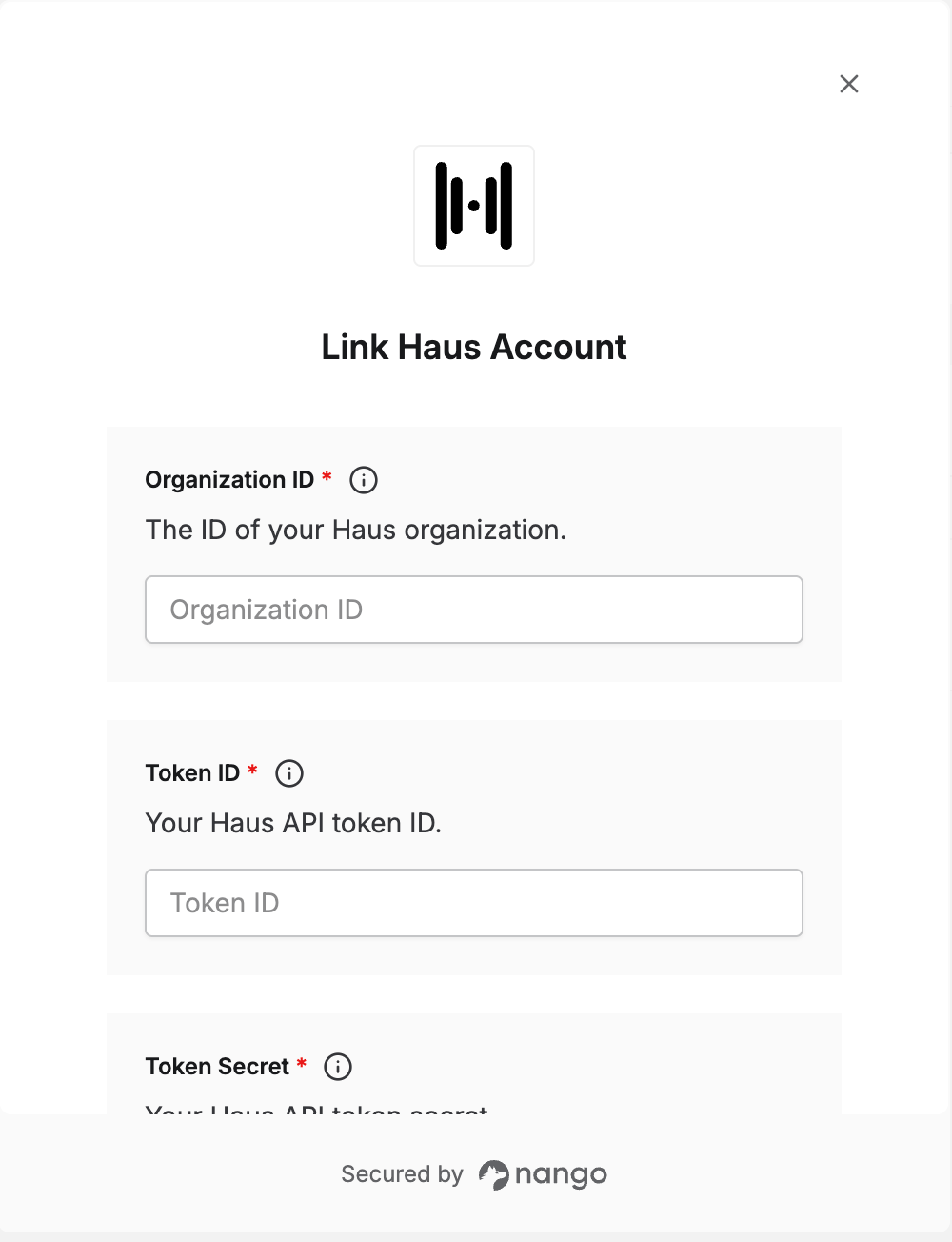
To authenticate with Haus, you need:- Organization ID — the ID of your Haus organization.
- Token ID and Token Secret — the credentials of a Haus API token.
Prerequisites
- A Haus account with access to Token Management in your organization settings.
Step 1: Find your organization ID
Your Organization ID is shown in Haus when you connect your store to Attribution with the Haus Pixel. Copy it from there.Step 2: Create an API token
- Log in to Haus.
- Open the account menu and select Organization settings.
- Select the Token Management tab.
- In the Haus Public API section, click Add Token.
- Enter a Token Name, using only lowercase letters, numbers, underscores, and dashes, then click Create Token.
- Copy the token_id and token_secret.
Haus only shows the token_id and token_secret once. Save them somewhere secure before closing the dialog.
Step 3: Enter your credentials in the Connect UI
- Open the form where you need to authenticate with Haus.
- Enter your Organization ID, your token_id as the Token ID, and your token_secret as the Token Secret.
- Submit the form, and you should be successfully authenticated.