Overview
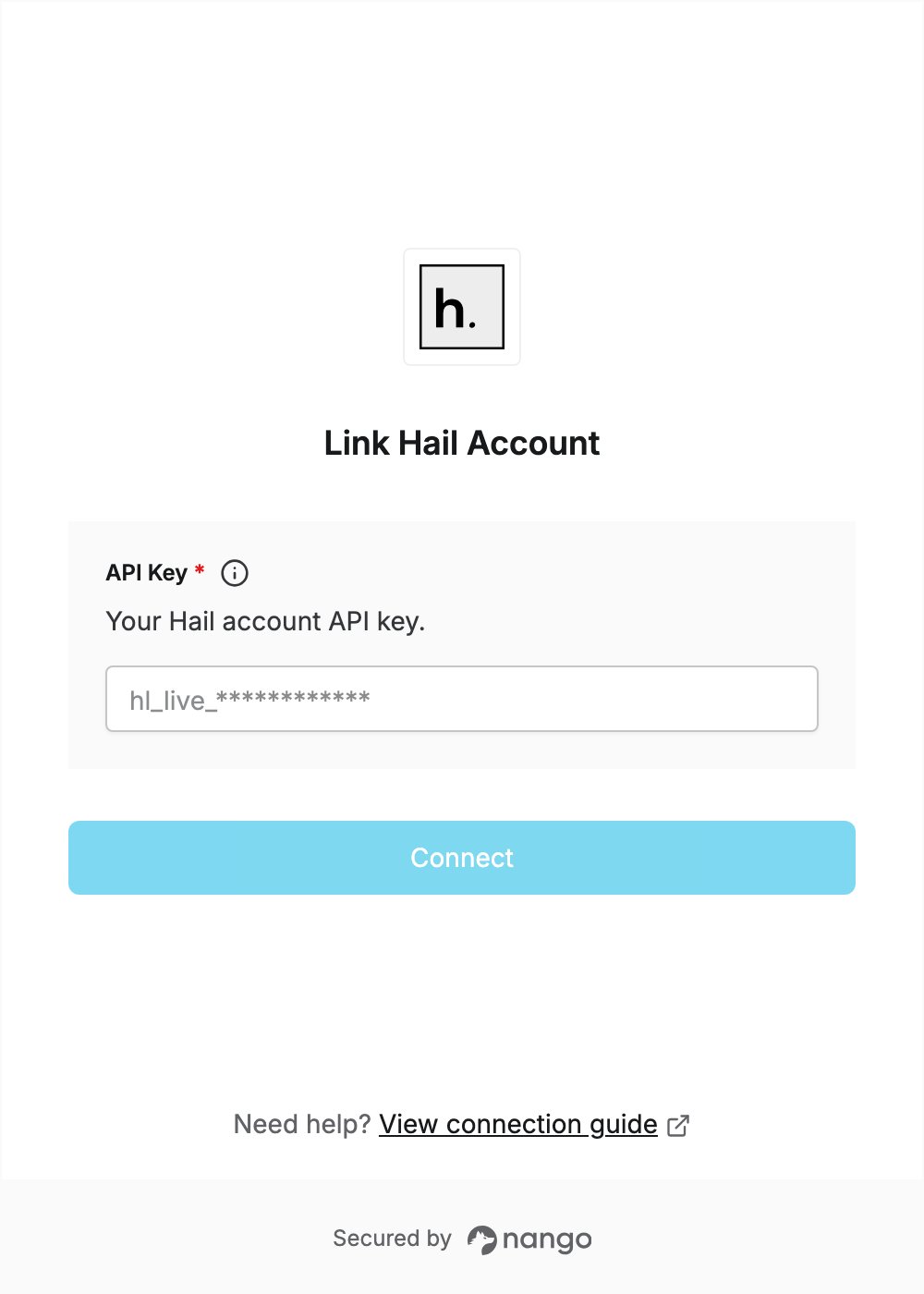
To authenticate with Hail, you will need:- API Key – A key that grants secure access to the Hail API, letting authorized applications place calls and send SMS and email on your behalf.
Prerequisites
- An active Hail account (hail.so)
Instructions
Step 1: Getting your API key
- Log in to your Hail account and open the console.
- Create a new API key. Store it securely — it is only displayed once, and it is prefixed
hl_live_.
Step 2: Enter credentials in the Connect UI
Once you have your API Key:- Open the form where you need to authenticate with Hail.
- Enter your API Key in the API Key field.
- Submit the form to complete authentication.