Overview
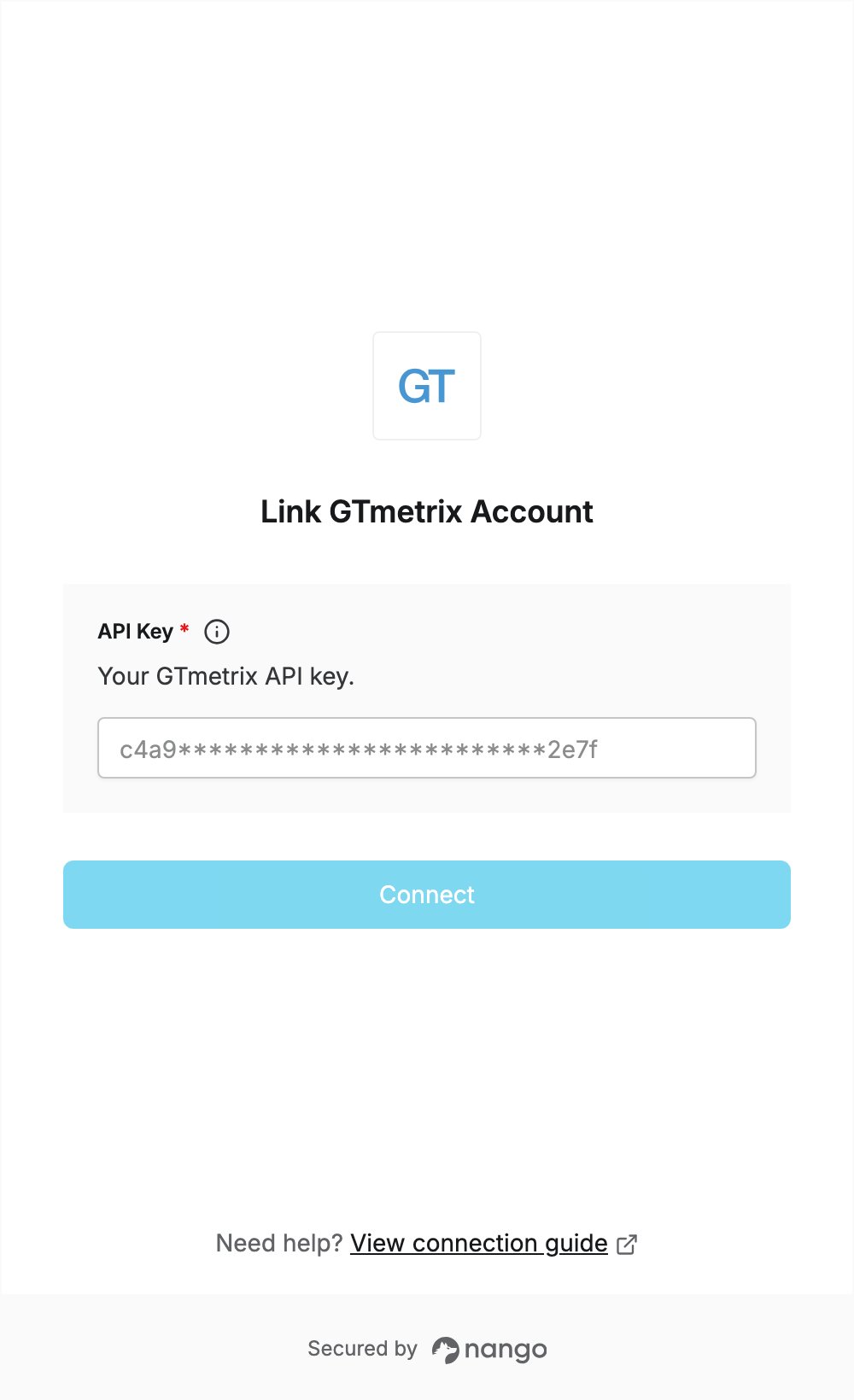
To connect with GTmetrix, you need:- API Key — your GTmetrix API key.
Prerequisites
- A GTmetrix account. You can sign up for free, no credit card required.
Step 1: Generate your API key
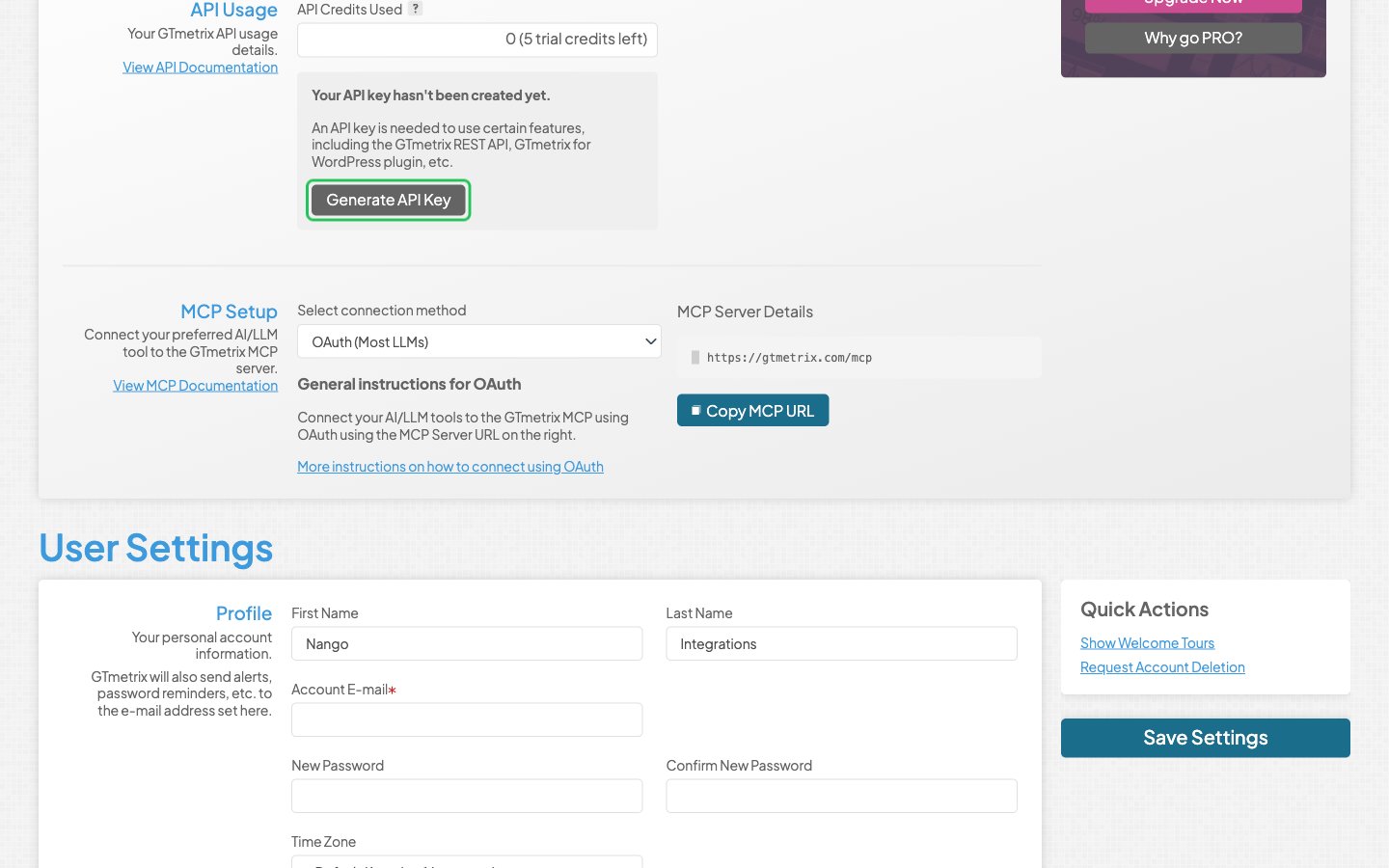
- Log in to GTmetrix and open the Account page.
- Under API Usage, click Generate API Key.
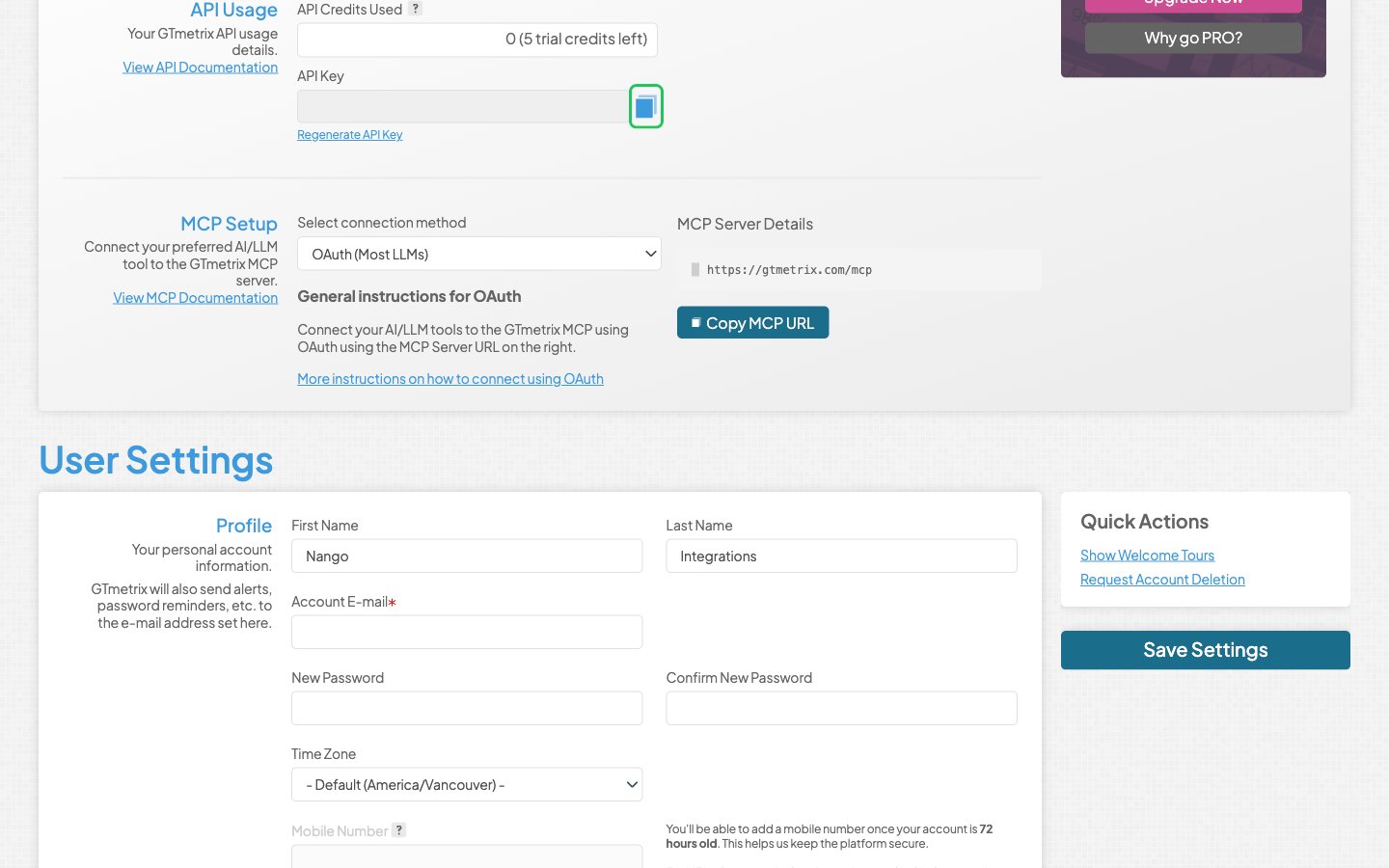
- Your API key appears under API Usage. Click Copy to clipboard to copy it.
Step 2: Enter your API key in the Connect UI
- Open the form where you need to authenticate with GTmetrix.
- Enter your API Key. There is no password field: GTmetrix authenticates with the API key alone.
- Click Connect. Nango checks the key with GTmetrix before saving the connection.